A website for your coffee shop.
Customers should not have to pinch a PDF menu or search old posts to find today’s hours, food options, Wi-Fi or the order-ahead link.
Boosterpack turns your coffee shop details into a hosted website. Show coffee, food, seasonal drinks, dietary notes, hours and amenities. Link or embed Square, Toast, Clover or Dripos where supported. Those tools manage orders, payments, POS, loyalty, kitchen tickets or inventory.
Real businesses. Finished websites.
These are live sites created with Boosterpack from real business details, photos and reviews where available. Open one to see the finished result.
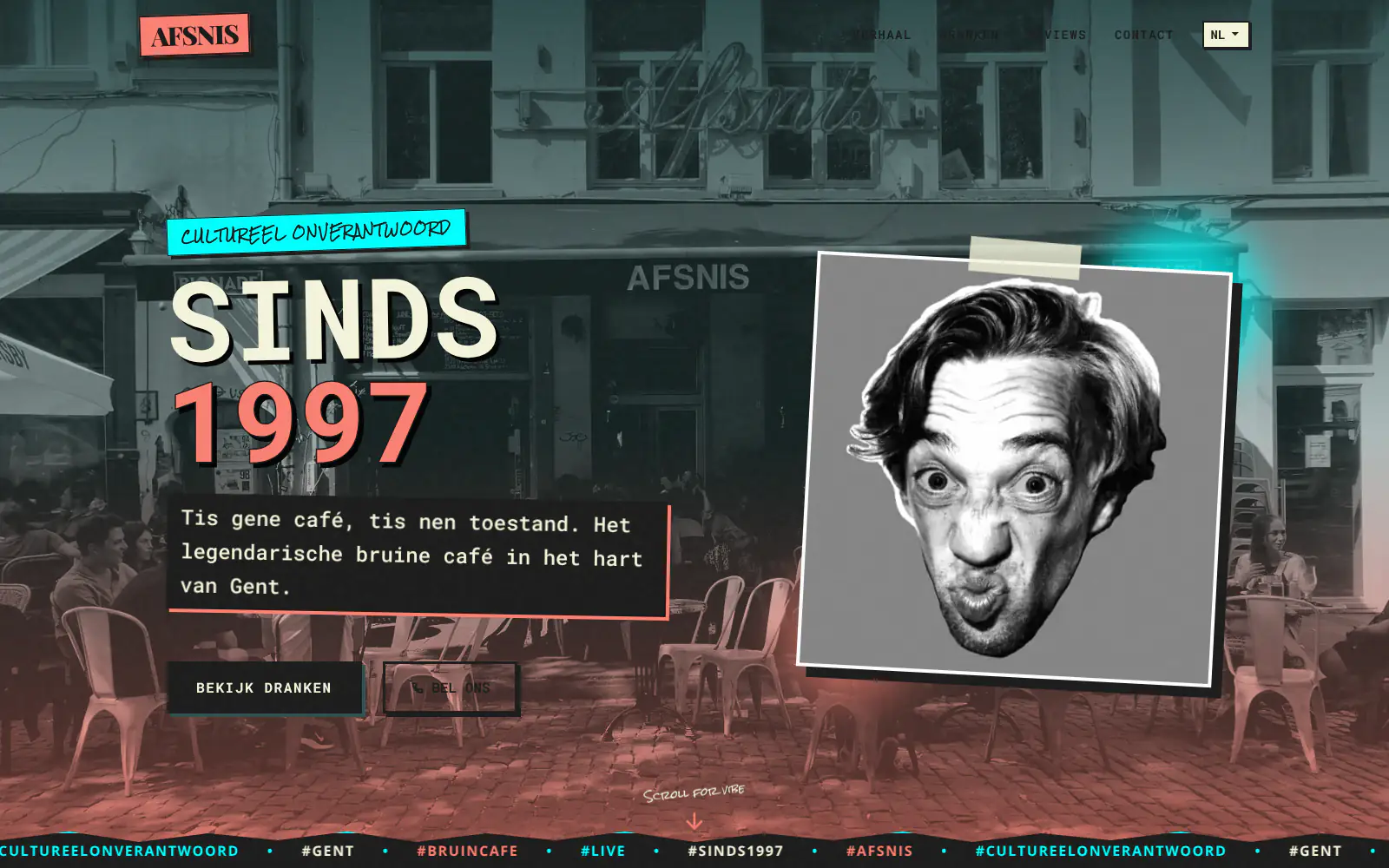
Afsnis

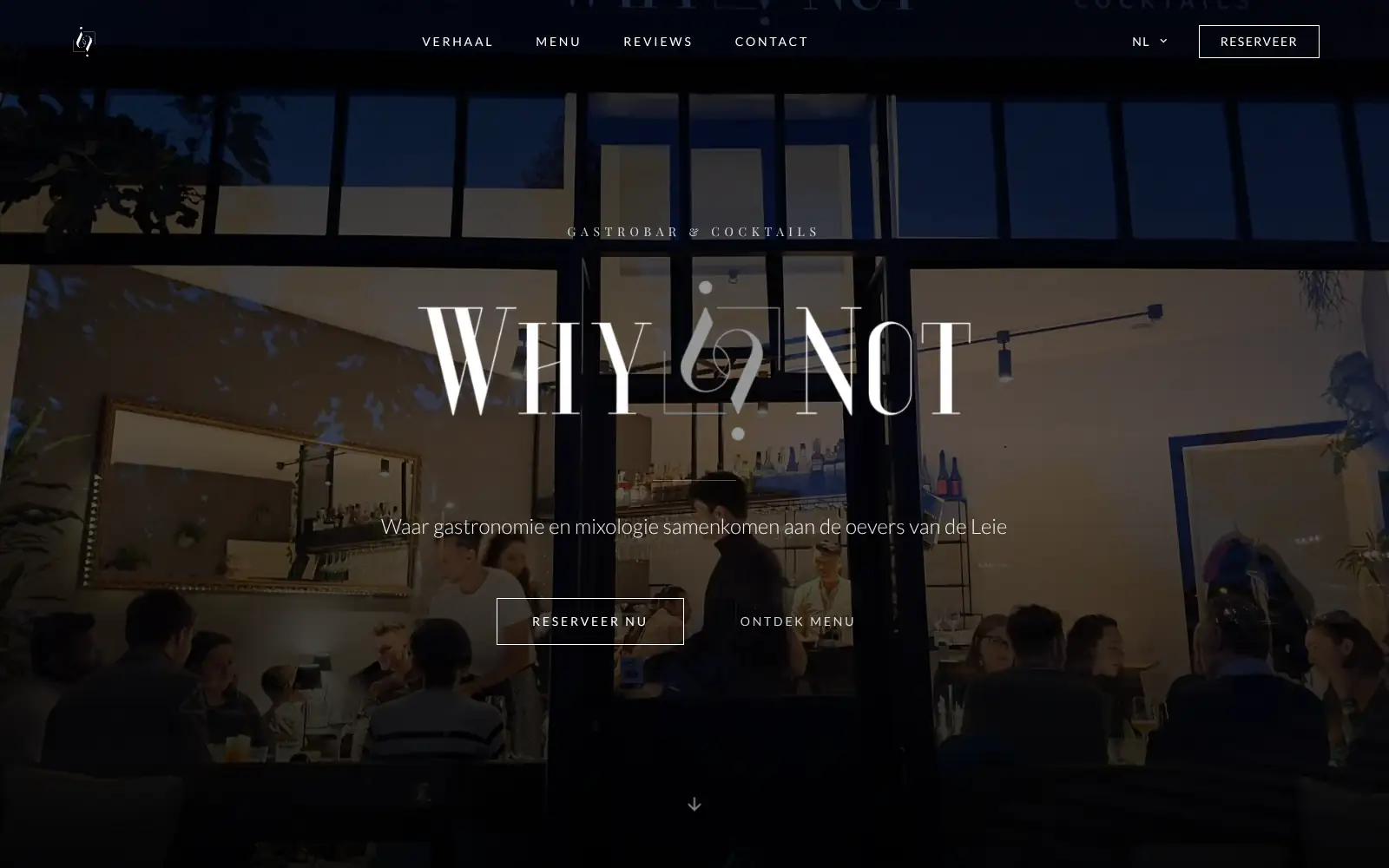
WhyNot Gent Gastrobar/cocktails

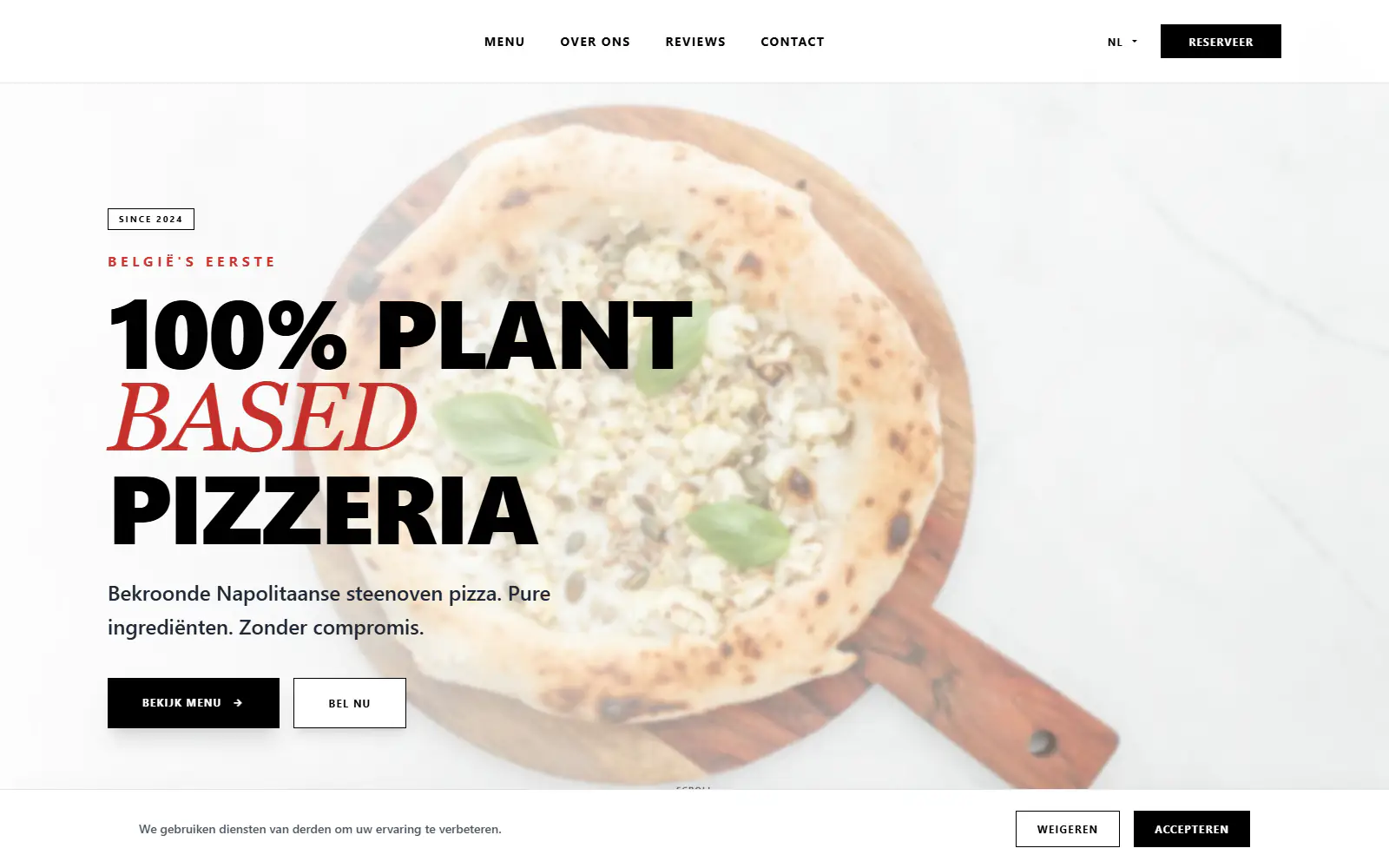
Plant A Pizza
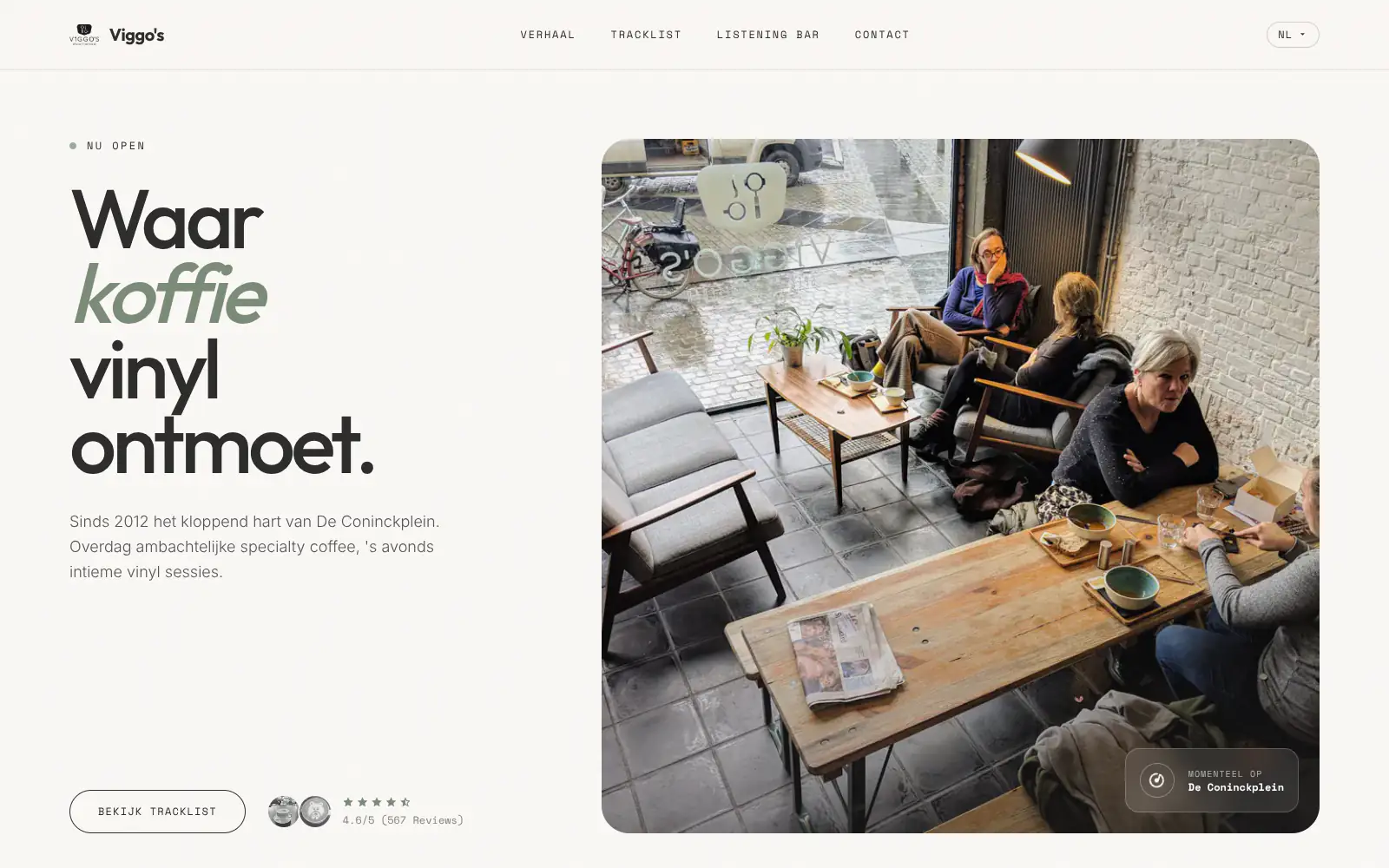
Viggo's
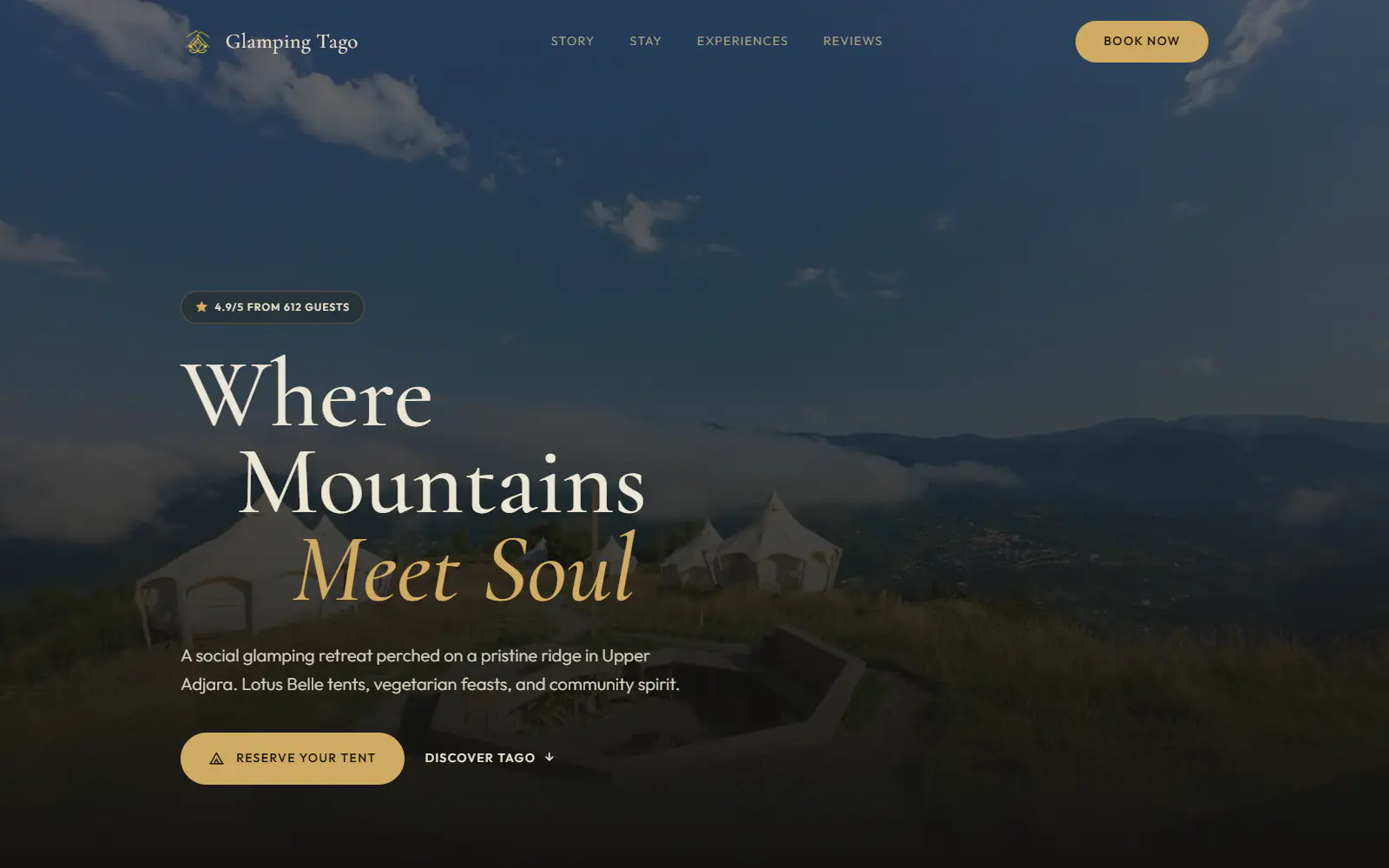
Glamping Tago
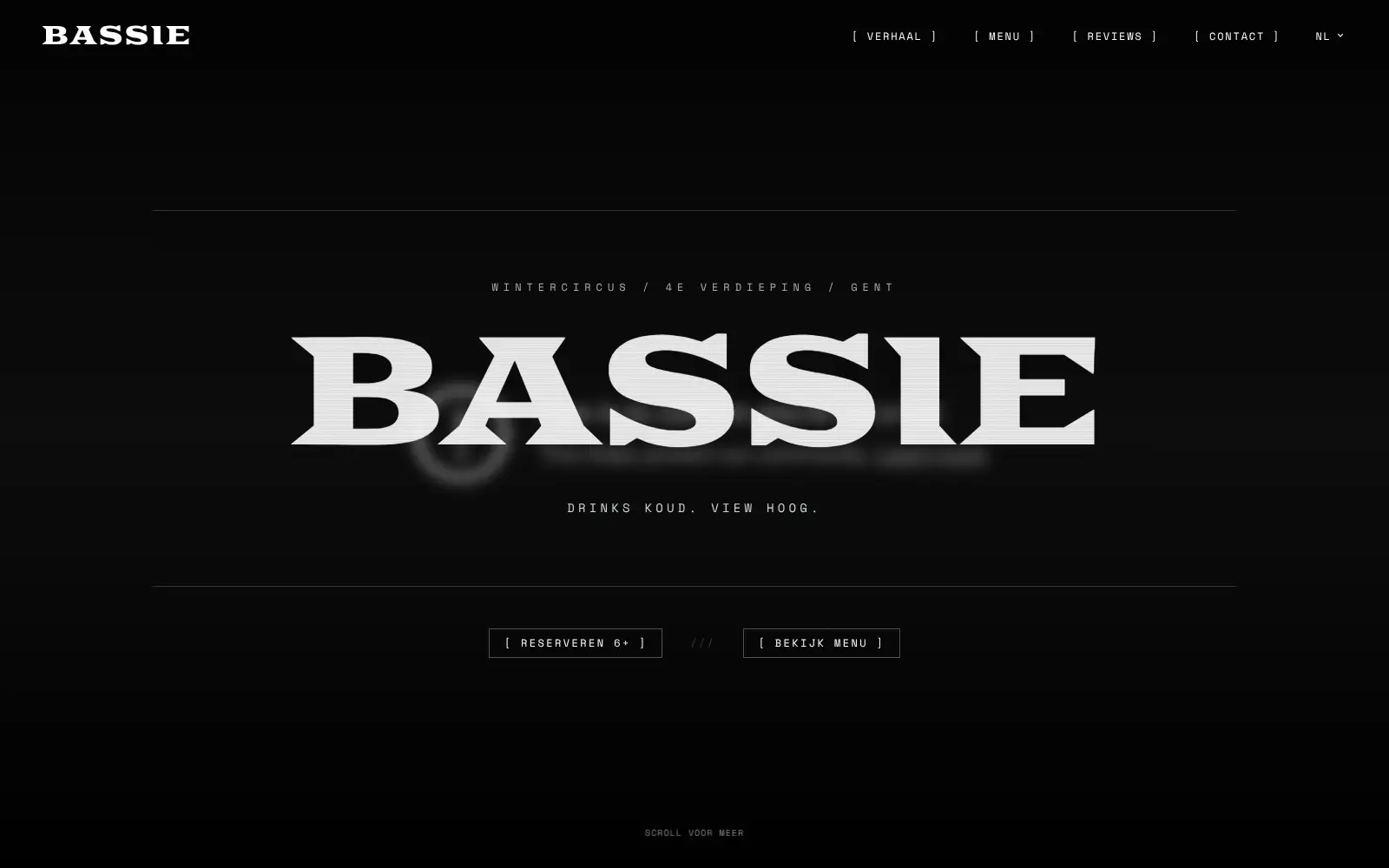
Bar Bassie
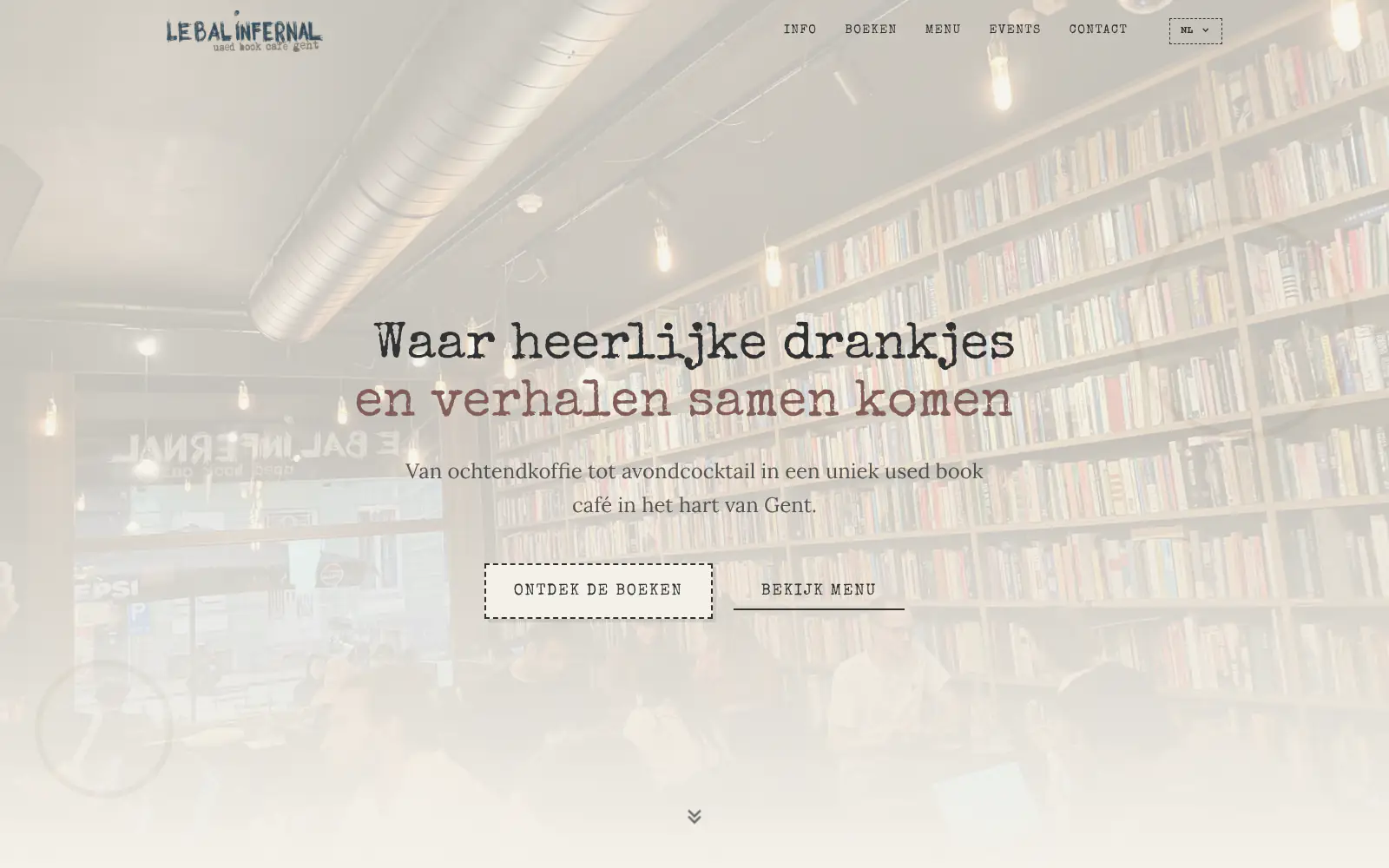
Le Bal Infernal - used book café
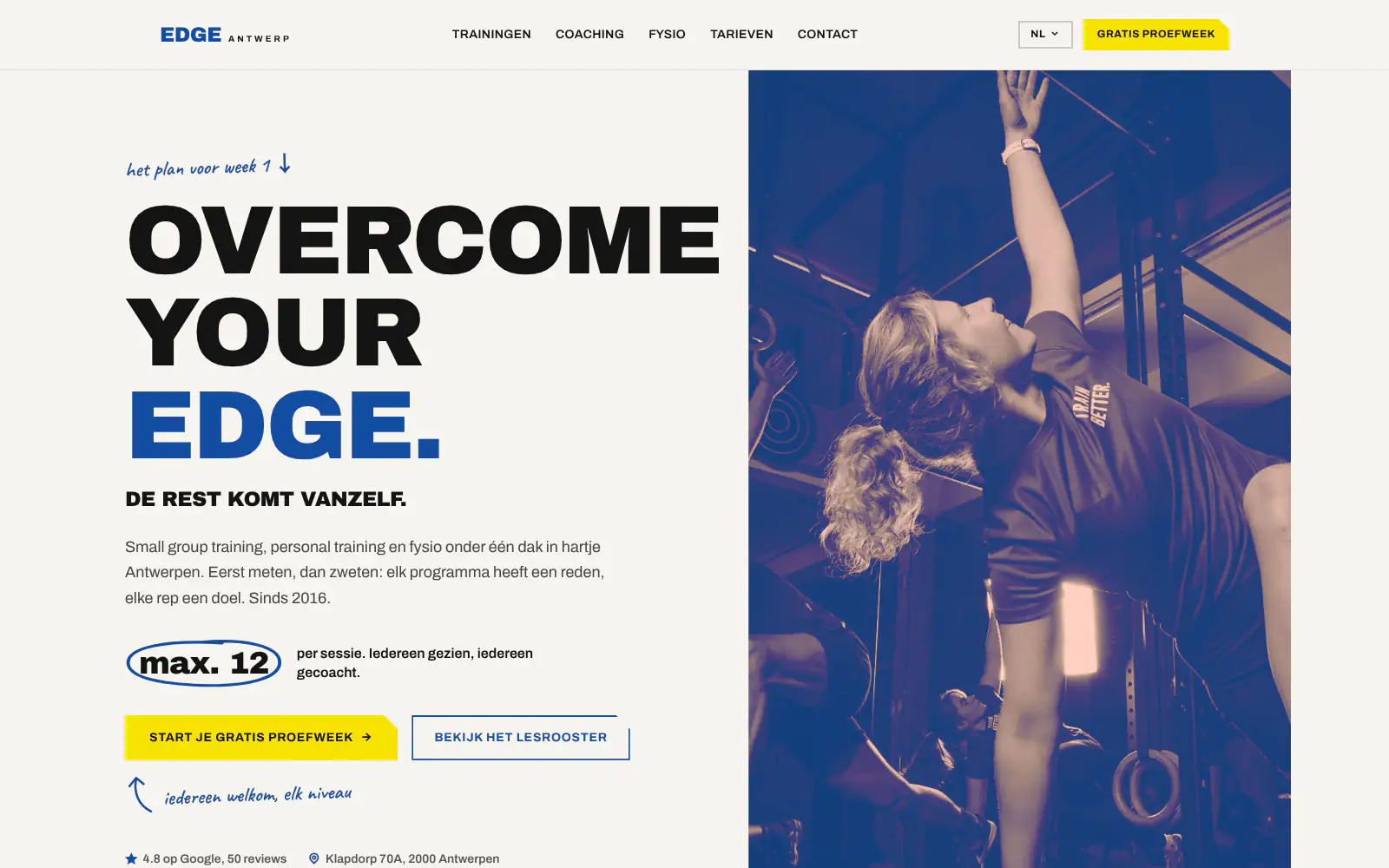
EDGE Antwerp

ALC Elite
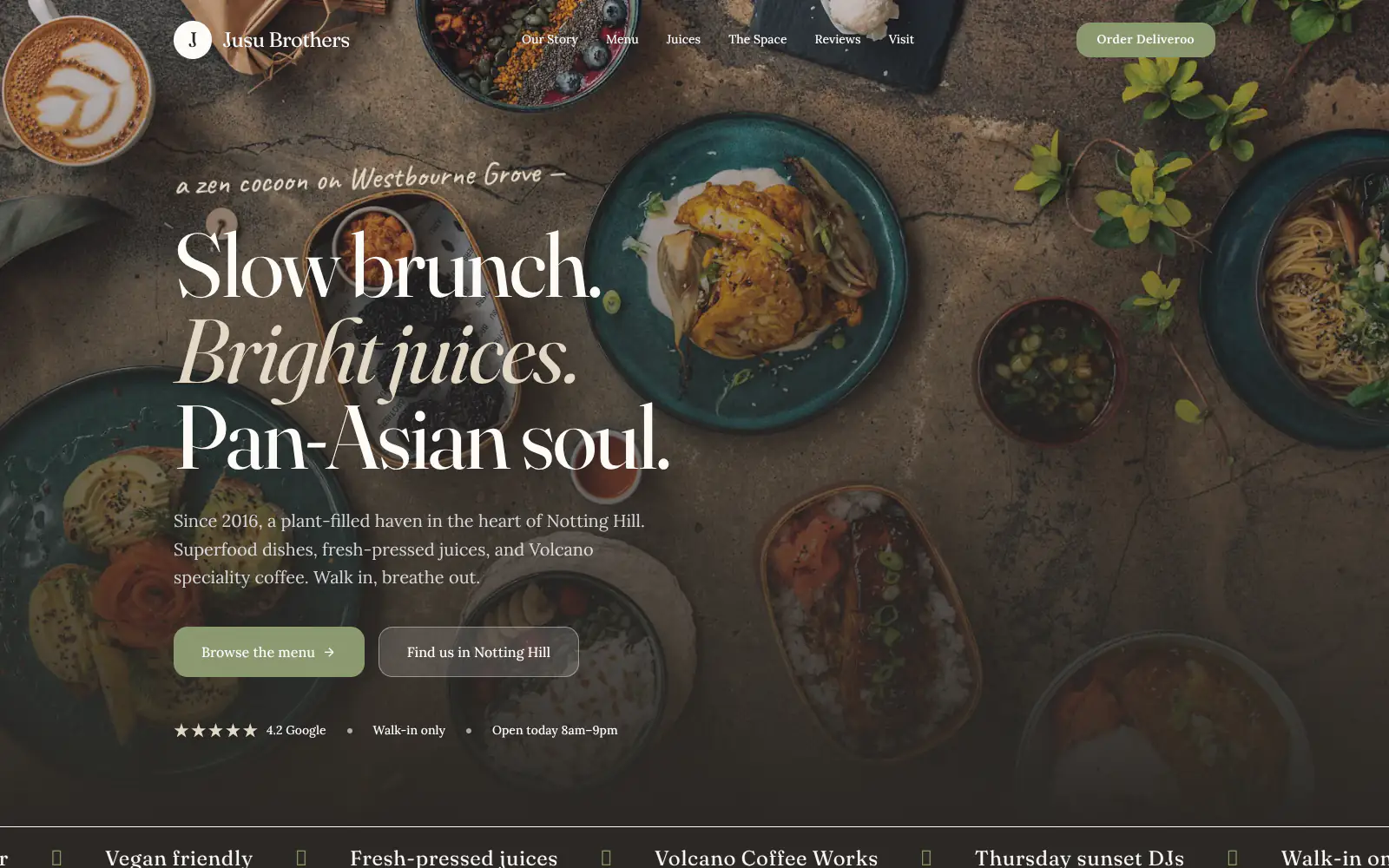
Jusu Brothers - Notting Hill
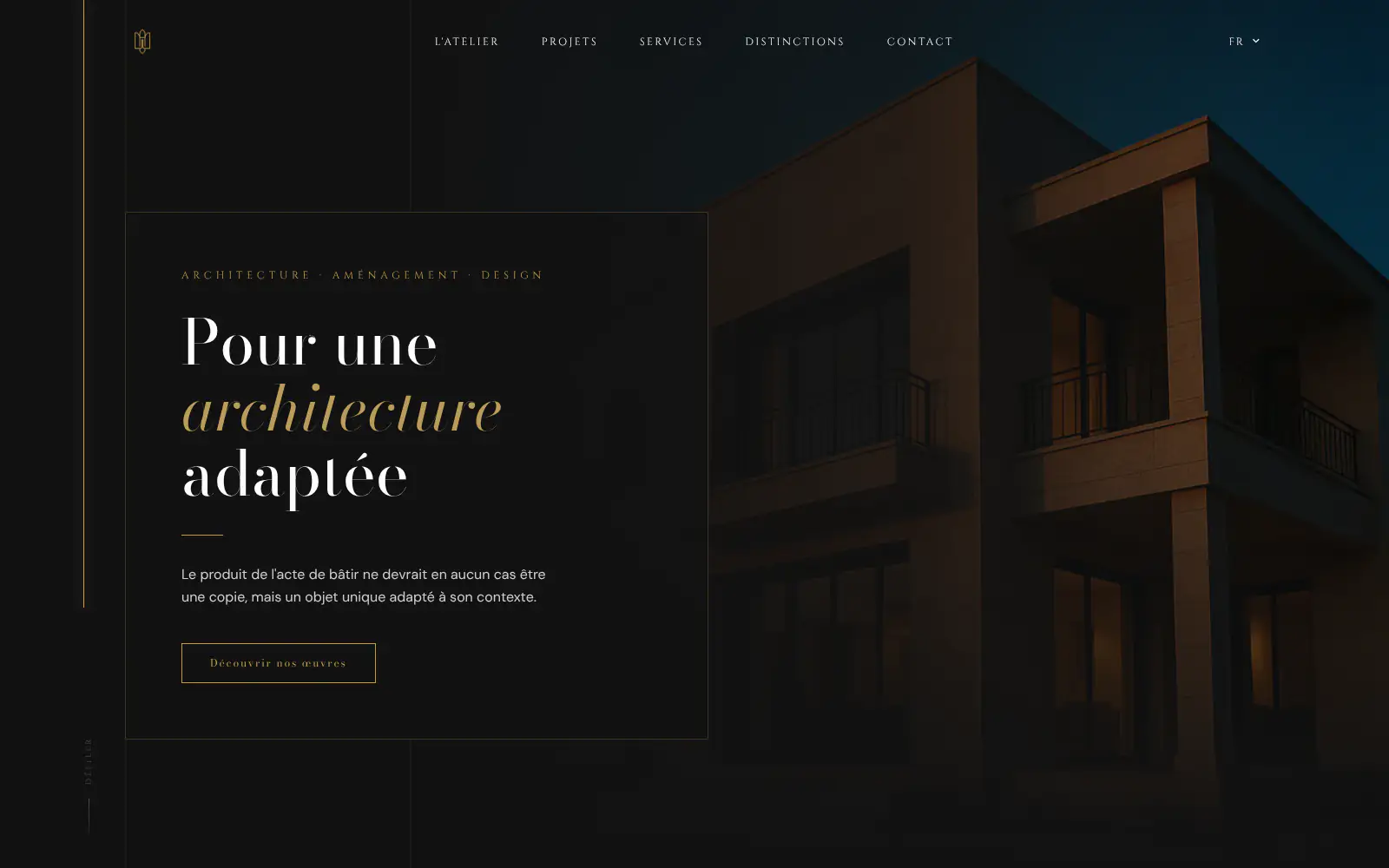
Atelier Messaoudi architecte. Architecture, Aménagement & Design
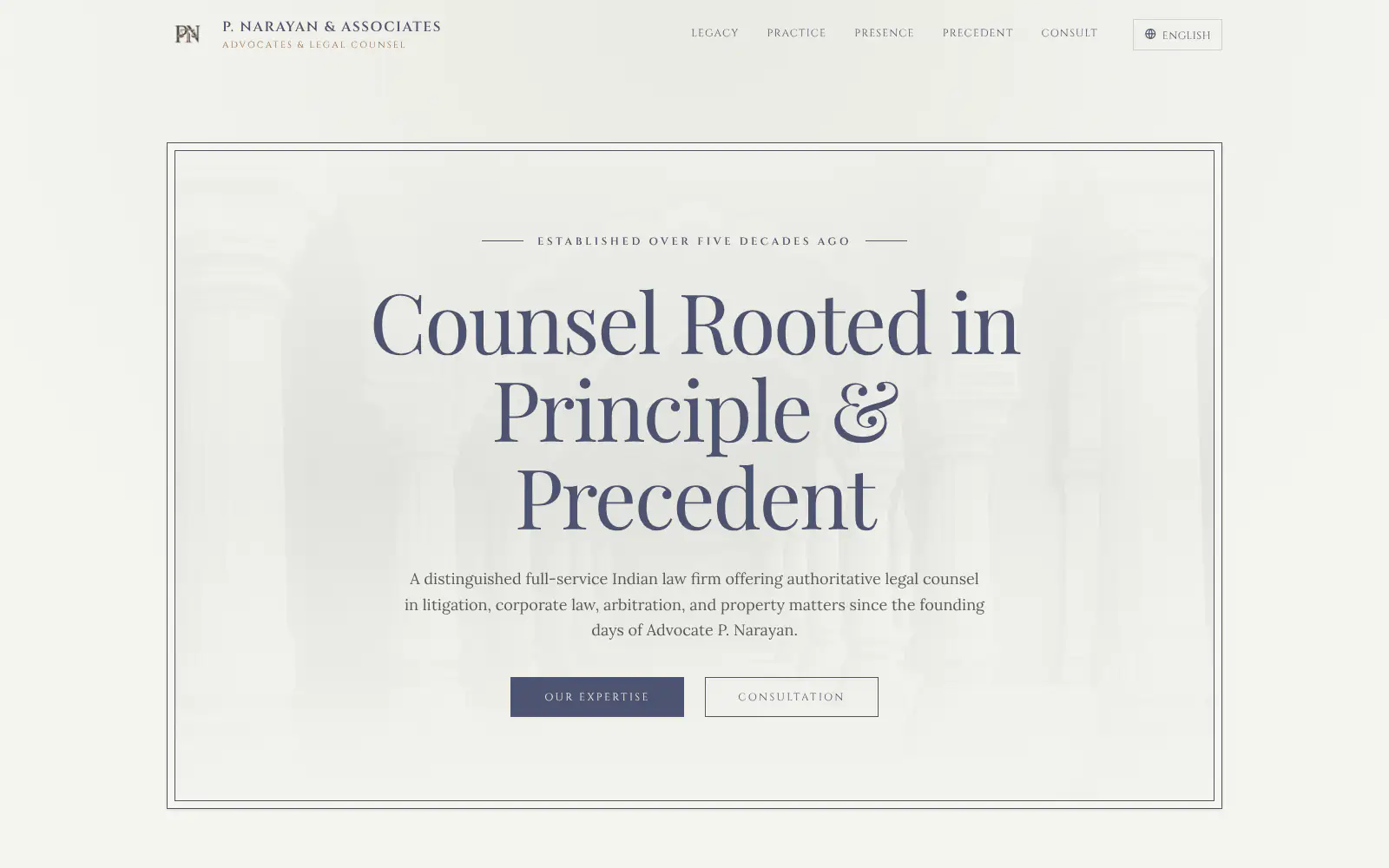
P. Narayan and Associates
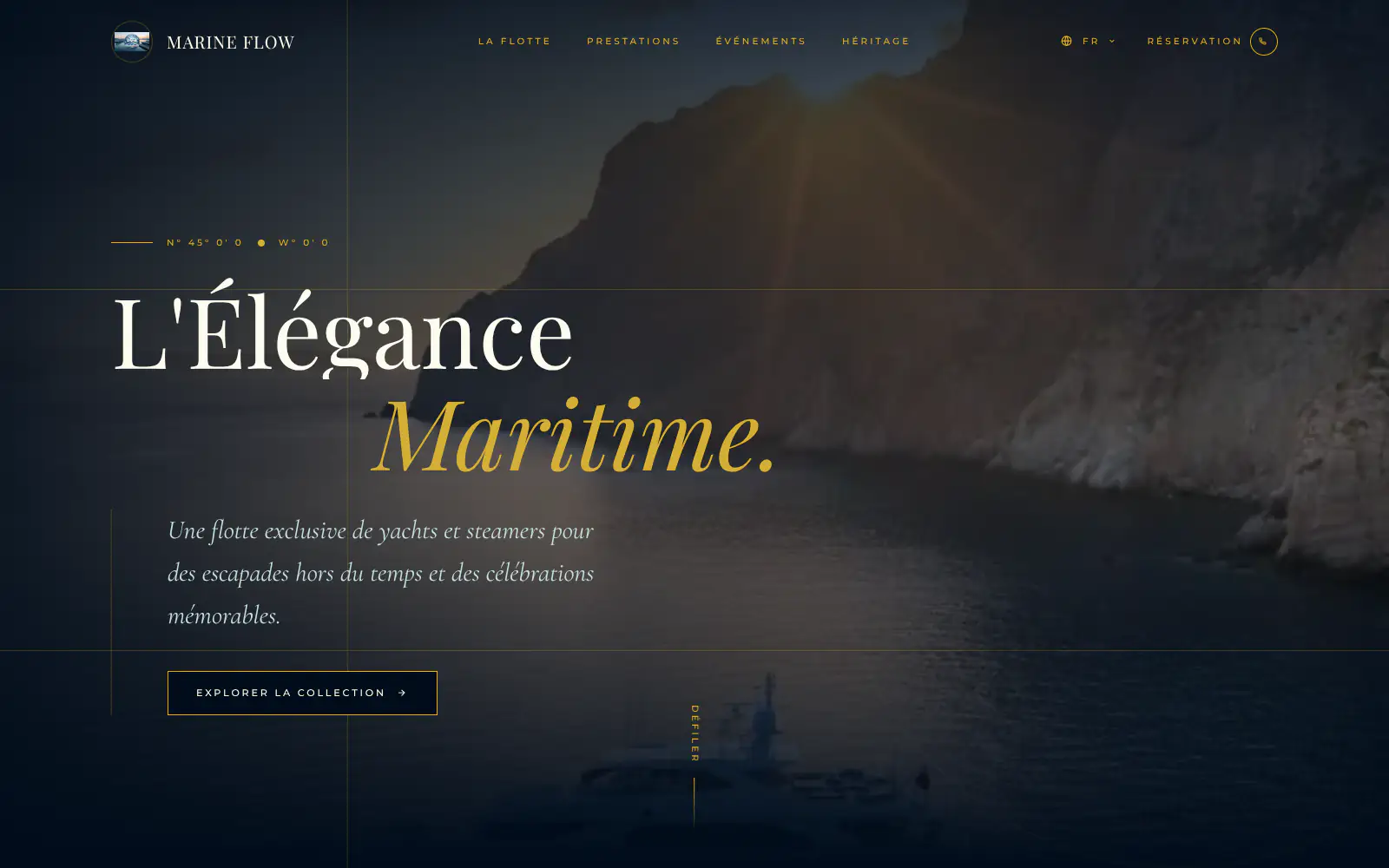
Marine flow
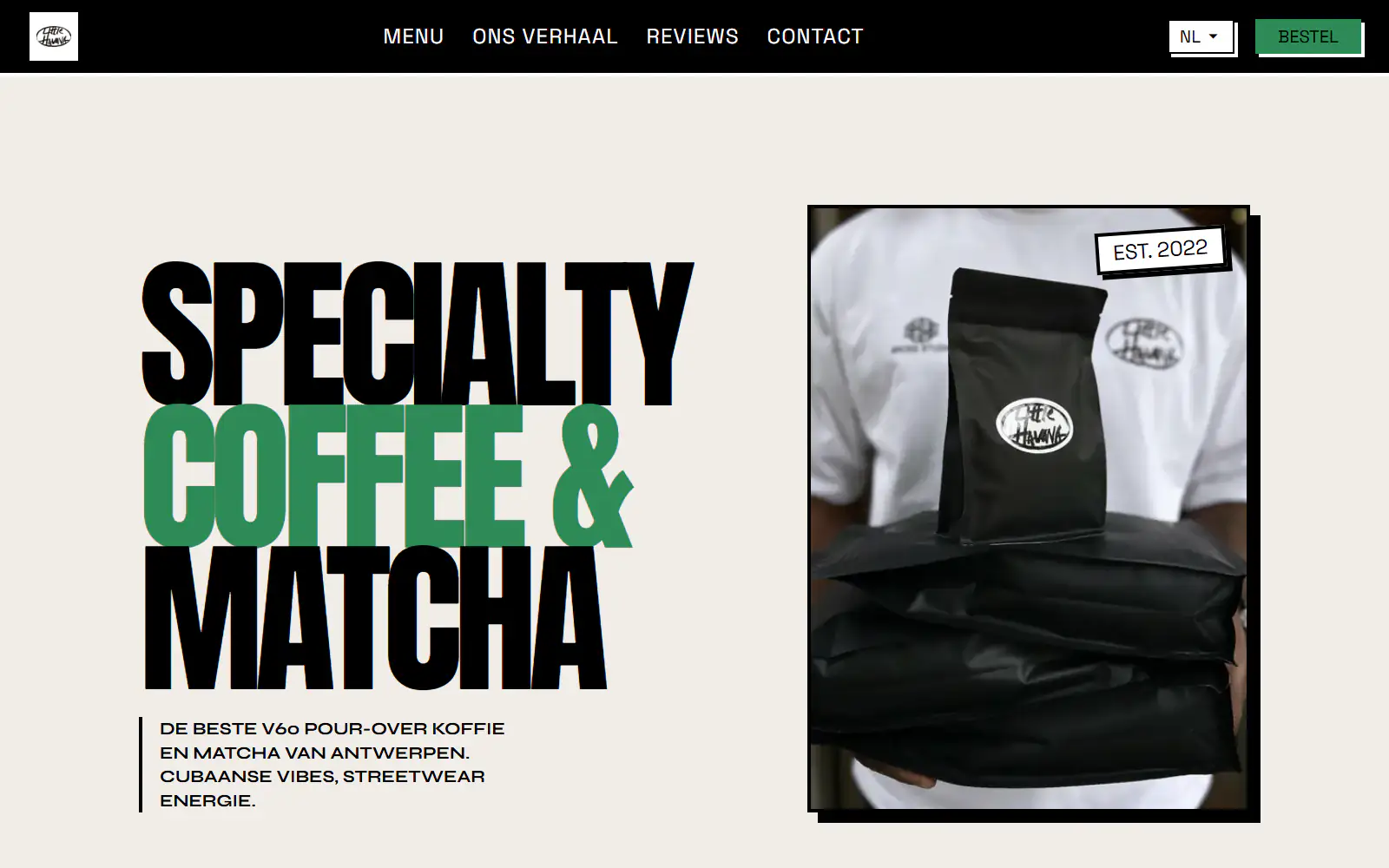
Little Havana Cafe
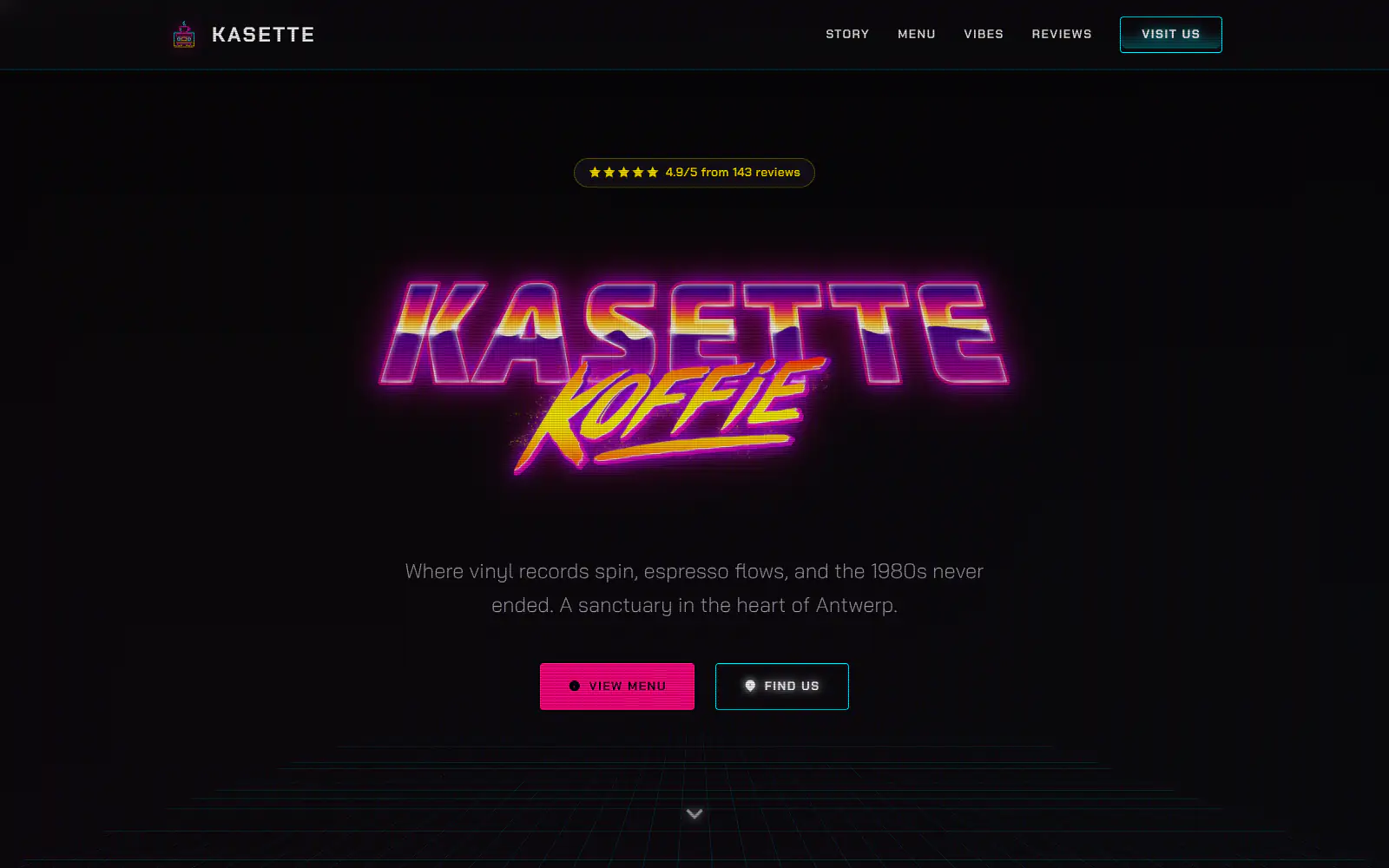
Kasette Koffie
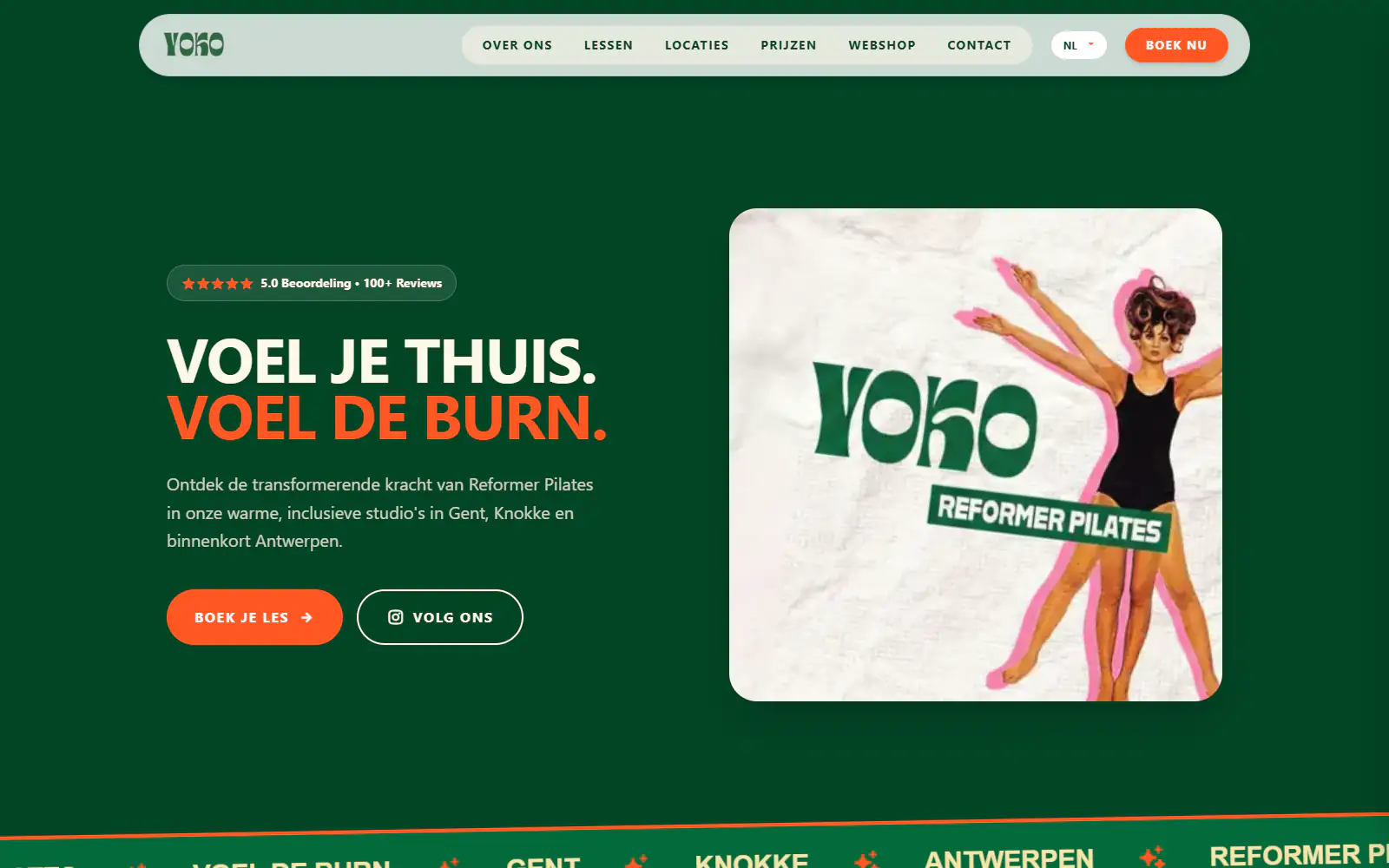
Yoko Studio Gent
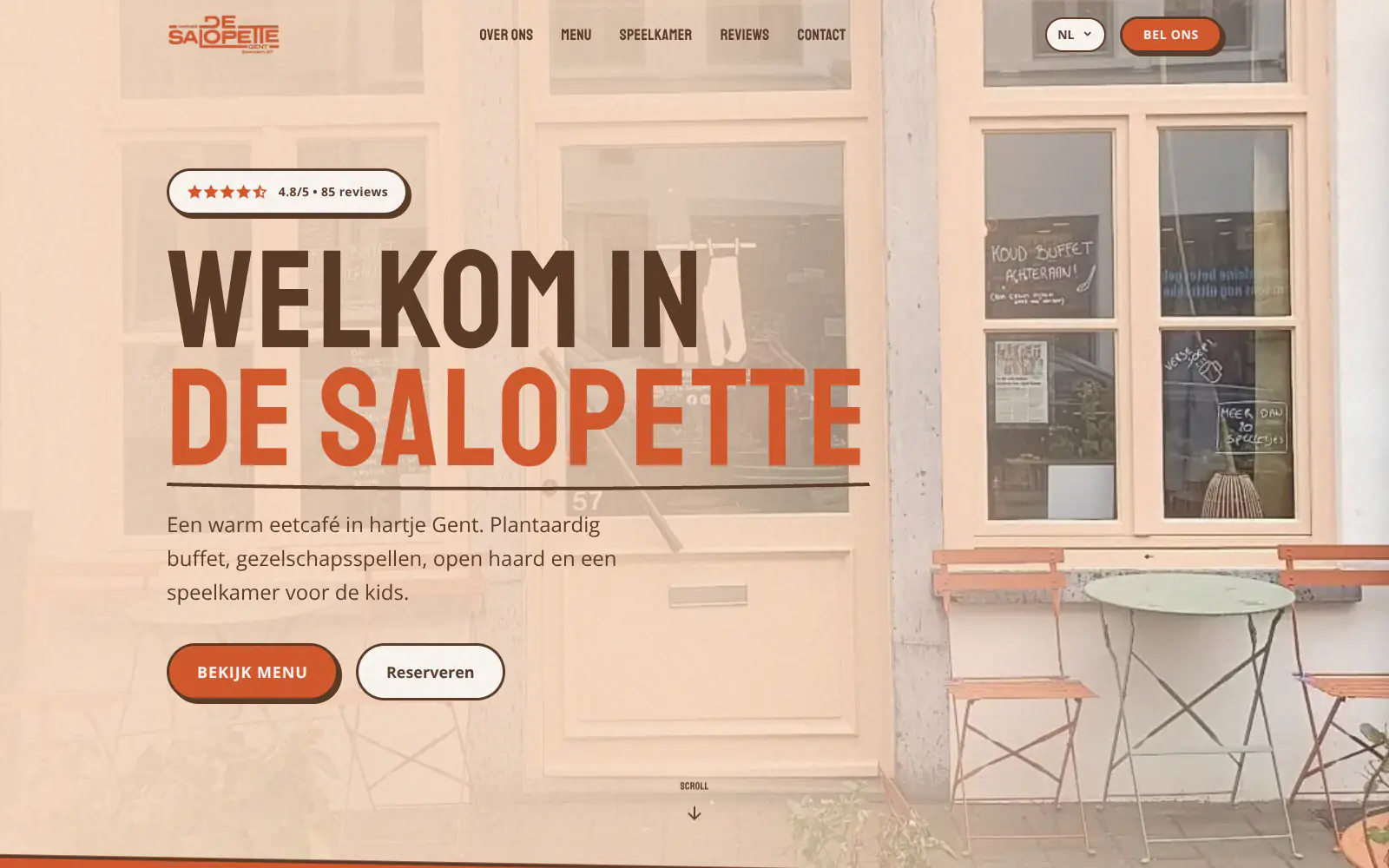
De Salopette
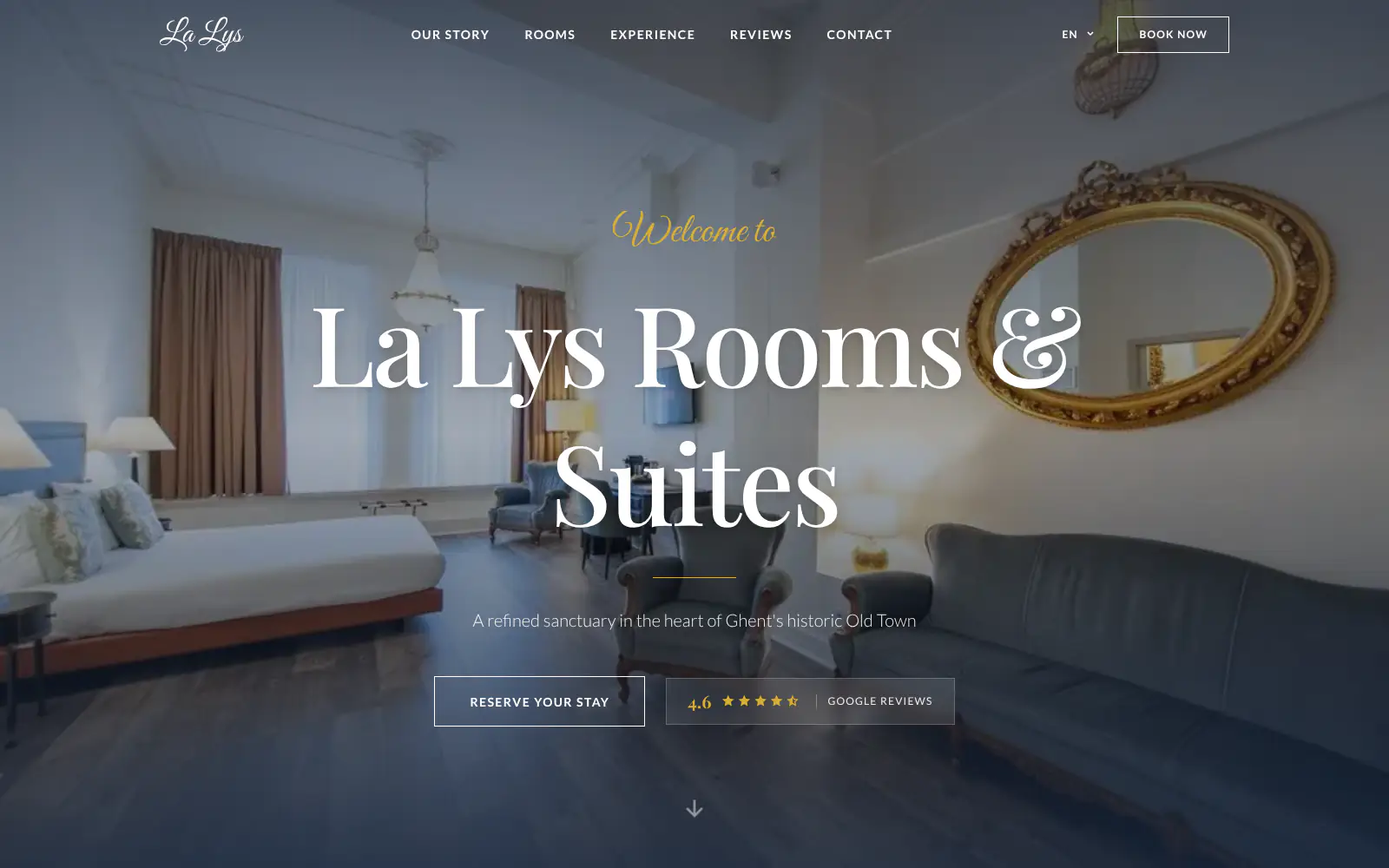
La Lys Rooms & Suites
Afsnis
WhyNot Gent Gastrobar/cocktails
Plant A Pizza
Viggo's
Glamping Tago
Bar Bassie
Le Bal Infernal - used book café
EDGE Antwerp
ALC Elite
Jusu Brothers - Notting Hill
Atelier Messaoudi architecte. Architecture, Aménagement & Design
P. Narayan and Associates
Marine flow
Little Havana Cafe
Kasette Koffie
Yoko Studio Gent
De Salopette
La Lys Rooms & Suites
Afsnis
WhyNot Gent Gastrobar/cocktails
Plant A Pizza
Viggo's
Glamping Tago
Bar Bassie
Le Bal Infernal - used book café
EDGE Antwerp
ALC Elite
Jusu Brothers - Notting Hill
Atelier Messaoudi architecte. Architecture, Aménagement & Design
P. Narayan and Associates
Marine flow
Little Havana Cafe
Kasette Koffie
Yoko Studio Gent
De Salopette
La Lys Rooms & Suites
Don't build.
Just publish.
Most builders throw you into a generic template. Boosterpack does it the other way around. You confirm your real content first, then AI drafts the copy, layout and design from those inputs.

Start with the real business
Find your coffee shop on Google Maps
Use public business details, selected photos and reviews where available, or enter everything by hand. You decide which coffee shop details appear.

Add what clients need
Services, proof and the order-ahead or visit path
Add coffee, food, seasonal drinks, dietary notes, hours and amenities. Then add a link or supported embed for Square, Toast, Clover or Dripos or the tool you already use.

Choose the right look
Make it feel like a specialty coffee bar, a neighborhood cafe, a bakery cafe or a late-night study spot
Pick a direction built around your real photos and positioning. Boosterpack does not drop your coffee shop into a generic blank template.

Publish and keep it current
Launch first, then edit by chat
Publish on a Boosterpack subdomain, then connect yourcoffeeshop.com after upgrading. Update menu highlights, seasonal drinks, hours, amenities and order links by chat while your existing tools keep running operations.
Start free, upgrade when you're ready.
Start free with a finished coffee shop website on a Boosterpack subdomain. Plus starts at $16/mo when you want to connect yourcoffeeshop.com, remove the Boosterpack badge and unlock more chat edits. Keep your current operational tools.
For getting online at no cost
Free forever
Perfect for your business website
Billed annually
Built for how people actually choose a coffee shop
Visitors want practical answers before they act. Put the practical details on one clear public page: coffee, food, seasonal drinks, dietary notes, hours and amenities. Add real proof and an obvious order-ahead or visit path without replacing the software that runs the business.
Specific services and price guidance
Show coffee, food, seasonal drinks, dietary notes, hours and amenities in clear language. Visitors can understand the fit before they call, visit or open another system.
Links and embeds for existing tools
Link to or embed Square, Toast, Clover or Dripos where the provider supports it. Boosterpack is the public website around that path, not the system that manages orders, payments, POS, loyalty, kitchen tickets or inventory.
Real proof instead of stock filler
Use drinks, food, the counter, seating and storefront, plus real reviews where available. People can judge quality, atmosphere and fit without relying on a marketplace profile.
Public details updated by chat
Change menu highlights, seasonal drinks, hours, amenities and order links by describing the update. No plugin stack or full CMS workflow is required for routine public edits.
Your current tools stay. Your website gets better.
Keep your booking link, contact details and the systems you already use. Boosterpack builds the public site around them.
Is Boosterpack right for you?
Common questions
How much does a coffee shop website cost?
What should a coffee shop website include?
Can I connect Square, Toast or Clover?
Does Boosterpack manage orders, payments, POS, loyalty, kitchen tickets or inventory?
Should a coffee shop website use a PDF menu?
Can I use real photos and reviews on my coffee shop website?
Can I update my coffee shop website without a CMS?
Will my website rank for "coffee shop near me"?
Can I connect my own domain like yourcoffeeshop.com?
Is the coffee shop website mobile-friendly?
Put the menu, hours and next visit in one place.
Start from Google Maps or enter the details by hand. Build a clear coffee shop website. Show coffee, food, seasonal drinks, dietary notes, hours and amenities. Add real proof and links or embeds for the tools you already use. Publish free, then connect yourcoffeeshop.com after upgrading.
Built from your business · Easy to edit