Repeat the workflow, not a fake bulk promise.
Bulk intent usually means CSVs, scraping and unattended queues. Boosterpack does not do those things.
Boosterpack turns one selected Google Maps listing at a time into a hosted one-page site. Review the available details, choose the media, generate and verify the page, then repeat for the next approved business. There is no category scraping, contact enrichment, CSV upload or bulk-generation API.
Real businesses. Finished websites.
These are live sites created with Boosterpack from real business details, photos and reviews where available. Open one to see the finished result.
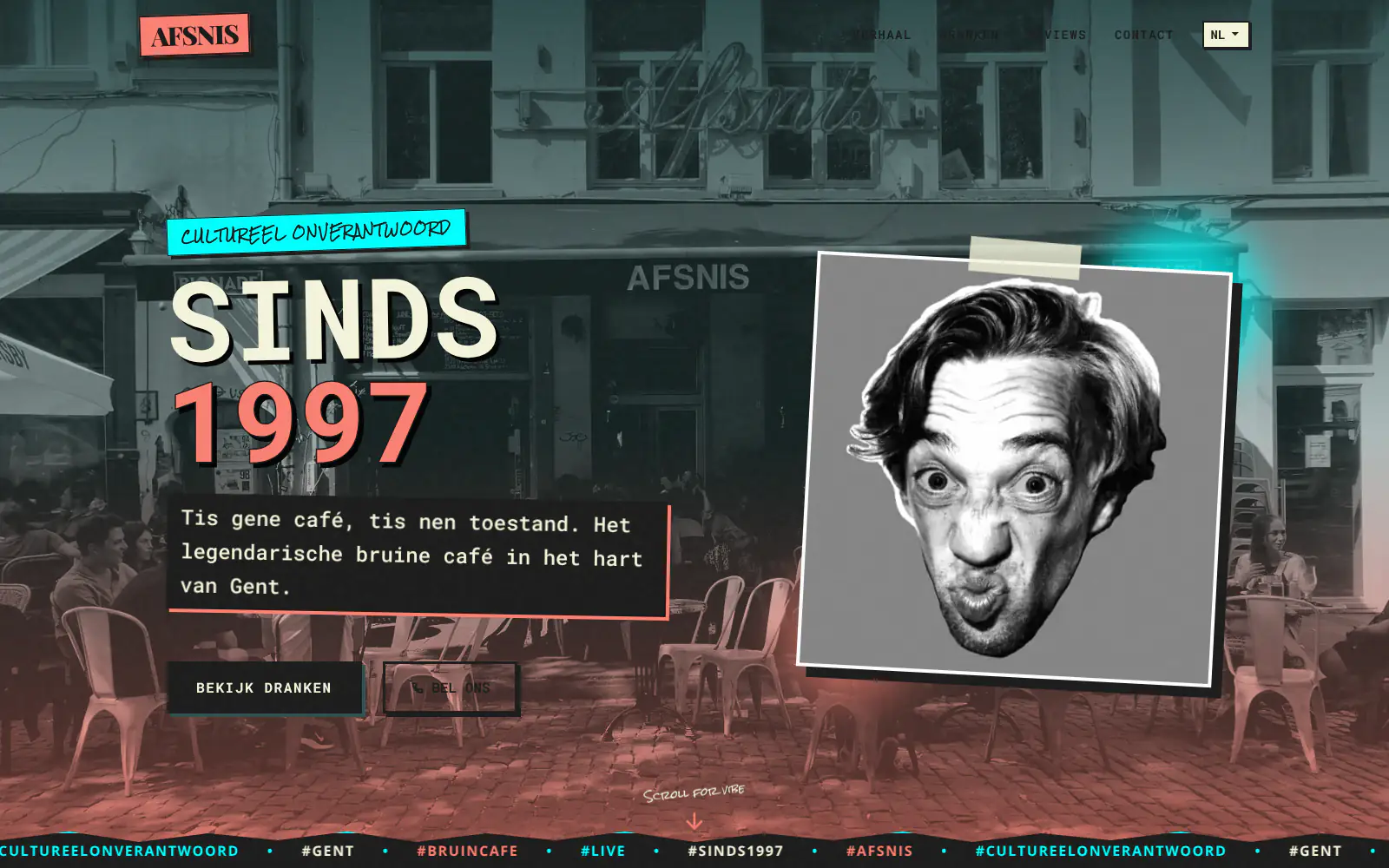
Afsnis

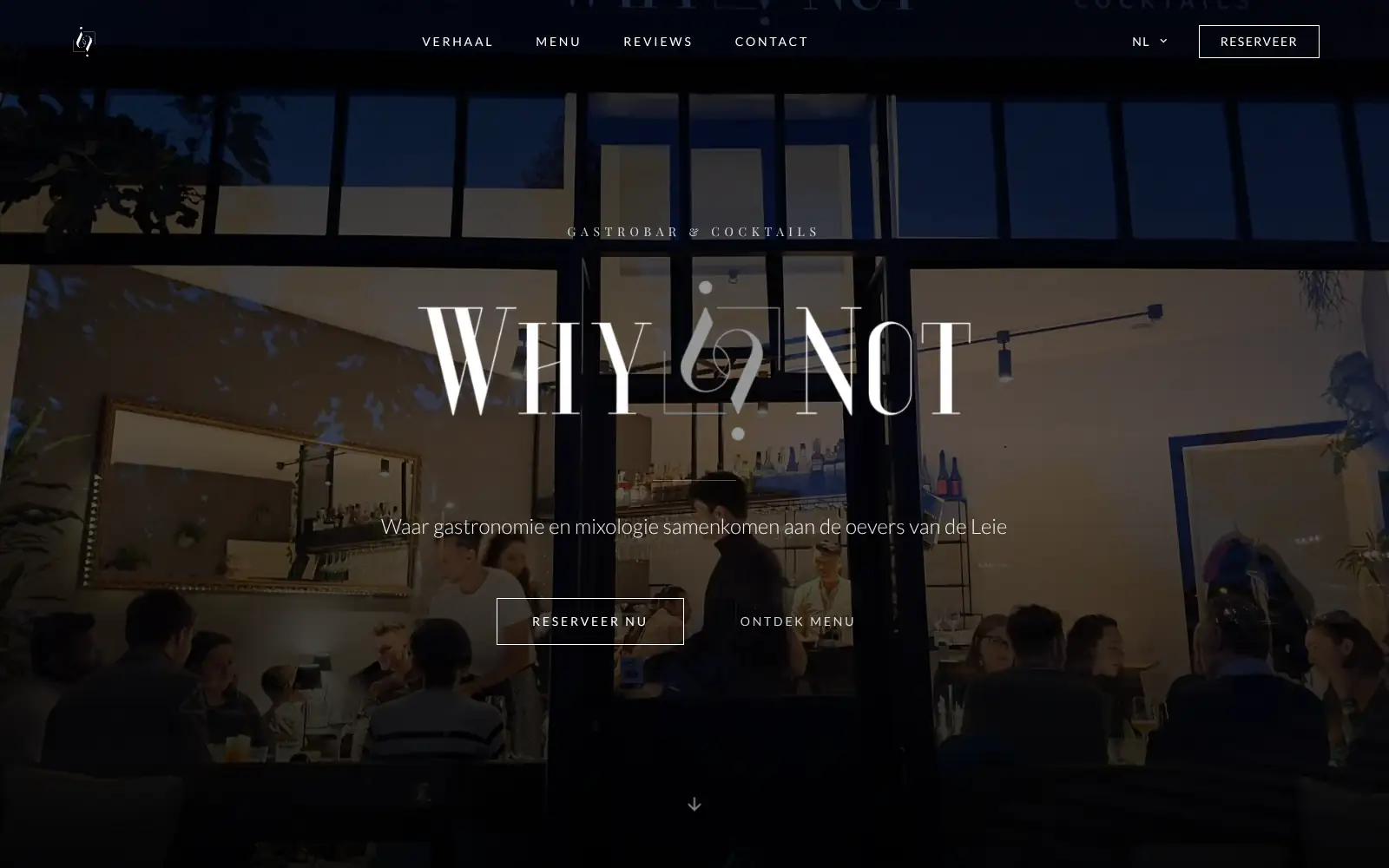
WhyNot Gent Gastrobar/cocktails

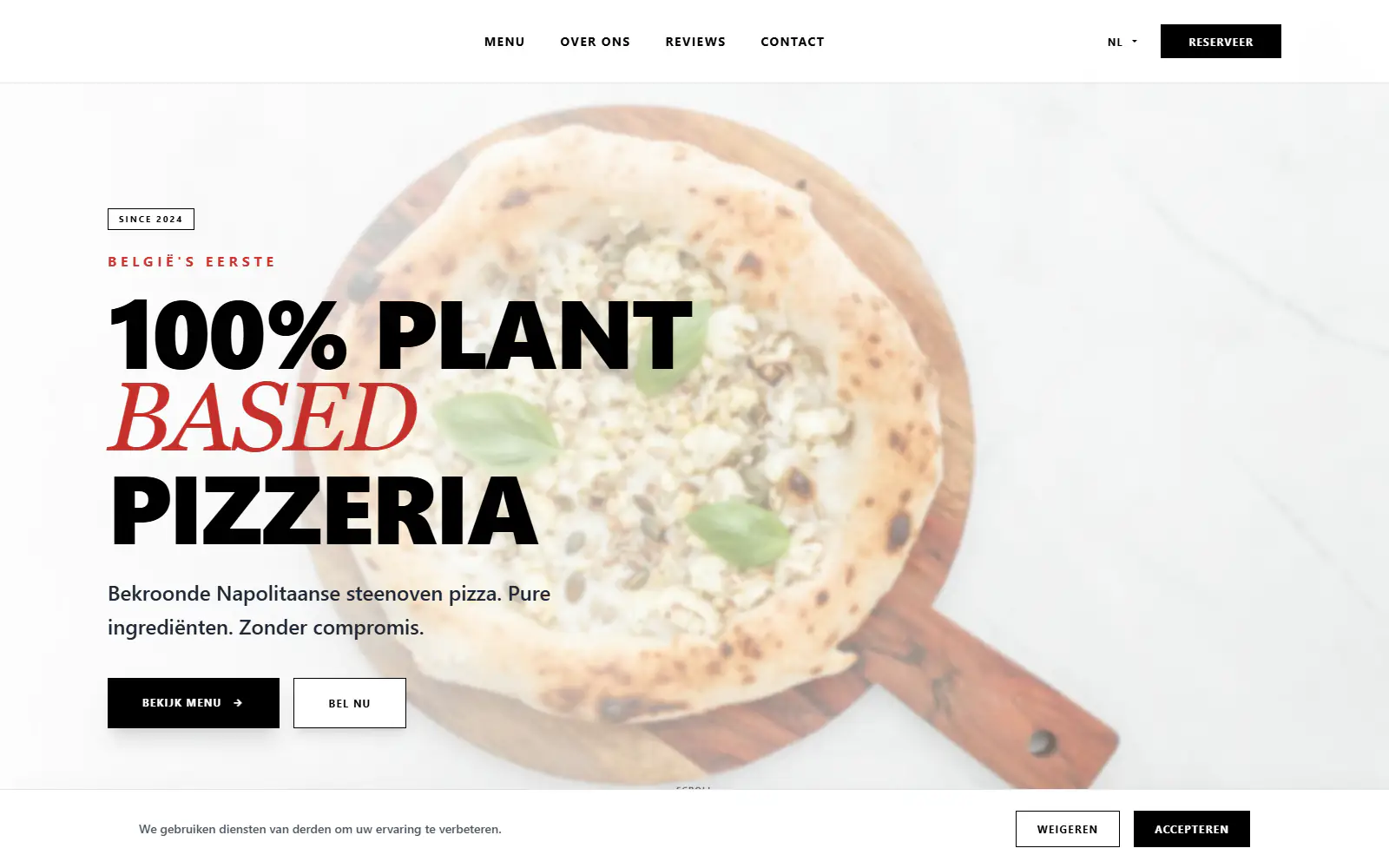
Plant A Pizza
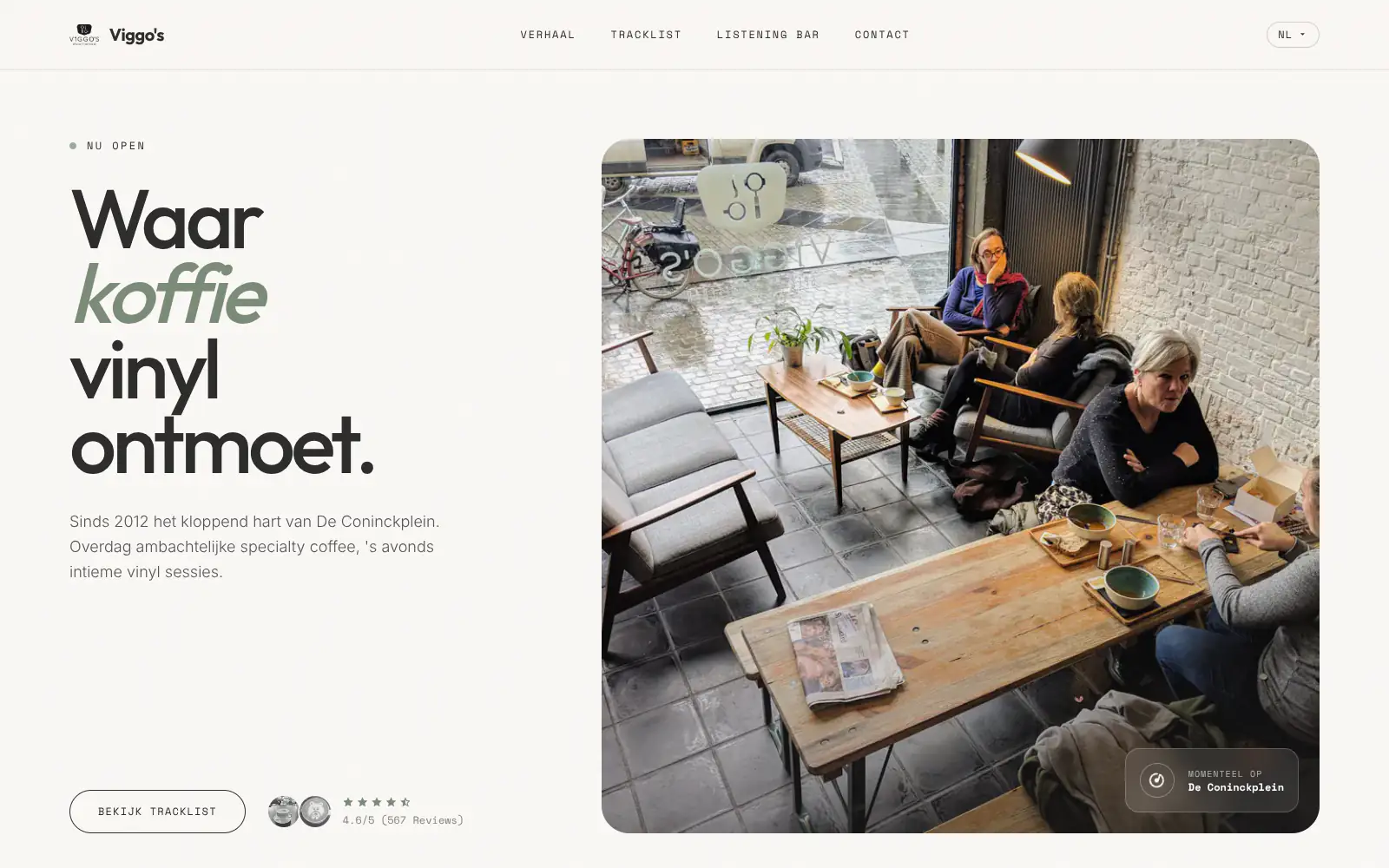
Viggo's
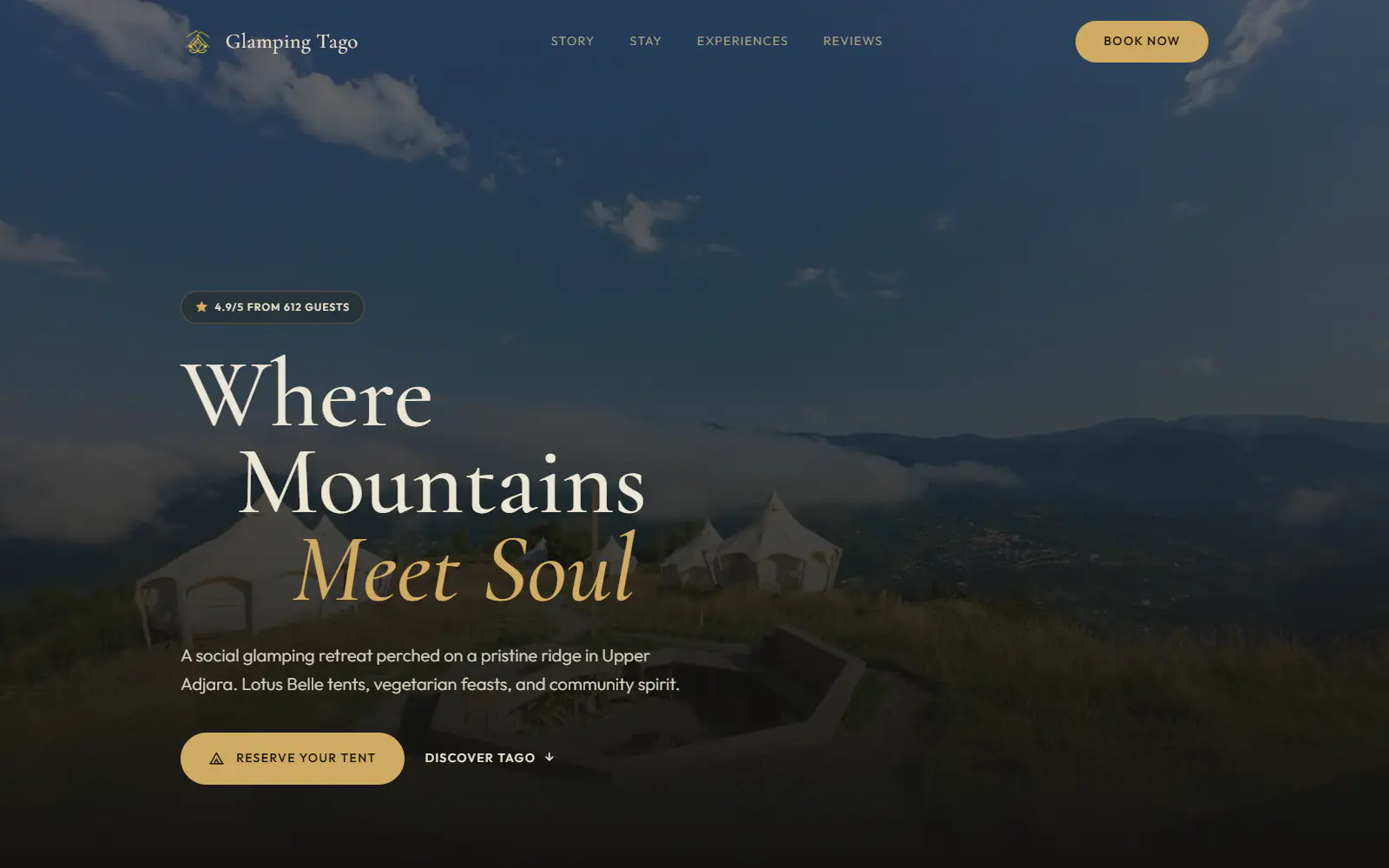
Glamping Tago
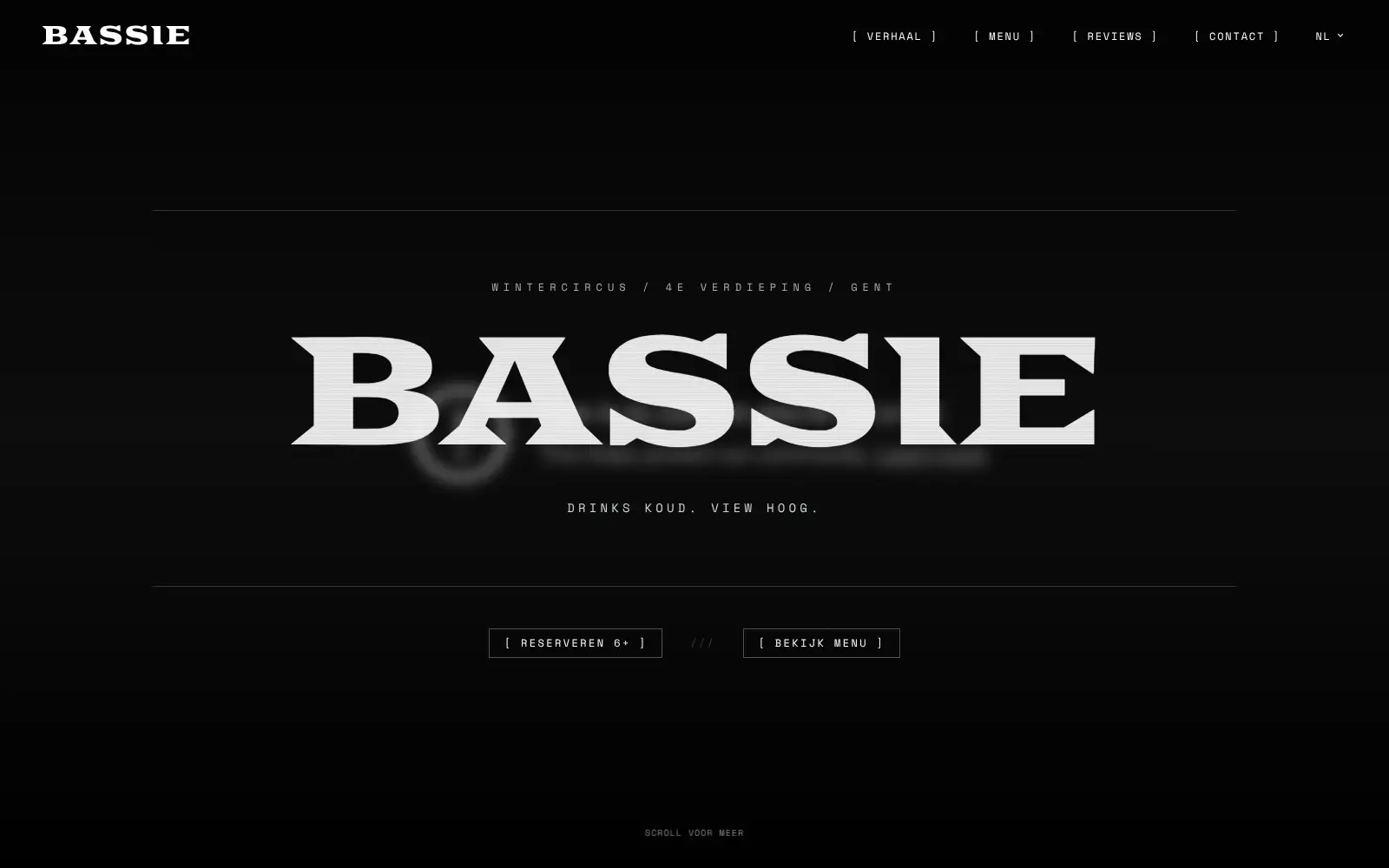
Bar Bassie
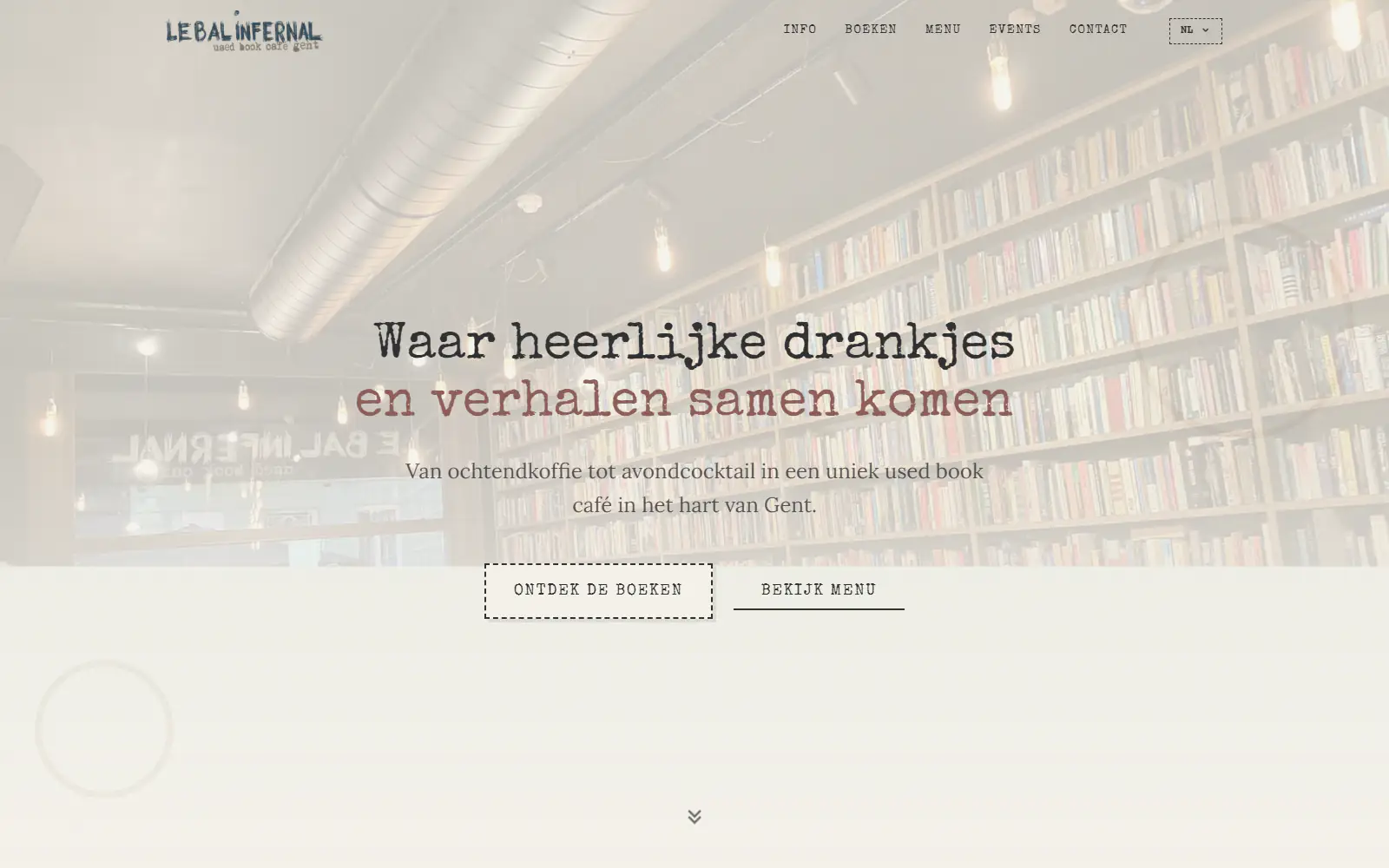
Le Bal Infernal - used book café

ALC Elite
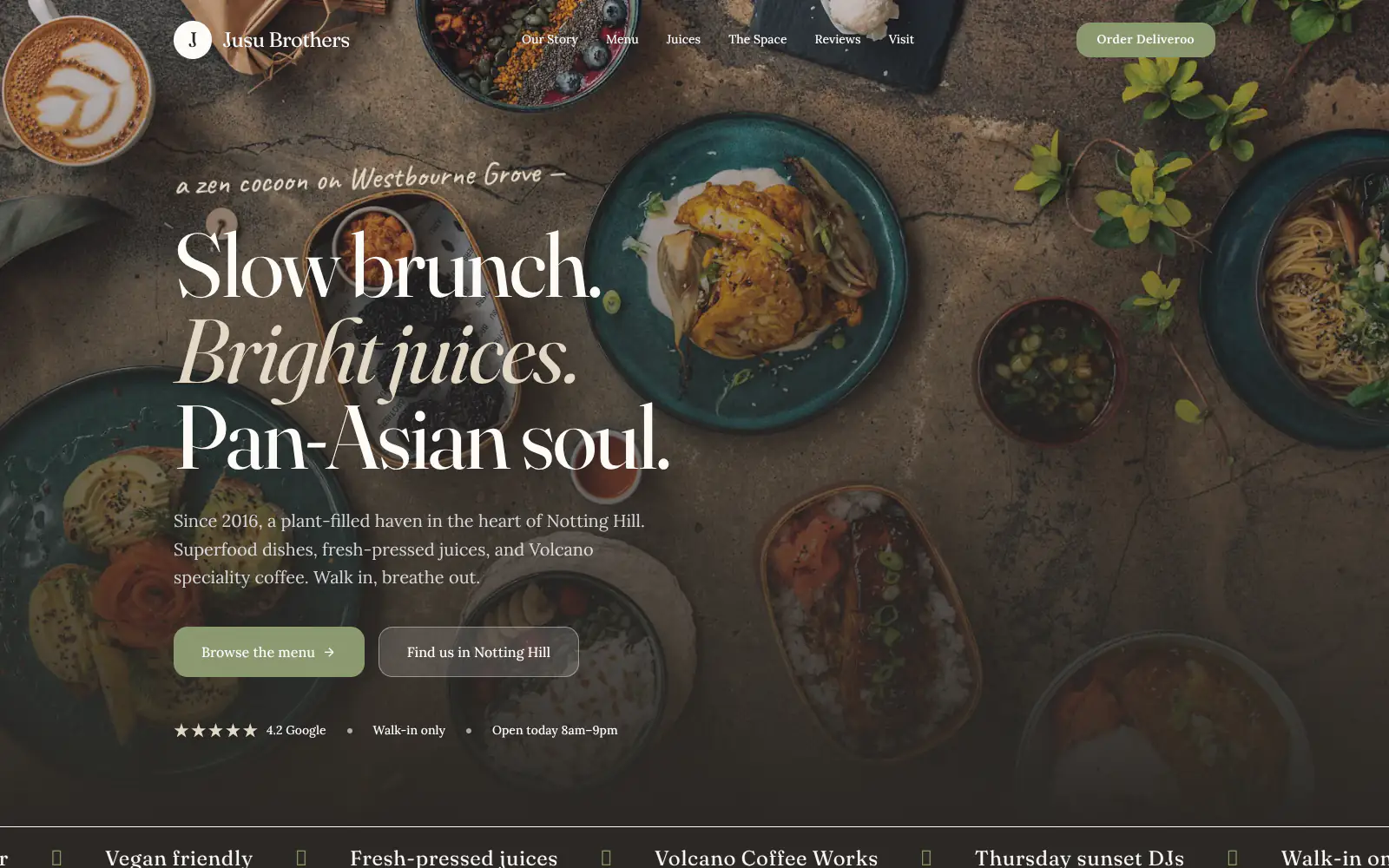
Jusu Brothers - Notting Hill
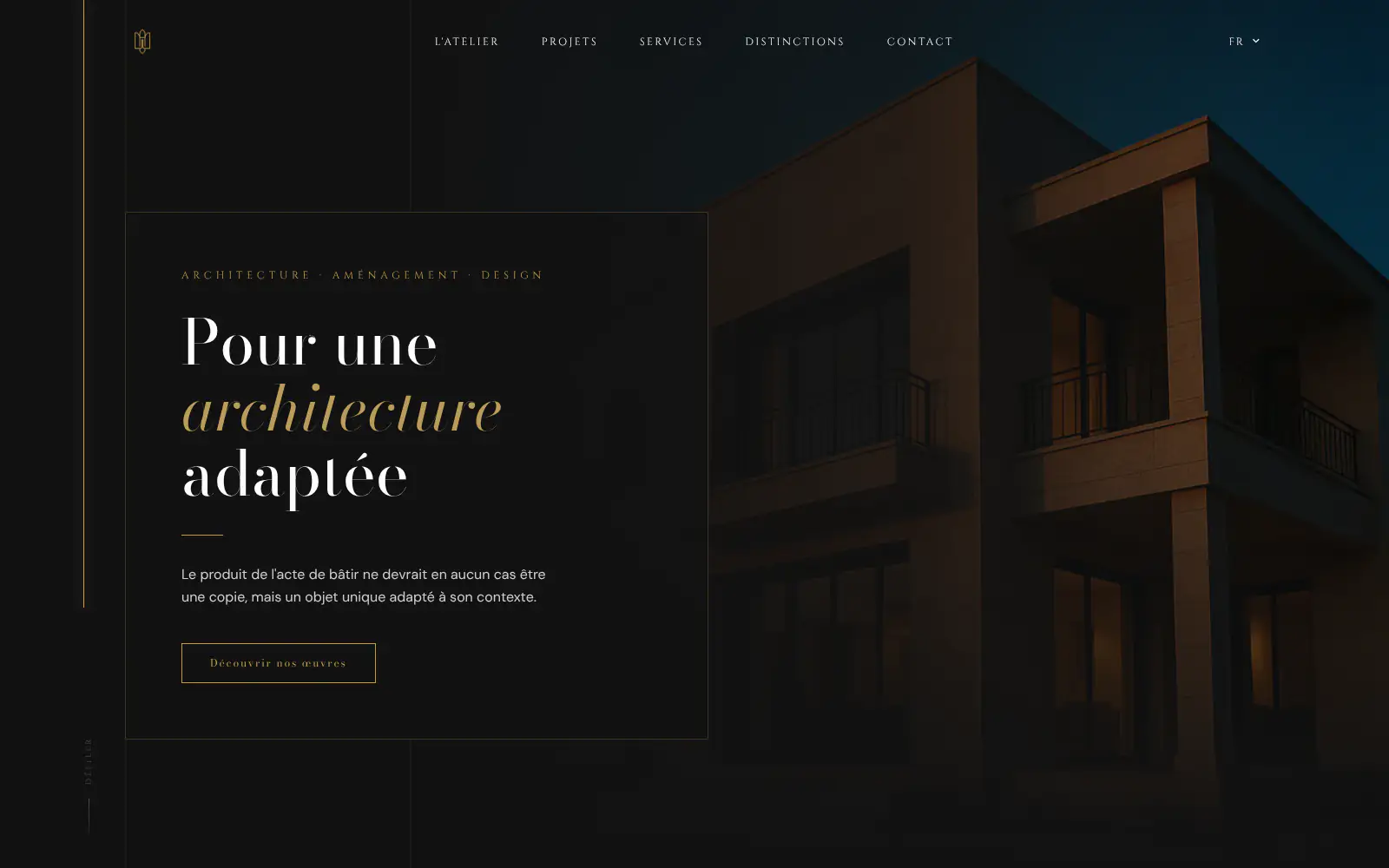
Atelier Messaoudi architecte. Architecture, Aménagement & Design
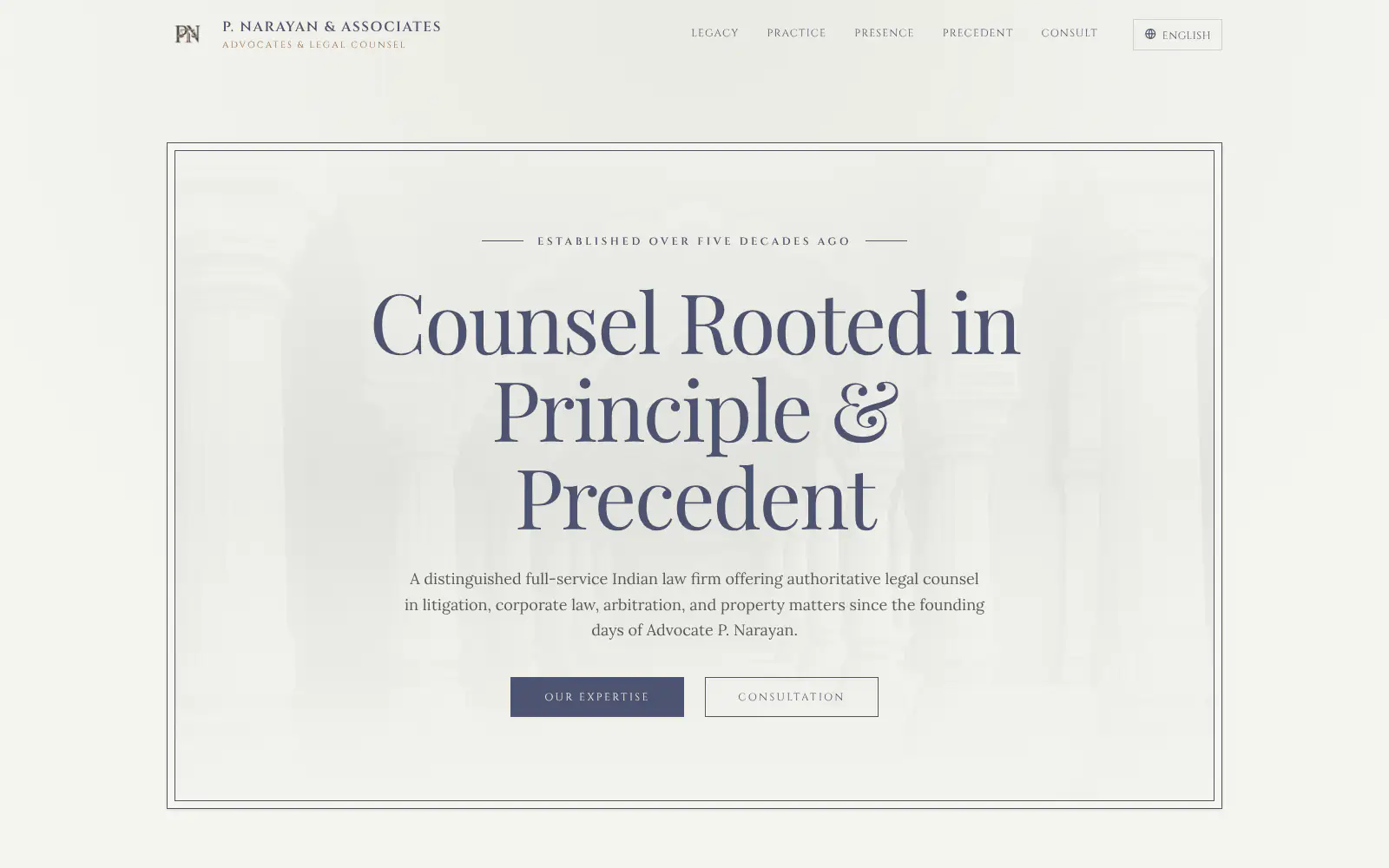
P. Narayan and Associates
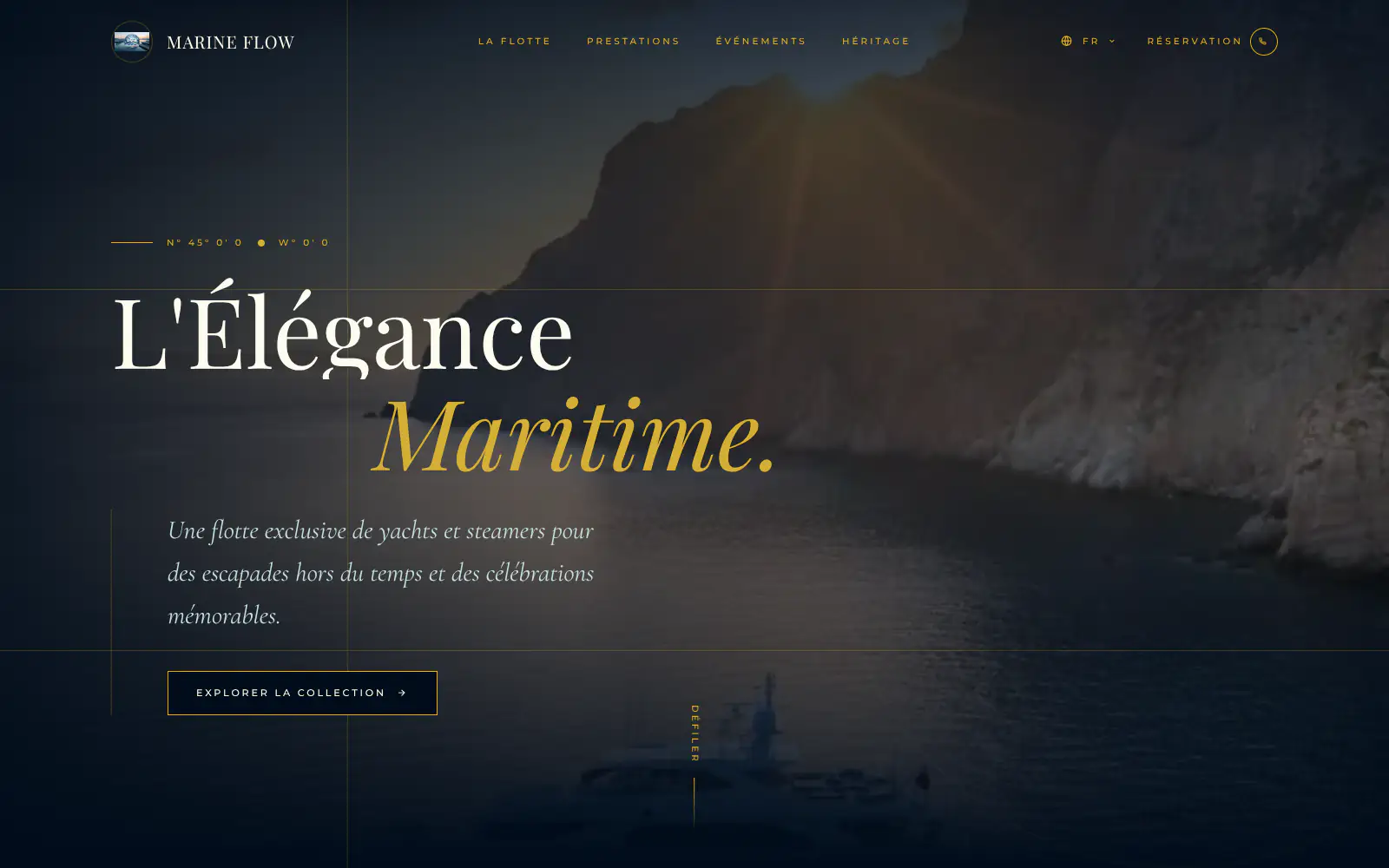
Marine flow
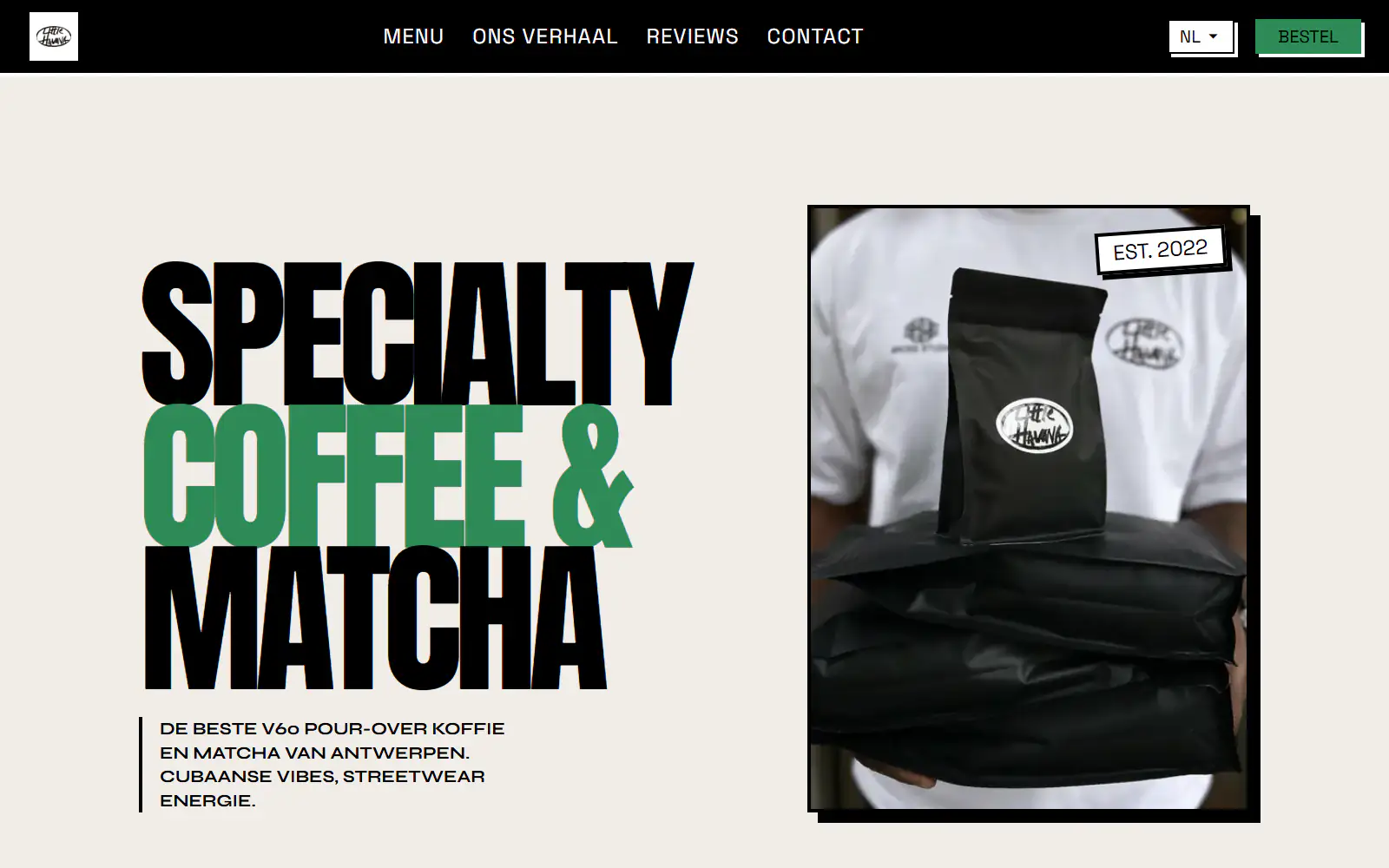
Little Havana Cafe
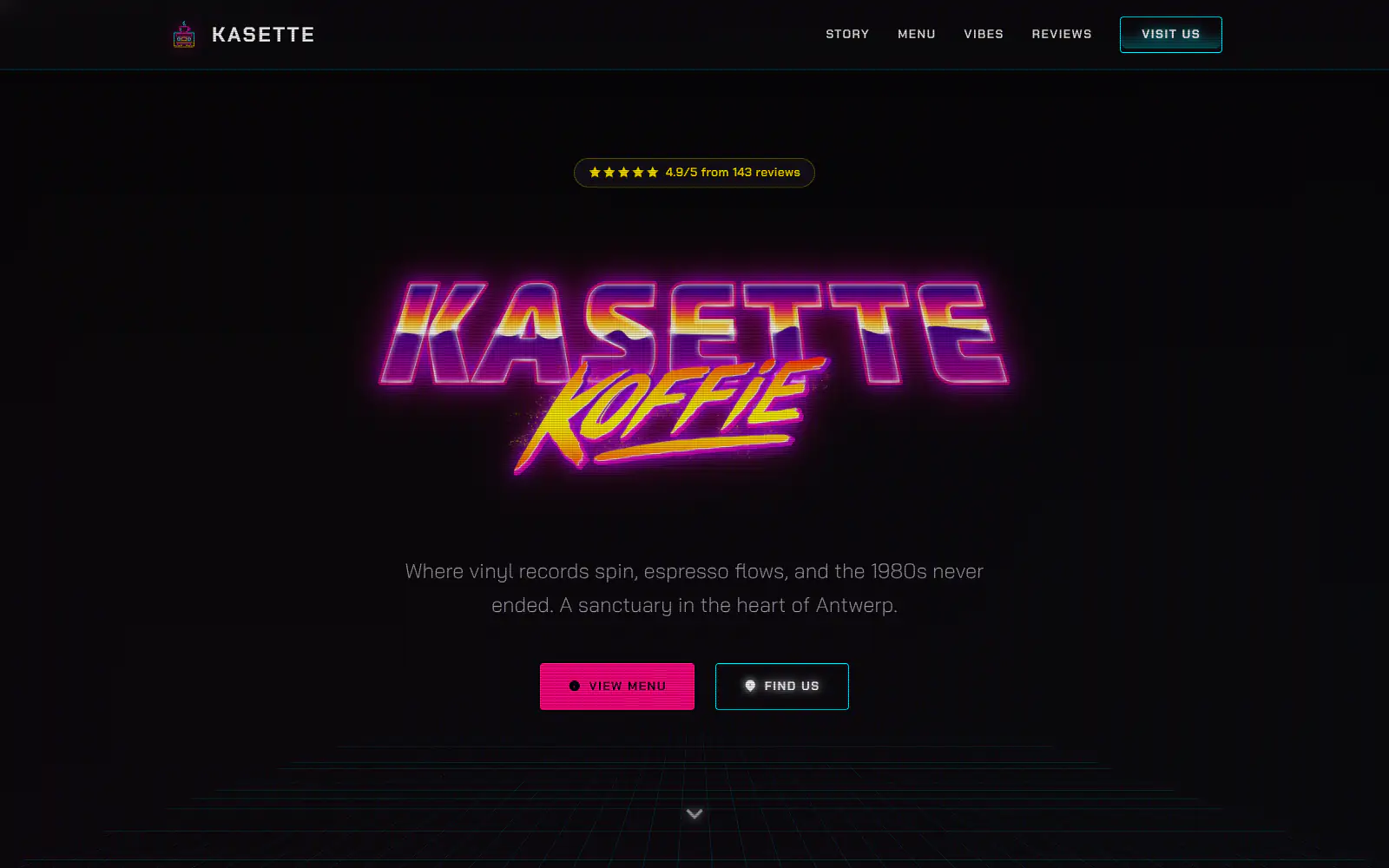
Kasette Koffie
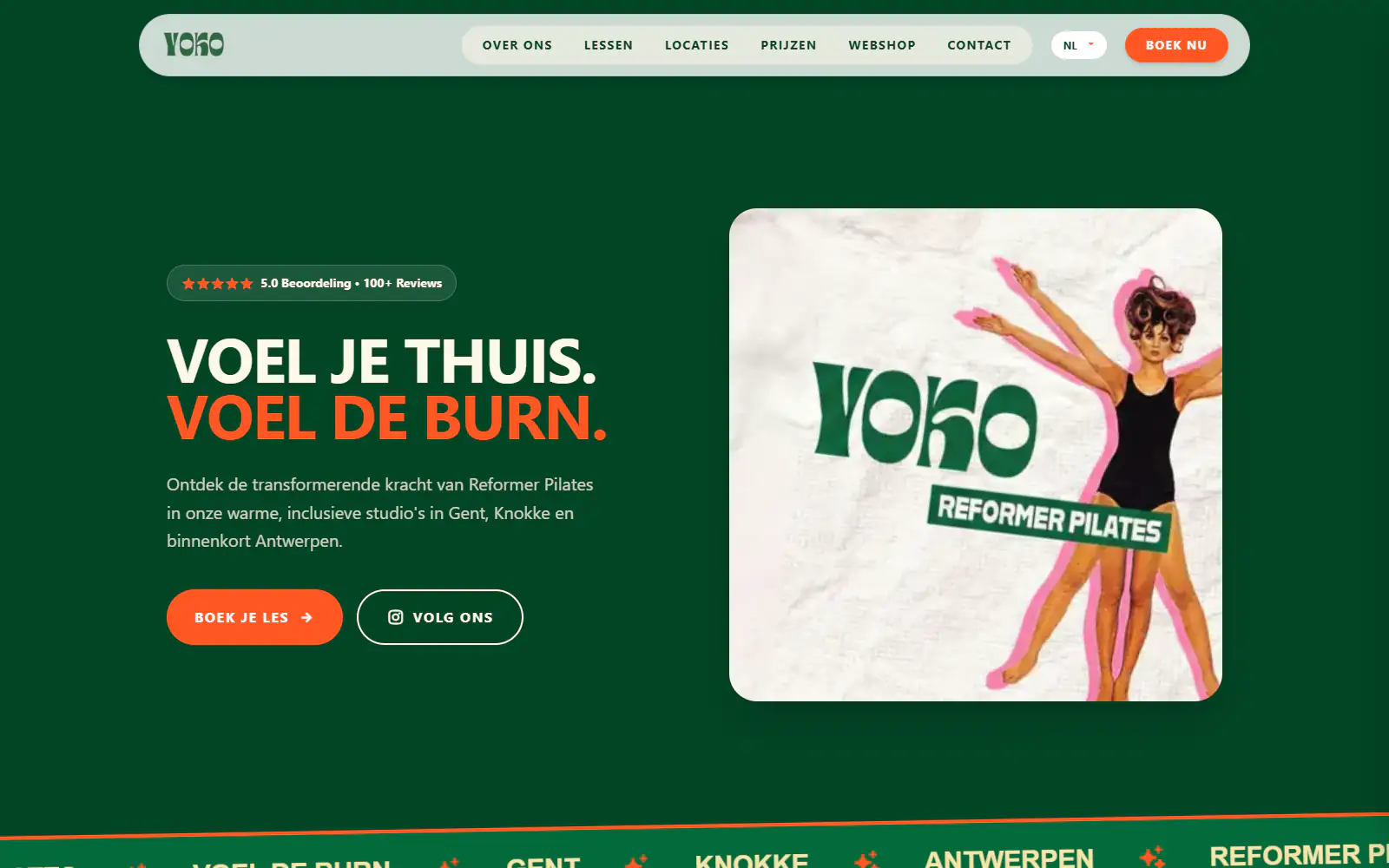
Yoko Studio Gent
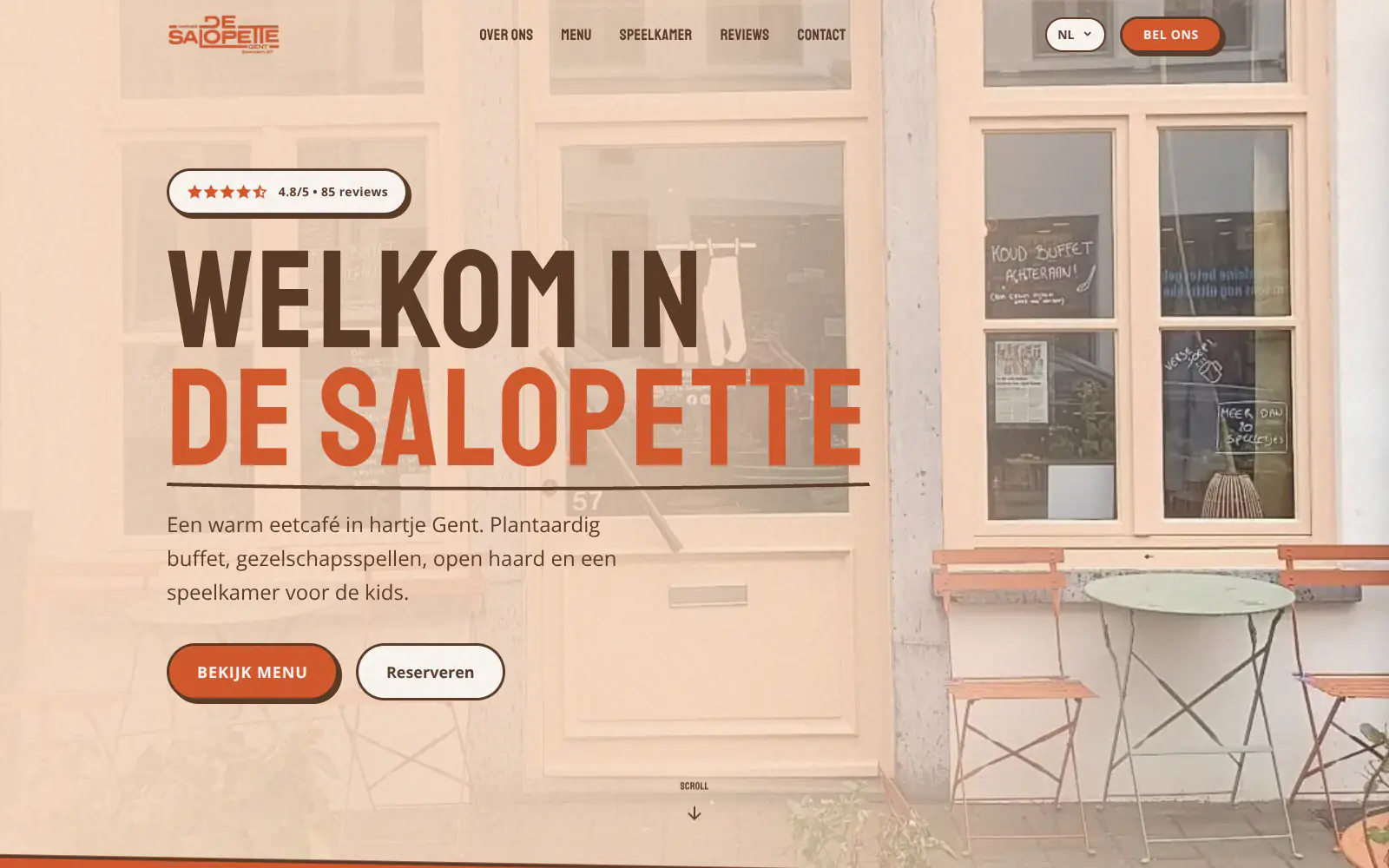
De Salopette
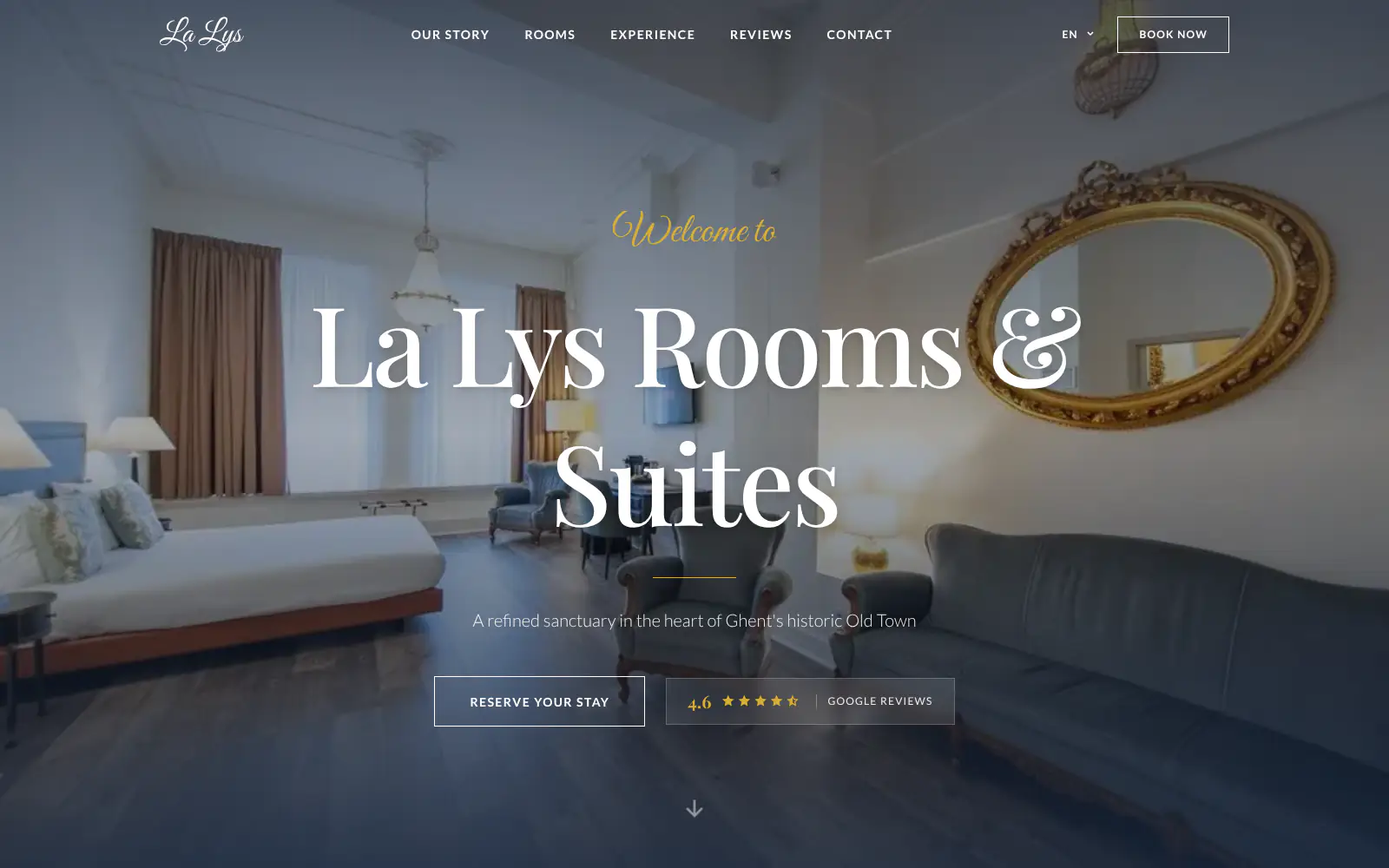
La Lys Rooms & Suites
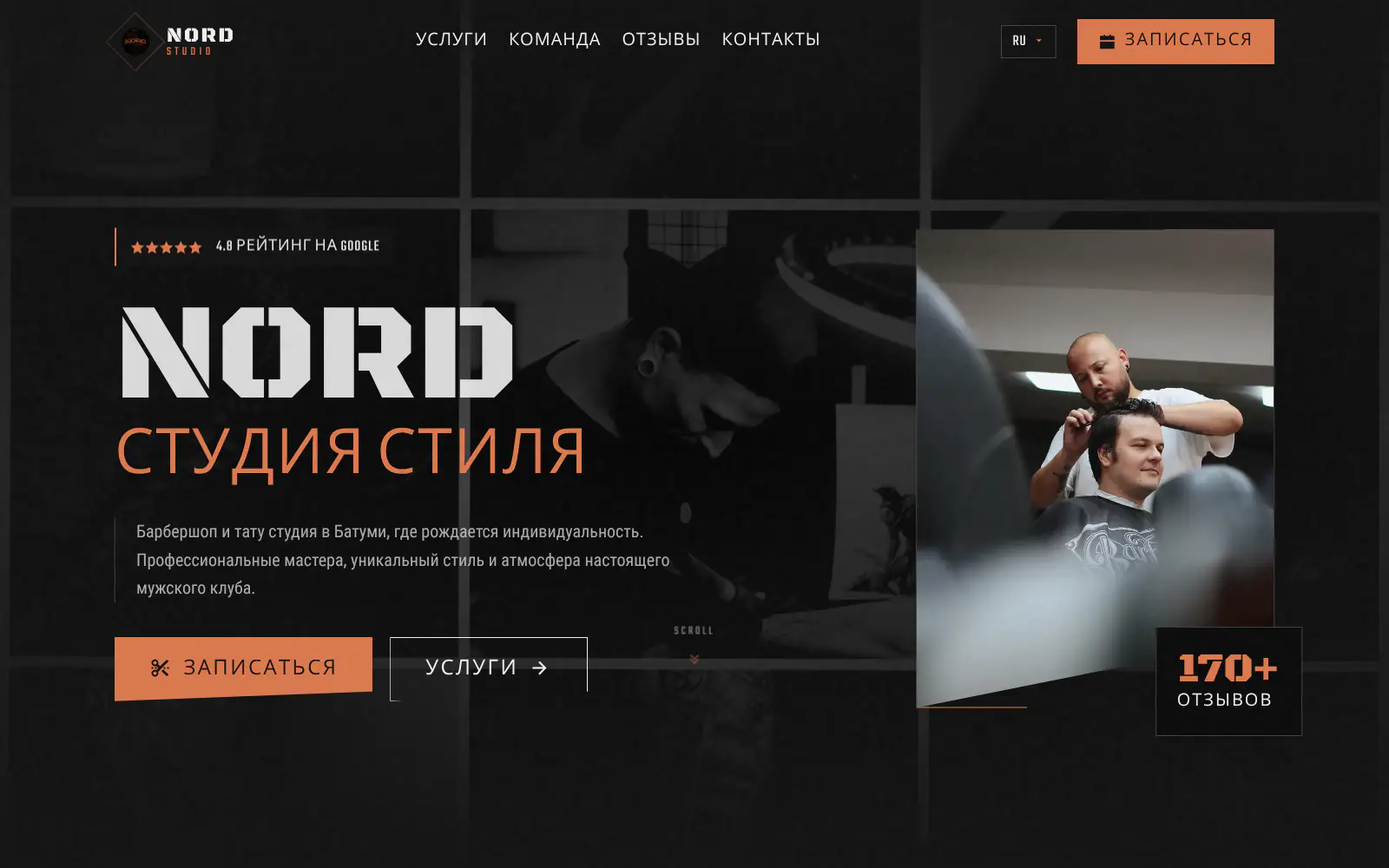
Barbershop & Tattoo studio Nord
Afsnis
WhyNot Gent Gastrobar/cocktails
Plant A Pizza
Viggo's
Glamping Tago
Bar Bassie
Le Bal Infernal - used book café
ALC Elite
Jusu Brothers - Notting Hill
Atelier Messaoudi architecte. Architecture, Aménagement & Design
P. Narayan and Associates
Marine flow
Little Havana Cafe
Kasette Koffie
Yoko Studio Gent
De Salopette
La Lys Rooms & Suites
Barbershop & Tattoo studio Nord
Afsnis
WhyNot Gent Gastrobar/cocktails
Plant A Pizza
Viggo's
Glamping Tago
Bar Bassie
Le Bal Infernal - used book café
ALC Elite
Jusu Brothers - Notting Hill
Atelier Messaoudi architecte. Architecture, Aménagement & Design
P. Narayan and Associates
Marine flow
Little Havana Cafe
Kasette Koffie
Yoko Studio Gent
De Salopette
La Lys Rooms & Suites
Barbershop & Tattoo studio Nord
Don't build.
Just publish.
Most builders throw you into a generic template. Boosterpack does it the other way around. You confirm your real content first, then AI drafts the copy, layout and design from those inputs.

Choose one known business
Search, do not harvest
Search for a specific business and select the correct public Google Maps result. Boosterpack does not crawl a category or create a prospect list.

Verify the available record
Curate, do not enrich
Check the name, address, phone, hours, category, selected photos and reviews where available. Add approved missing details manually.

Generate one reviewed site
Choose style and inspect
Select a direction, generate the hosted one-page site and check every claim, media item, contact destination and customer action.

Track and repeat externally
Use your own production list
Record consent, review and domain status in your existing project tool. Start a separate build when the next approved business is ready.
Start free, upgrade when you're ready.
Generate and review a site free on a Boosterpack subdomain. Boosterpack Plus starts at $16/mo for a custom domain, no Boosterpack badge and more chat edits. Build and hosted-site allowances vary by plan, so check current pricing before packaging client volume.
For getting online at no cost
Free forever
Perfect for your business website
Billed annually
A repeatable Maps-to-site process, not batch software
The efficiency comes from consistent steps and useful public inputs. A person still selects, verifies and approves each business and each generated website.
Specific public listing lookup
Find a known business and use available public facts as inputs. Boosterpack is not a Google Maps scraper, lead finder or territory search tool.
Per-business media selection
Choose suitable photos and reviews for that site and add approved uploads. The product does not ingest every public asset automatically.
An accuracy gate on every page
Verify names, rights, claims and contact destinations before publication. A repeated workflow should scale quality control, not unreviewed errors.
A consistent manual sequence
Repeat search, curate, generate, review and publish across an approved list. Build, hosting and chat-edit allowances still follow the selected plan.
Your current tools stay. Your website gets better.
Keep your booking link, contact details and the systems you already use. Boosterpack builds the public site around them.
Is Boosterpack right for you?
Common questions
Can Boosterpack bulk-generate websites from Google Maps?
Can I upload a CSV of Google Maps businesses?
Does Boosterpack scrape Google Maps for leads?
What Google Maps data can the site use?
Can I build a draft for a business I do not own?
Can I choose which Google photos and reviews appear?
Can each generated site use a different custom domain?
How should an agency track repeated Maps-to-site builds?
Is there an unlimited bulk website plan?
Are Maps-based sites mobile-friendly?
Repeat the care, not the errors.
Choose one correct listing, curate the proof and review the generated page with permission. Use the same disciplined process for the next business.
Built from your business · Easy to edit