Let visitors choose their language.
A language button is useful only when the important service, contact and booking copy has actually been prepared in every selected language.
Choose one primary language and up to four additional languages. Boosterpack generates copy for one site with a visitor-controlled language switcher, then you review the wording before launch.
Real businesses. Finished websites.
These are live sites created with Boosterpack from real business details, photos and reviews where available. Open one to see the finished result.
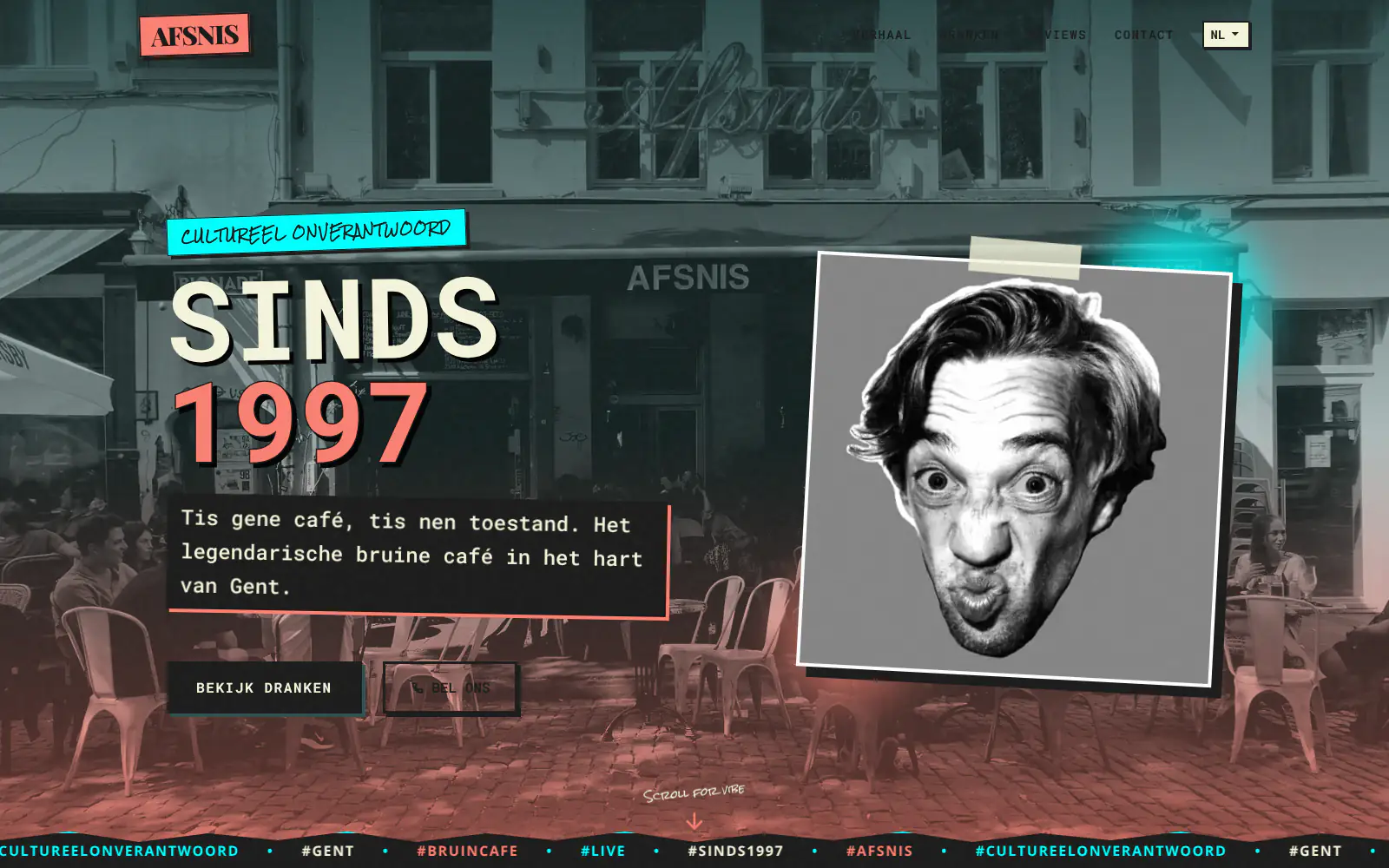
Afsnis

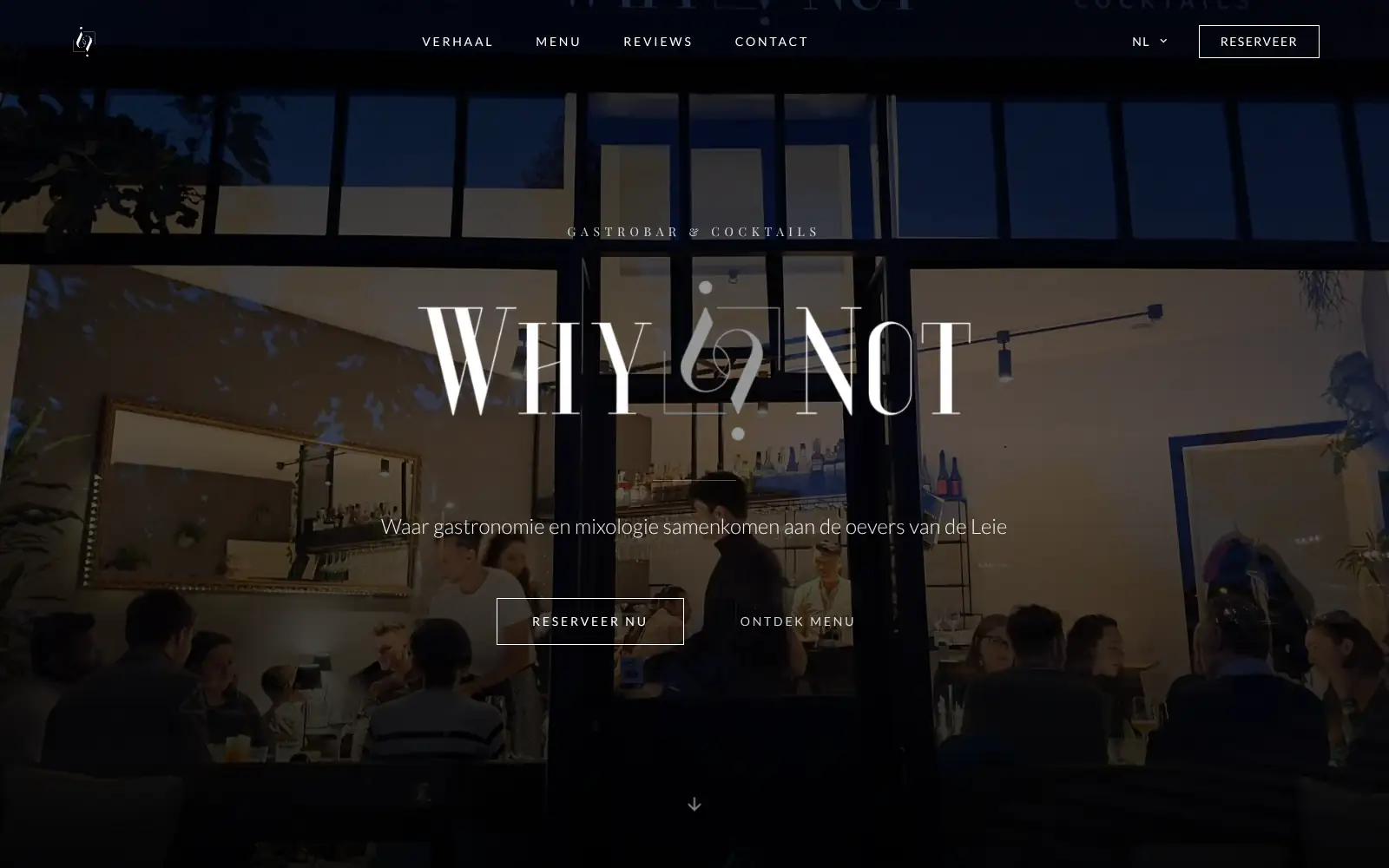
WhyNot Gent Gastrobar/cocktails

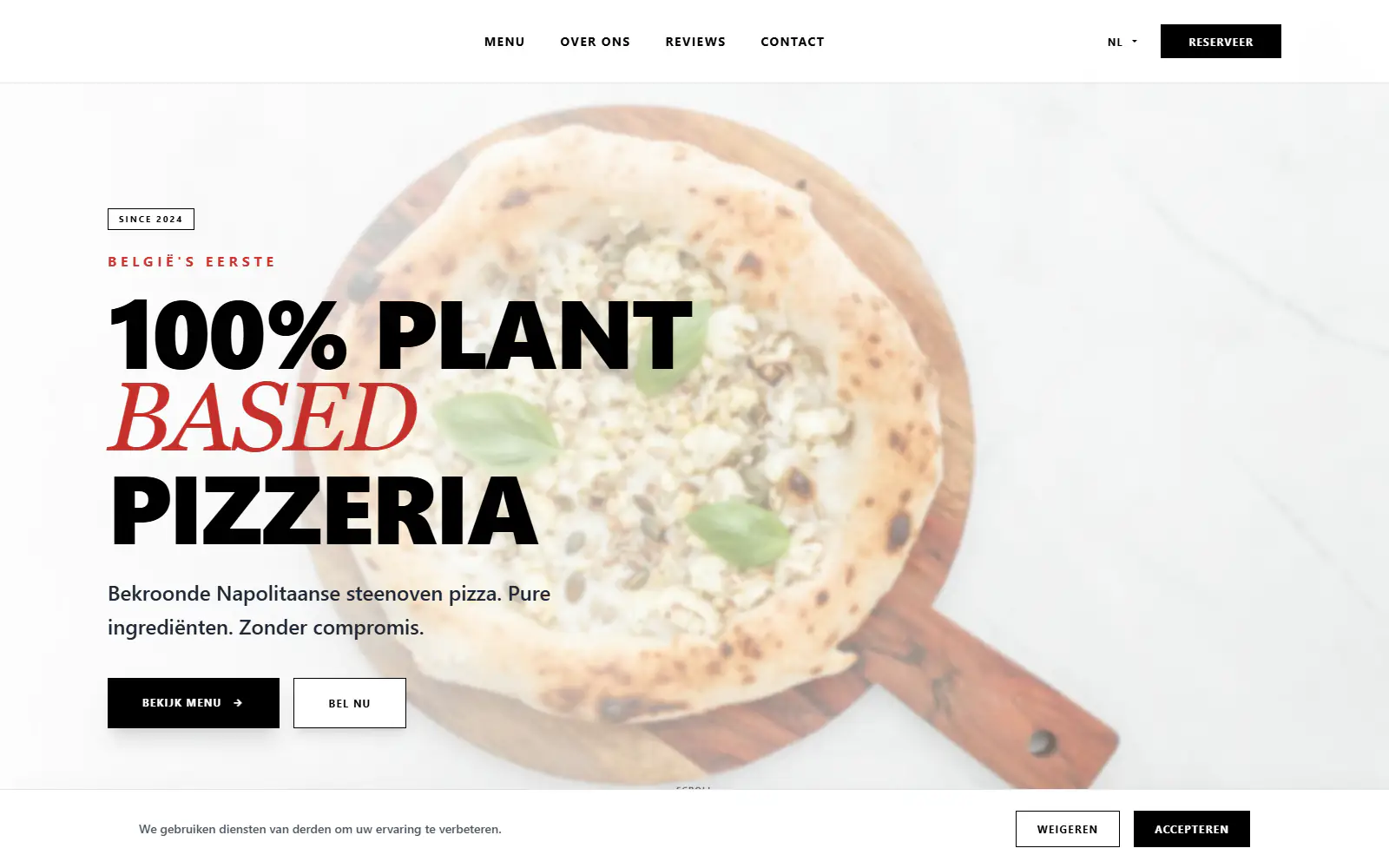
Plant A Pizza
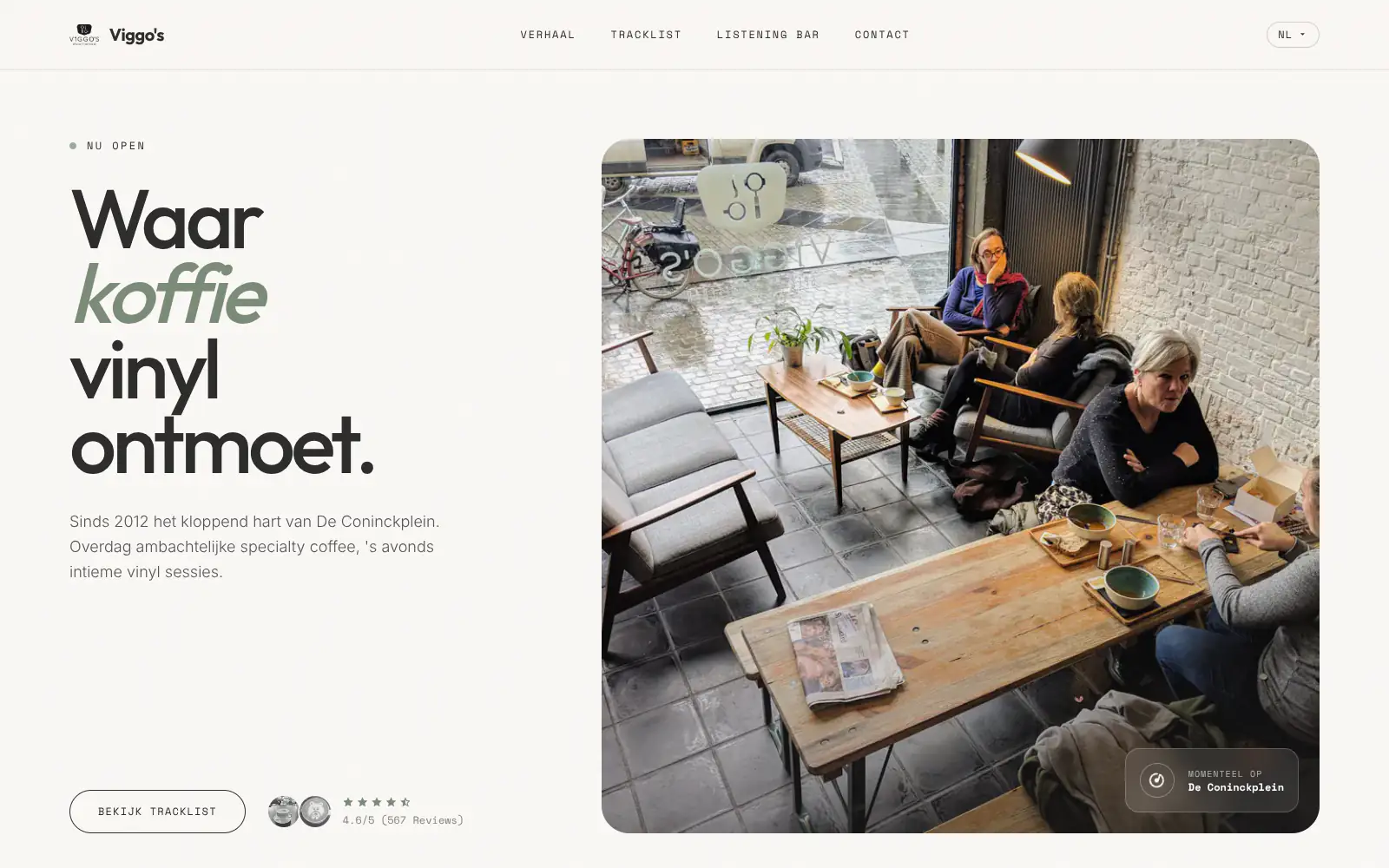
Viggo's
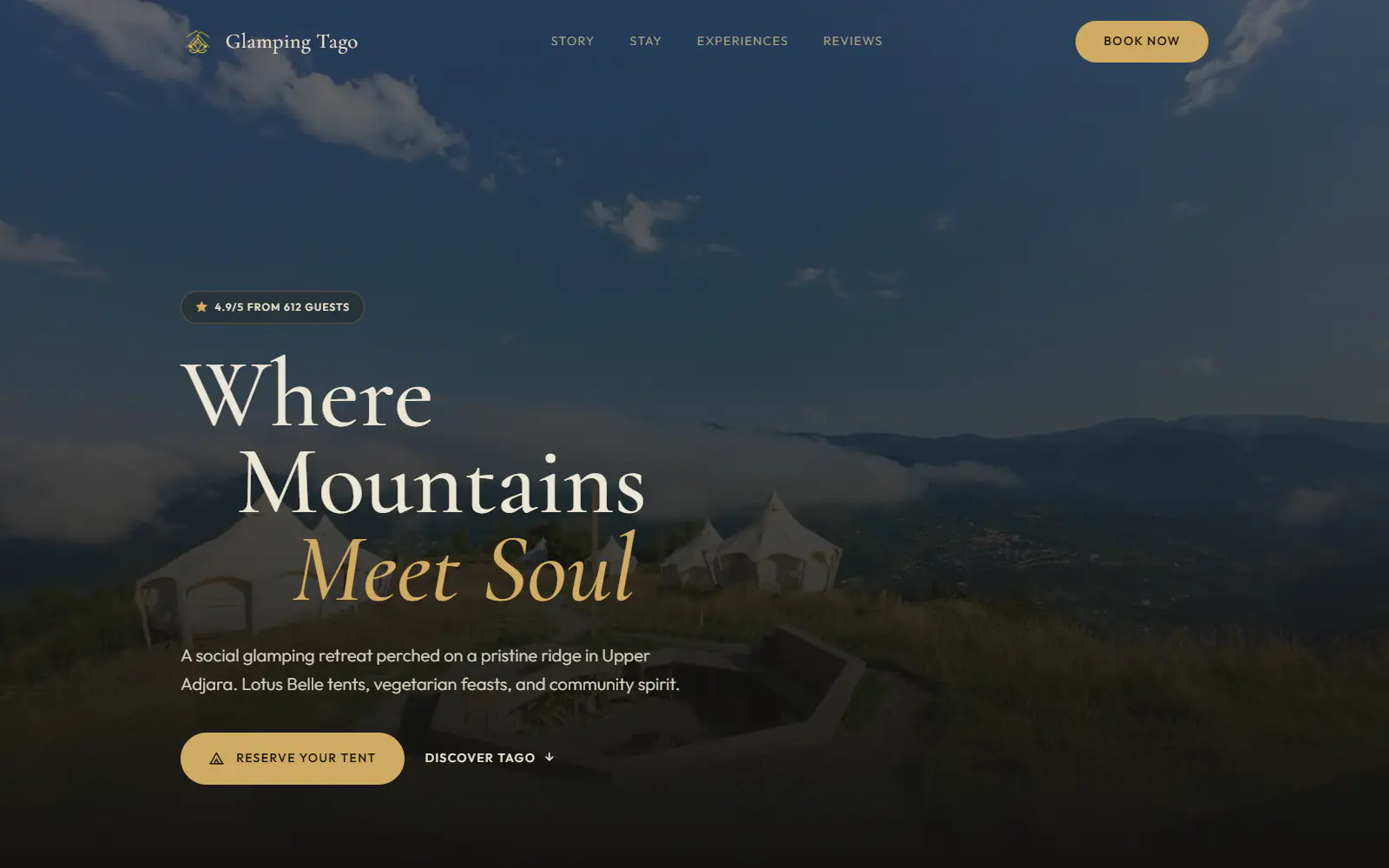
Glamping Tago
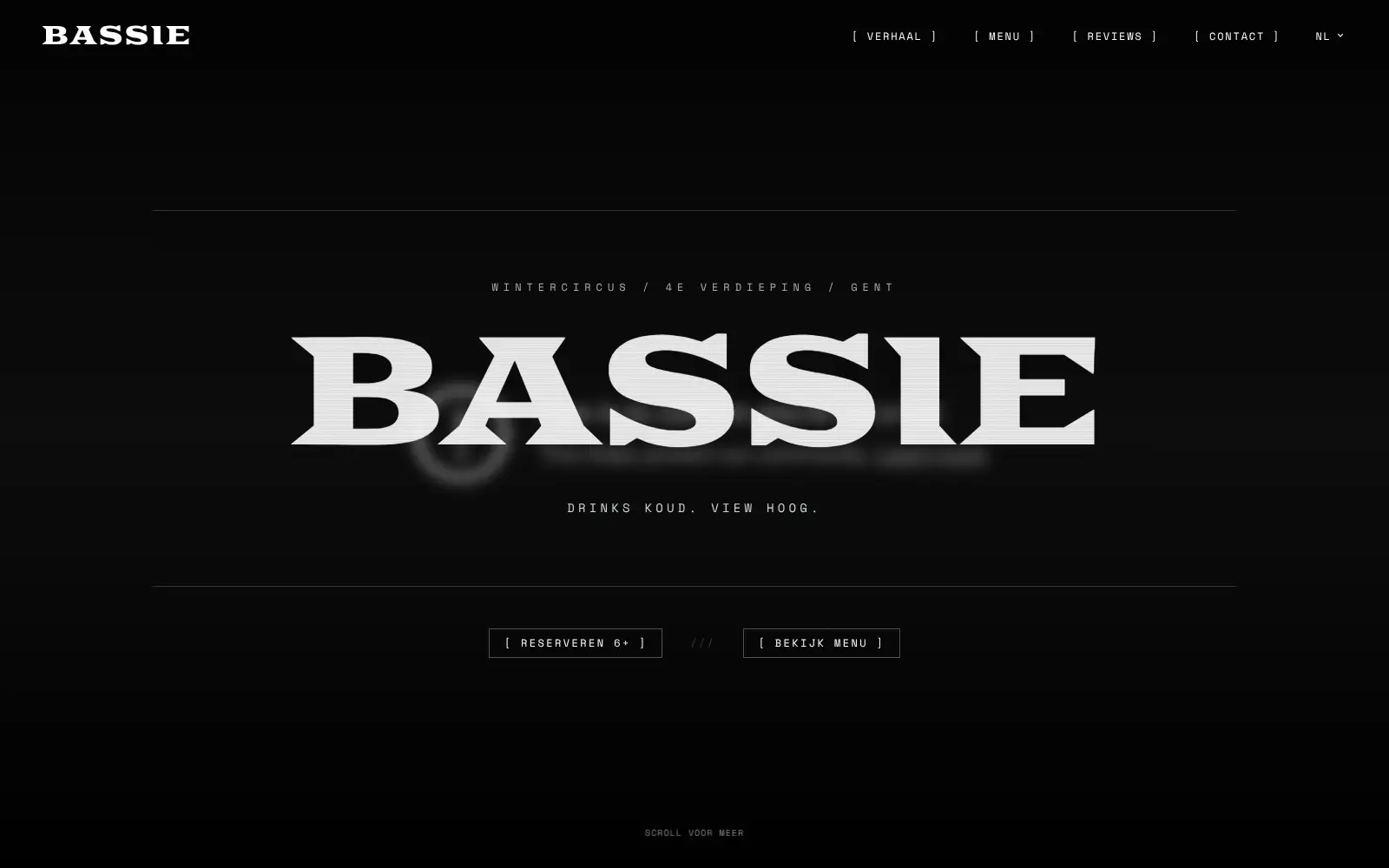
Bar Bassie
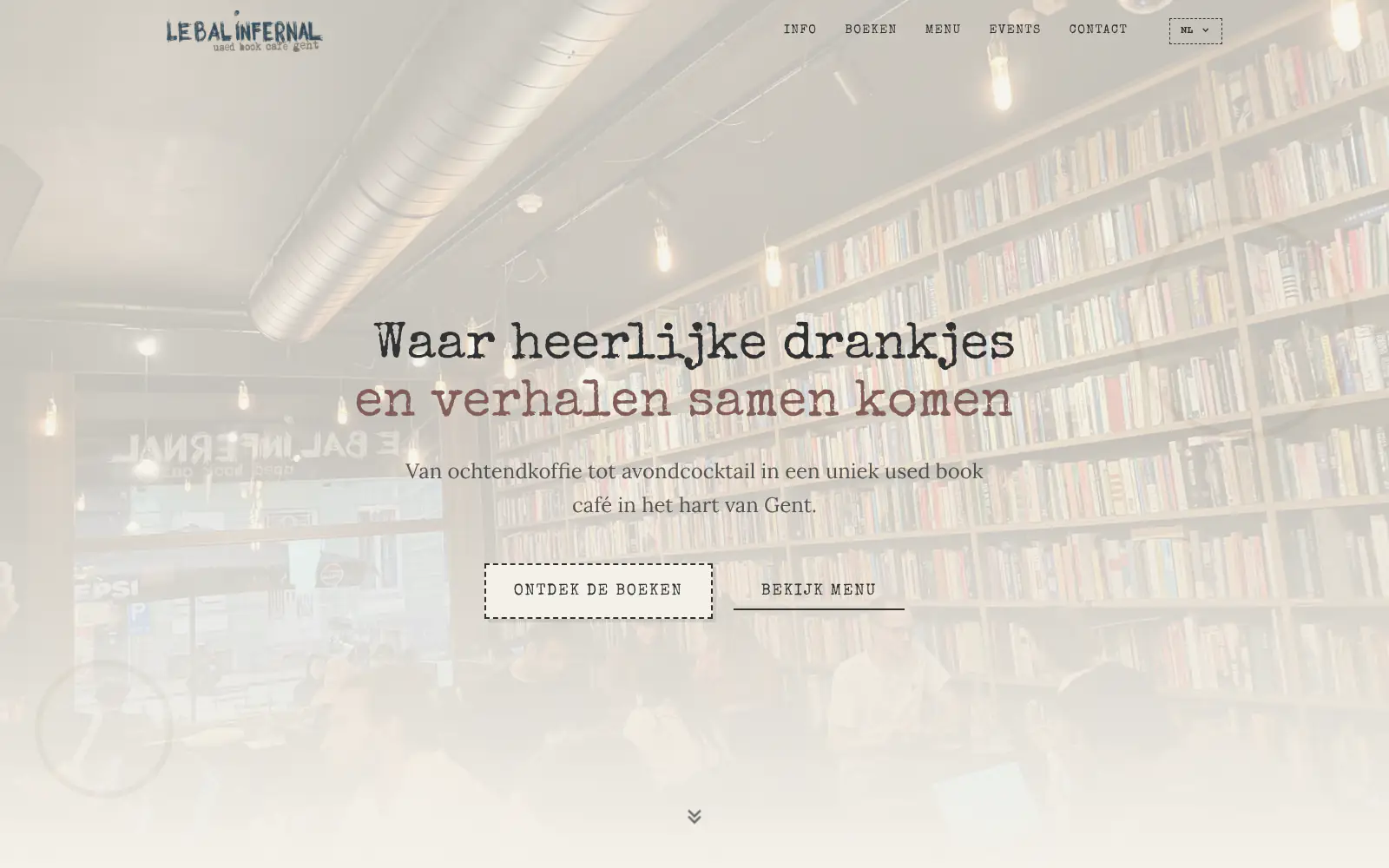
Le Bal Infernal - used book café
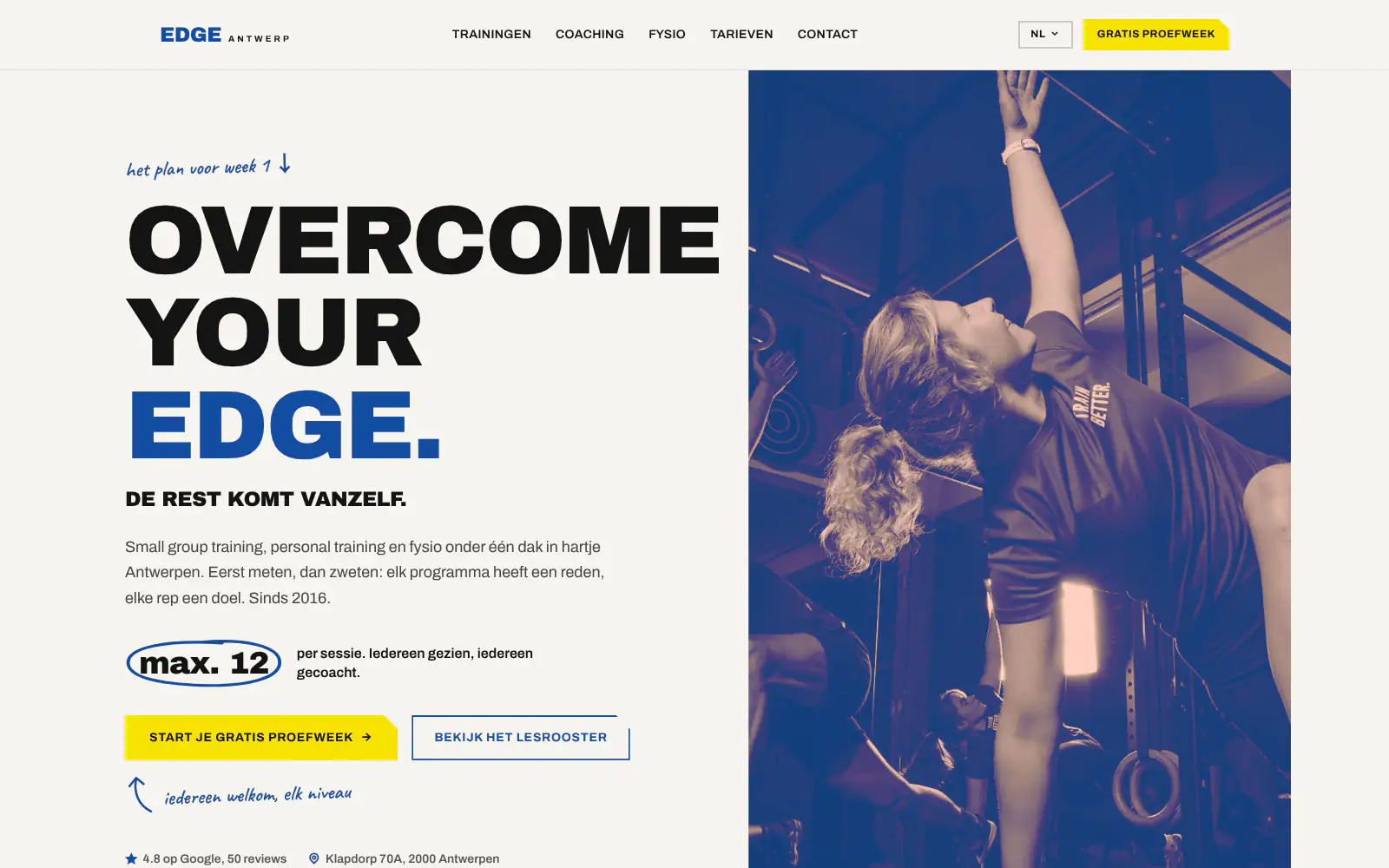
EDGE Antwerp
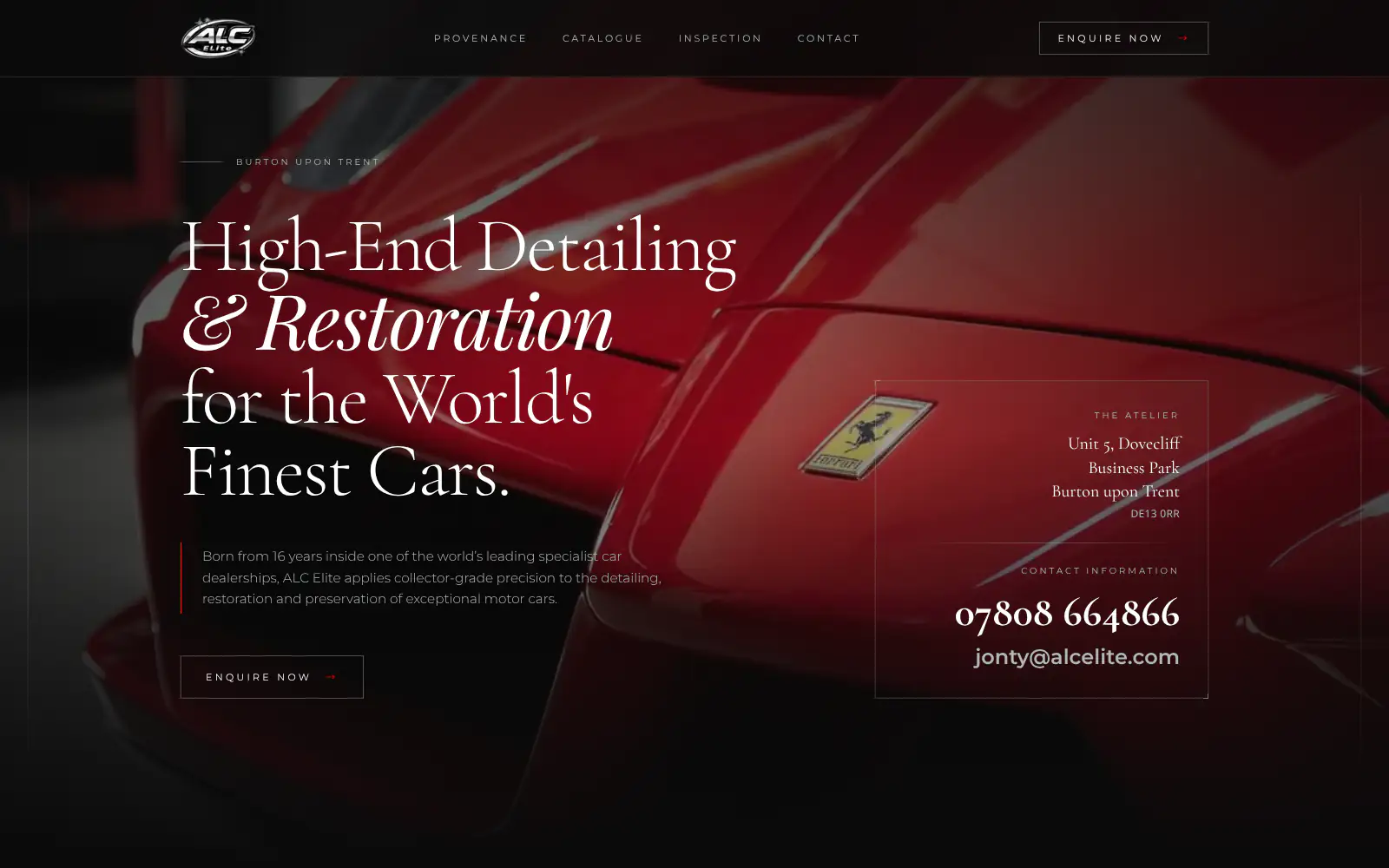
ALC Elite
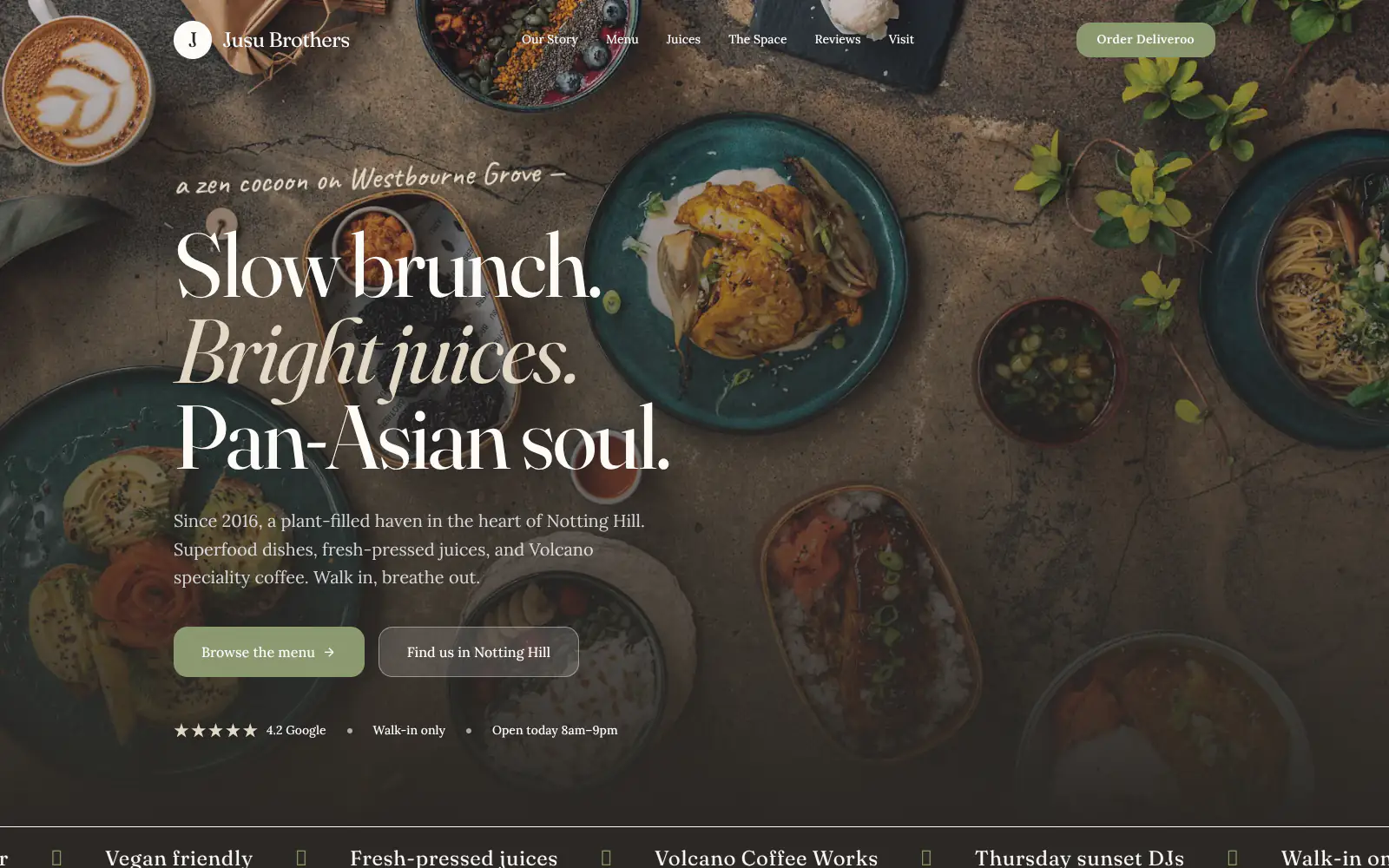
Jusu Brothers - Notting Hill
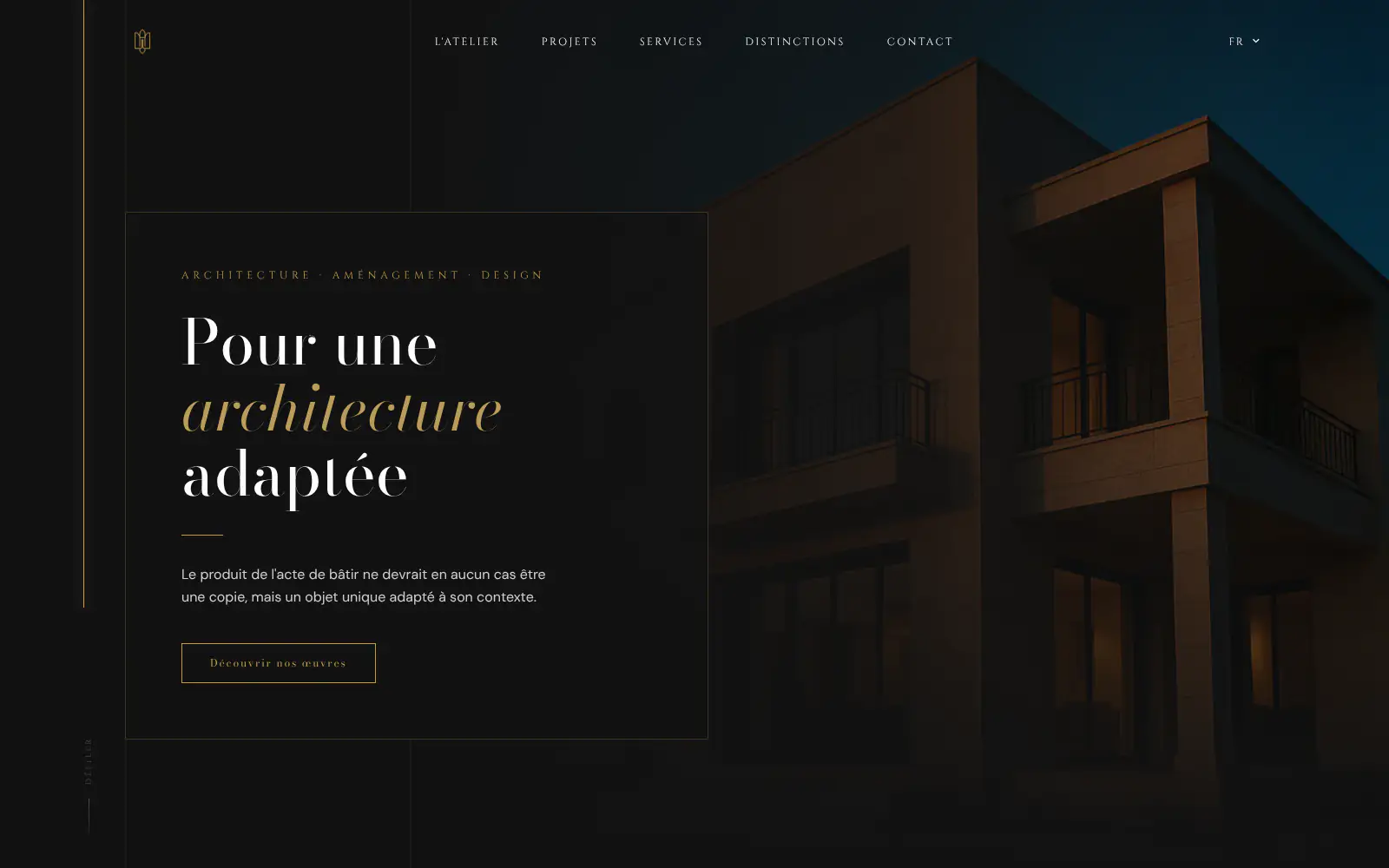
Atelier Messaoudi architecte. Architecture, Aménagement & Design
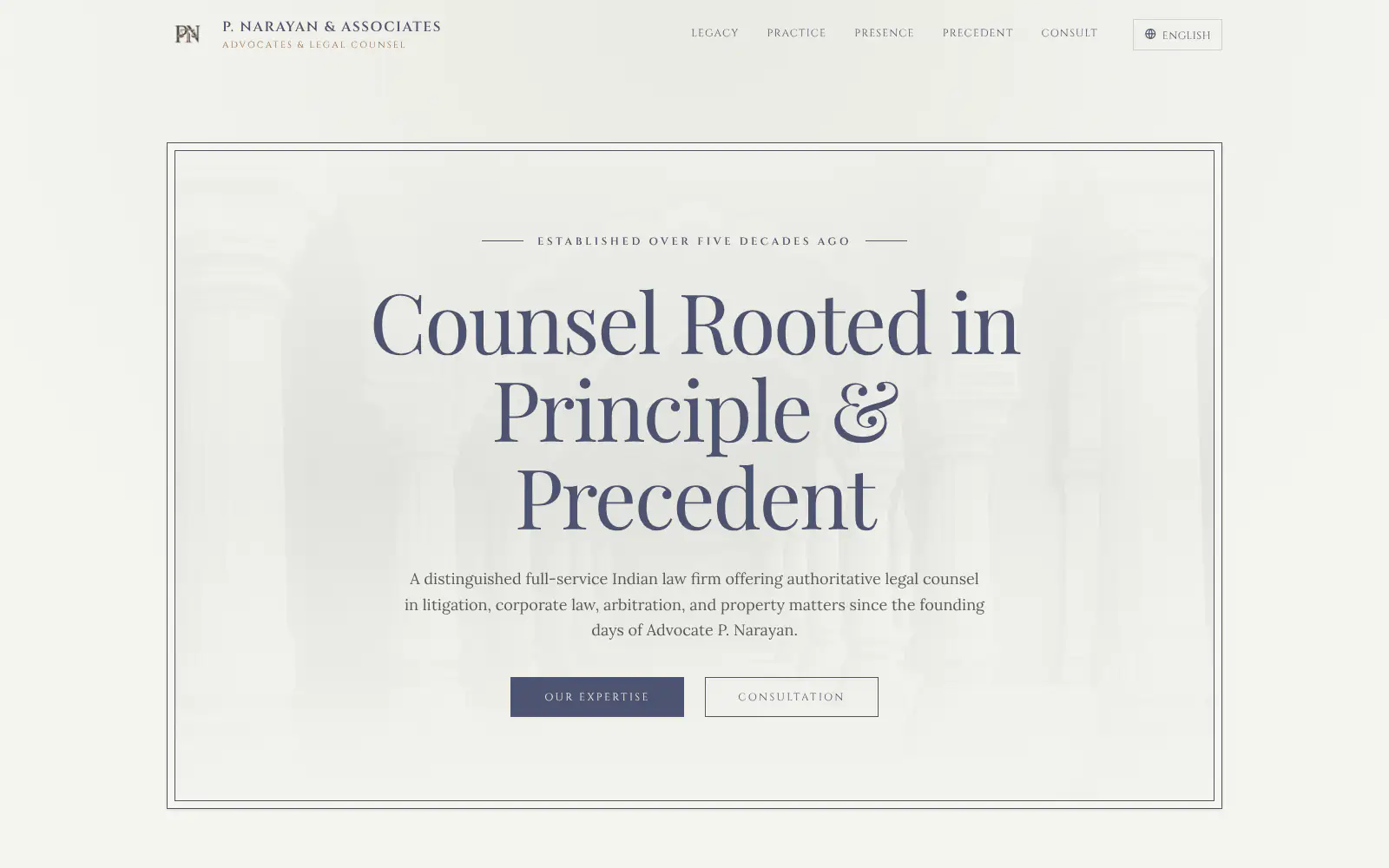
P. Narayan and Associates
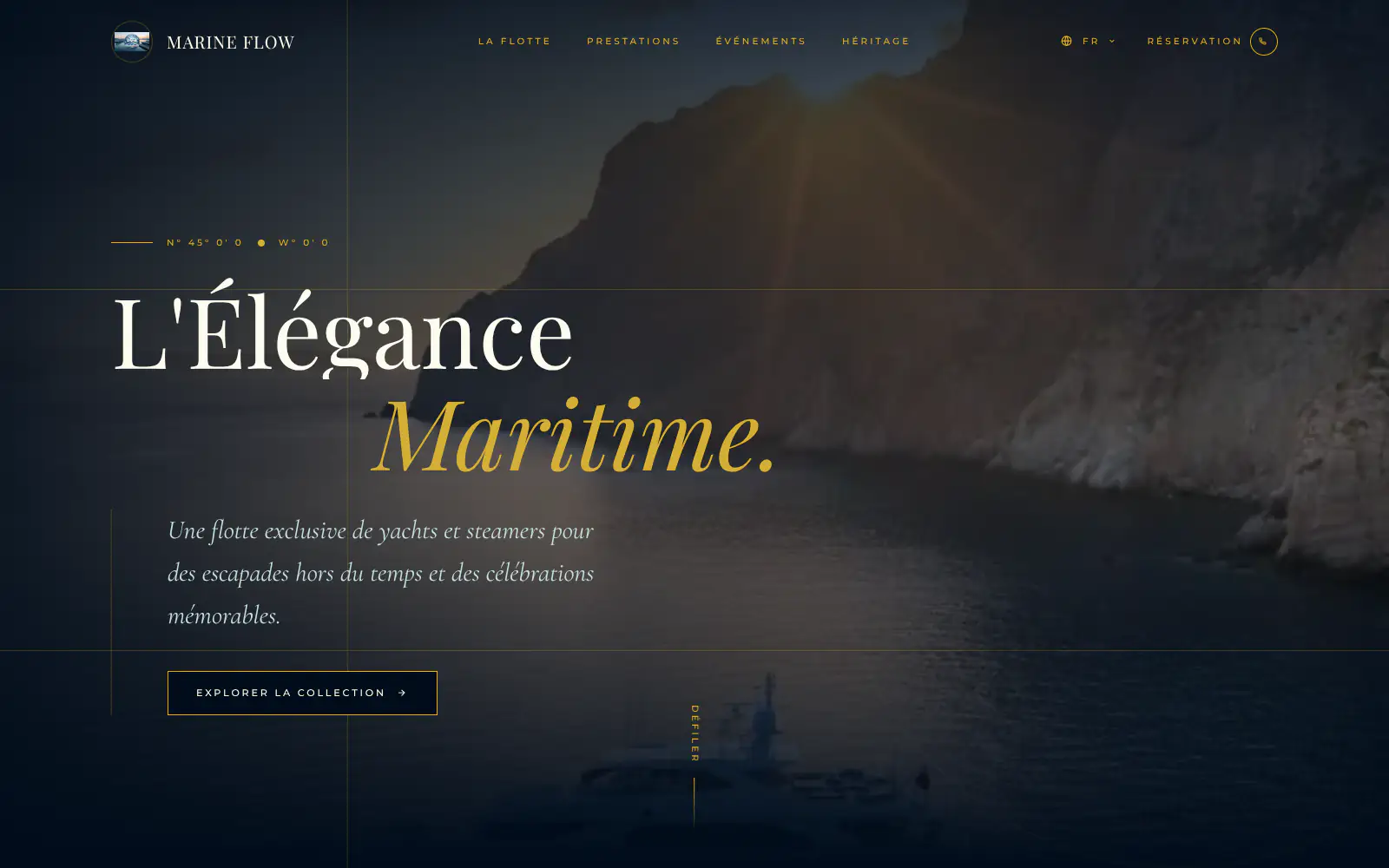
Marine flow
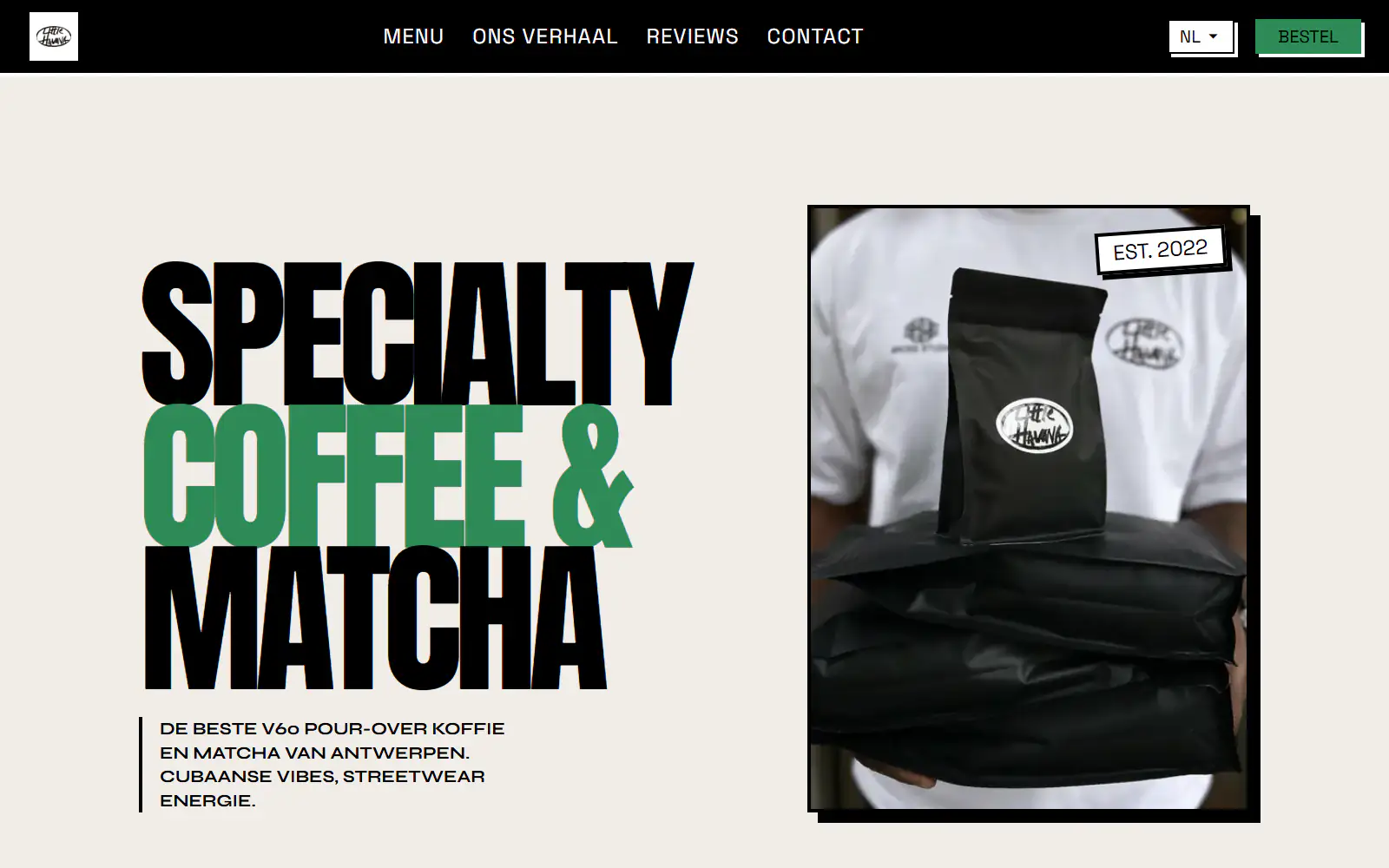
Little Havana Cafe
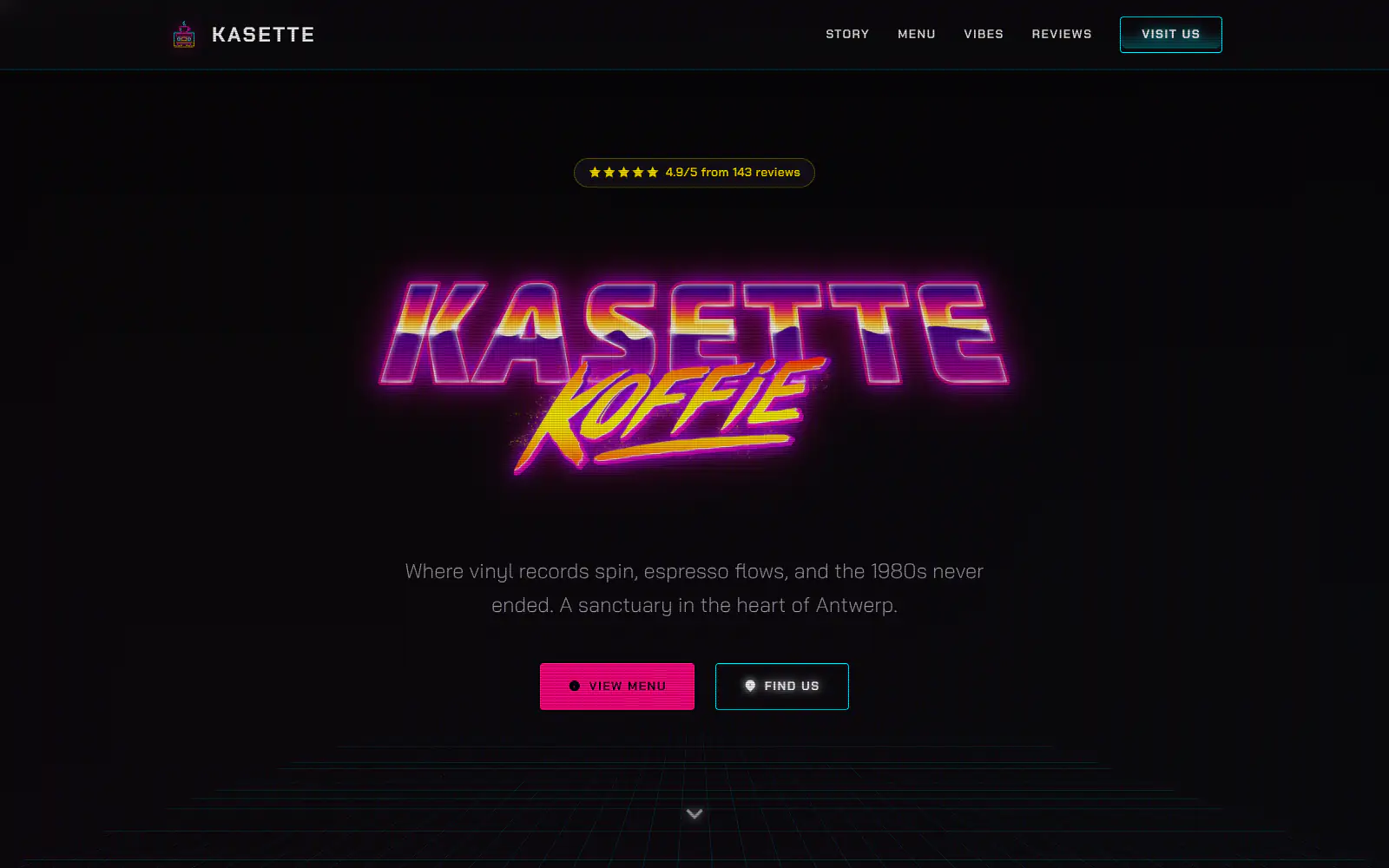
Kasette Koffie
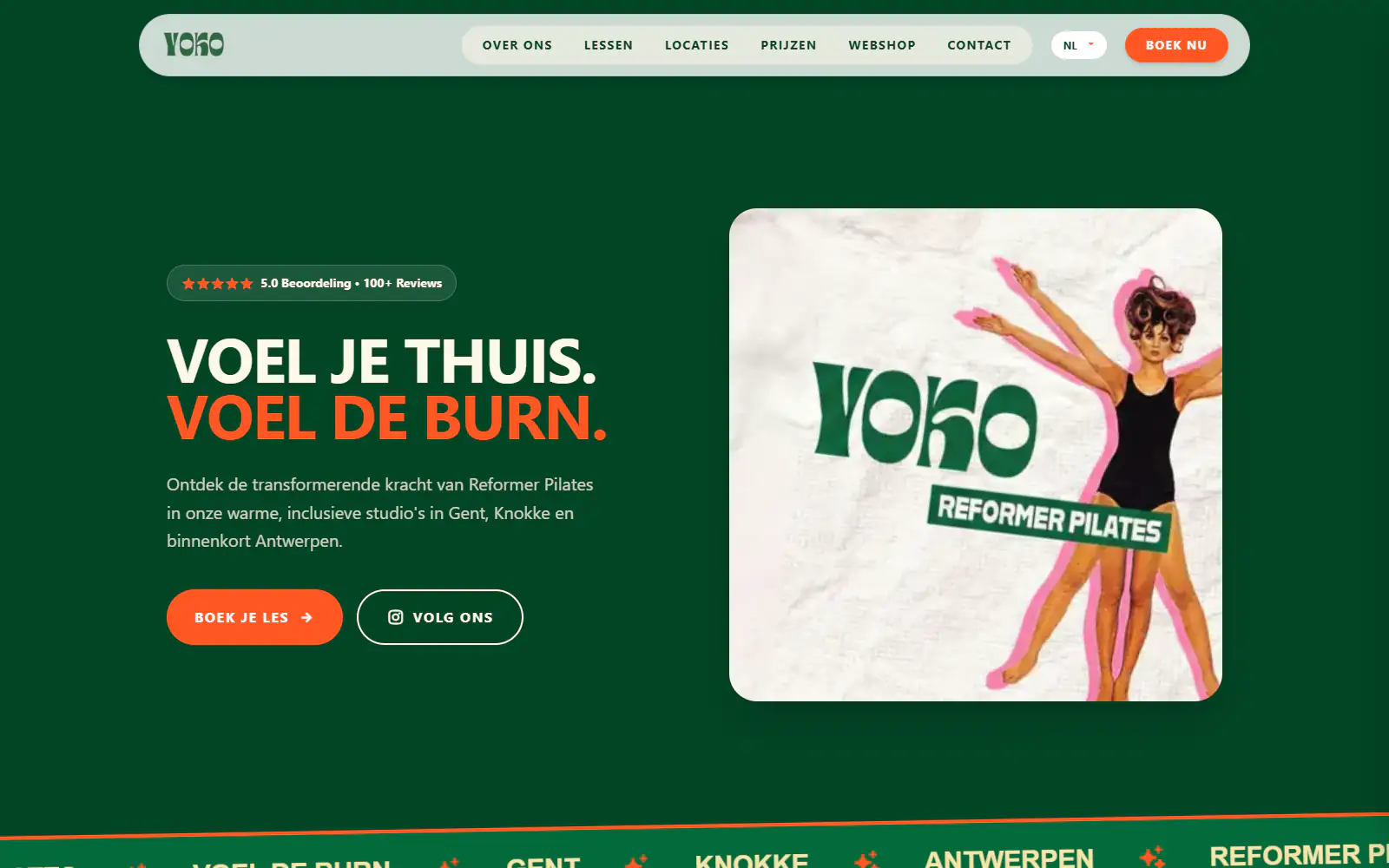
Yoko Studio Gent
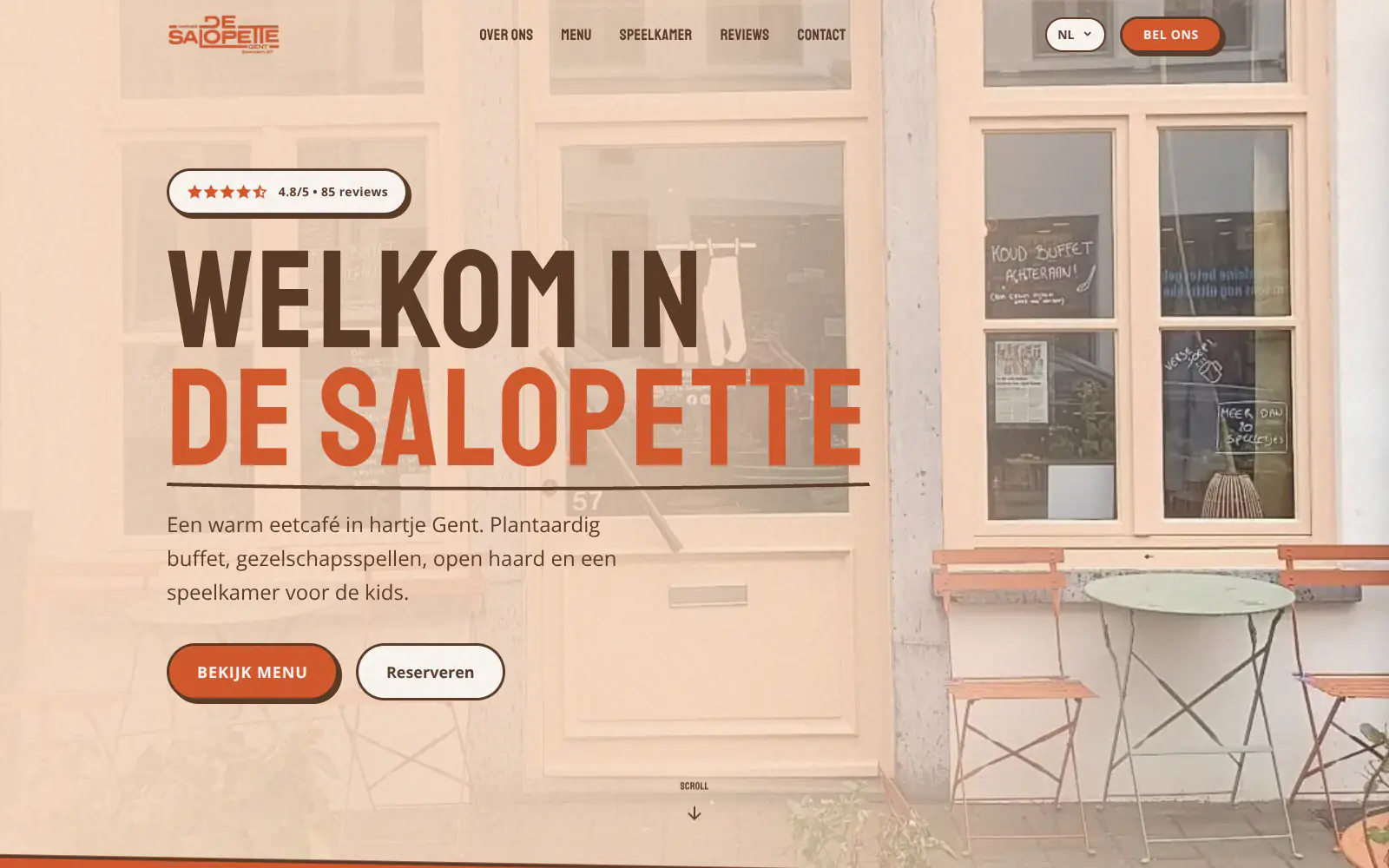
De Salopette
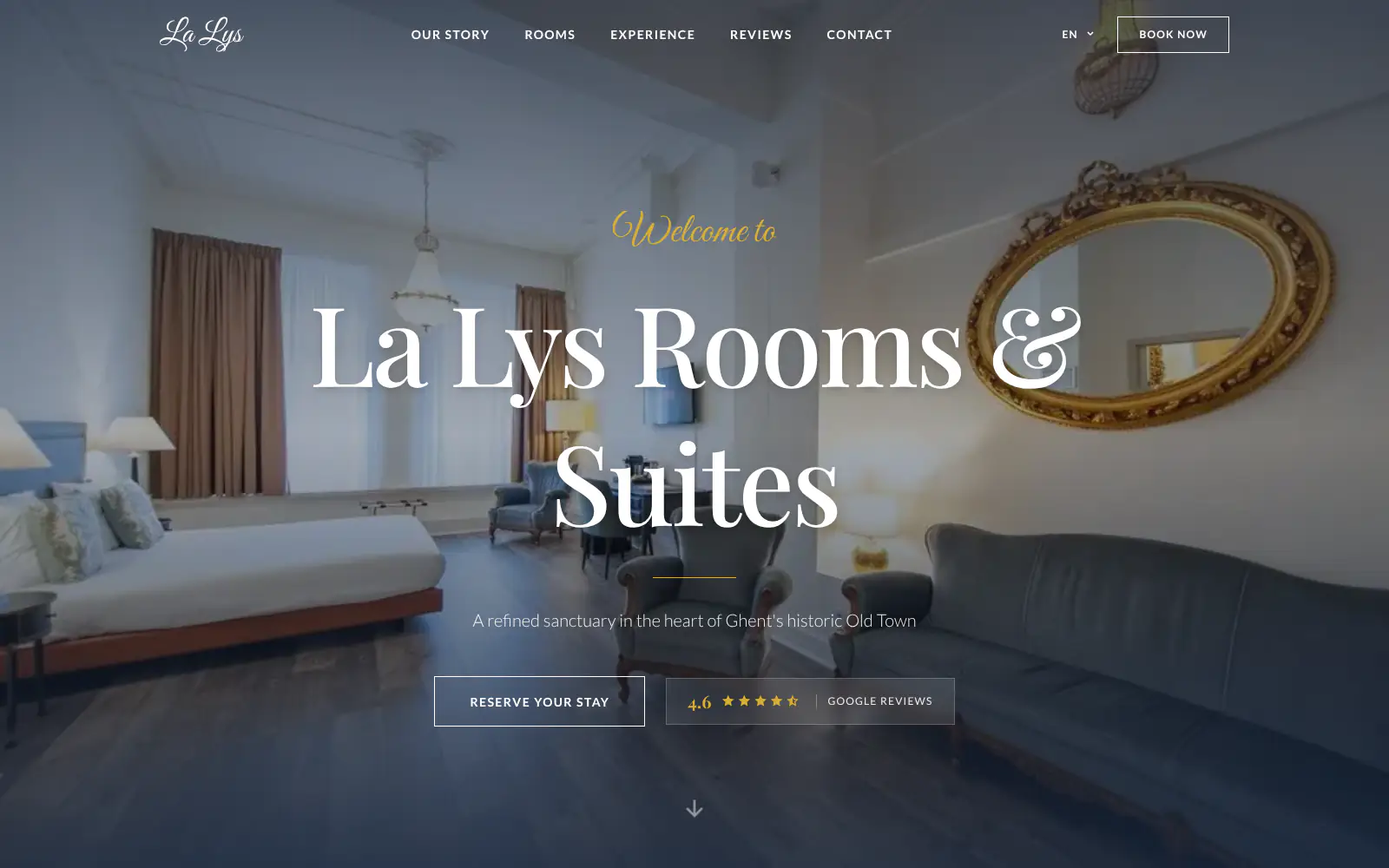
La Lys Rooms & Suites
Afsnis
WhyNot Gent Gastrobar/cocktails
Plant A Pizza
Viggo's
Glamping Tago
Bar Bassie
Le Bal Infernal - used book café
EDGE Antwerp
ALC Elite
Jusu Brothers - Notting Hill
Atelier Messaoudi architecte. Architecture, Aménagement & Design
P. Narayan and Associates
Marine flow
Little Havana Cafe
Kasette Koffie
Yoko Studio Gent
De Salopette
La Lys Rooms & Suites
Afsnis
WhyNot Gent Gastrobar/cocktails
Plant A Pizza
Viggo's
Glamping Tago
Bar Bassie
Le Bal Infernal - used book café
EDGE Antwerp
ALC Elite
Jusu Brothers - Notting Hill
Atelier Messaoudi architecte. Architecture, Aménagement & Design
P. Narayan and Associates
Marine flow
Little Havana Cafe
Kasette Koffie
Yoko Studio Gent
De Salopette
La Lys Rooms & Suites
Don't build.
Just publish.
Most builders throw you into a generic template. Boosterpack does it the other way around. You confirm your real content first, then AI drafts the copy, layout and design from those inputs.

Set the source
Choose the primary language
Enter accurate business details and choose the language that should anchor names, services, policies and calls to action.

Choose the audience
Add up to four languages
Select only the additional languages your customers actually use. Boosterpack does not guess from location or browser settings.

Review the copy
Check names, prices and policies
Read each selected language, especially service names, legal details, booking instructions and words that should remain untranslated.

Test the switcher
Publish one multilingual site
Switch through every language on desktop and mobile and follow each contact or external booking path before sharing the site.
Start free, upgrade when you're ready.
Generate and publish free on a Boosterpack subdomain with Boosterpack branding. Plus starts at $16/mo and lets you connect yourbusiness.com.
For getting online at no cost
Free forever
Perfect for your business website
Billed annually
Practical multilingual copy without a localization platform
This is a simple multilingual business presence. It serves user-selected copy on one site; it is not a separate-URL international SEO architecture.
Primary plus additional languages
Choose one primary language and up to four more during setup so the generated site reflects the audience you selected.
A visible language switcher
Visitors choose the language themselves. Boosterpack does not promise automatic language detection or forced location redirects.
The same practical journey in each language
Services, trust, contact details and calls to action are generated across the selected copy so visitors can still reach the right next step.
Clear international SEO limitation
The generated customer site does not create separate localized URLs or hreflang pages. Choose another architecture when multilingual SEO is the primary goal.
Your current tools stay. Your website gets better.
Keep your booking link, contact details and the systems you already use. Boosterpack builds the public site around them.
Is Boosterpack right for you?
Common questions
How do I make a multilingual website?
How many languages can I add to a Boosterpack website?
Does Boosterpack translate the website automatically?
Does the website detect a visitor language automatically?
Does every language get a separate URL?
Does Boosterpack add hreflang for multilingual SEO?
Can I edit one translation after the site is generated?
Will booking links and contact details work in every language?
Can I use my own domain for a multilingual website?
Is the multilingual website mobile-friendly?
Choose the languages. Then check the words.
Give visitors a clear switcher and a complete customer journey in every selected language, without pretending it is a full localization stack.
Built from your business · Easy to edit