A contact form that knows where to send the message.
A form is not finished because three fields appear on a page. It needs a real destination, activation and a test submission before you rely on it.
Boosterpack can include a general contact form when the site has an email destination. Once usable and activated, submissions are forwarded by email rather than stored in a Boosterpack CRM inbox.
Real businesses. Finished websites.
These are live sites created with Boosterpack from real business details, photos and reviews where available. Open one to see the finished result.
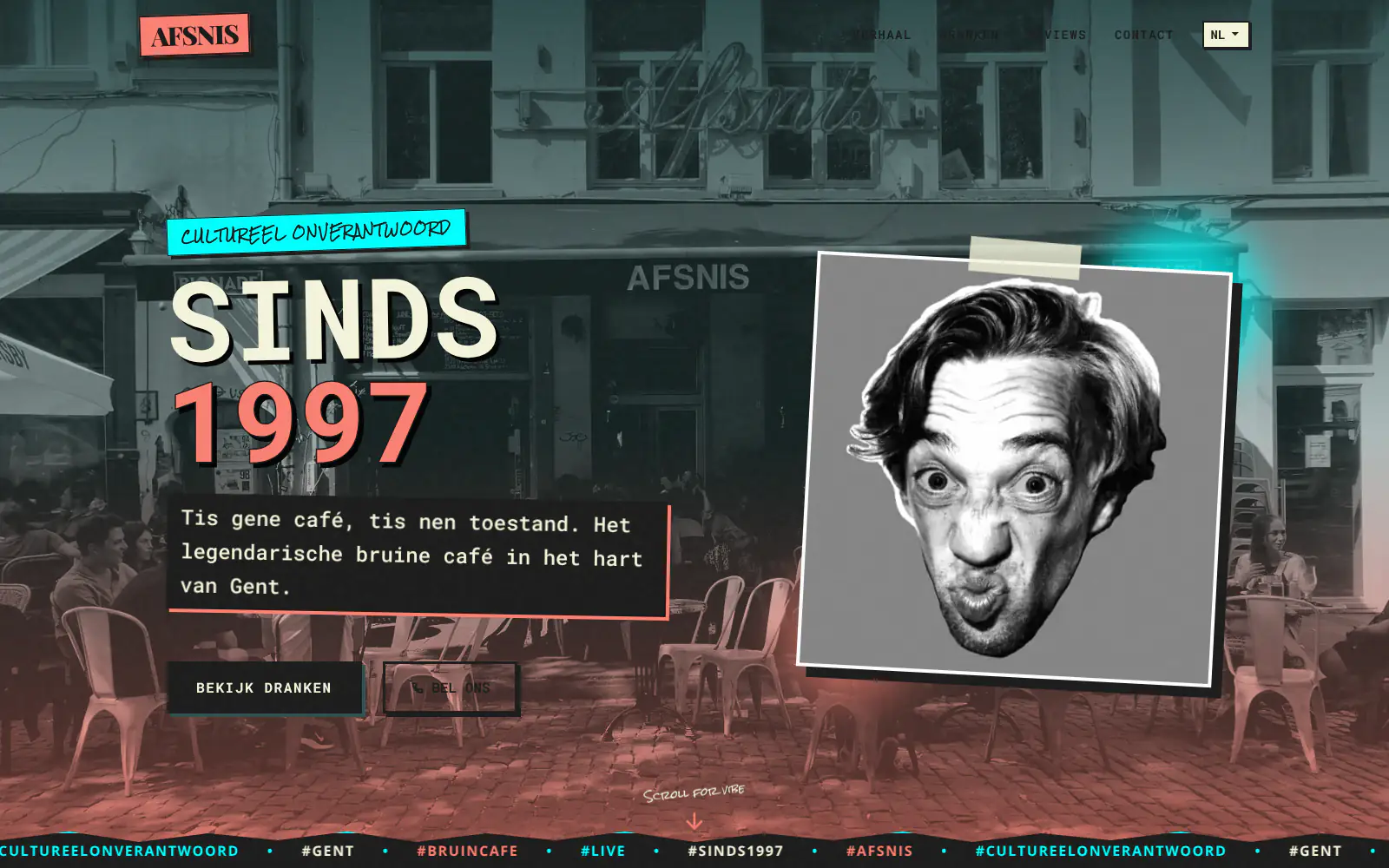
Afsnis

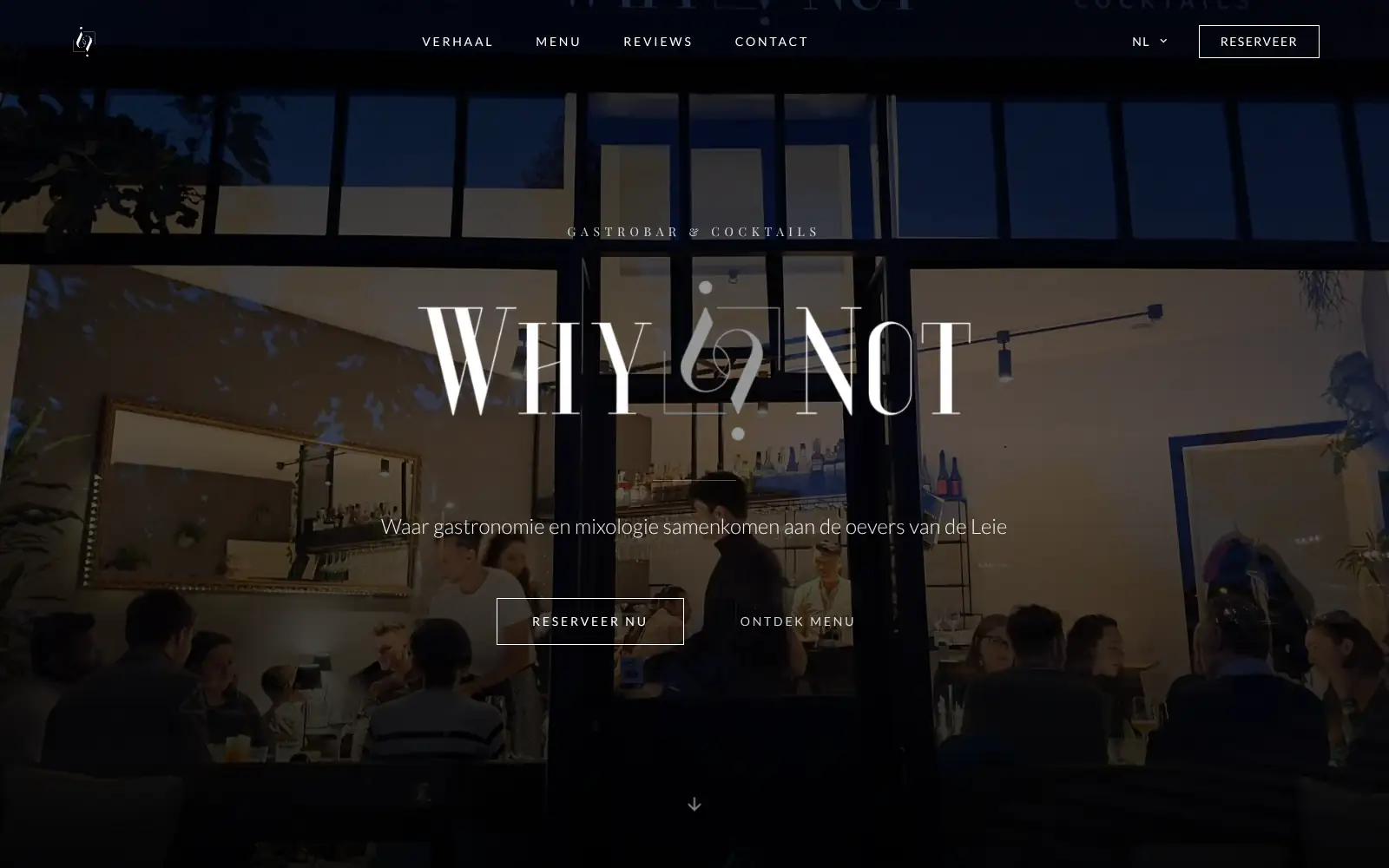
WhyNot Gent Gastrobar/cocktails

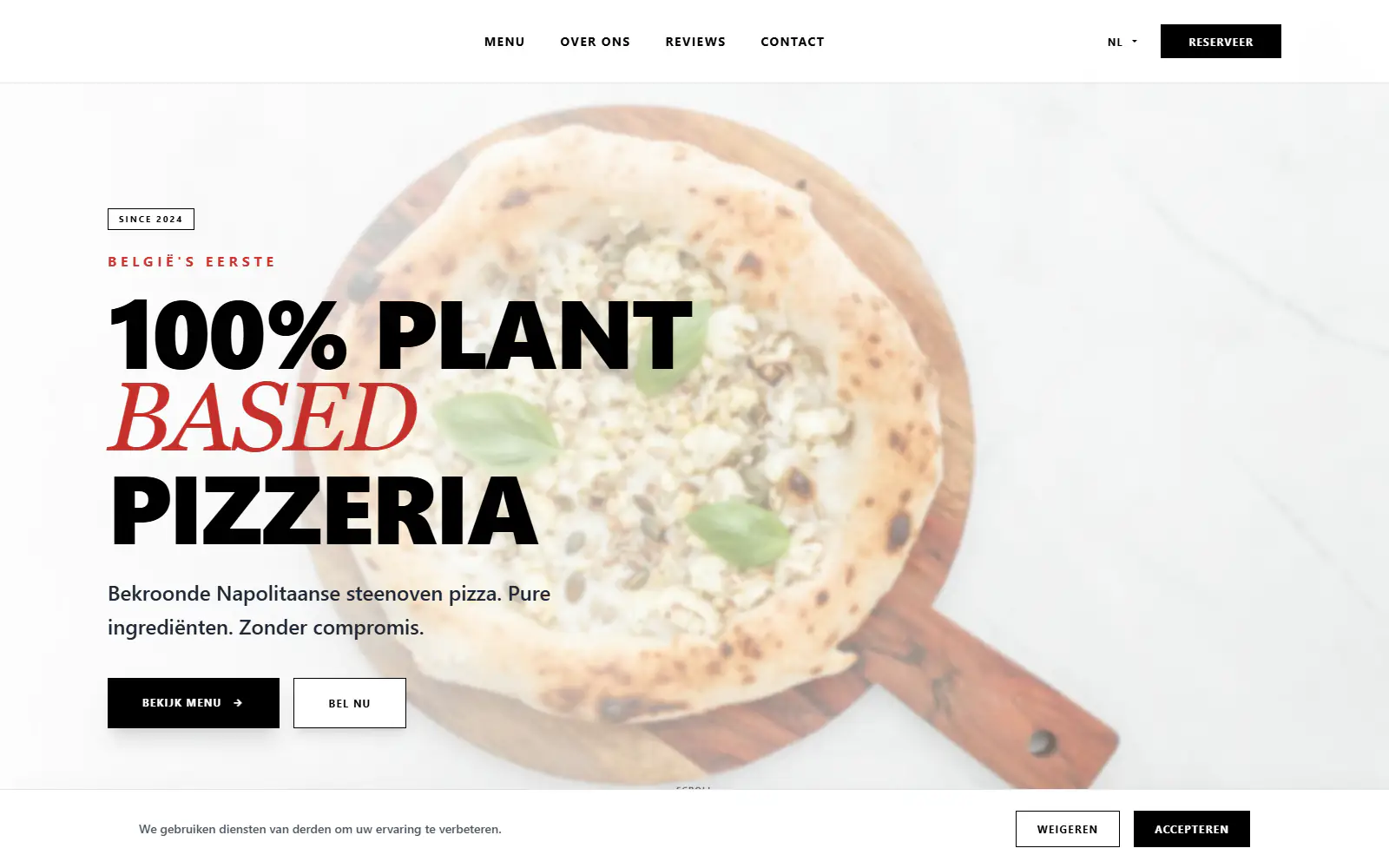
Plant A Pizza
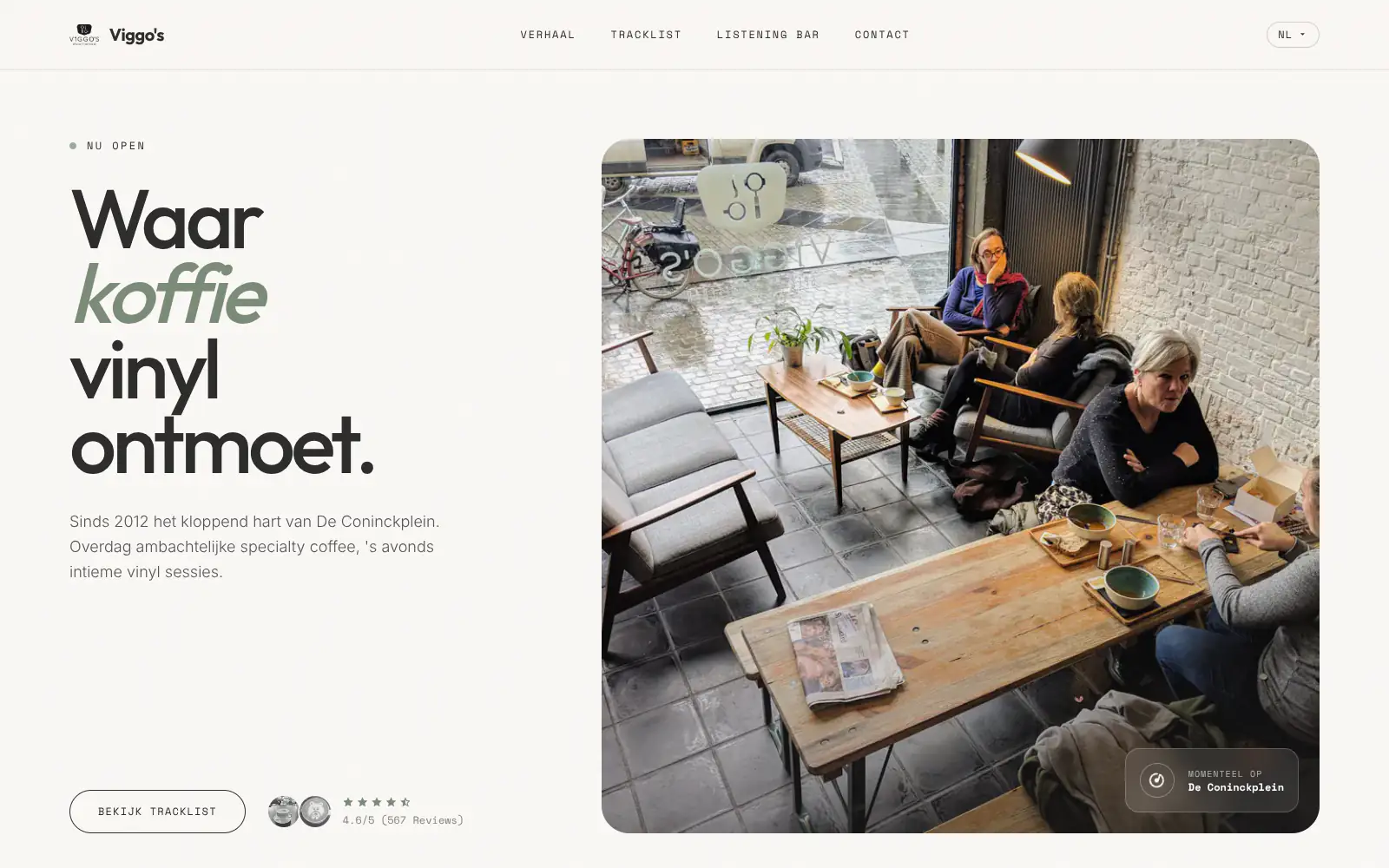
Viggo's
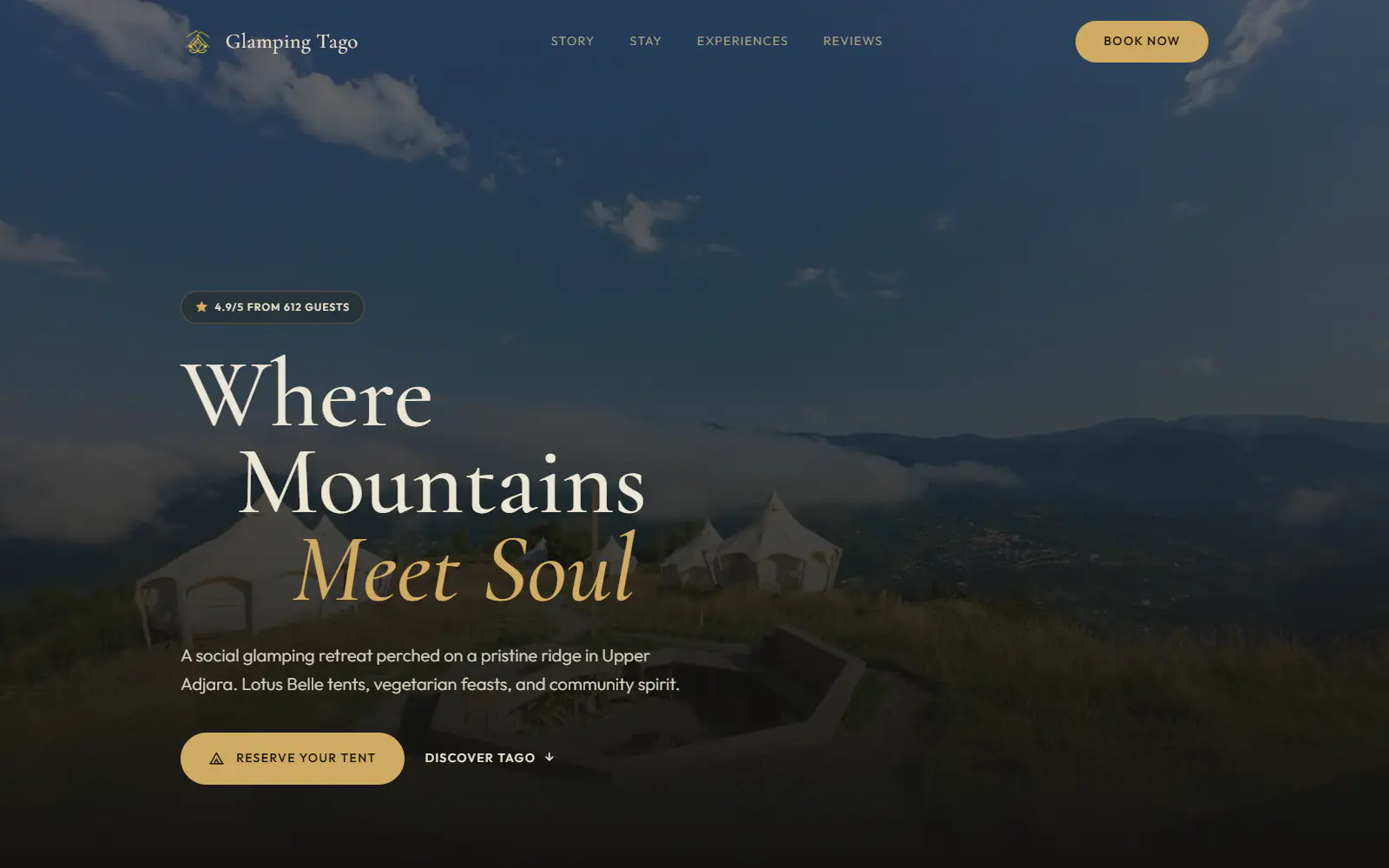
Glamping Tago
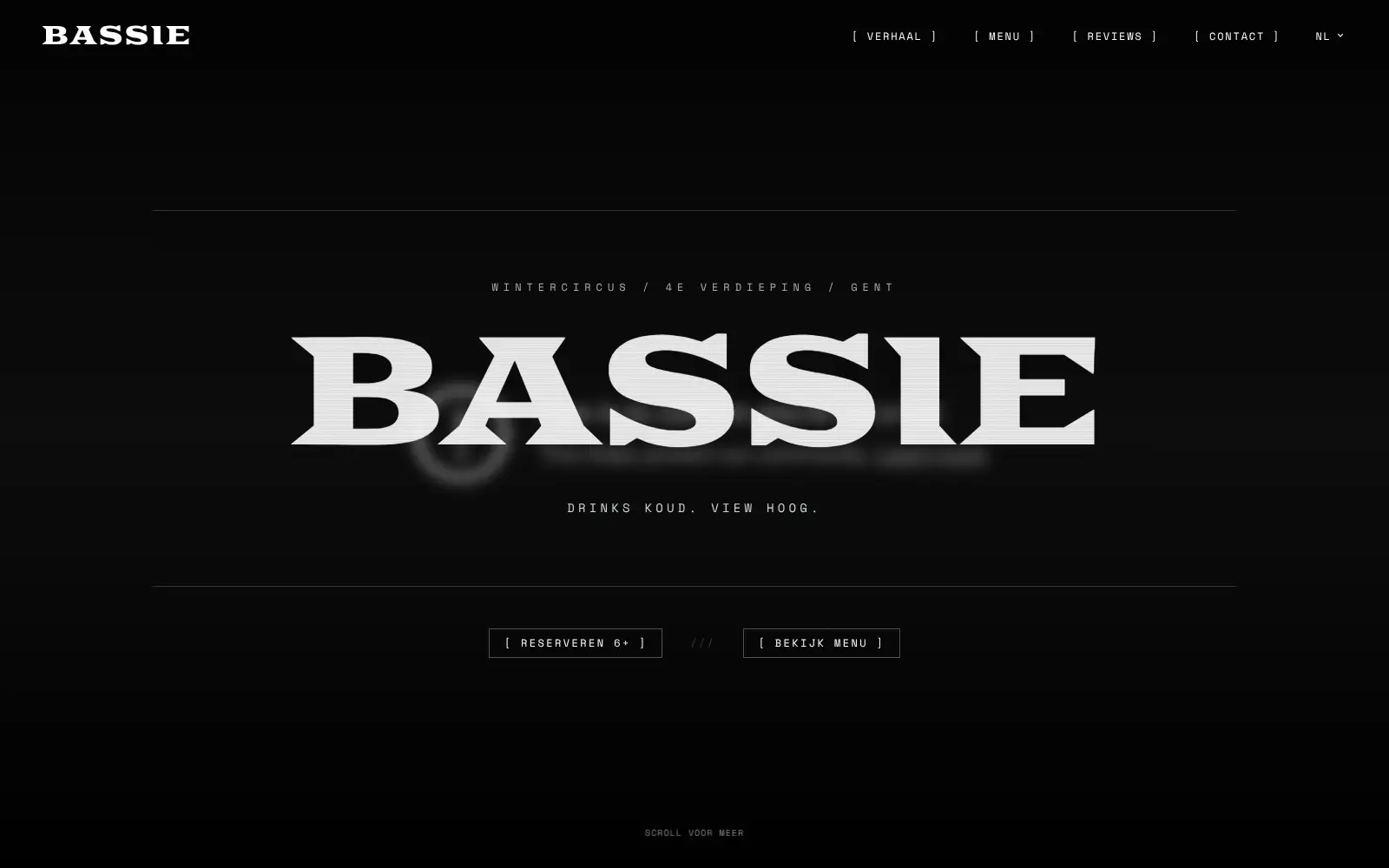
Bar Bassie
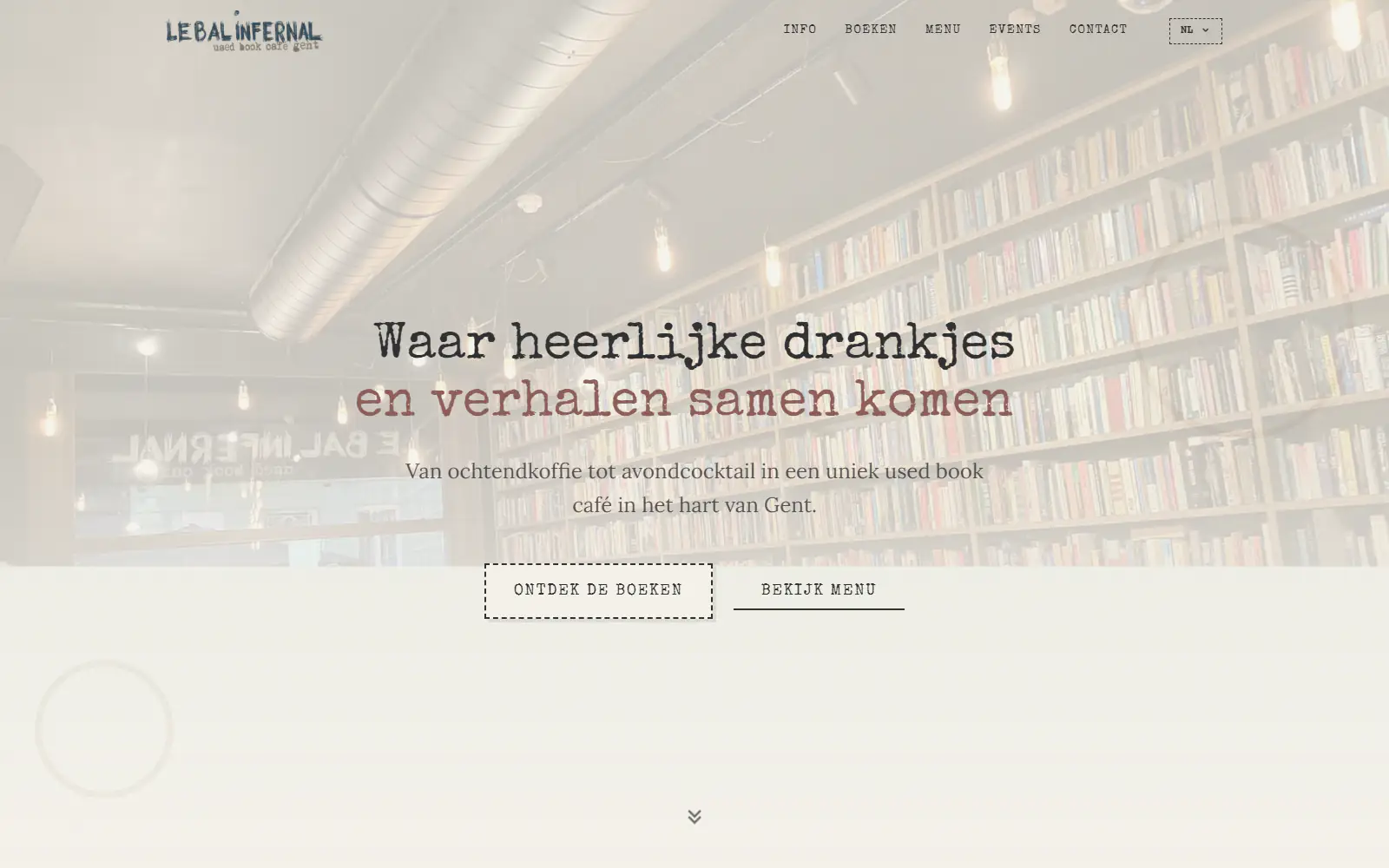
Le Bal Infernal - used book café

ALC Elite

Jusu Brothers - Notting Hill
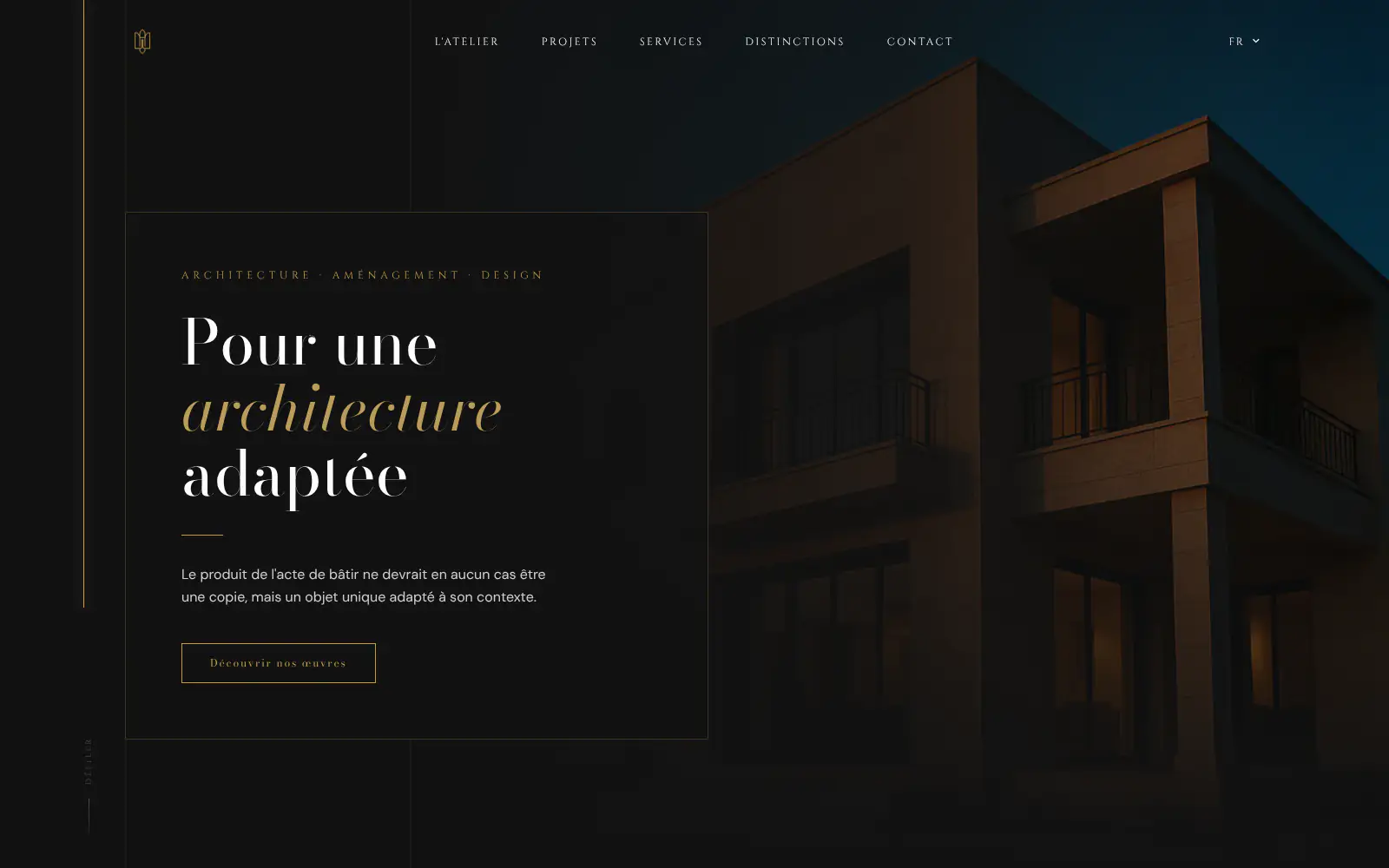
Atelier Messaoudi architecte. Architecture, Aménagement & Design
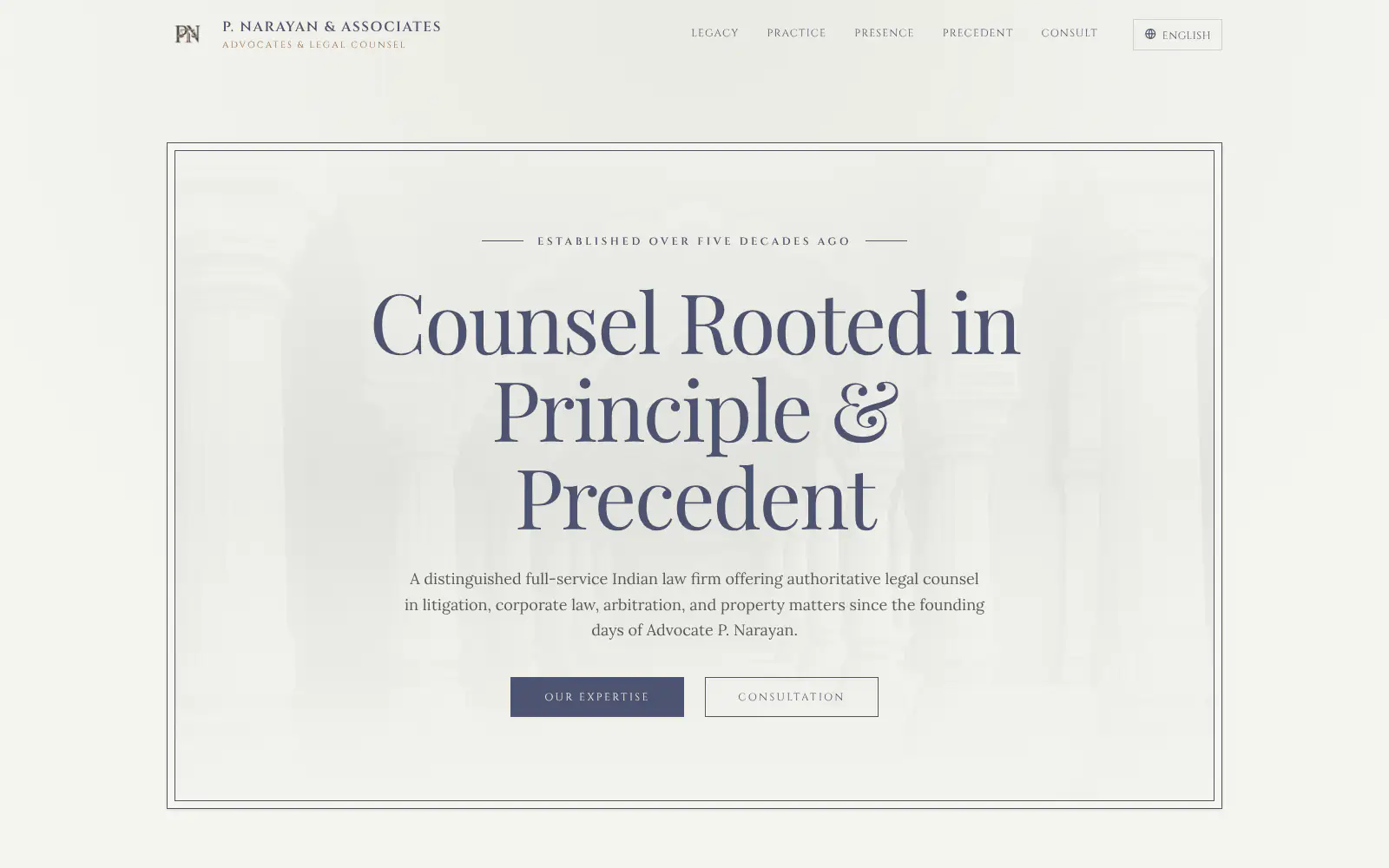
P. Narayan and Associates
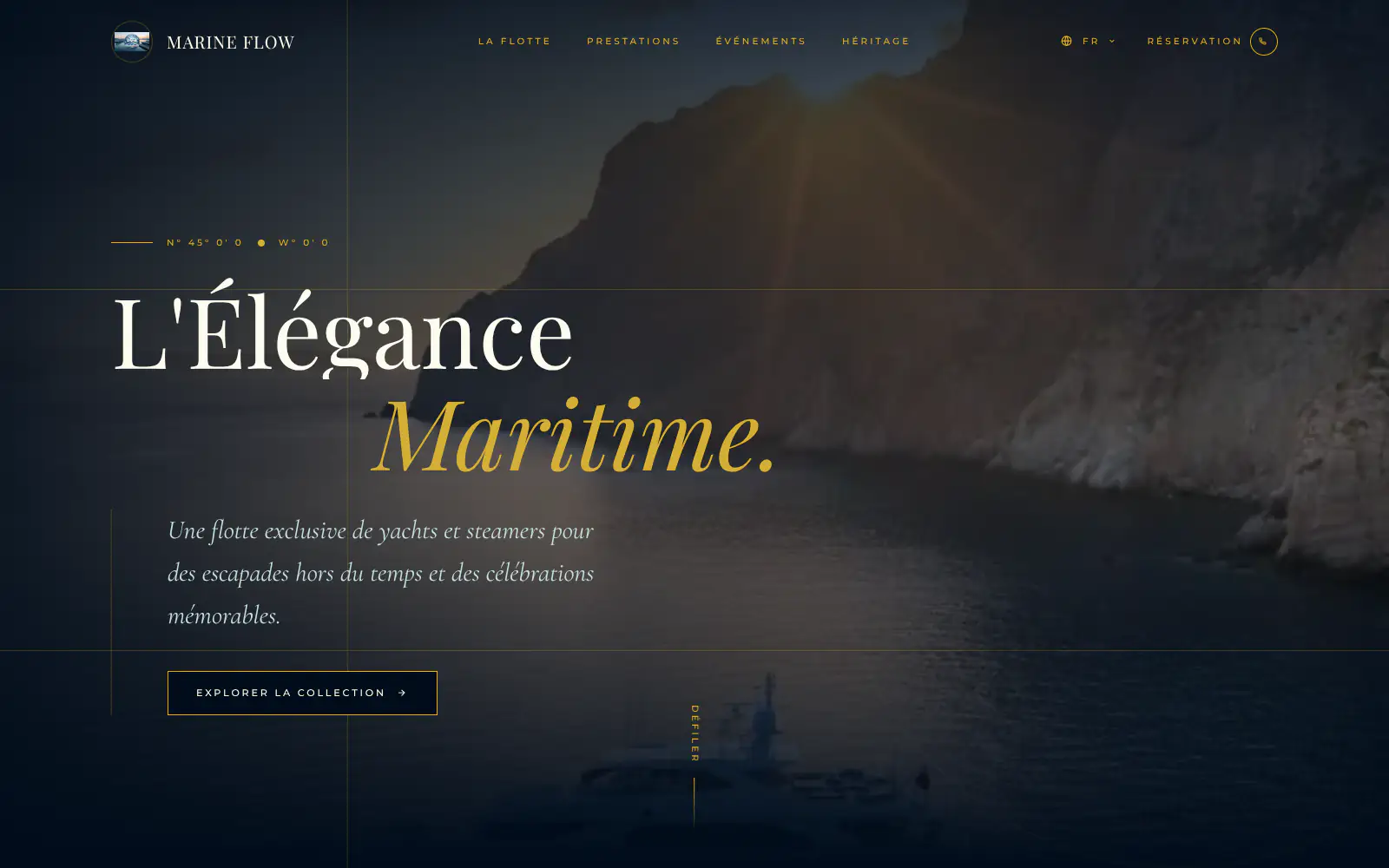
Marine flow
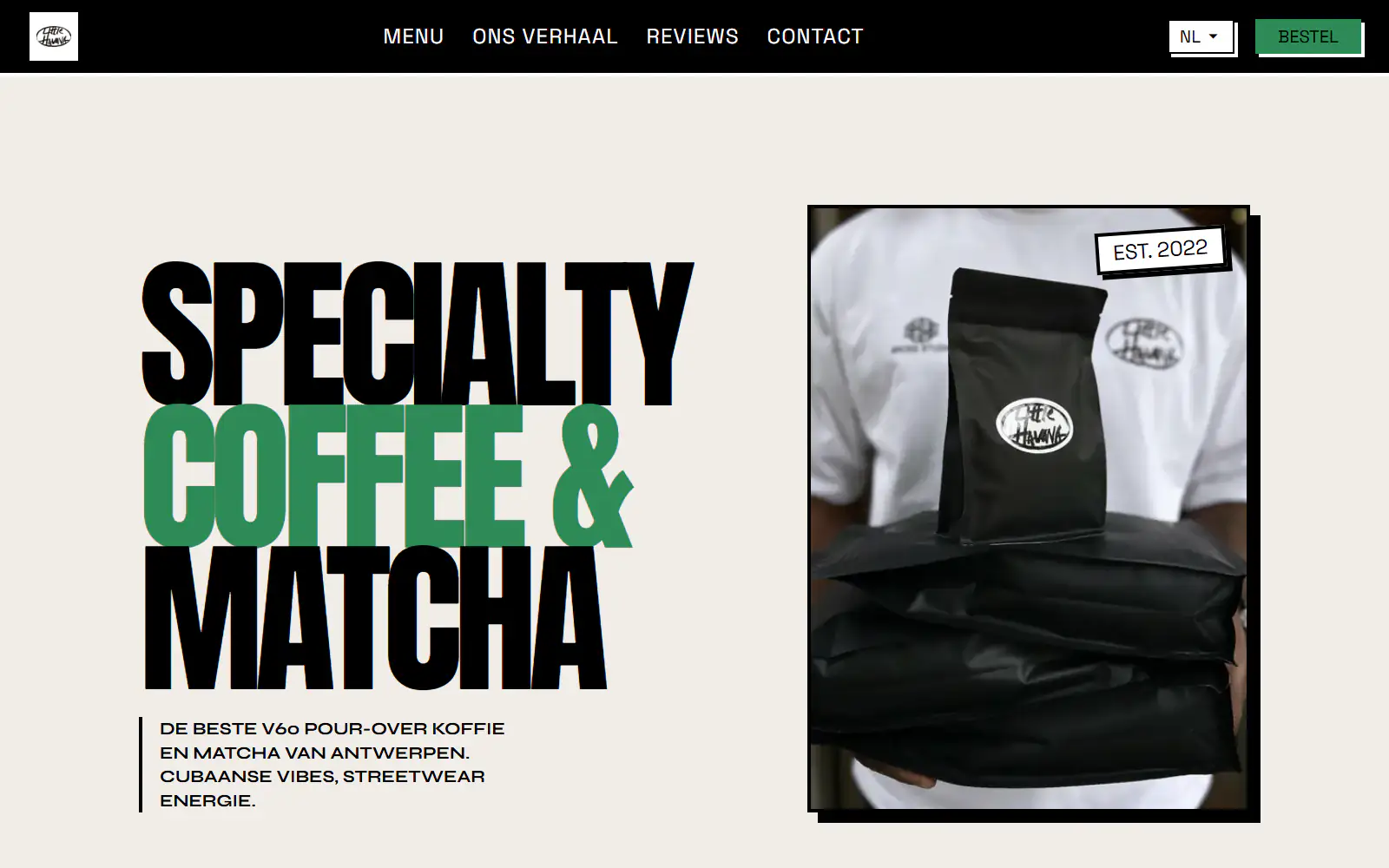
Little Havana Cafe
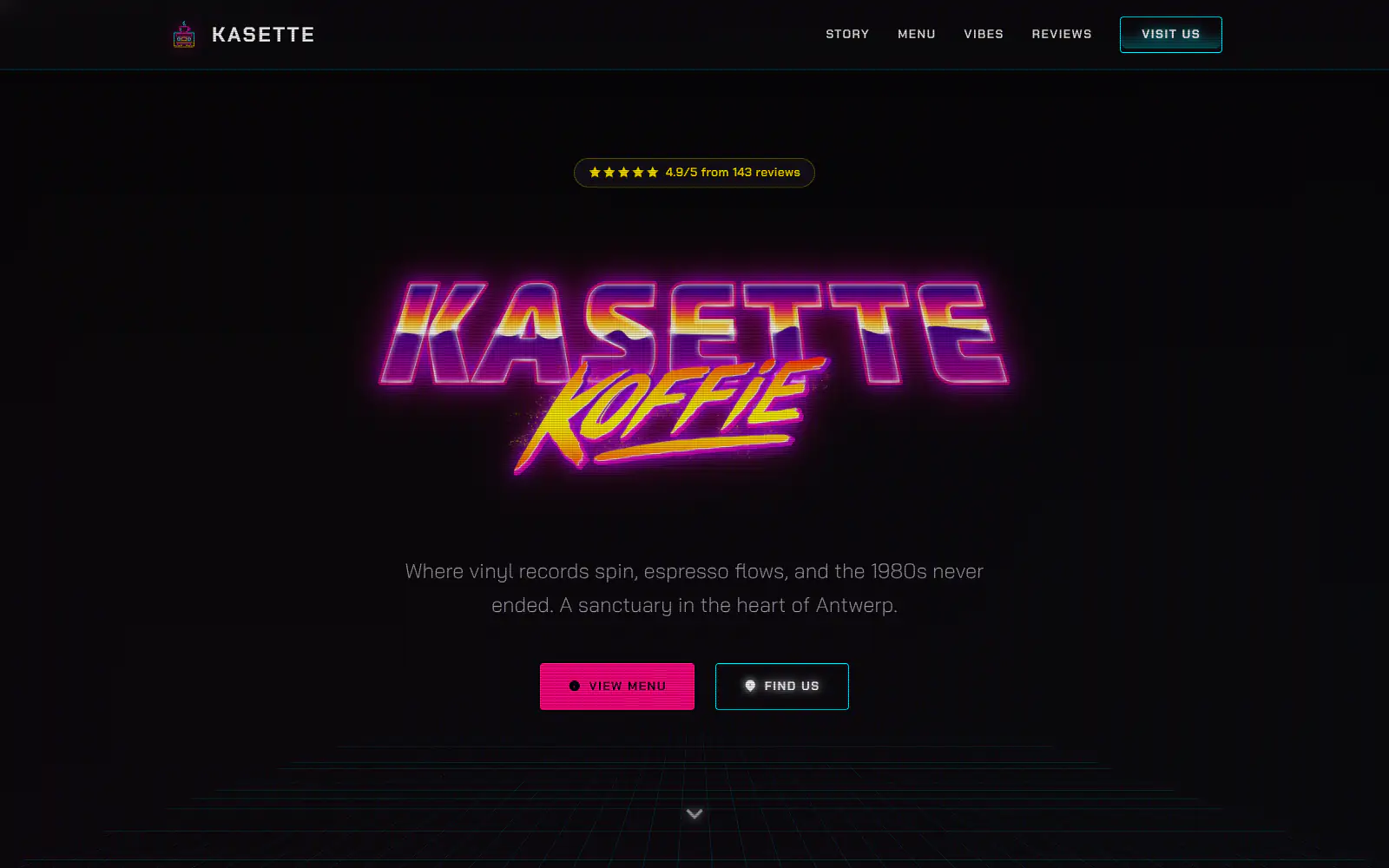
Kasette Koffie
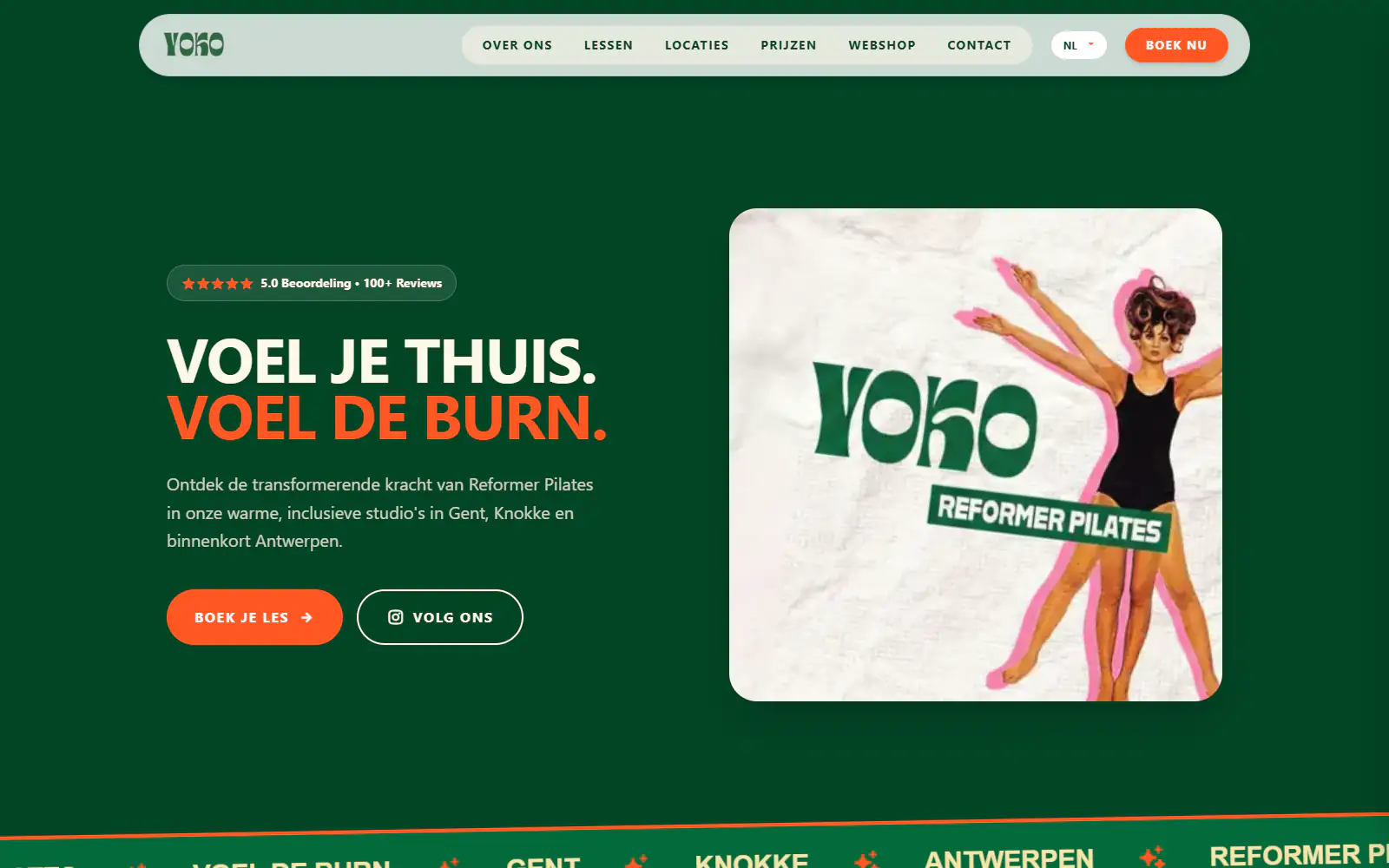
Yoko Studio Gent
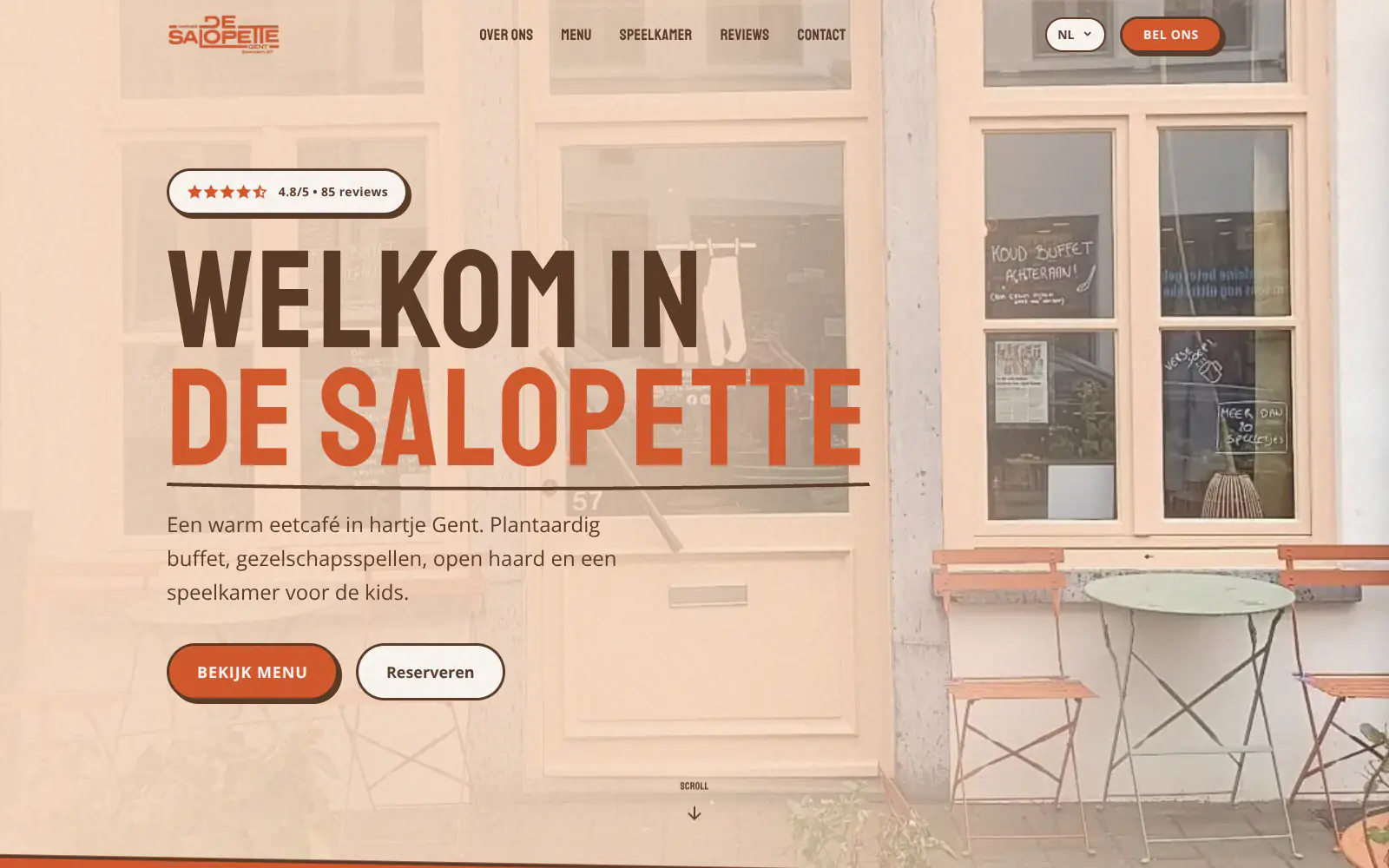
De Salopette
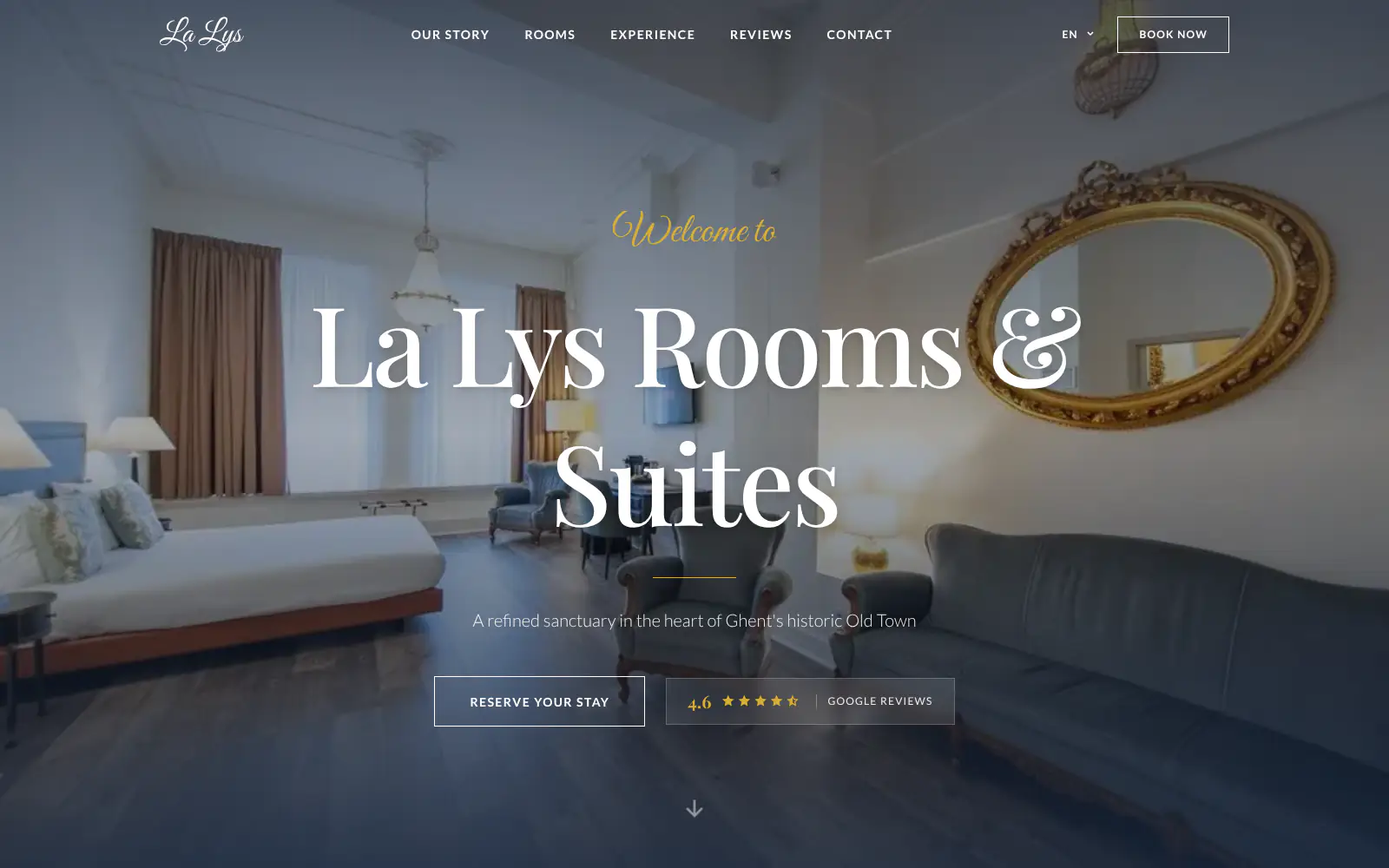
La Lys Rooms & Suites

Barbershop & Tattoo studio Nord
Afsnis
WhyNot Gent Gastrobar/cocktails
Plant A Pizza
Viggo's
Glamping Tago
Bar Bassie
Le Bal Infernal - used book café
ALC Elite
Jusu Brothers - Notting Hill
Atelier Messaoudi architecte. Architecture, Aménagement & Design
P. Narayan and Associates
Marine flow
Little Havana Cafe
Kasette Koffie
Yoko Studio Gent
De Salopette
La Lys Rooms & Suites
Barbershop & Tattoo studio Nord
Afsnis
WhyNot Gent Gastrobar/cocktails
Plant A Pizza
Viggo's
Glamping Tago
Bar Bassie
Le Bal Infernal - used book café
ALC Elite
Jusu Brothers - Notting Hill
Atelier Messaoudi architecte. Architecture, Aménagement & Design
P. Narayan and Associates
Marine flow
Little Havana Cafe
Kasette Koffie
Yoko Studio Gent
De Salopette
La Lys Rooms & Suites
Barbershop & Tattoo studio Nord
Don't build.
Just publish.
Most builders throw you into a generic template. Boosterpack does it the other way around. You confirm your real content first, then AI drafts the copy, layout and design from those inputs.

Add the destination
Provide a working business email
Enter the email address that should receive inquiries. Without a destination, the site cannot rely on a working Boosterpack contact form.

Set the context
Explain what visitors should send
Use nearby copy to say which inquiries belong in the form and offer phone, WhatsApp or booking links where those are better paths.

Generate and activate
Make the form usable
Build the site, complete the required form activation and verify that labels and consent wording fit the business and jurisdiction.

Submit a real test
Check the receiving inbox
Send a test from the published mobile site, confirm delivery and check spam before sharing the URL or running a campaign.
Start free, upgrade when you're ready.
Generate and publish free on a Boosterpack subdomain with Boosterpack branding. Plus starts at $16/mo and lets you connect contactyourbusiness.com.
For getting online at no cost
Free forever
Perfect for your business website
Billed annually
A simple inquiry path with the setup stated clearly
Boosterpack supports a general email-forwarded contact form. It does not claim an in-app lead inbox, CRM routing or advanced workflow automation.
Destination-led setup
The form is included when a valid email destination is available. That requirement is treated as setup, not hidden after launch.
Clear expectation beside the fields
Tell visitors what information to send, typical response expectations and when to use a booking or phone path instead.
Email forwarding after activation
Once the form is usable and activated, submissions are forwarded to the configured email destination.
A testable public conversion path
Test the form on the published site and check the inbox. A visible form alone is not evidence that delivery is working.
Your current tools stay. Your website gets better.
Keep your booking link, contact details and the systems you already use. Boosterpack builds the public site around them.
Is Boosterpack right for you?
Common questions
Can I add a contact form to my website?
Where do Boosterpack contact form submissions go?
Does every Boosterpack site automatically get a working form?
Do I need a business email address for the form?
How do I know the contact form is working?
Can I customize the contact form fields?
Does the contact form send leads into a CRM?
Can I use the form for medical or legal intake?
Can I use my own domain with the contact form site?
Does the contact form work on mobile?
A form is complete when the email arrives.
Provide the destination, activate the form and send a test from the published site. Keep direct contact and booking paths visible too.
Built from your business · Easy to edit