A website for your plumbing business.
You answer the phone with a wrench in your hand. Callers still need to see drain, water-heater and service-area proof before they tap your number.
Boosterpack turns your real business details into a plumber website with tap-to-call, service areas, emergency availability, license details, reviews and request links. Link or embed Jobber, Housecall Pro, ServiceTitan or your existing intake flow; dispatch and CRM stay there.
Real businesses. Finished websites.
These are live sites created with Boosterpack from real business details, photos and reviews where available. Open one to see the finished result.
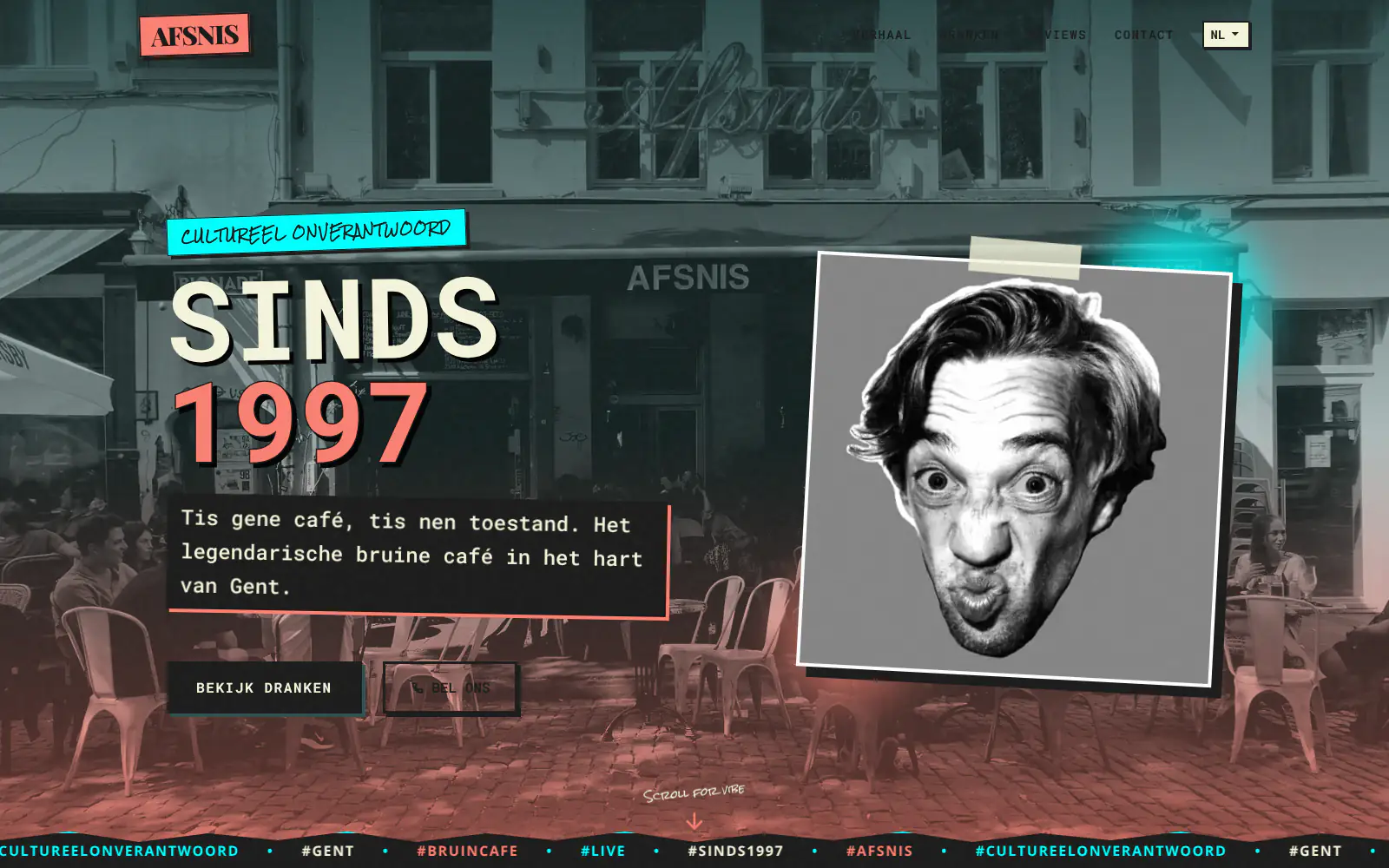
Afsnis

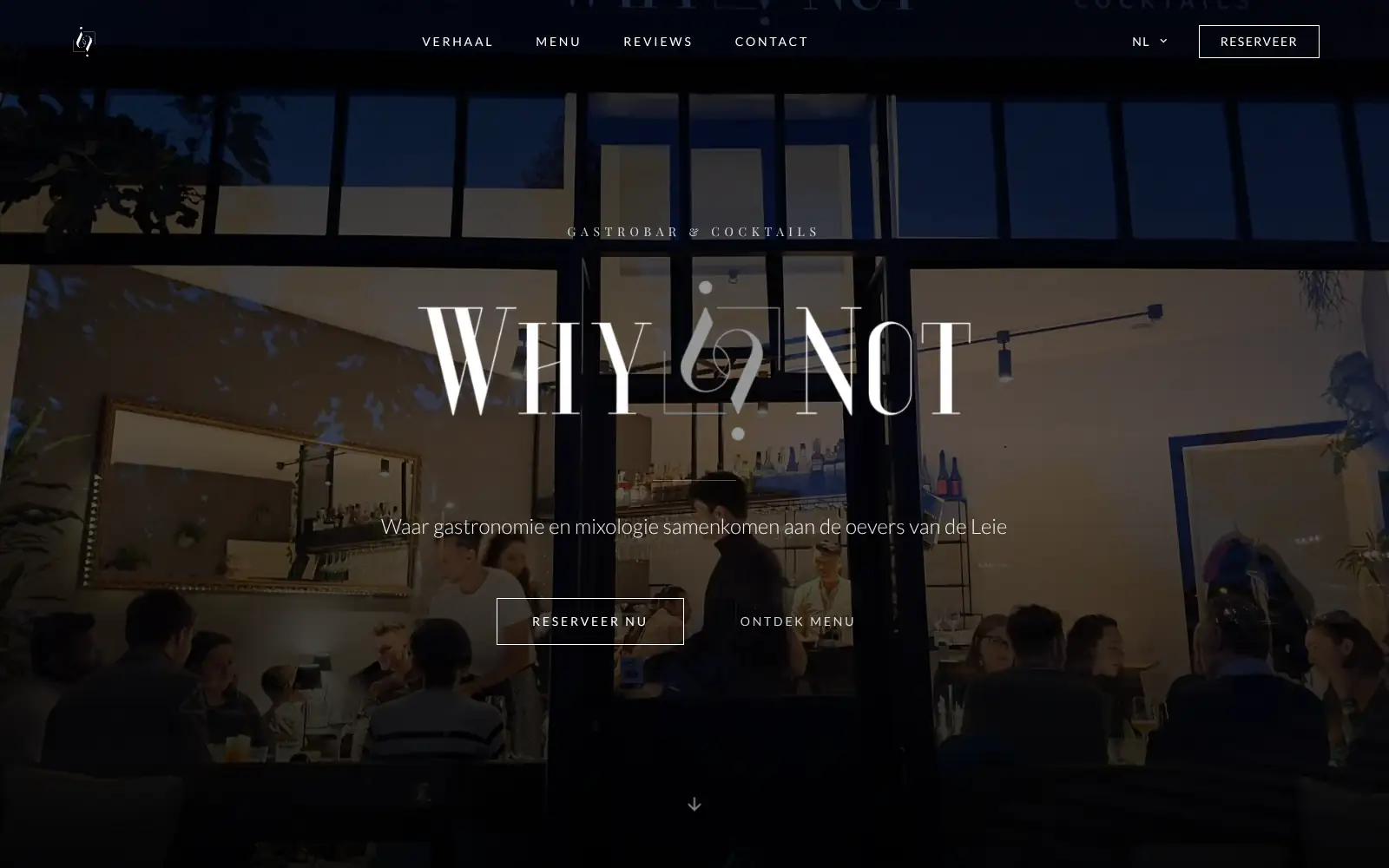
WhyNot Gent Gastrobar/cocktails

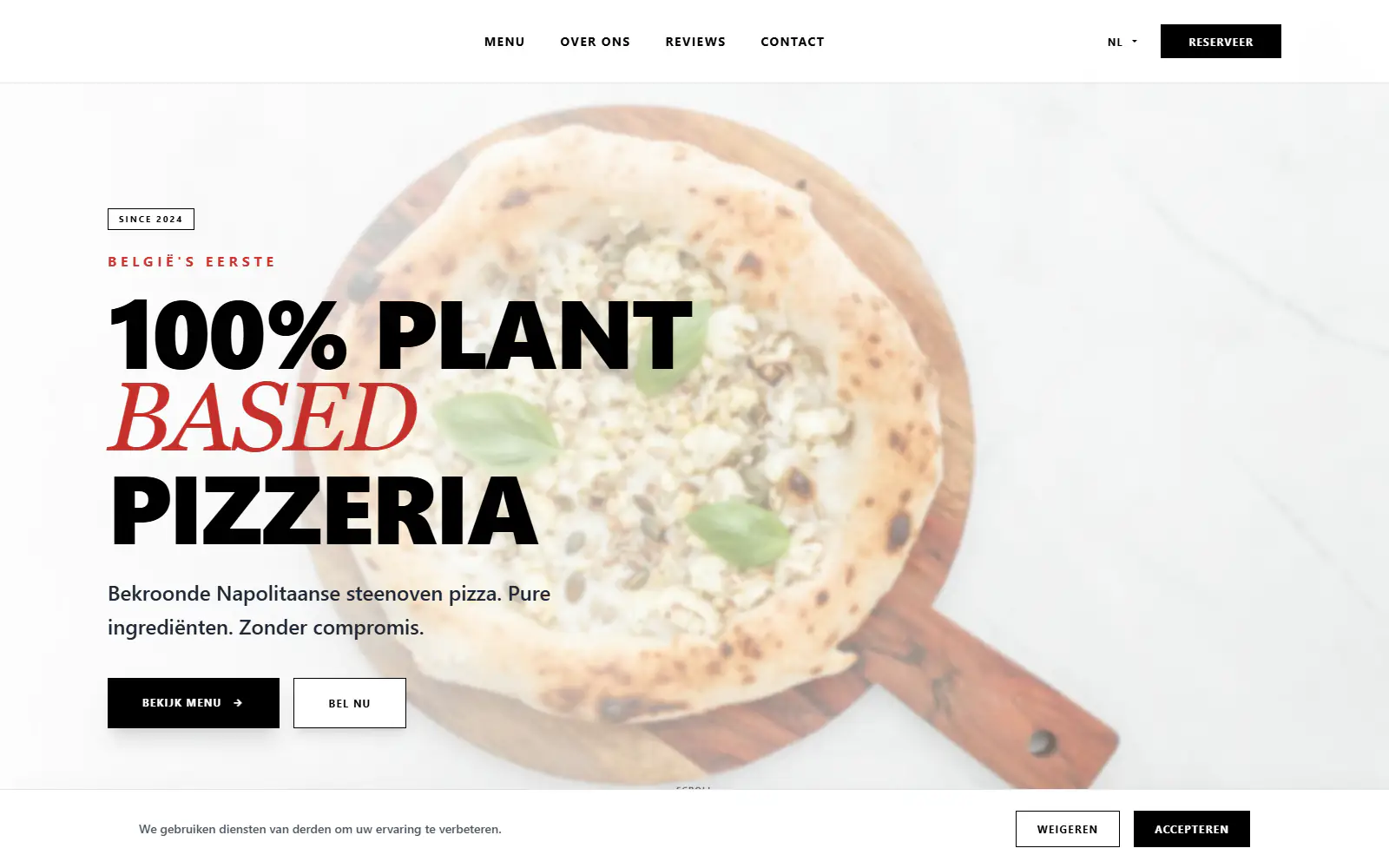
Plant A Pizza
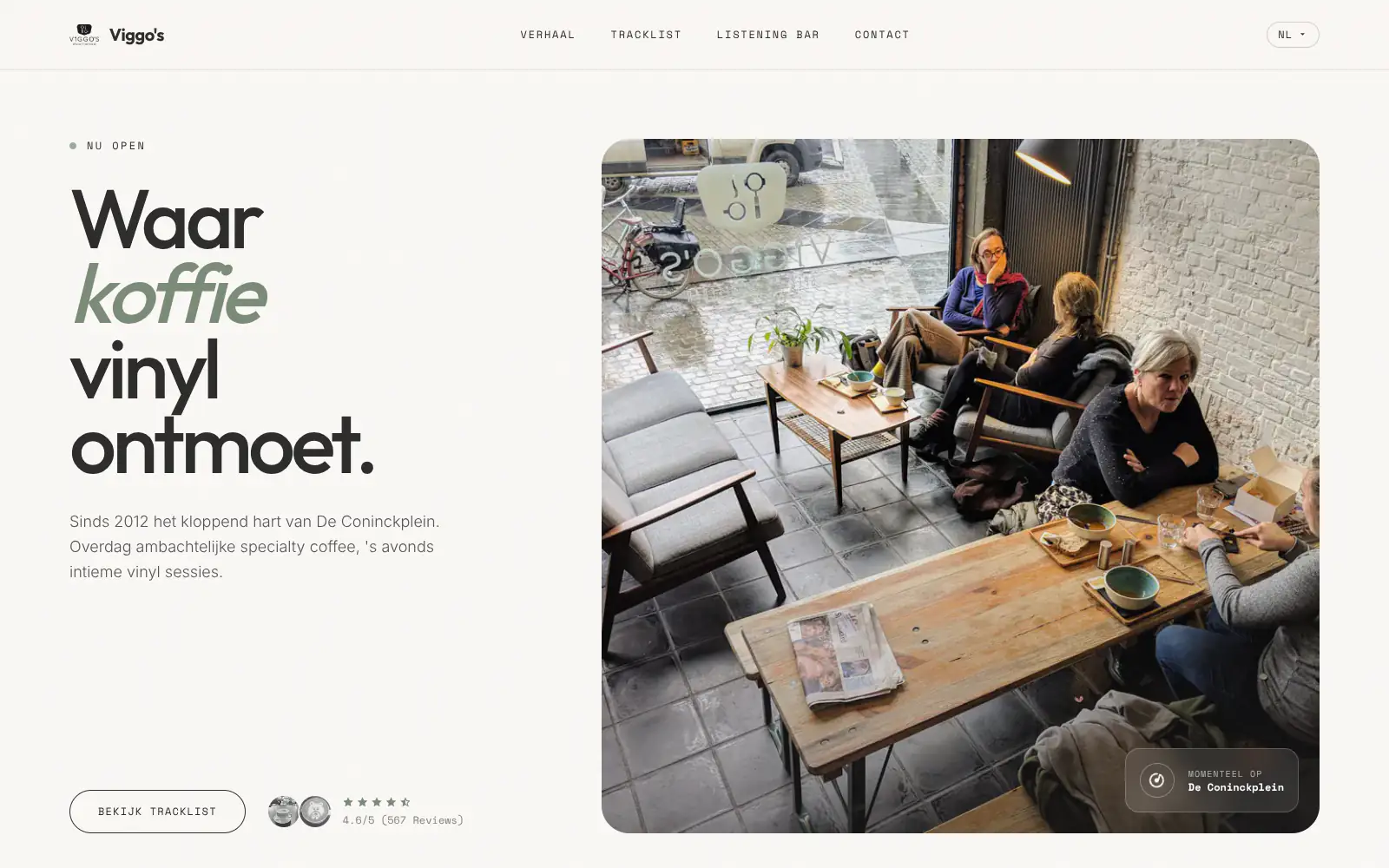
Viggo's
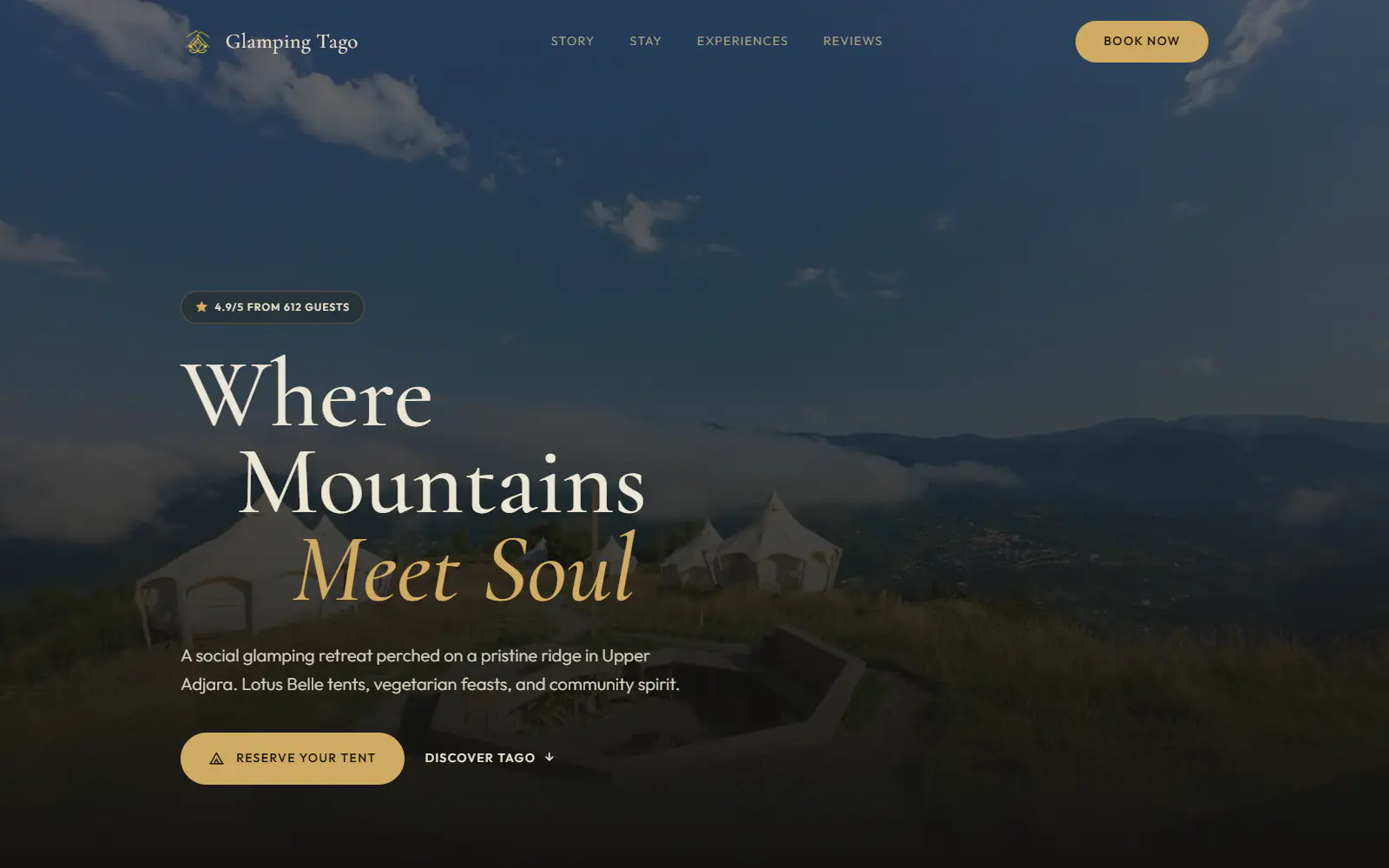
Glamping Tago
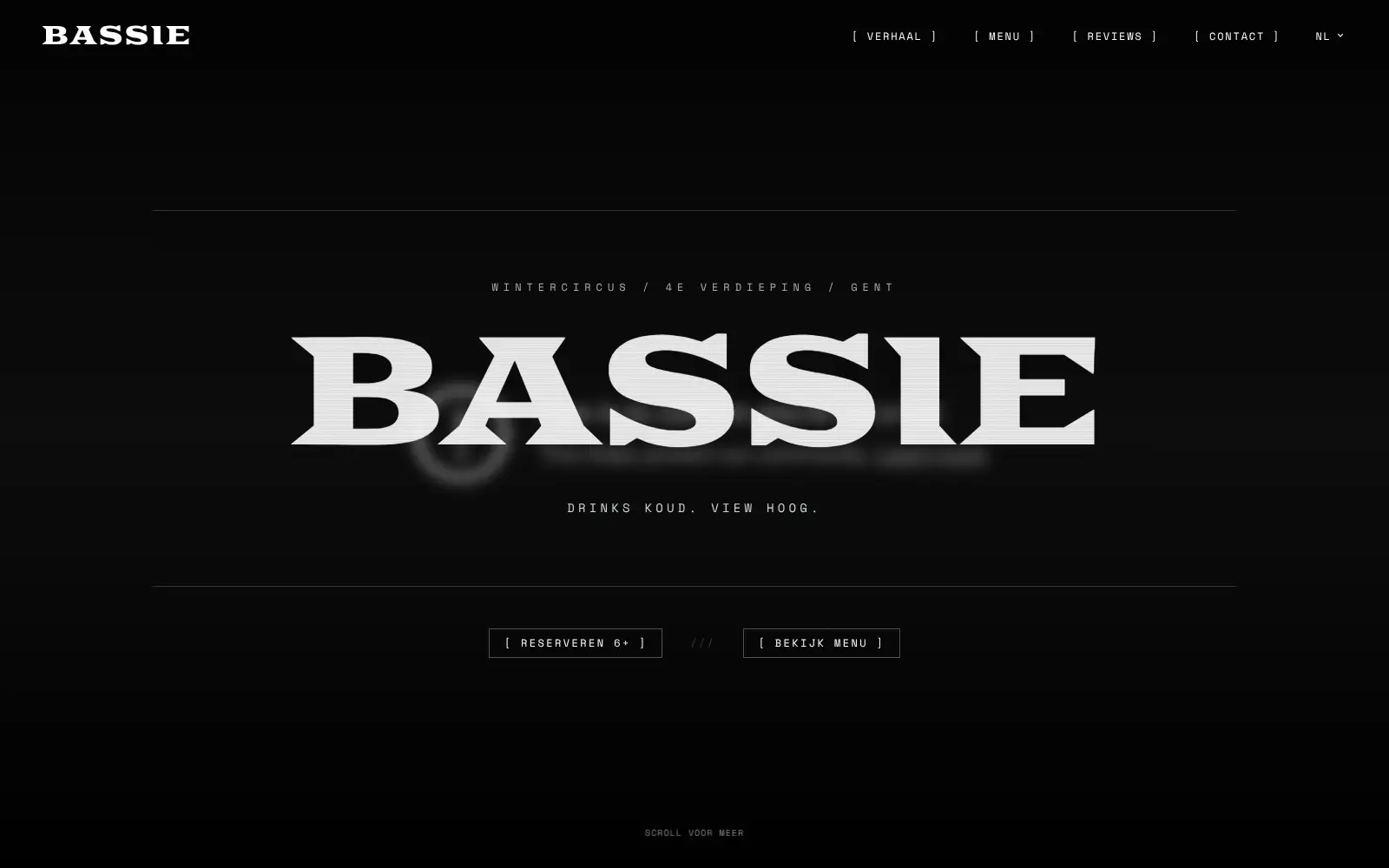
Bar Bassie
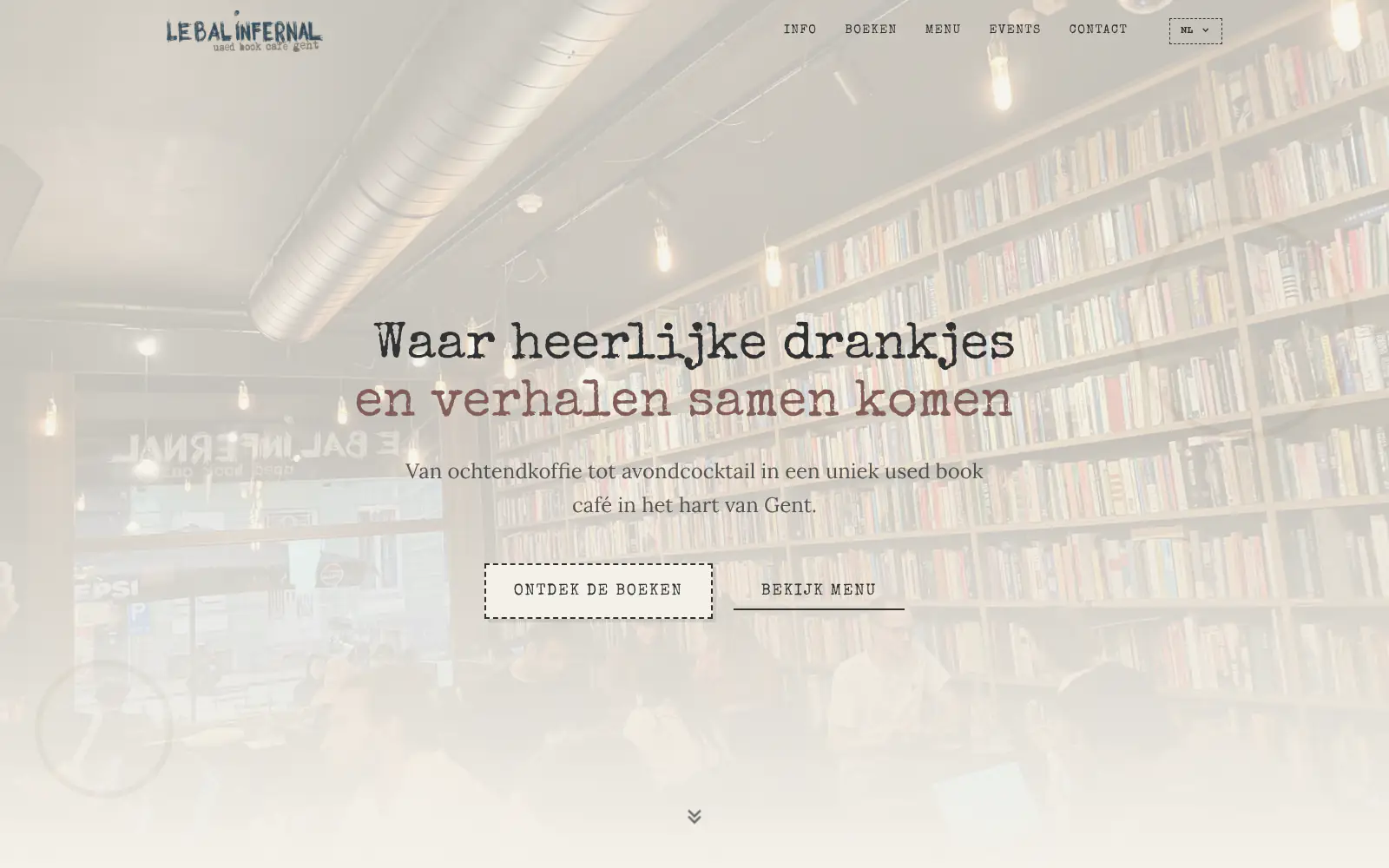
Le Bal Infernal - used book café
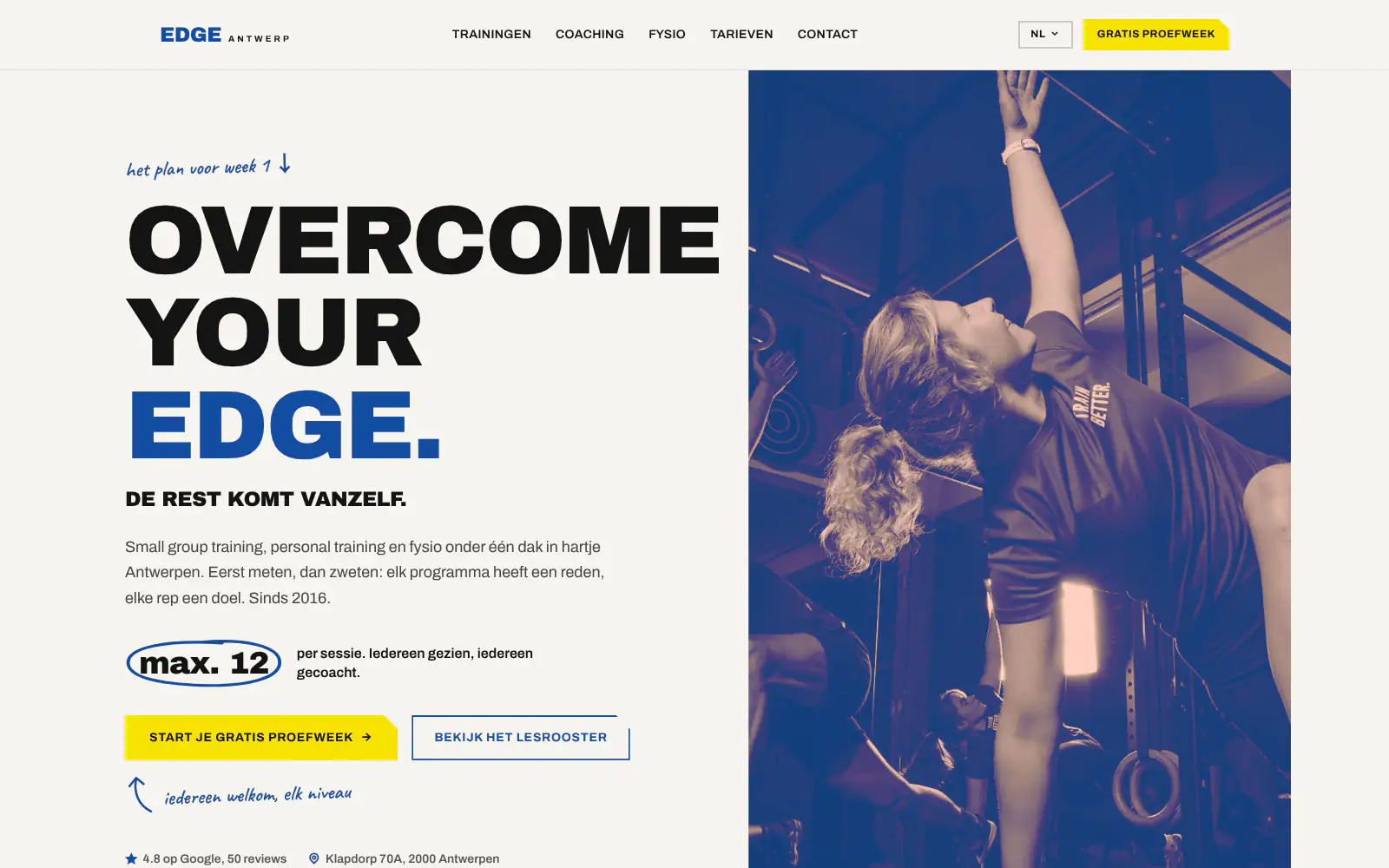
EDGE Antwerp

ALC Elite
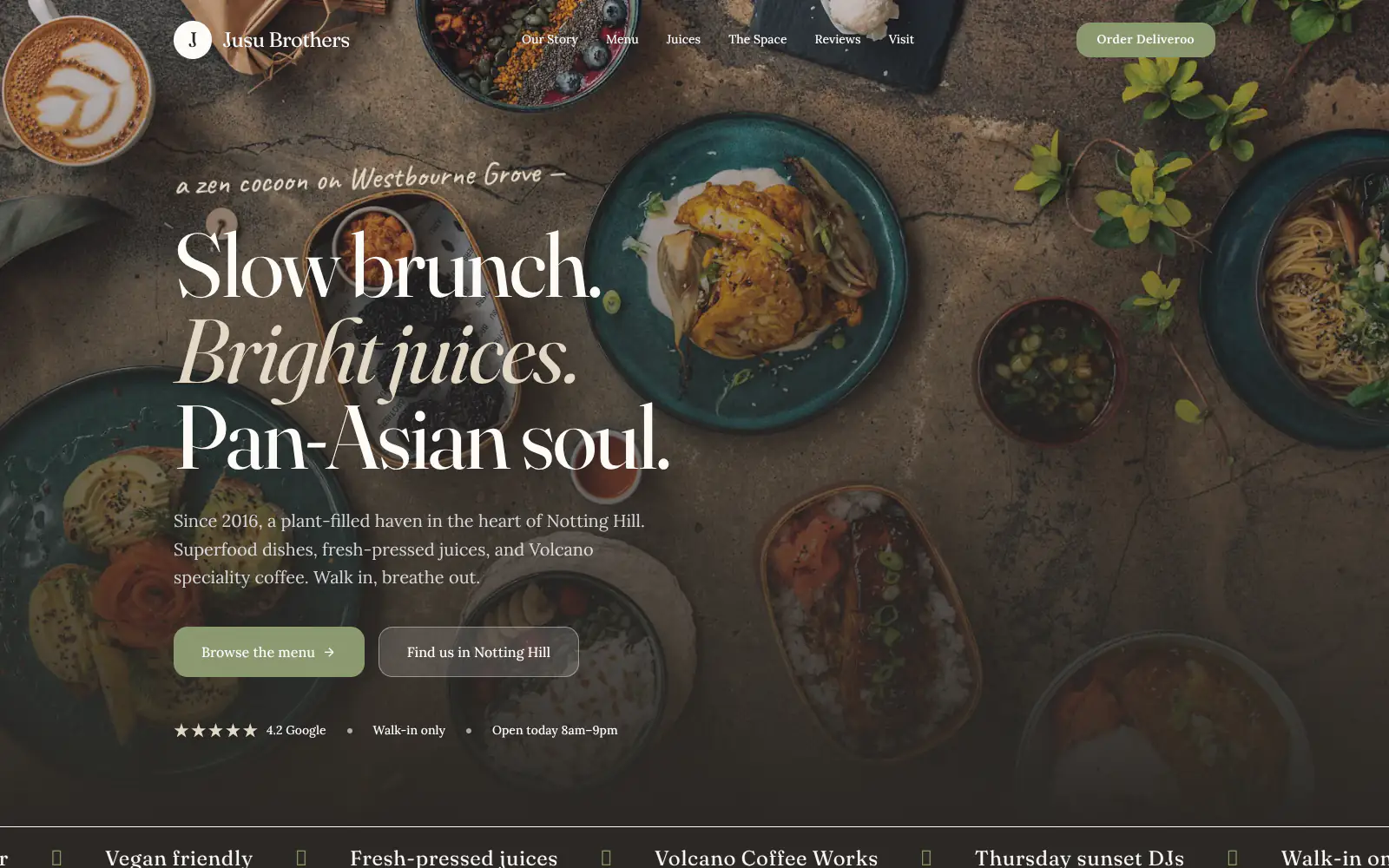
Jusu Brothers - Notting Hill
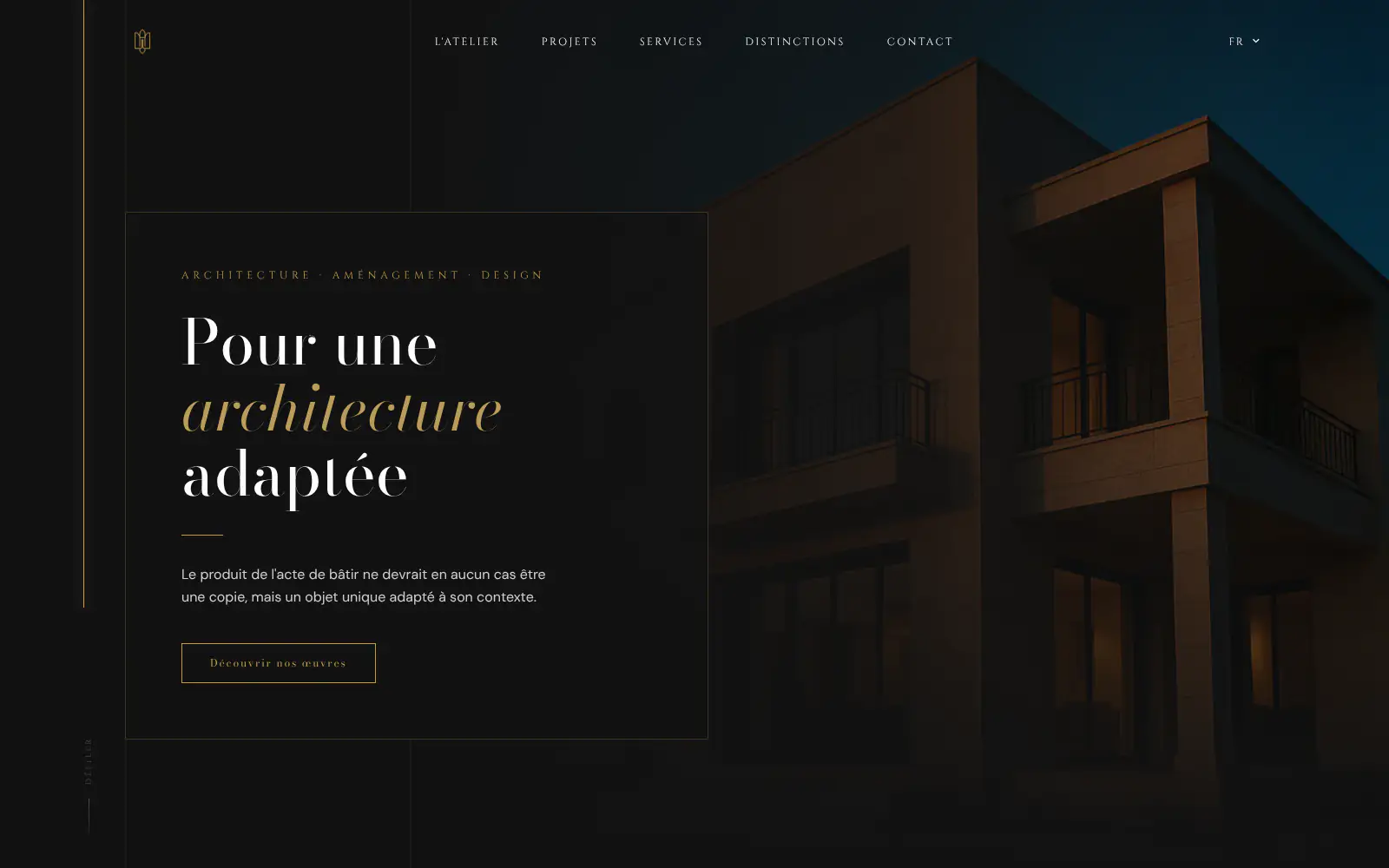
Atelier Messaoudi architecte. Architecture, Aménagement & Design
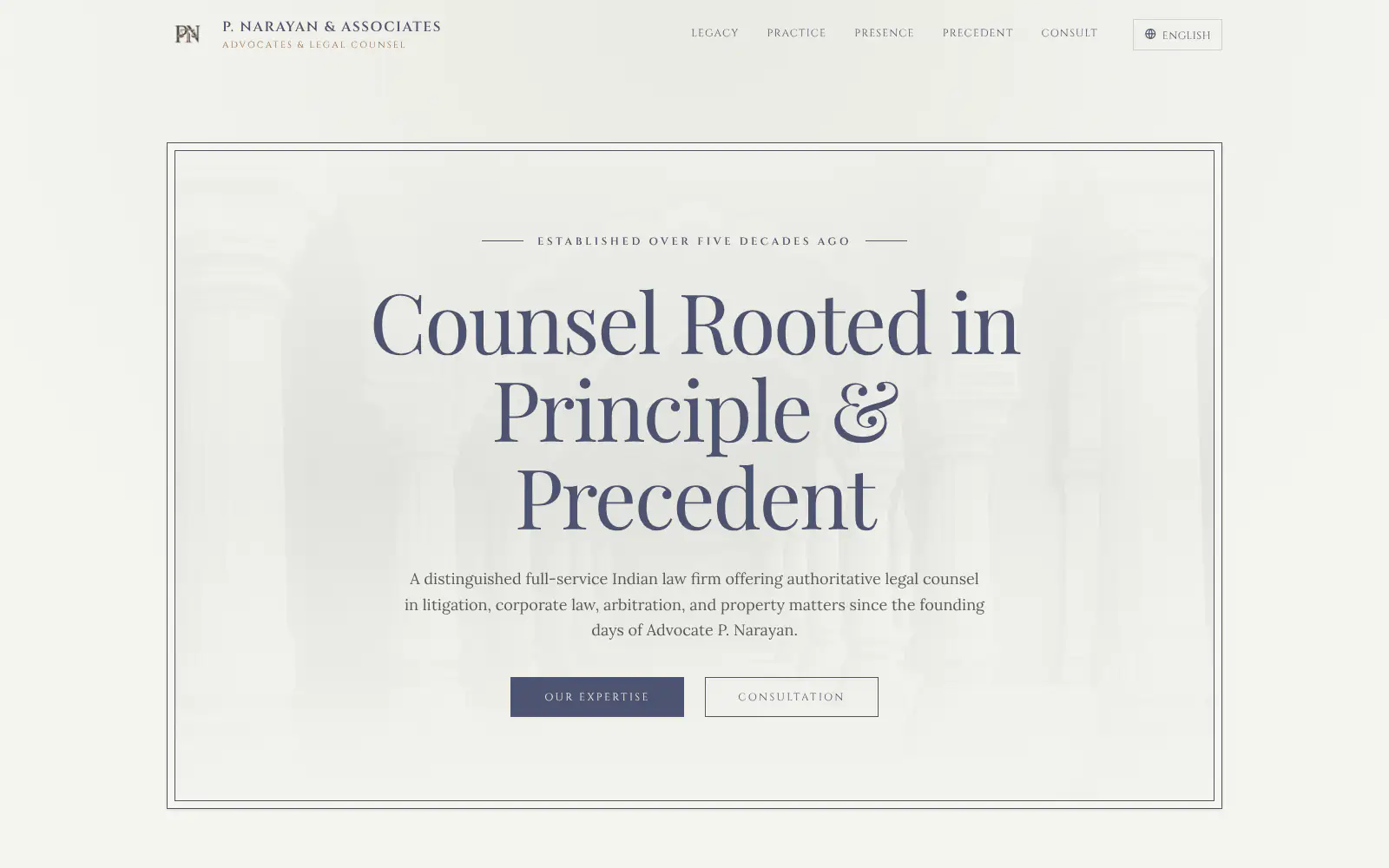
P. Narayan and Associates
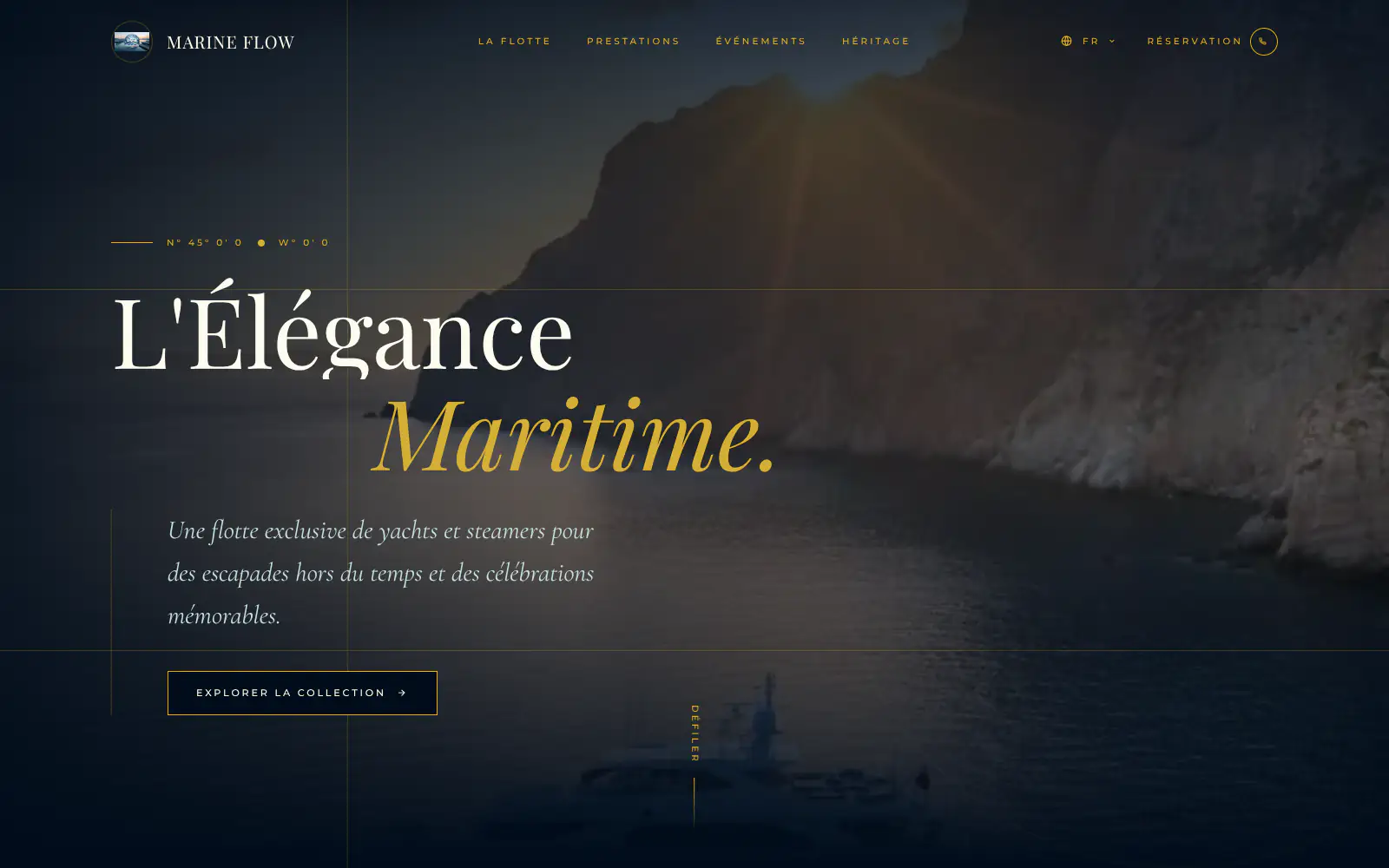
Marine flow
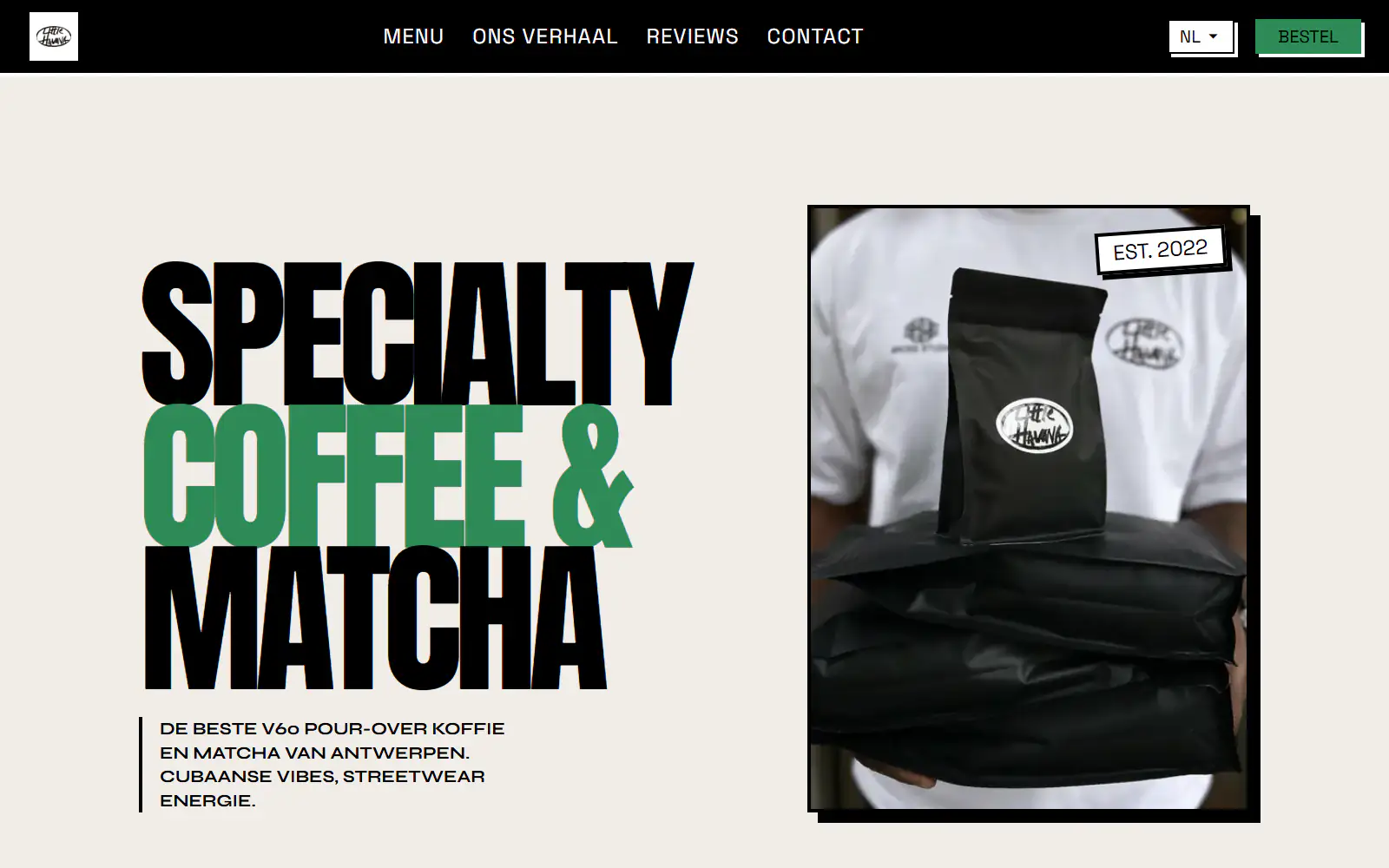
Little Havana Cafe
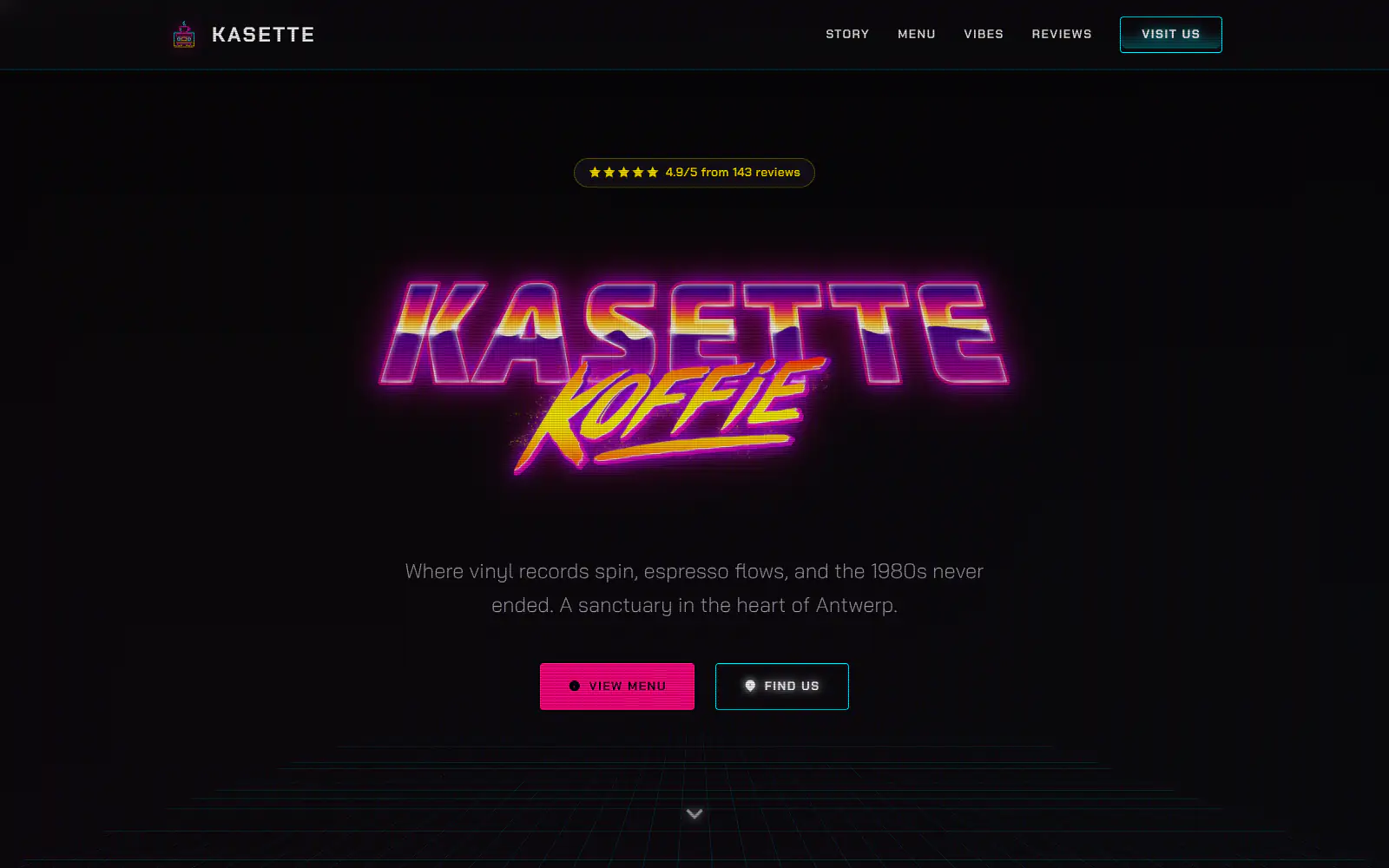
Kasette Koffie
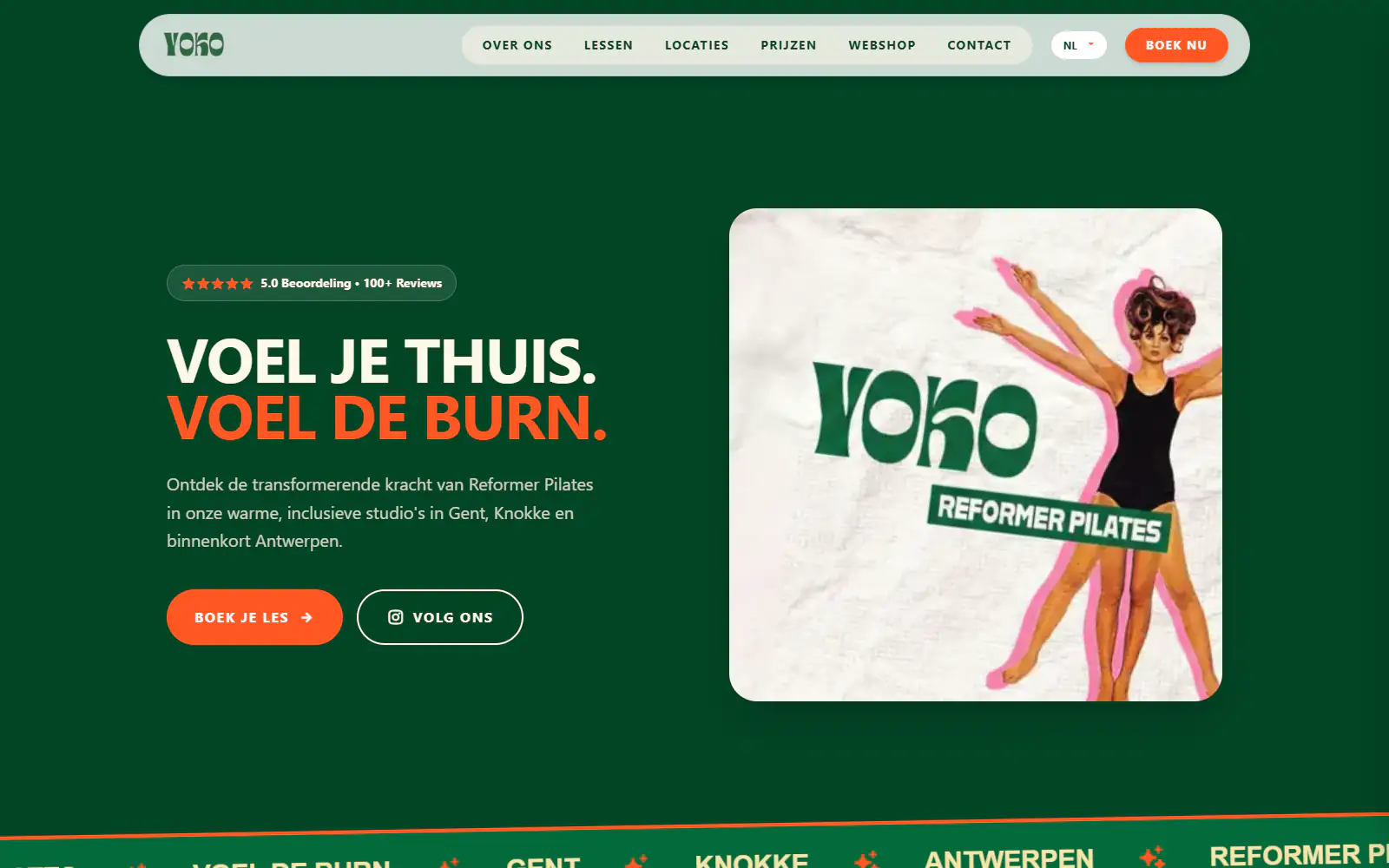
Yoko Studio Gent
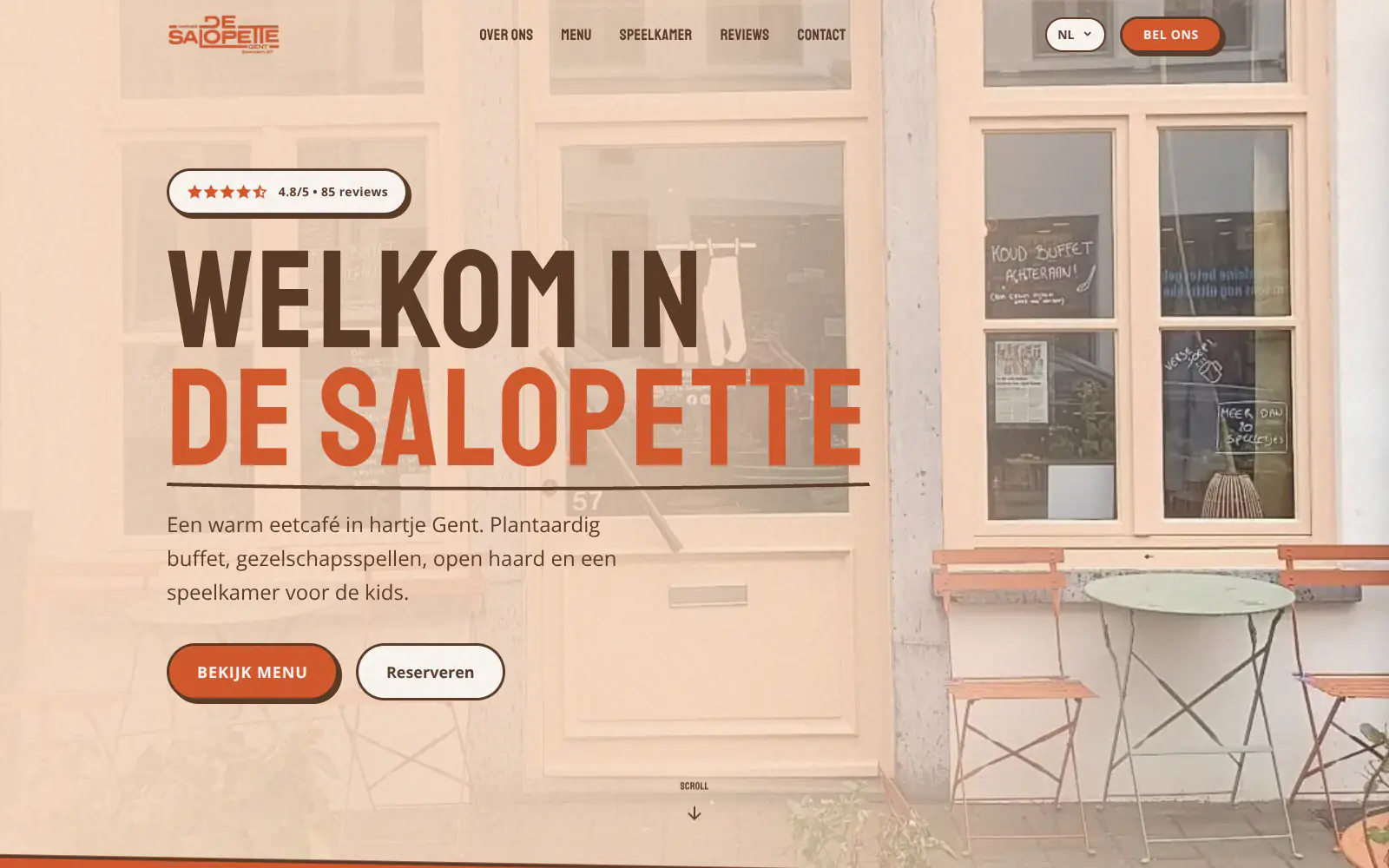
De Salopette
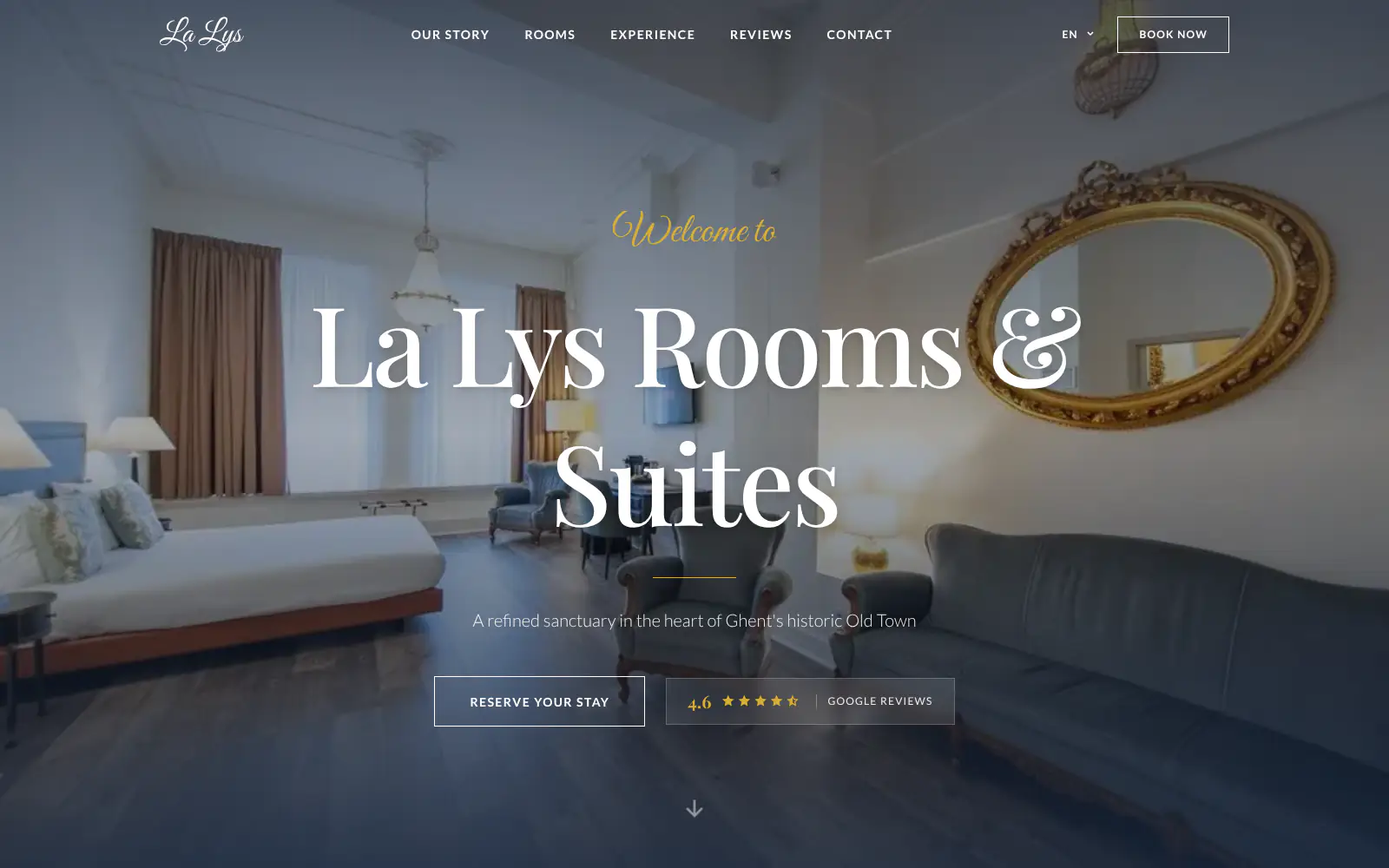
La Lys Rooms & Suites
Afsnis
WhyNot Gent Gastrobar/cocktails
Plant A Pizza
Viggo's
Glamping Tago
Bar Bassie
Le Bal Infernal - used book café
EDGE Antwerp
ALC Elite
Jusu Brothers - Notting Hill
Atelier Messaoudi architecte. Architecture, Aménagement & Design
P. Narayan and Associates
Marine flow
Little Havana Cafe
Kasette Koffie
Yoko Studio Gent
De Salopette
La Lys Rooms & Suites
Afsnis
WhyNot Gent Gastrobar/cocktails
Plant A Pizza
Viggo's
Glamping Tago
Bar Bassie
Le Bal Infernal - used book café
EDGE Antwerp
ALC Elite
Jusu Brothers - Notting Hill
Atelier Messaoudi architecte. Architecture, Aménagement & Design
P. Narayan and Associates
Marine flow
Little Havana Cafe
Kasette Koffie
Yoko Studio Gent
De Salopette
La Lys Rooms & Suites
Don't build.
Just publish.
Most builders throw you into a generic template. Boosterpack does it the other way around. You confirm your real content first, then AI drafts the copy, layout and design from those inputs.

The search
Start with the plumbing business people already check
Search your plumbing business on Google Maps or enter the details by hand. Boosterpack starts with your phone, service area, hours, photos, reviews and the jobs you want more of.

The inputs
Services, areas, credentials and request links
Add emergency plumbing, drain cleaning, sewer work, water heaters, leak repair, gas lines, repipes or commercial plumbing. Then add towns or ZIP codes, license details, insurance language, pricing guidance, reviews and your Jobber, Housecall Pro, ServiceTitan, FieldEdge or existing request link.

The style
Pick a look that says licensed, local and reliable
Choose a style for a family plumbing shop, emergency-first service company, residential repair team or commercial plumber. Clear phone, real vans, real team photos and trust details matter more than a glossy pipe stock photo.

The launch
Publish and keep service pages current
Go live on a Boosterpack subdomain or connect your own domain on Plus. Use chat edits to update service areas, emergency wording, call-out fee language, water heater brands, seasonal offers, photos or request links.
Start free, upgrade when you're ready.
Start free with a finished plumber website hosted on a Boosterpack subdomain. Upgrade to Plus from $16/mo to connect your own domain, like yourplumbingco.com, remove the Boosterpack badge and unlock more chat edits. Keep your field-service software for scheduling, dispatch, invoices and payments if you already use it.
For getting online at no cost
Free forever
Perfect for your business website
Billed annually
Built for the call-first way people hire plumbers
Emergency searches are call-first, while water heater, sewer, repipe and commercial jobs need more proof. Your site has to make the next step obvious, show where you work, prove you are legitimate and explain the services you actually want to sell. Boosterpack handles the public website while your scheduling, dispatch, invoicing and payments stay in the trade software you already use.
Tap-to-call where mobile visitors expect it
Put the phone number, request link and emergency CTA in the places people check first. Tap-to-call is especially important for emergency plumber, burst pipe, drain backup and no-hot-water searches.
Service towns and ZIP codes named clearly
List the towns, neighbourhoods, boroughs or ZIP codes you actually serve. If some areas require a trip charge or limited availability, say that plainly instead of claiming a fake regional footprint.
License, insurance and proof above the fold
Show license numbers, insurance language, years in business, review sources, warranties, financing links or manufacturer certifications only when they are true. Plumbing is a trust trade, especially for sewer lines, gas work and water heaters.
Works alongside plumbing field-service software
Link to or embed the request flow from Jobber, Housecall Pro, ServiceTitan, FieldEdge, Service Fusion or your existing system where supported. Customer history, dispatch, invoicing and payments stay there.
Your current tools stay. Your website gets better.
Keep your booking link, contact details and the systems you already use. Boosterpack builds the public site around them.
Is Boosterpack right for you?
Common questions
How much does a plumber website cost in 2026?
What should be on a plumber website?
Can my plumber website make the phone number easy to tap?
How do I show the towns or ZIP codes my plumbing company serves?
How do I show that my plumbing business is licensed and insured?
Can I show plumbing pricing or call-out fees on my website?
Can I connect Jobber, Housecall Pro, ServiceTitan or FieldEdge?
Will my site rank for "plumber near me" or "[town] plumber"?
Do I need separate service pages for emergency plumbing, drains and water heaters?
Is the plumber website mobile-friendly?
A plumber website should make calling, trust and service area obvious.
Start from your Google listing or enter the details by hand. In minutes you have a finished plumber website with tap-to-call, service areas, emergency plumbing language, license and insurance details, reviews, pricing guidance, service explanations and links to your request flow. Publish free, then connect your own domain when you are ready.
Built from your business · Easy to edit