A website for your dental practice.
Patients should not have to dig for services, insurance notes, new-patient details or the booking button.
Boosterpack turns your real practice details into a clear public site for a dentist, dental practice or dental clinic. Show services, dentists, credentials, office photos, reviews and practical new-patient information, then link to NexHealth, Zocdoc, Dentrix, Open Dental or your existing scheduler.
Real businesses. Finished websites.
These are live sites created with Boosterpack from real business details, photos and reviews where available. Open one to see the finished result.
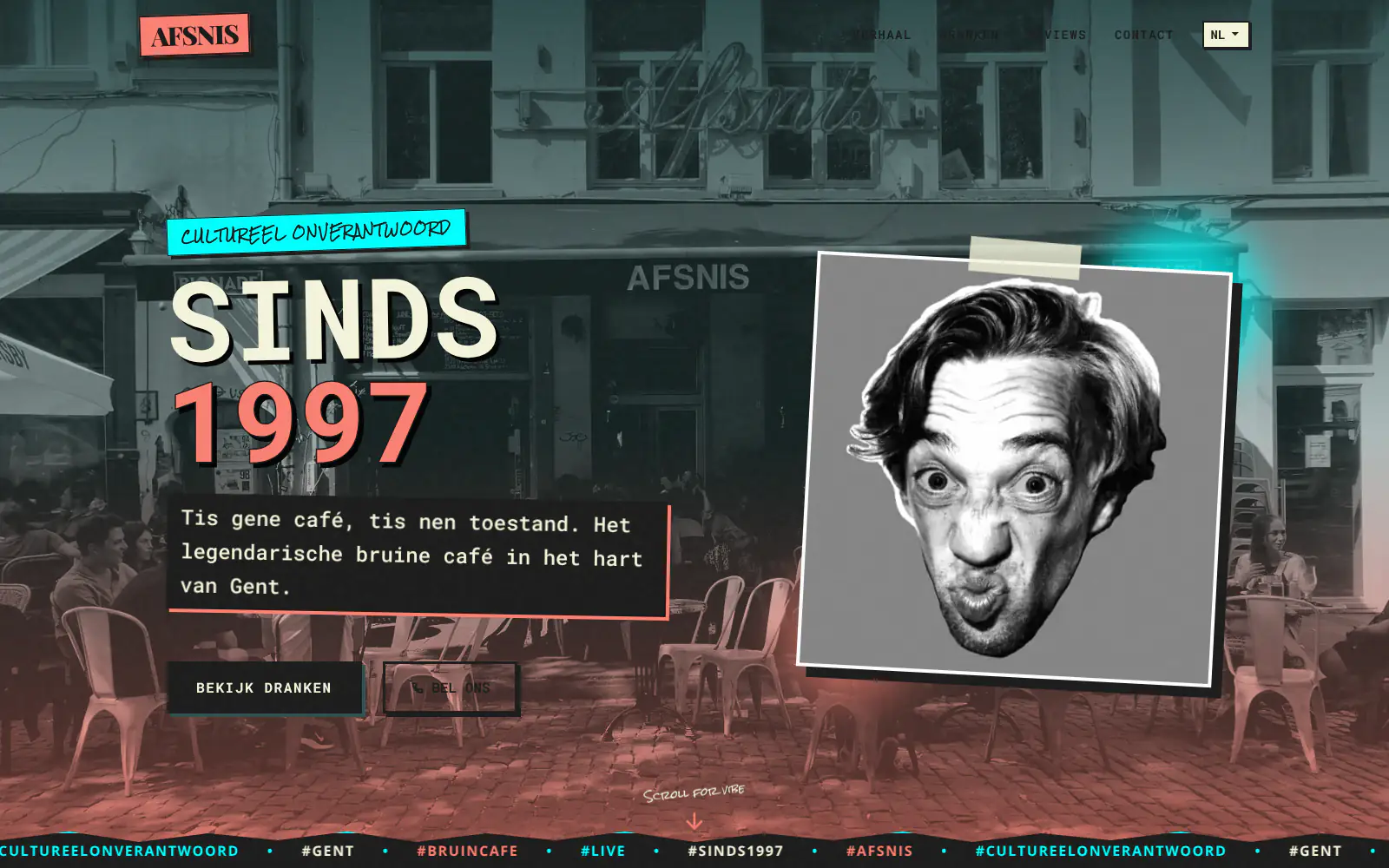
Afsnis

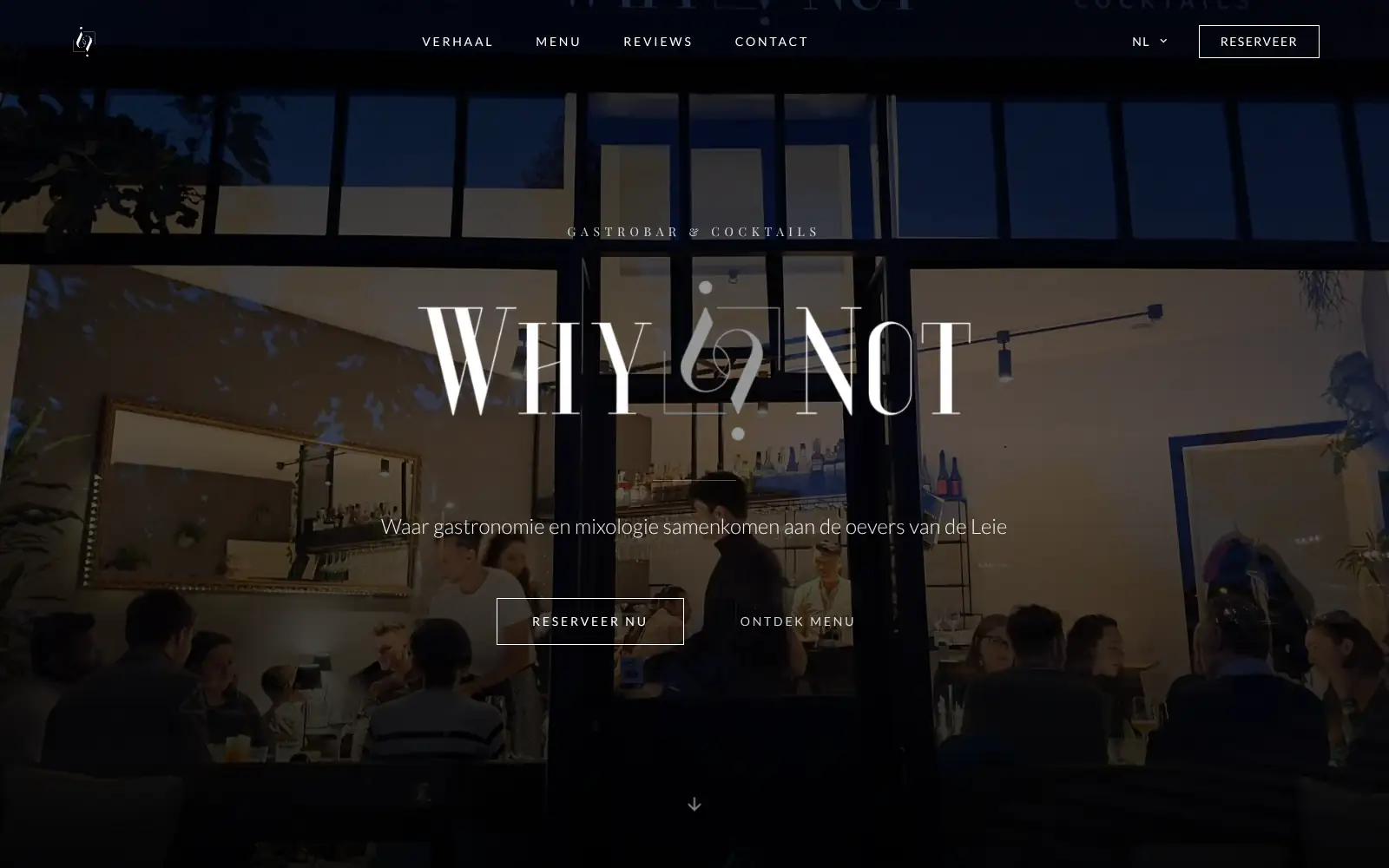
WhyNot Gent Gastrobar/cocktails

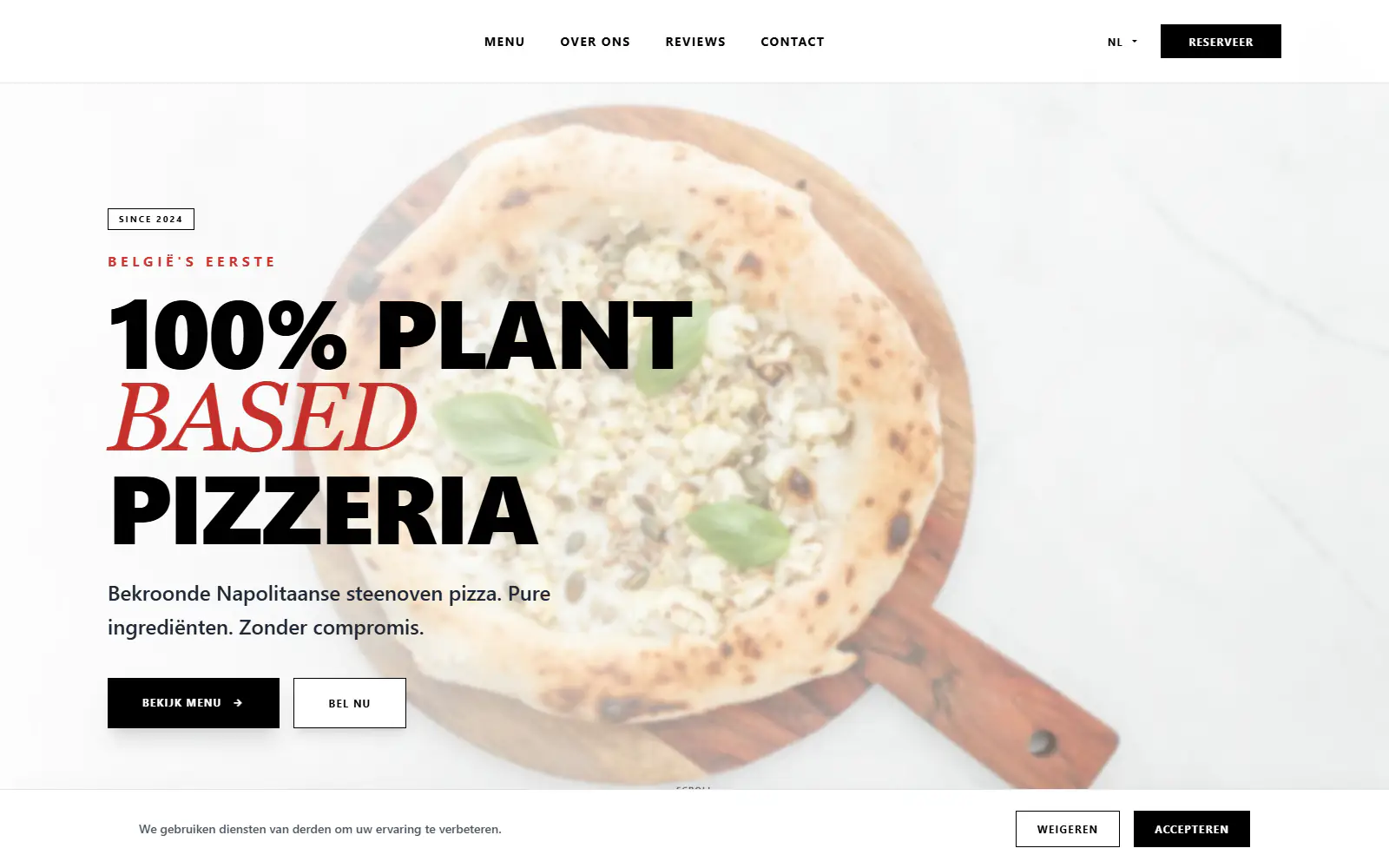
Plant A Pizza
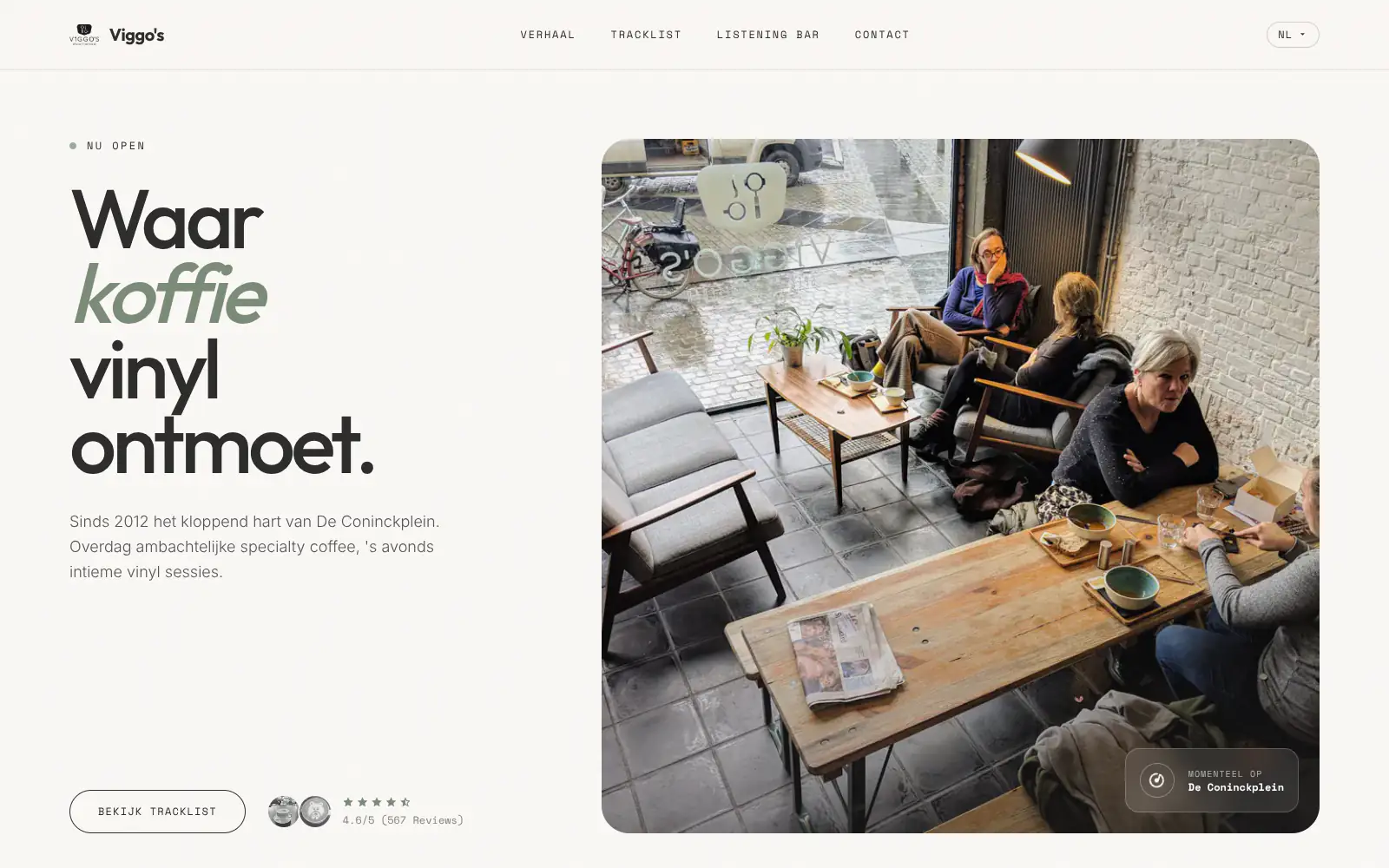
Viggo's
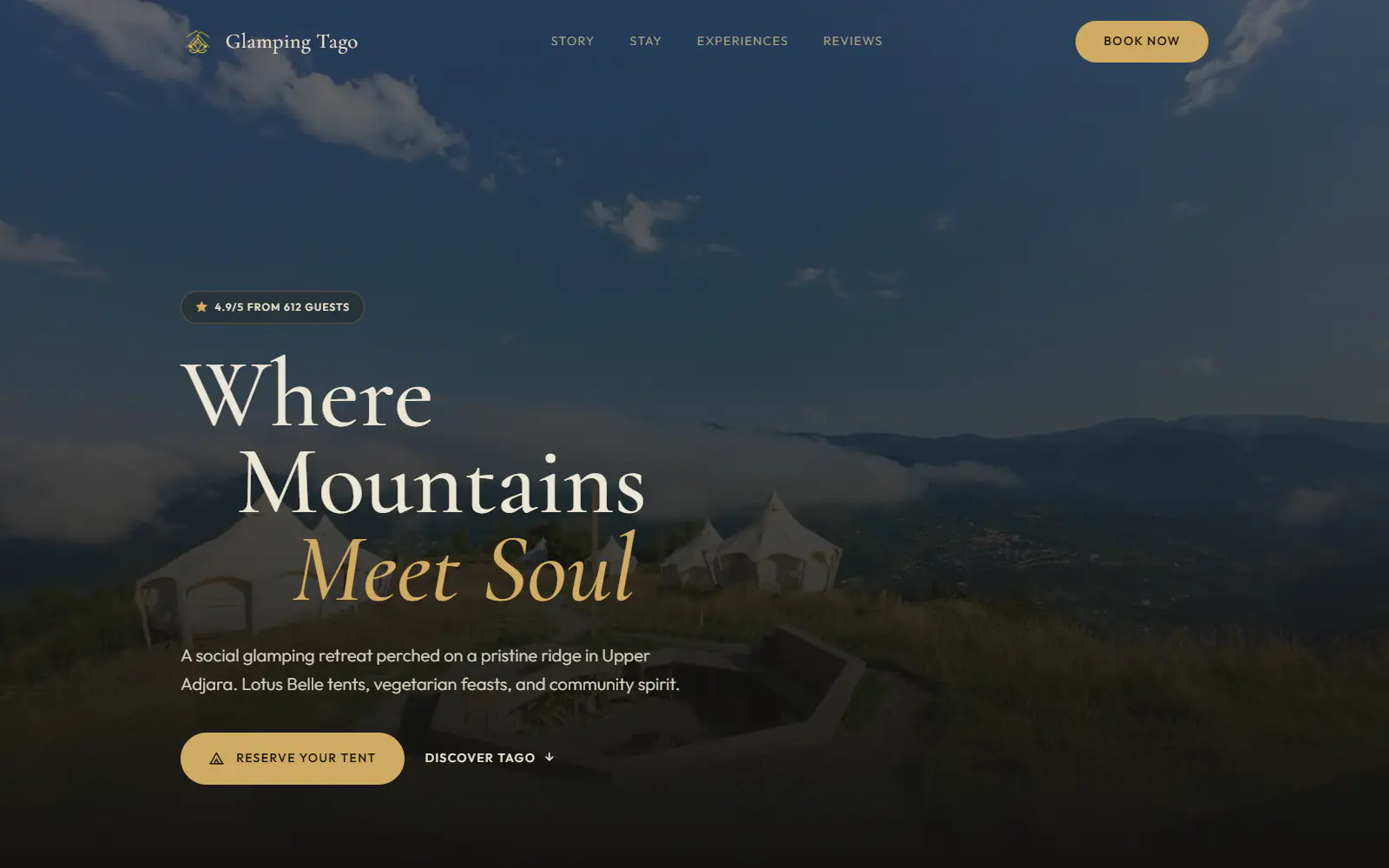
Glamping Tago
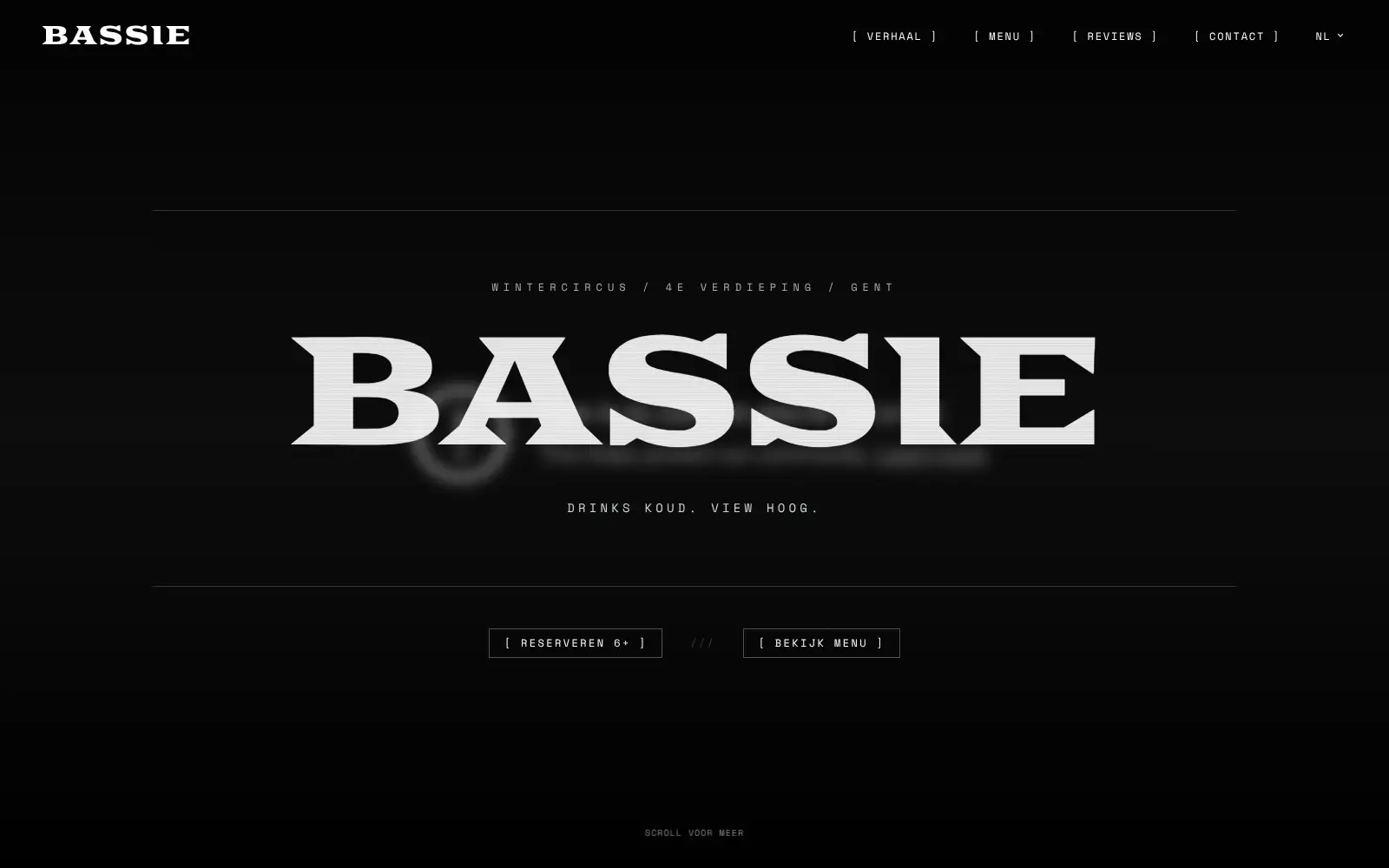
Bar Bassie
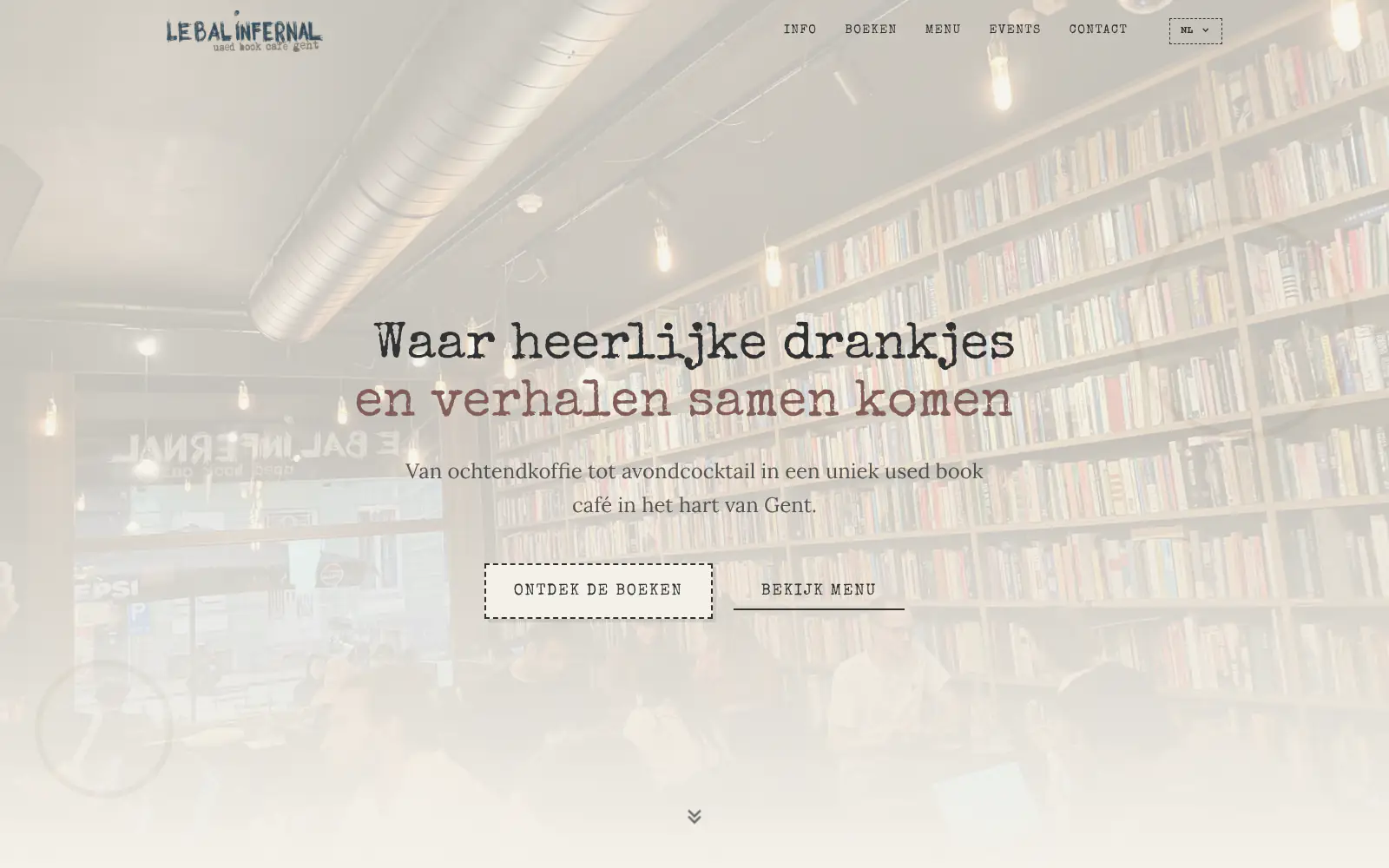
Le Bal Infernal - used book café
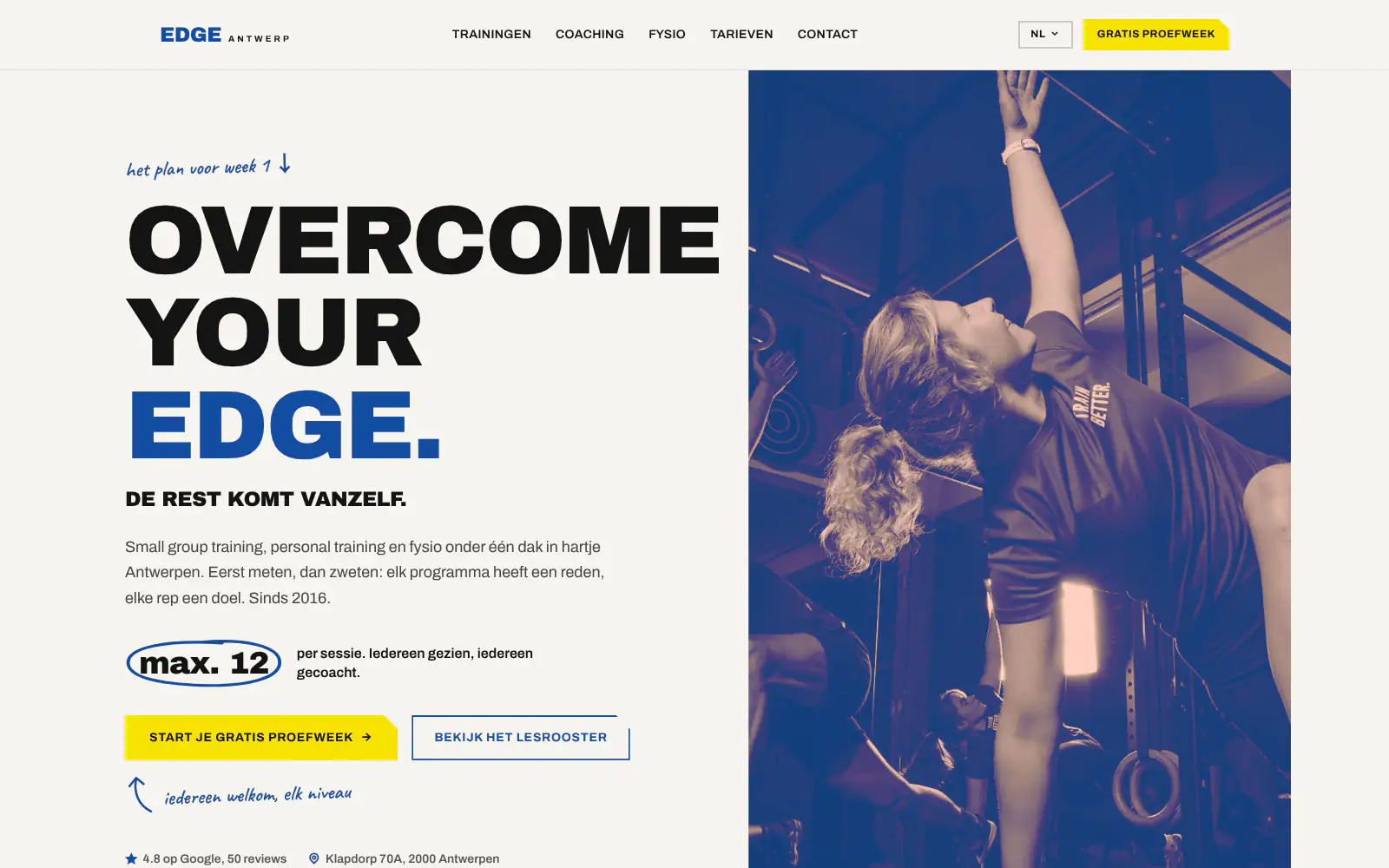
EDGE Antwerp
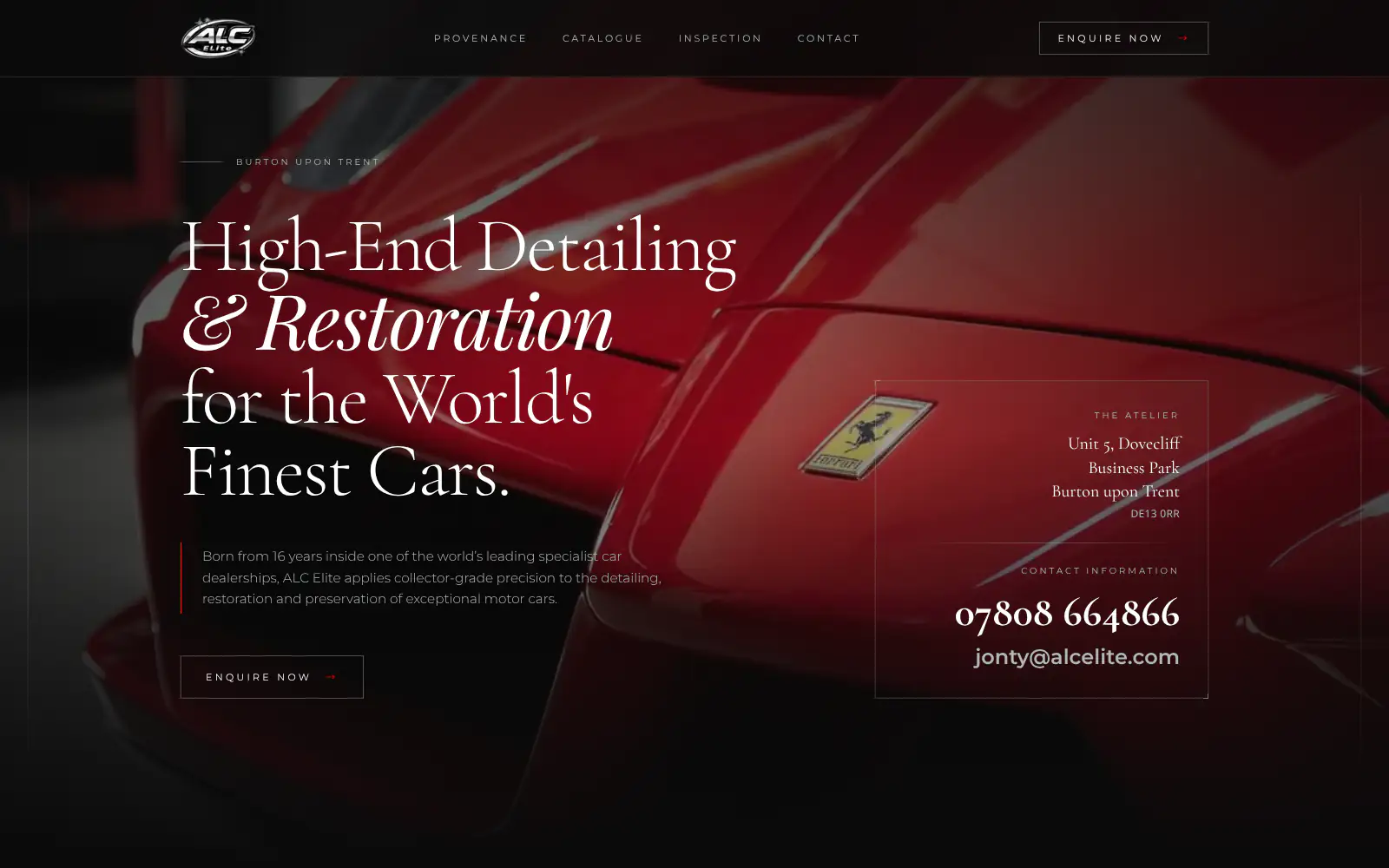
ALC Elite
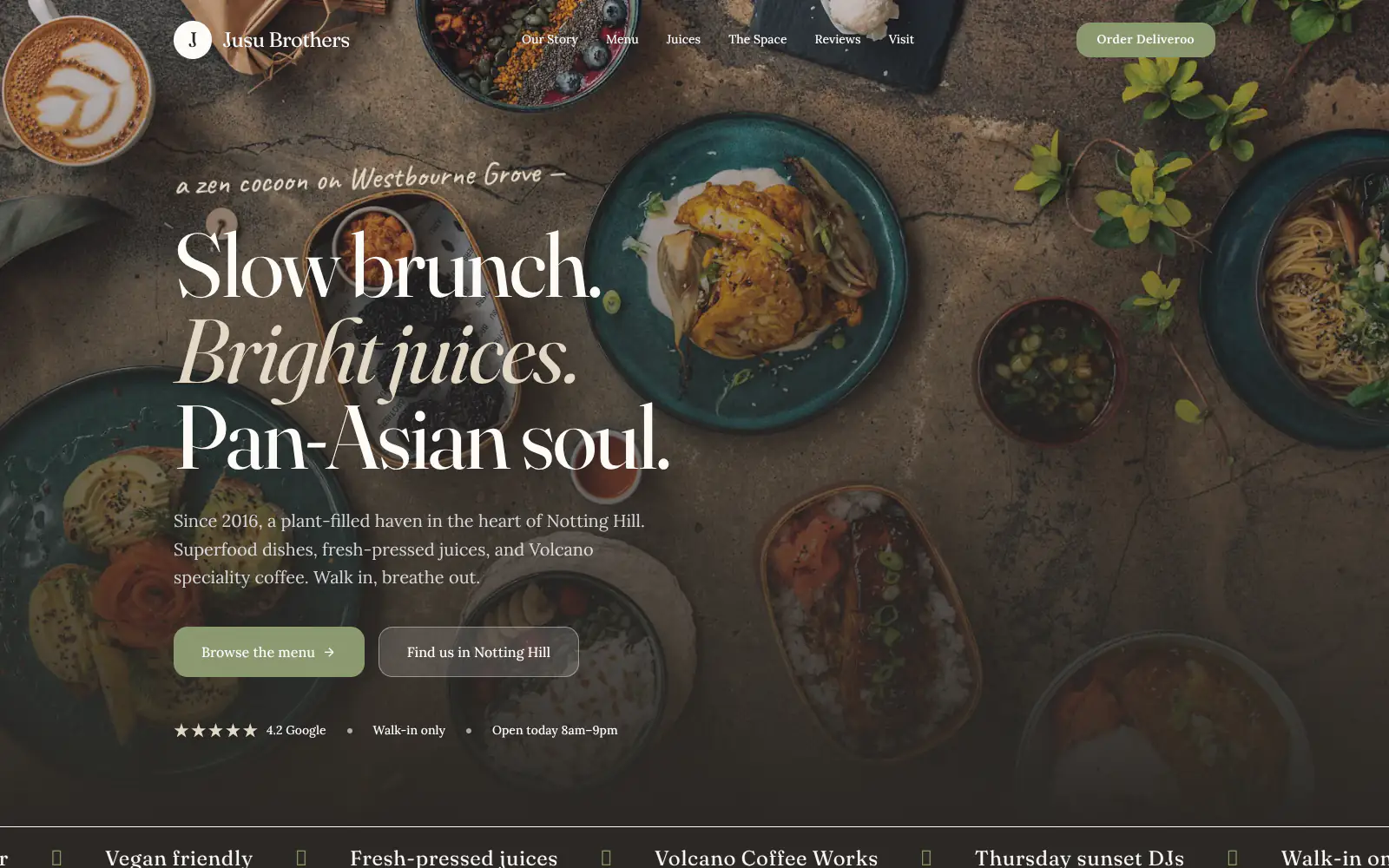
Jusu Brothers - Notting Hill
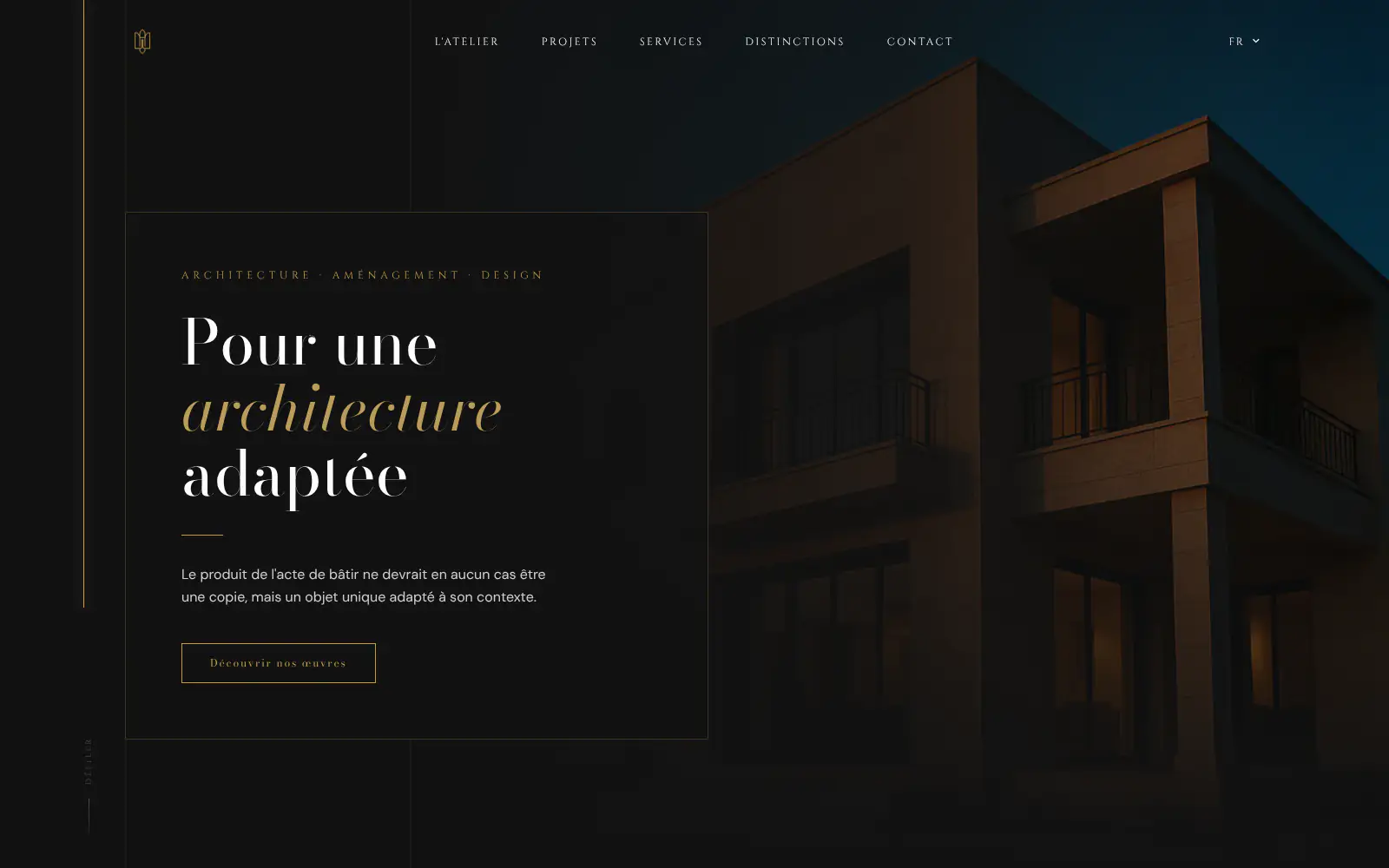
Atelier Messaoudi architecte. Architecture, Aménagement & Design
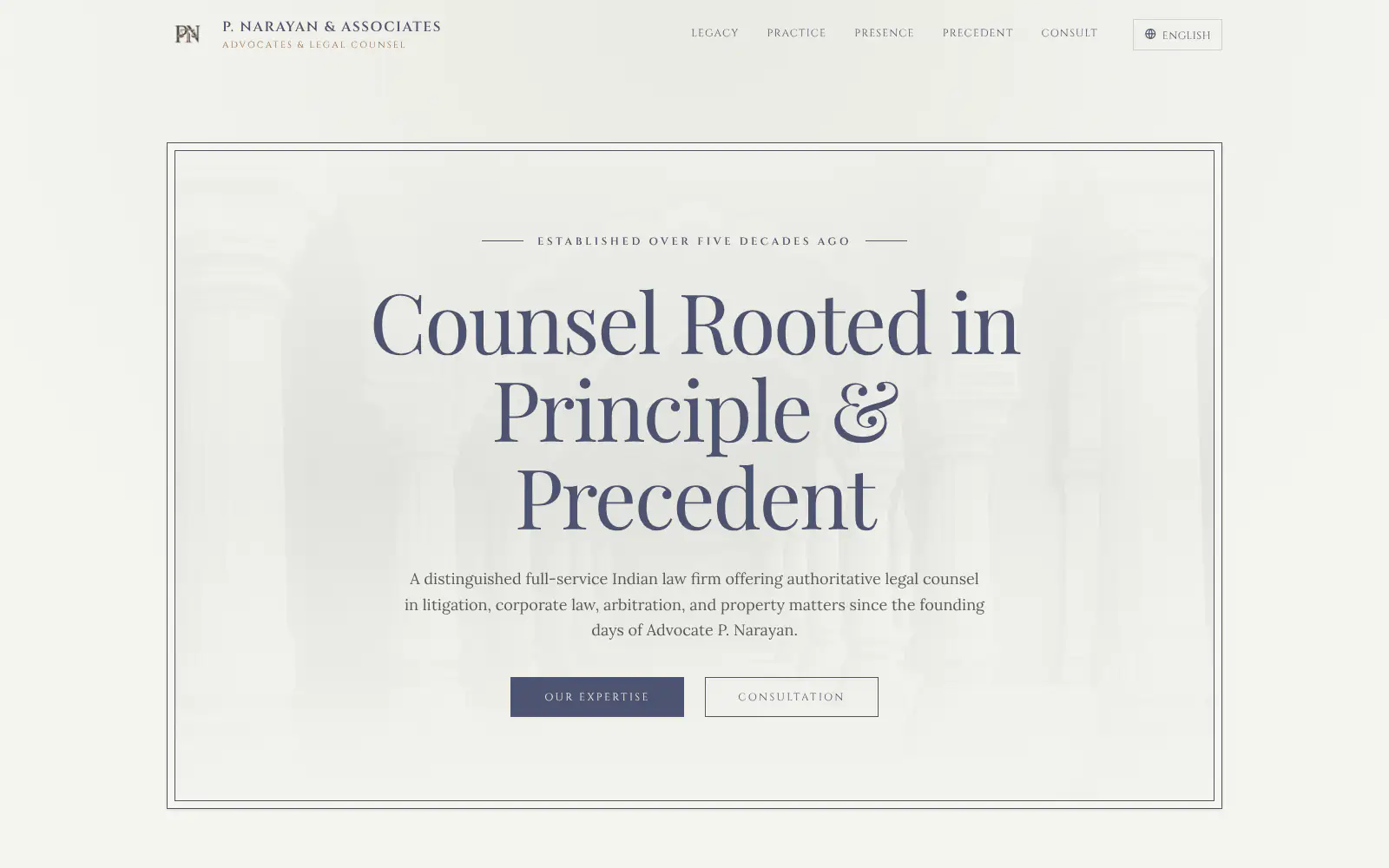
P. Narayan and Associates
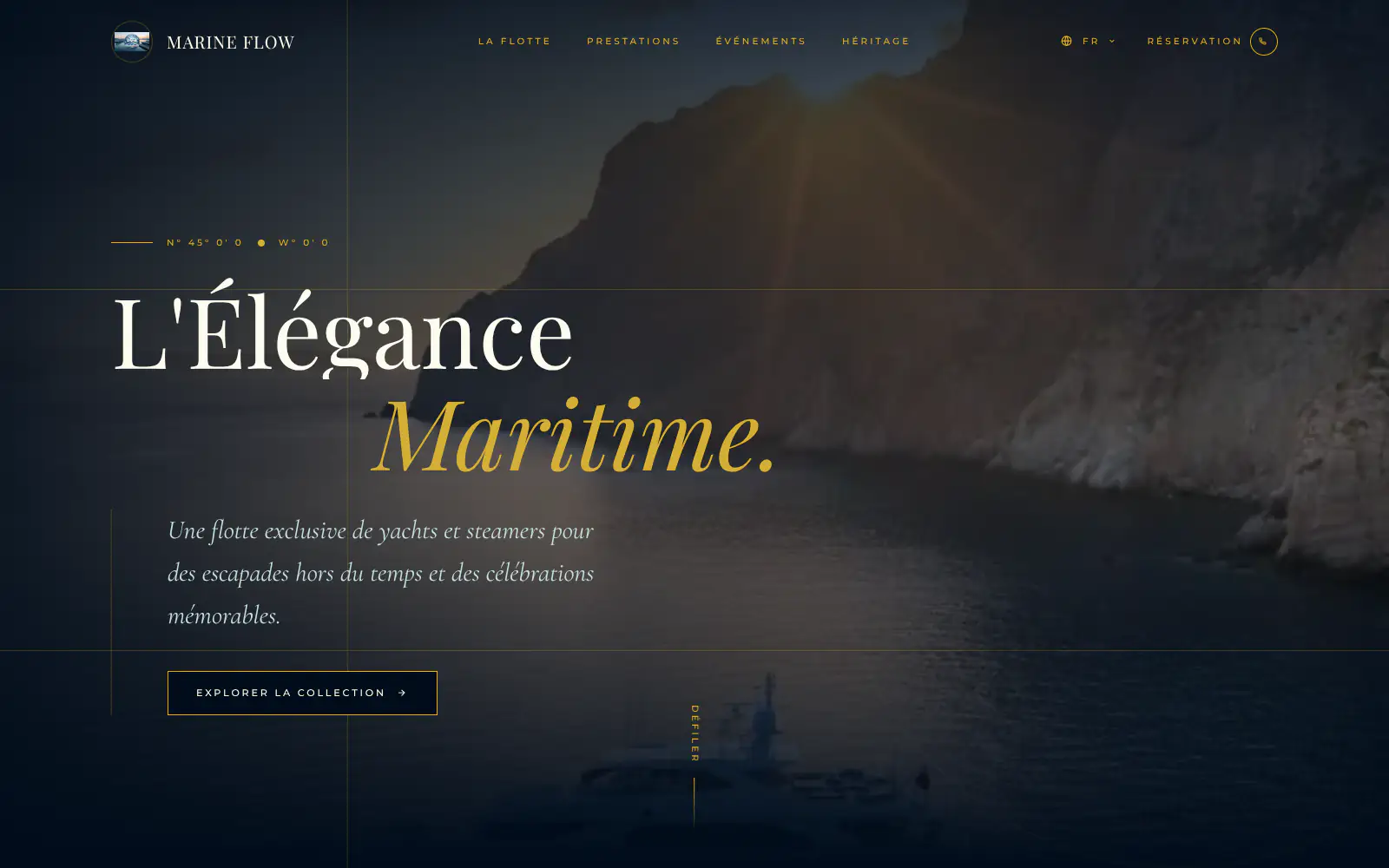
Marine flow
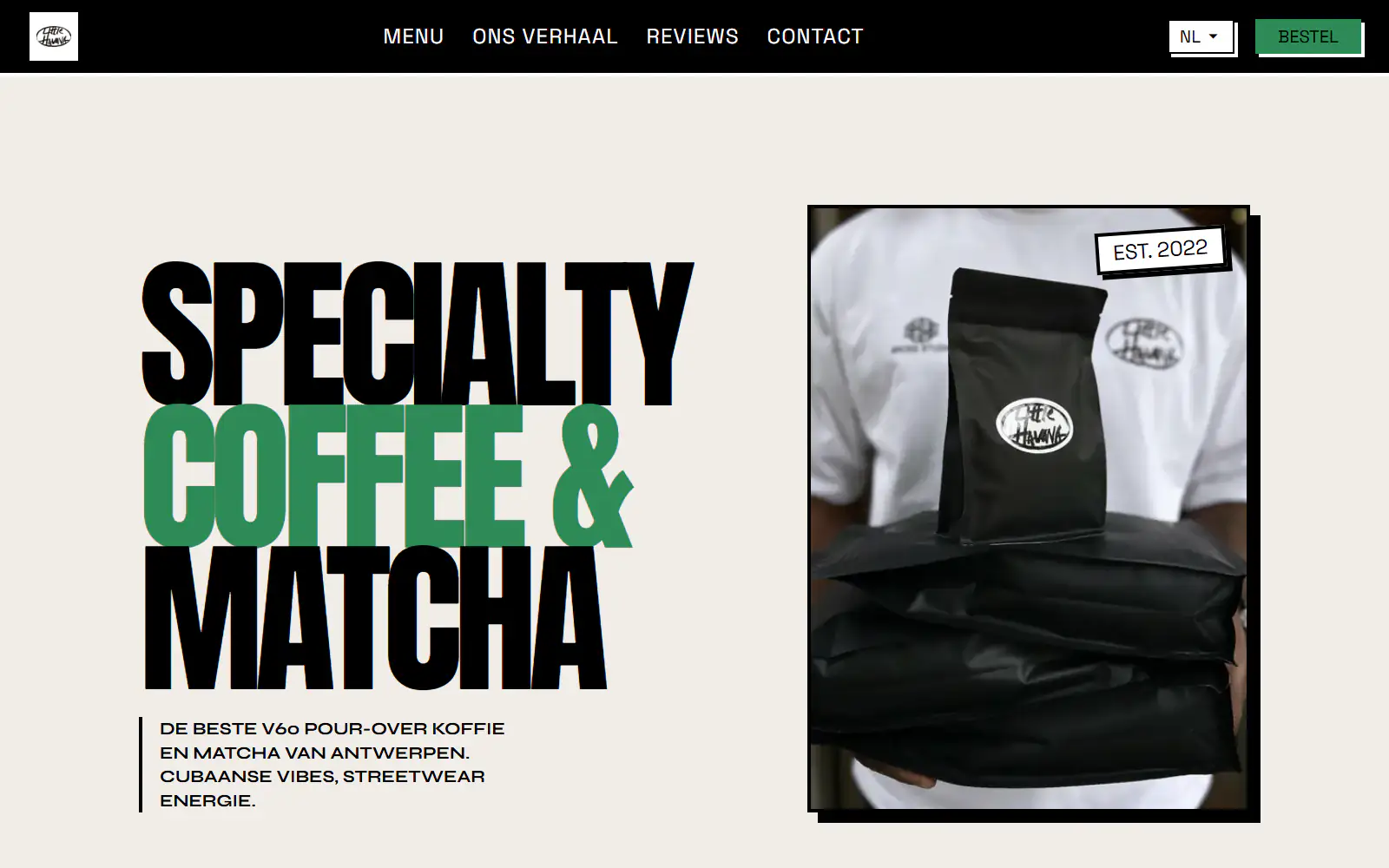
Little Havana Cafe
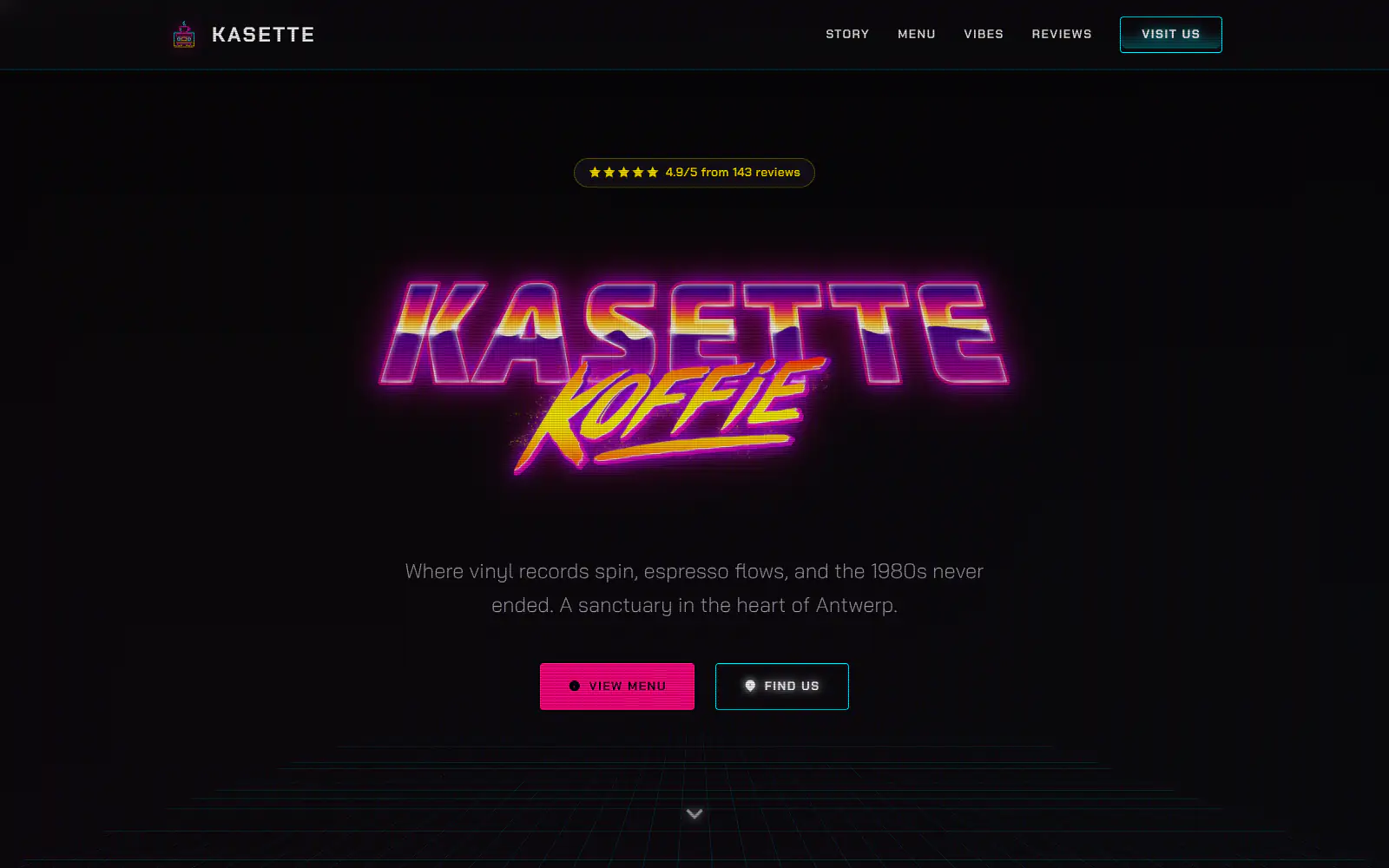
Kasette Koffie
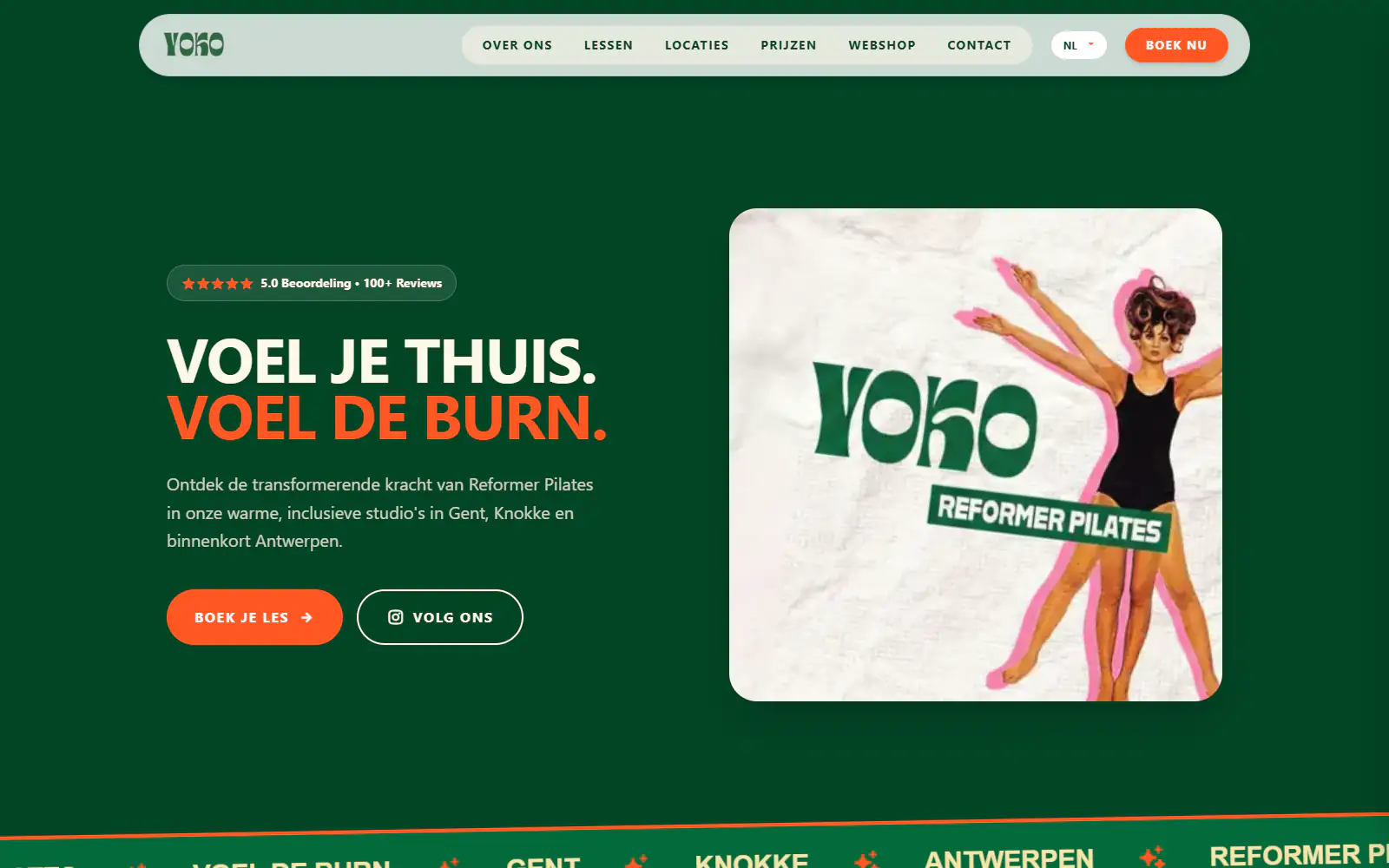
Yoko Studio Gent
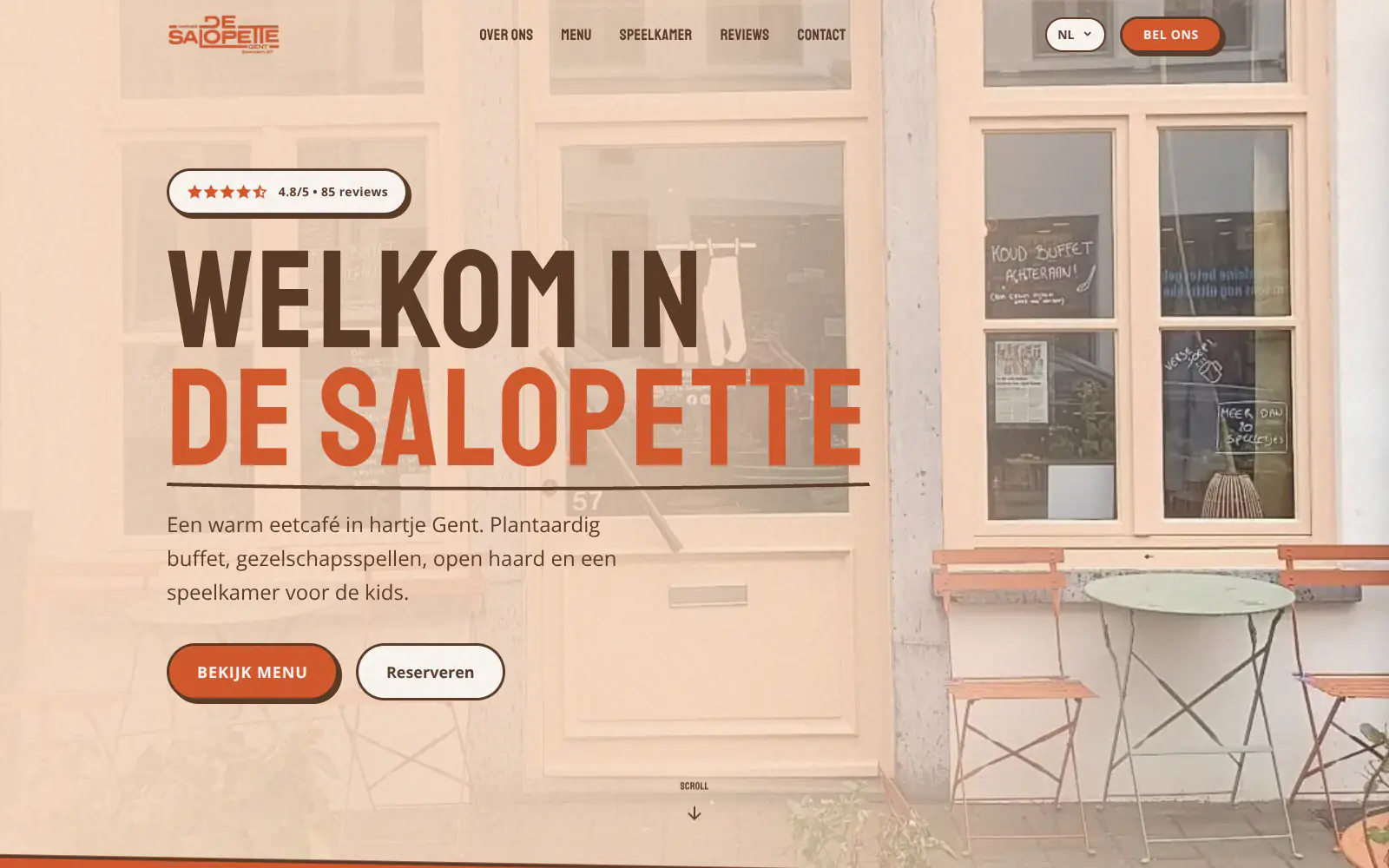
De Salopette
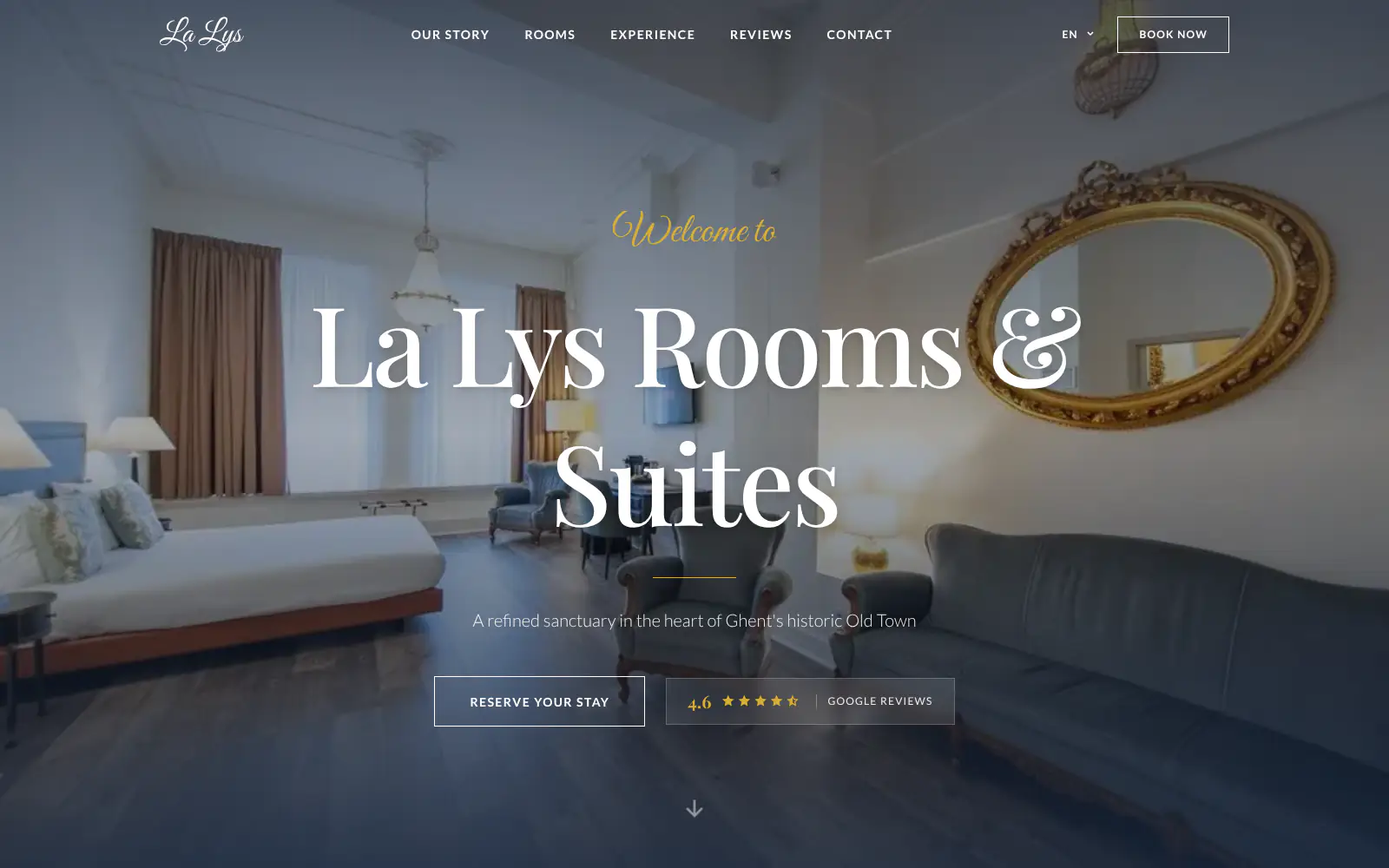
La Lys Rooms & Suites
Afsnis
WhyNot Gent Gastrobar/cocktails
Plant A Pizza
Viggo's
Glamping Tago
Bar Bassie
Le Bal Infernal - used book café
EDGE Antwerp
ALC Elite
Jusu Brothers - Notting Hill
Atelier Messaoudi architecte. Architecture, Aménagement & Design
P. Narayan and Associates
Marine flow
Little Havana Cafe
Kasette Koffie
Yoko Studio Gent
De Salopette
La Lys Rooms & Suites
Afsnis
WhyNot Gent Gastrobar/cocktails
Plant A Pizza
Viggo's
Glamping Tago
Bar Bassie
Le Bal Infernal - used book café
EDGE Antwerp
ALC Elite
Jusu Brothers - Notting Hill
Atelier Messaoudi architecte. Architecture, Aménagement & Design
P. Narayan and Associates
Marine flow
Little Havana Cafe
Kasette Koffie
Yoko Studio Gent
De Salopette
La Lys Rooms & Suites
Don't build.
Just publish.
Most builders throw you into a generic template. Boosterpack does it the other way around. You confirm your real content first, then AI drafts the copy, layout and design from those inputs.

Find the practice
Start with the listing patients already check
Choose your dental practice on Google Maps or enter it manually. Use accurate hours, address, phone, office photos and public reviews where available.
Add patient answers
Explain care before the front desk gets the call
Add general, cosmetic, pediatric or emergency services, dentist bios, languages, insurance notes, payment guidance and first-visit information. Link sensitive forms to your approved portal.

Choose the look
Make it feel like your actual dental office
Pick a calm family, polished cosmetic, playful pediatric or specialist style. Real team, reception and treatment-room photos build more trust than a stock smile.

Publish the site
Keep clinical systems separate
Publish on a Boosterpack subdomain, then connect your own domain after upgrading. Update public services, hours, photos and links by chat while records and scheduling stay in your existing tools.
Start free, upgrade when you're ready.
Start free on a Boosterpack subdomain. Plus starts at $16/mo when you want a custom domain such as yourdentalpractice.com, no Boosterpack badge and more chat edits. Your scheduler, portal and dental software stay separate.
For getting online at no cost
Free forever
Perfect for your business website
Billed annually
Built for the questions new dental patients ask
A useful dental website makes the practice easy to evaluate before someone calls or books. It explains services, people, cost context and the next step without becoming a patient-record or practice-management system.
A visible booking path
Link to or embed NexHealth, Zocdoc, Dentrix, Open Dental or another patient-facing scheduler where the provider supports it. That system remains responsible for availability, confirmations and patient details.
Trust from real practice details
Show dentist names, accurate credentials, languages, real office photos and selected public reviews. Patients can see who they may meet and what the practice actually looks like.
Services without the textbook
Explain cleanings, implants, orthodontics, cosmetic care, pediatric care or emergency options in plain language. Add insurance and payment guidance without promising coverage or outcomes.
Public updates by chat
Change hours, team bios, service wording, office photos, insurance notes and booking links by chat. Keep intake, records, claims and private messages in your approved systems.
Your current tools stay. Your website gets better.
Keep your booking link, contact details and the systems you already use. Boosterpack builds the public site around them.
Is Boosterpack right for you?
Common questions
How much does a dentist website cost?
What should a dental practice website include?
Can I add NexHealth, Zocdoc, Dentrix or Open Dental to my website?
Can I put new-patient forms on a dental website?
Should a dentist website list insurance and prices?
Will my website rank for "dentist near me"?
Can I connect my own dental practice domain?
Is the dentist website mobile-friendly?
Make the first visit easier to understand.
Turn your real practice details into a clear site with services, dentists, office proof and a direct path to the scheduler or secure portal you already trust.
Built from your business · Easy to edit