A website for your photography.
Clients do not need a giant photography portfolio. They need to know your style, specialty, price range and how to inquire before comparing another photographer.
Boosterpack creates a public website for photographers from real details, selected photos, reviews where available and contact paths. Show wedding, portrait, family, newborn, headshot, brand or commercial work, add pricing cues, and link to Pixieset, ShootProof, Pic-Time, HoneyBook, Dubsado, Calendly or your existing client flow.
Real businesses. Finished websites.
These are live sites created with Boosterpack from real business details, photos and reviews where available. Open one to see the finished result.
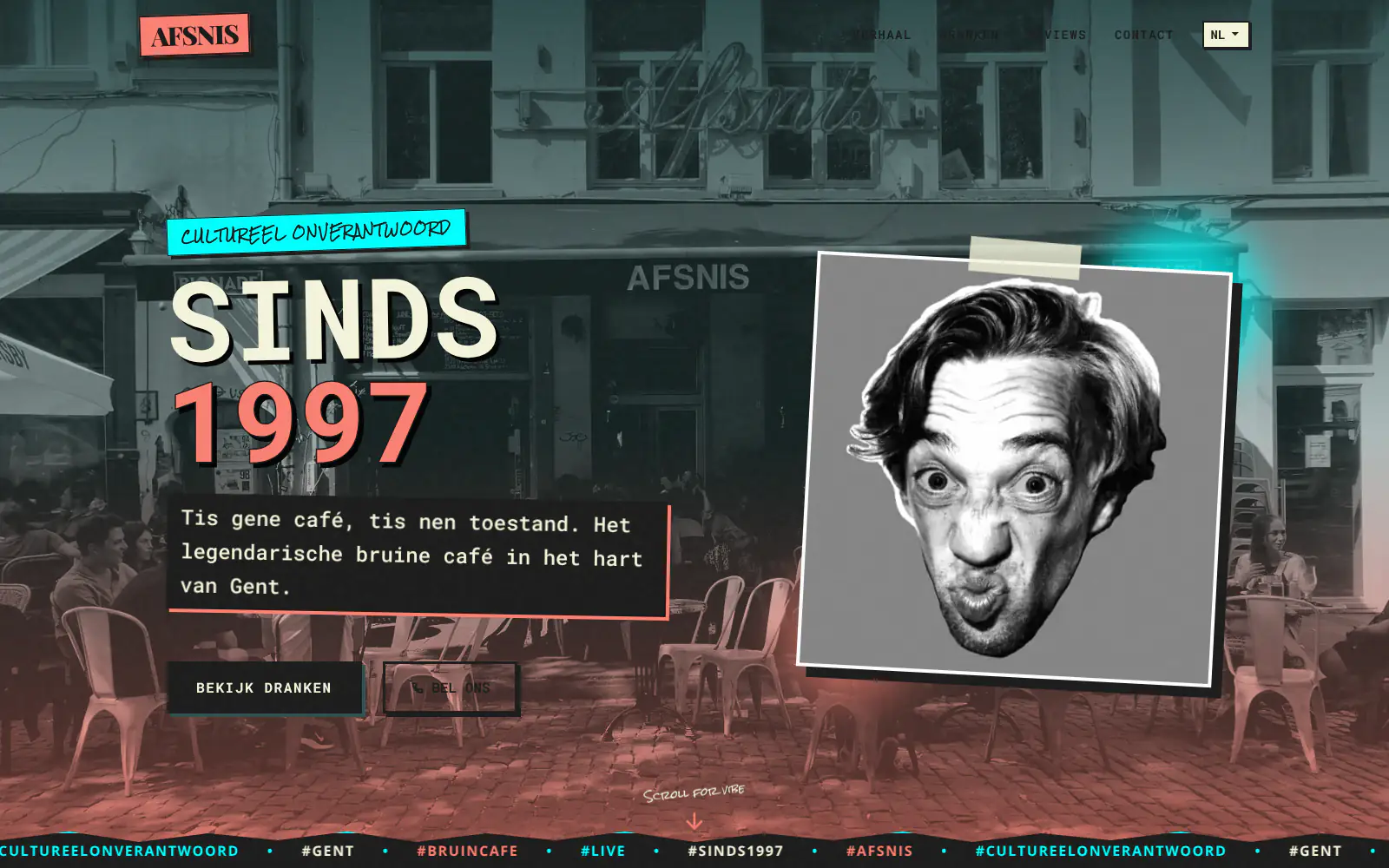
Afsnis

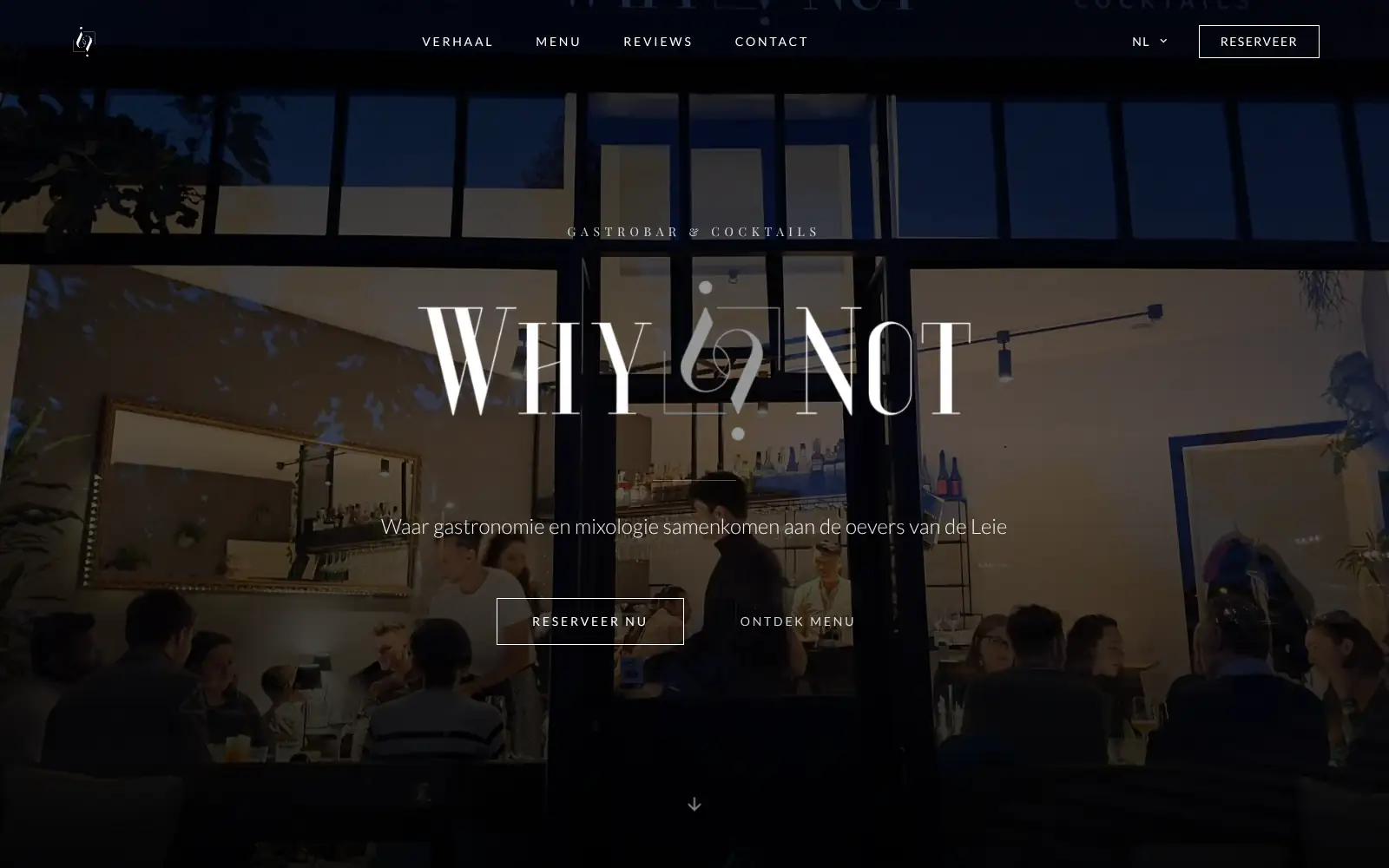
WhyNot Gent Gastrobar/cocktails

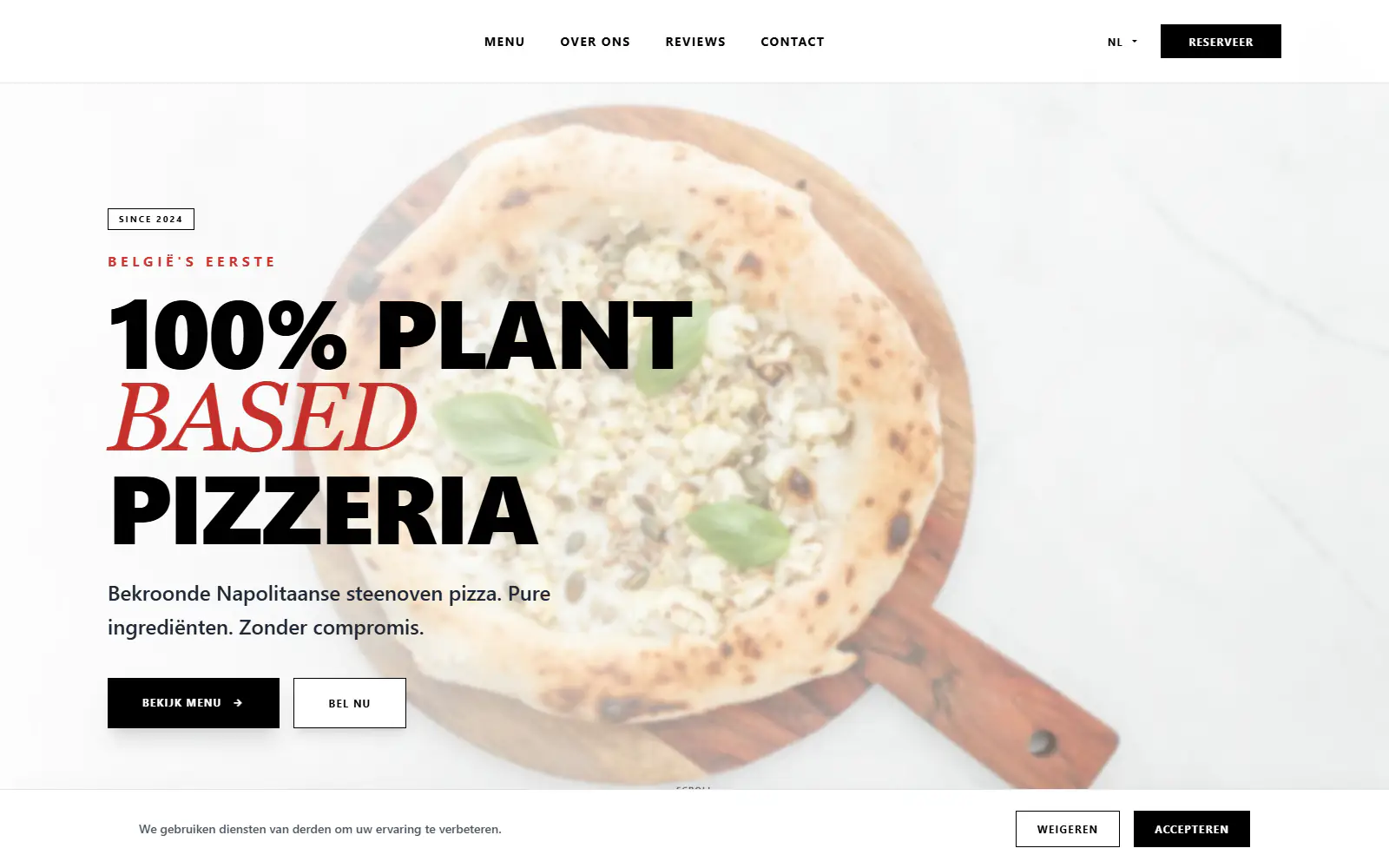
Plant A Pizza
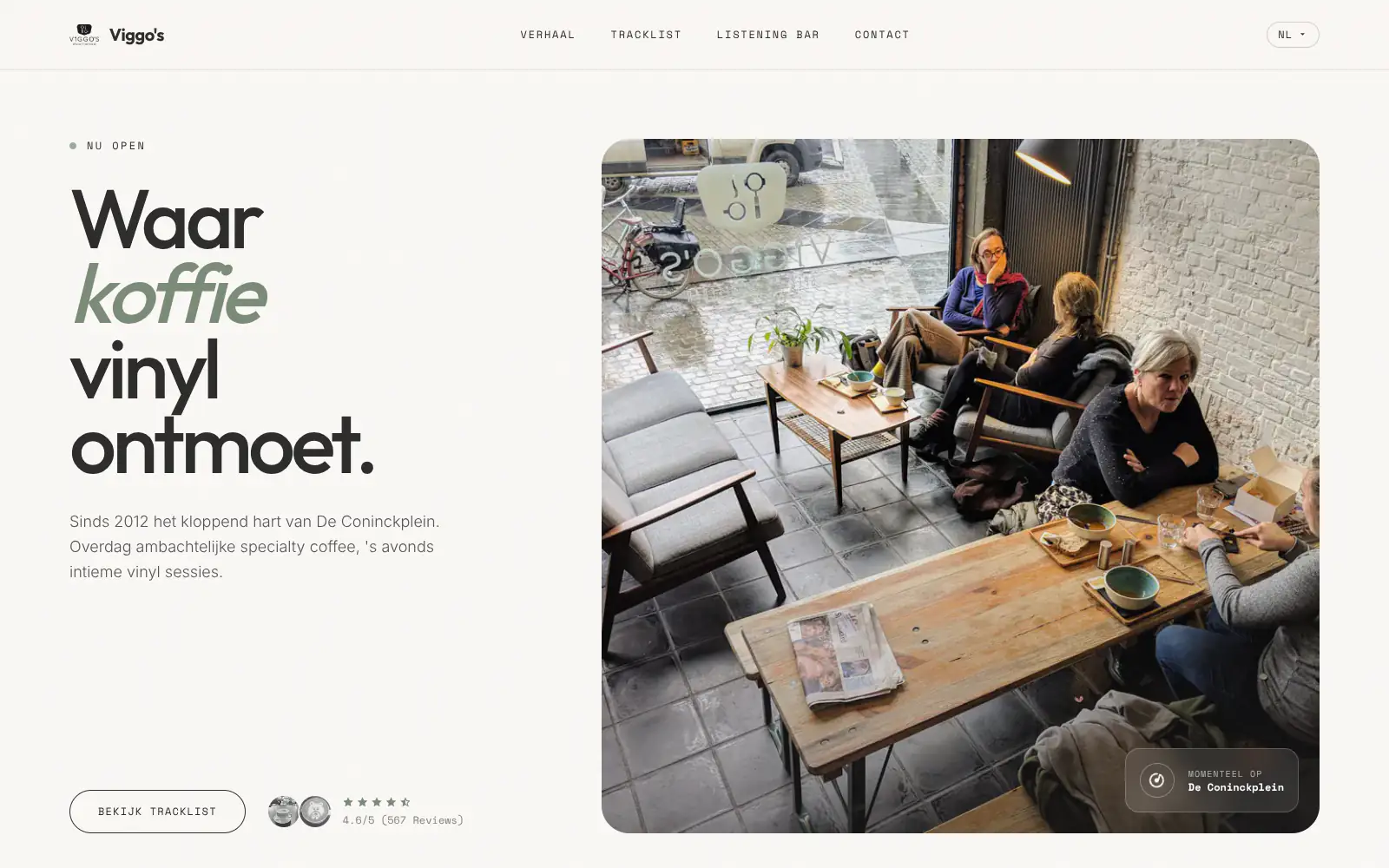
Viggo's
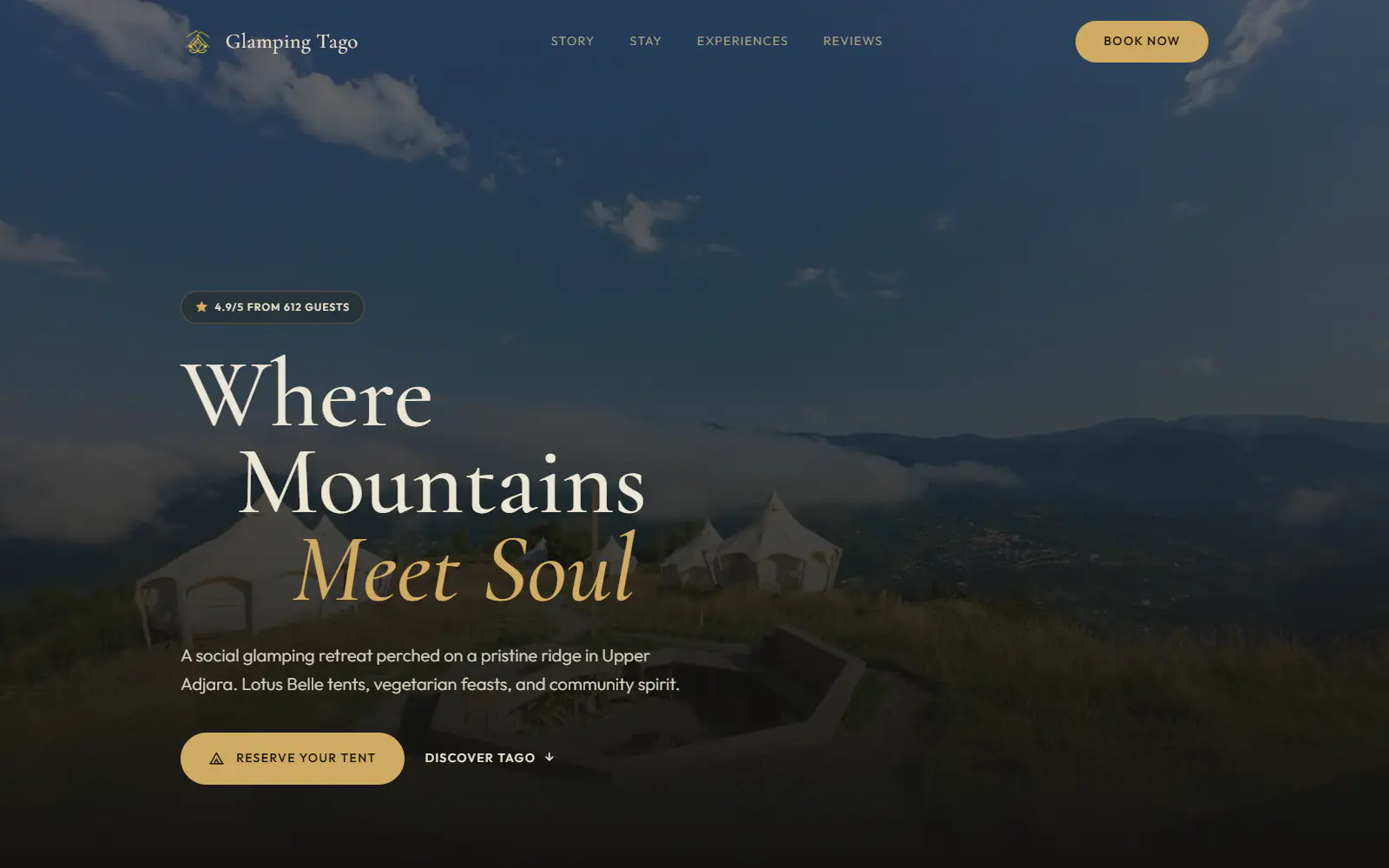
Glamping Tago
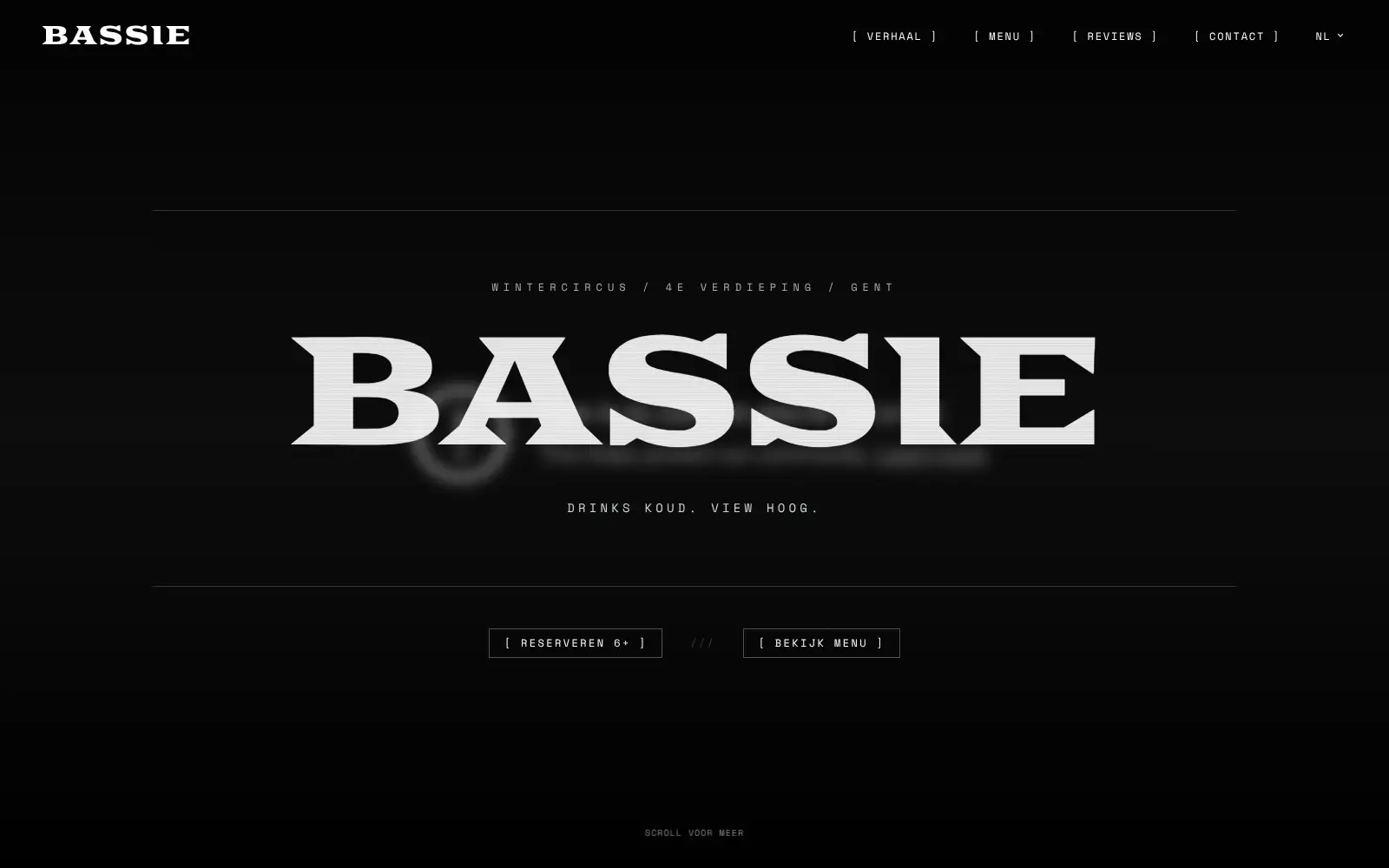
Bar Bassie
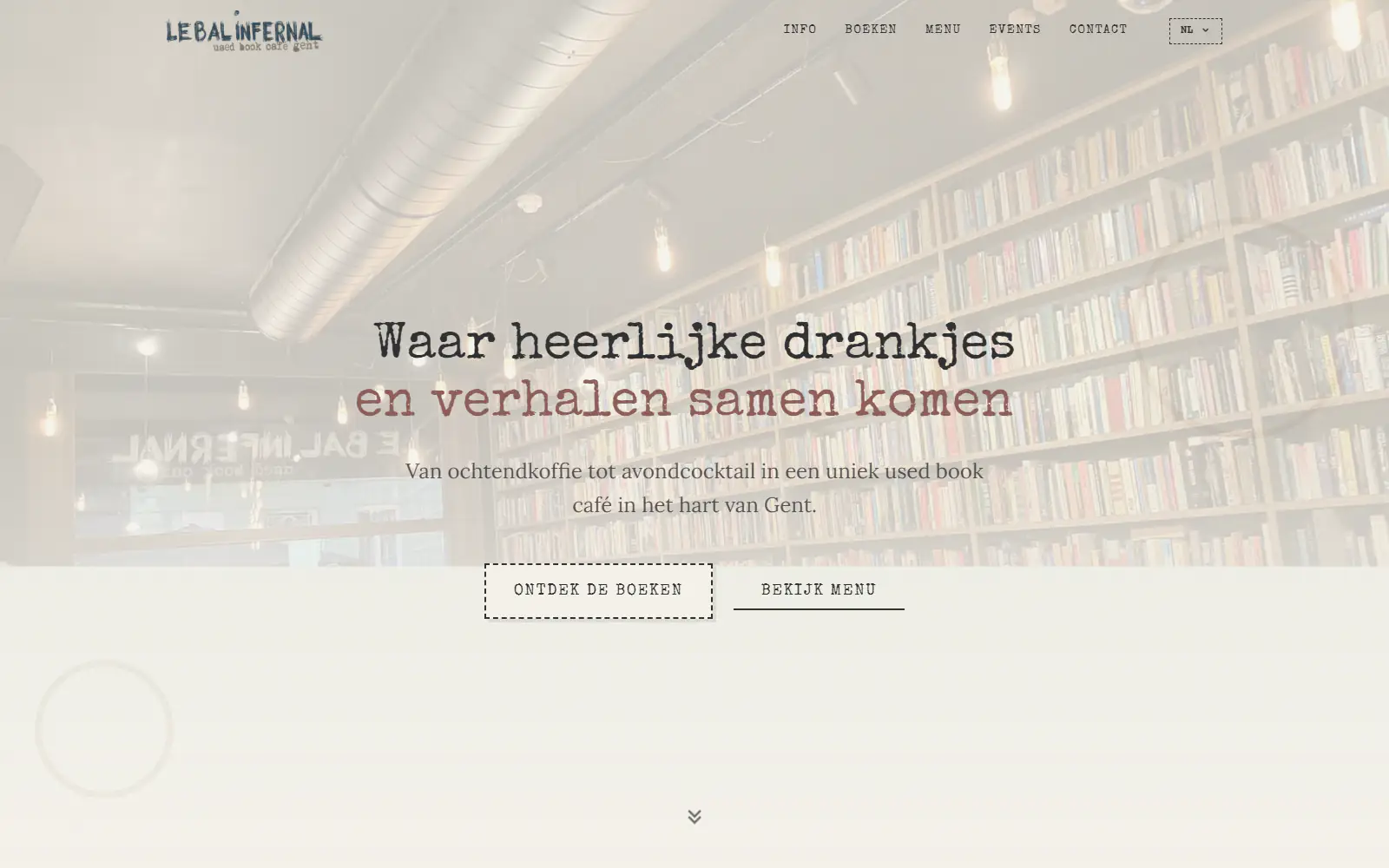
Le Bal Infernal - used book café

ALC Elite
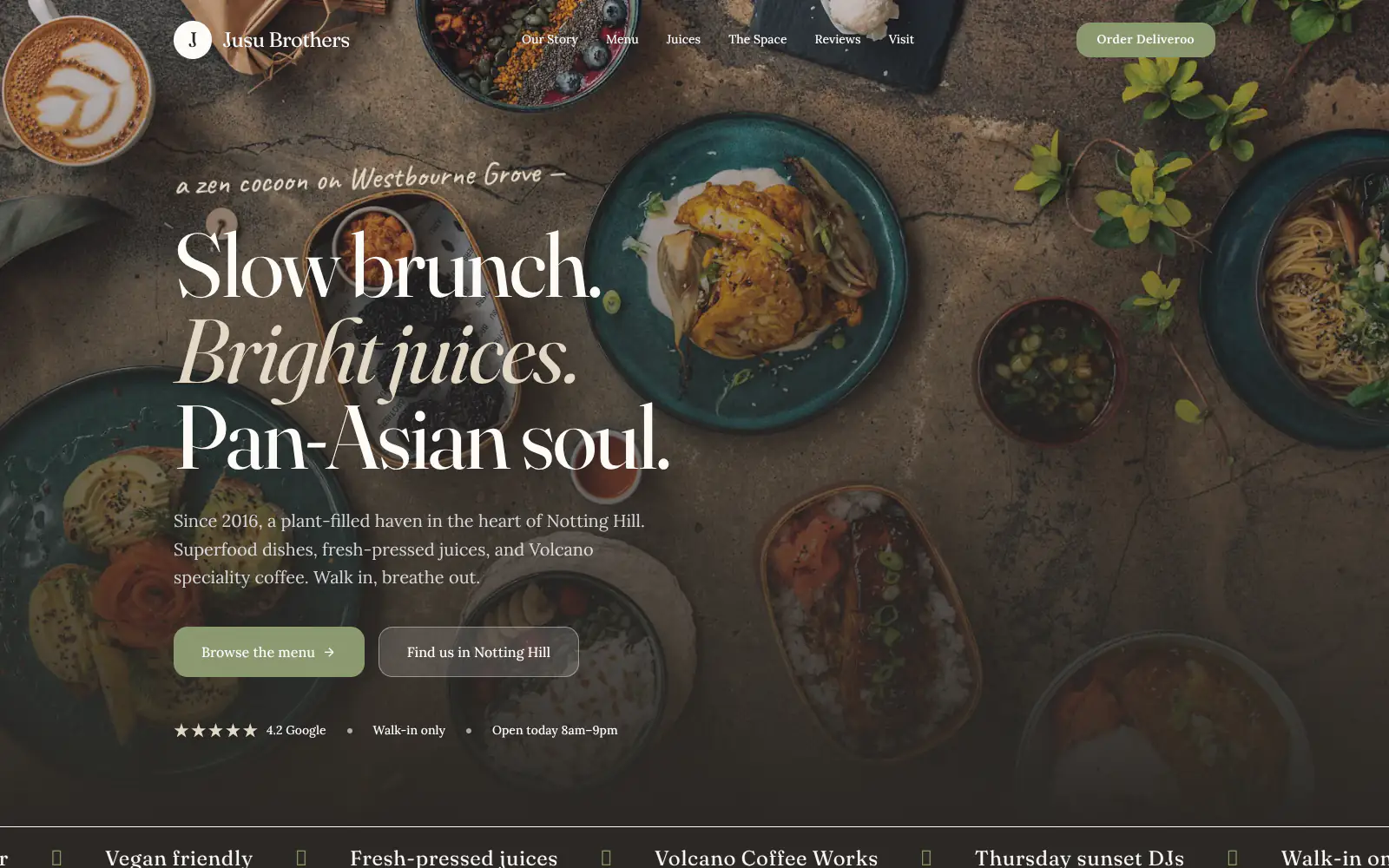
Jusu Brothers - Notting Hill
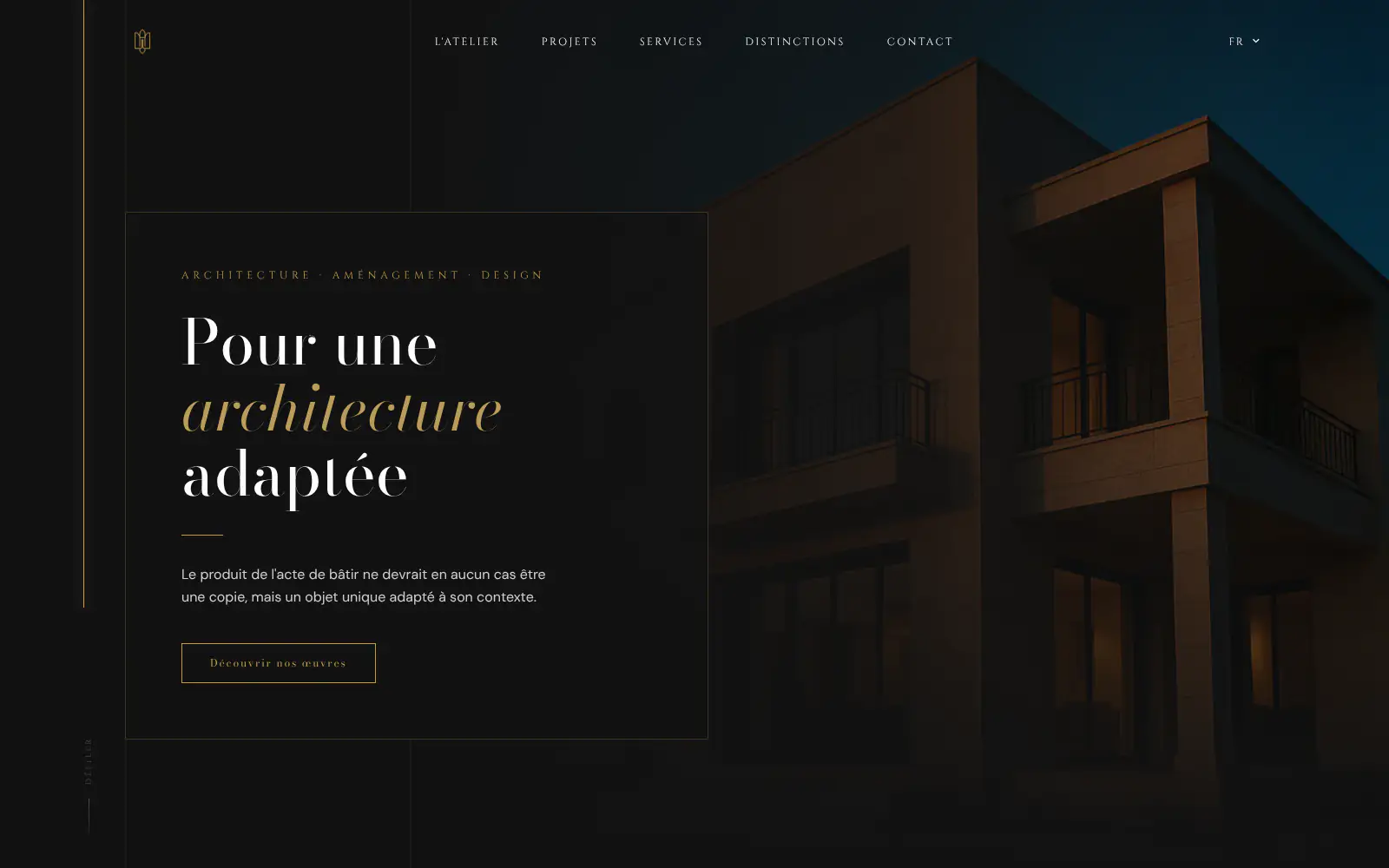
Atelier Messaoudi architecte. Architecture, Aménagement & Design
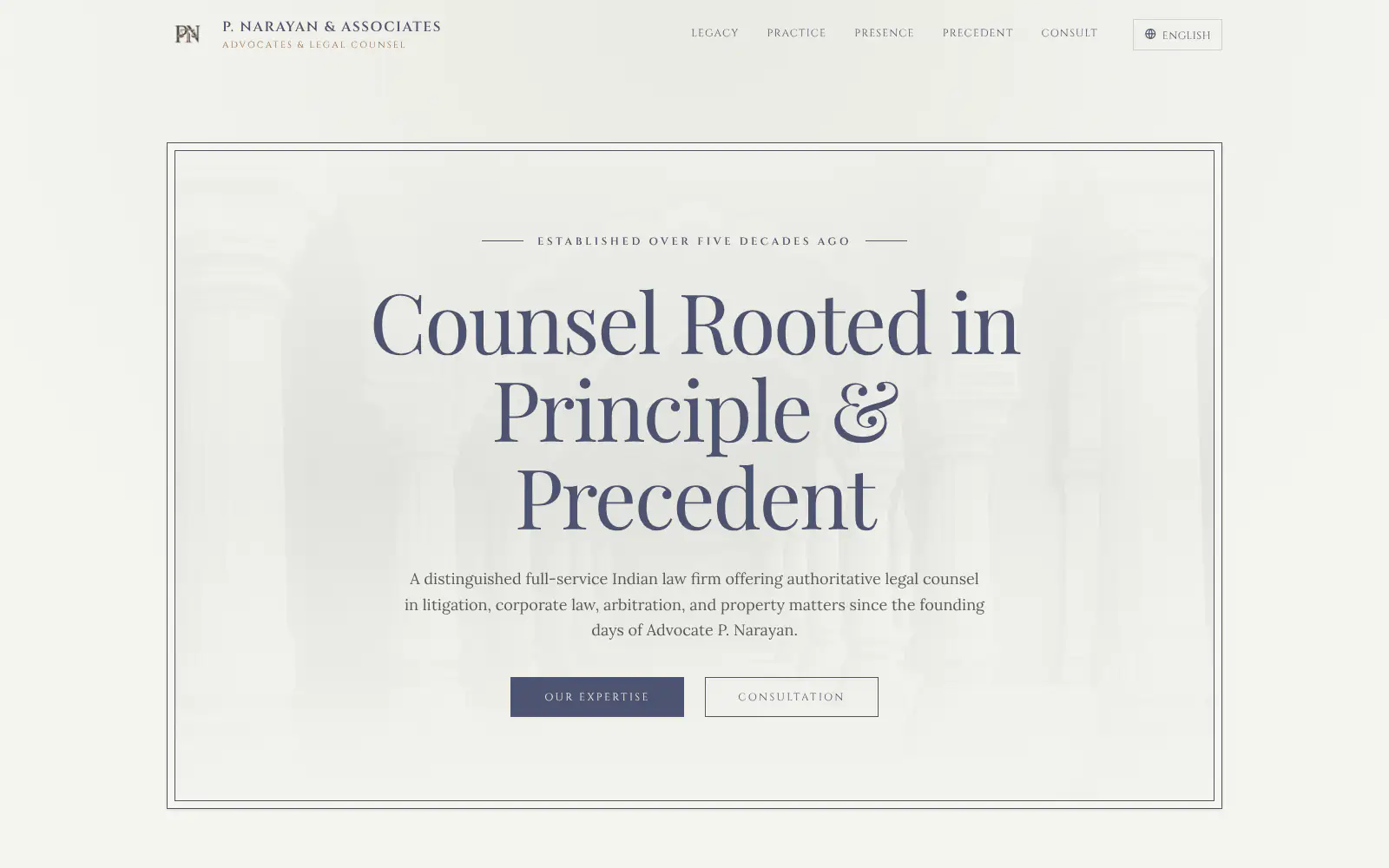
P. Narayan and Associates
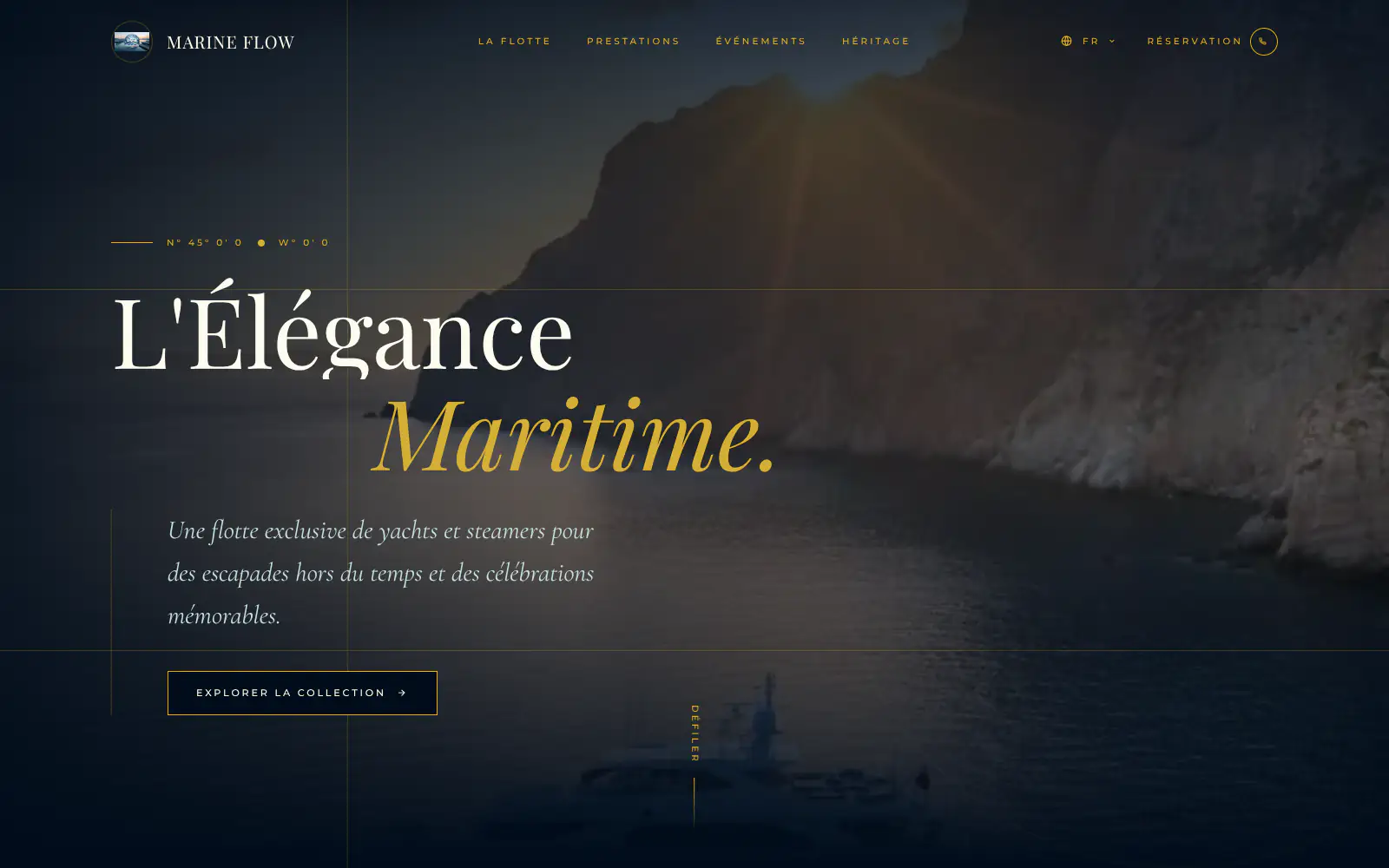
Marine flow
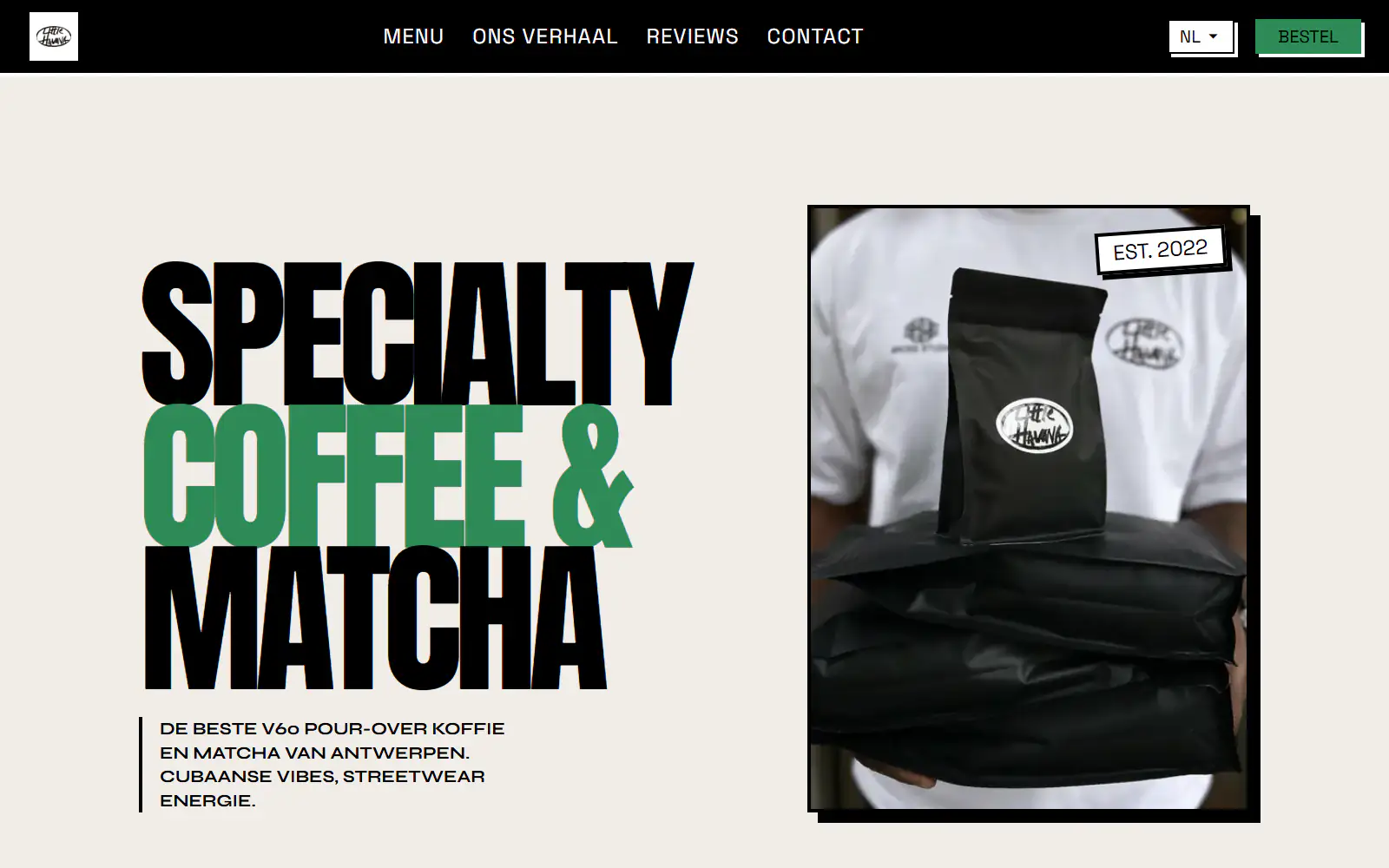
Little Havana Cafe
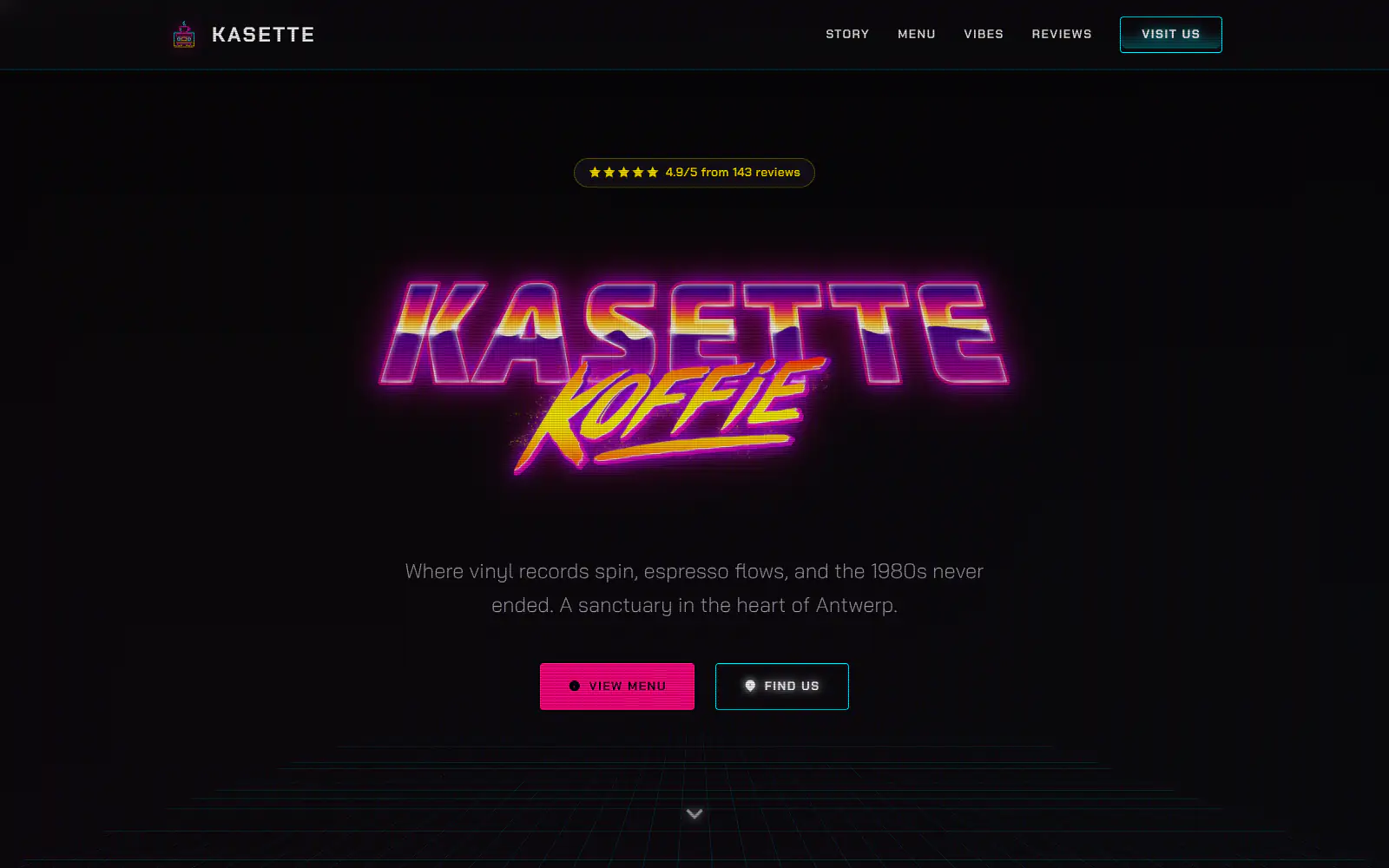
Kasette Koffie
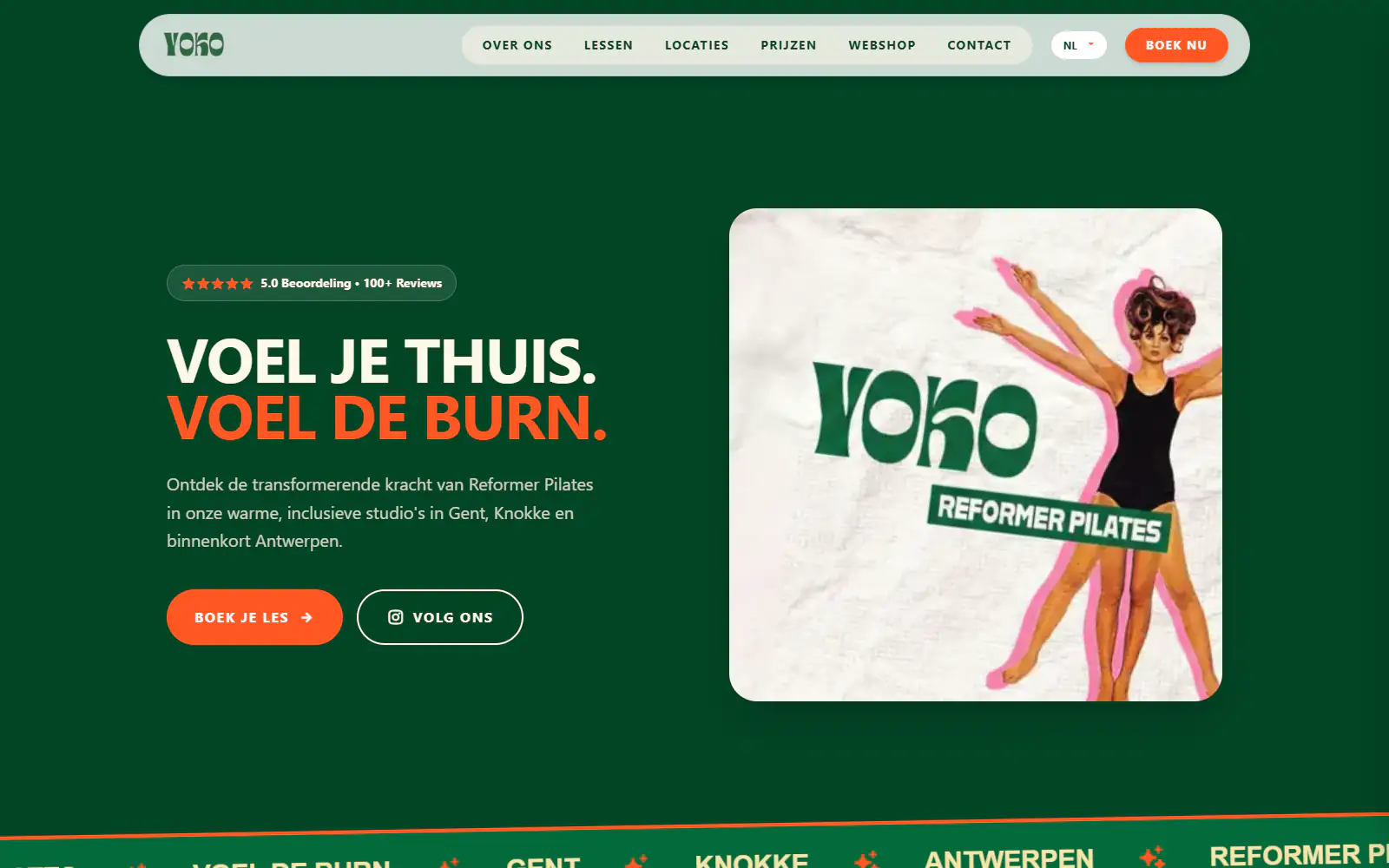
Yoko Studio Gent
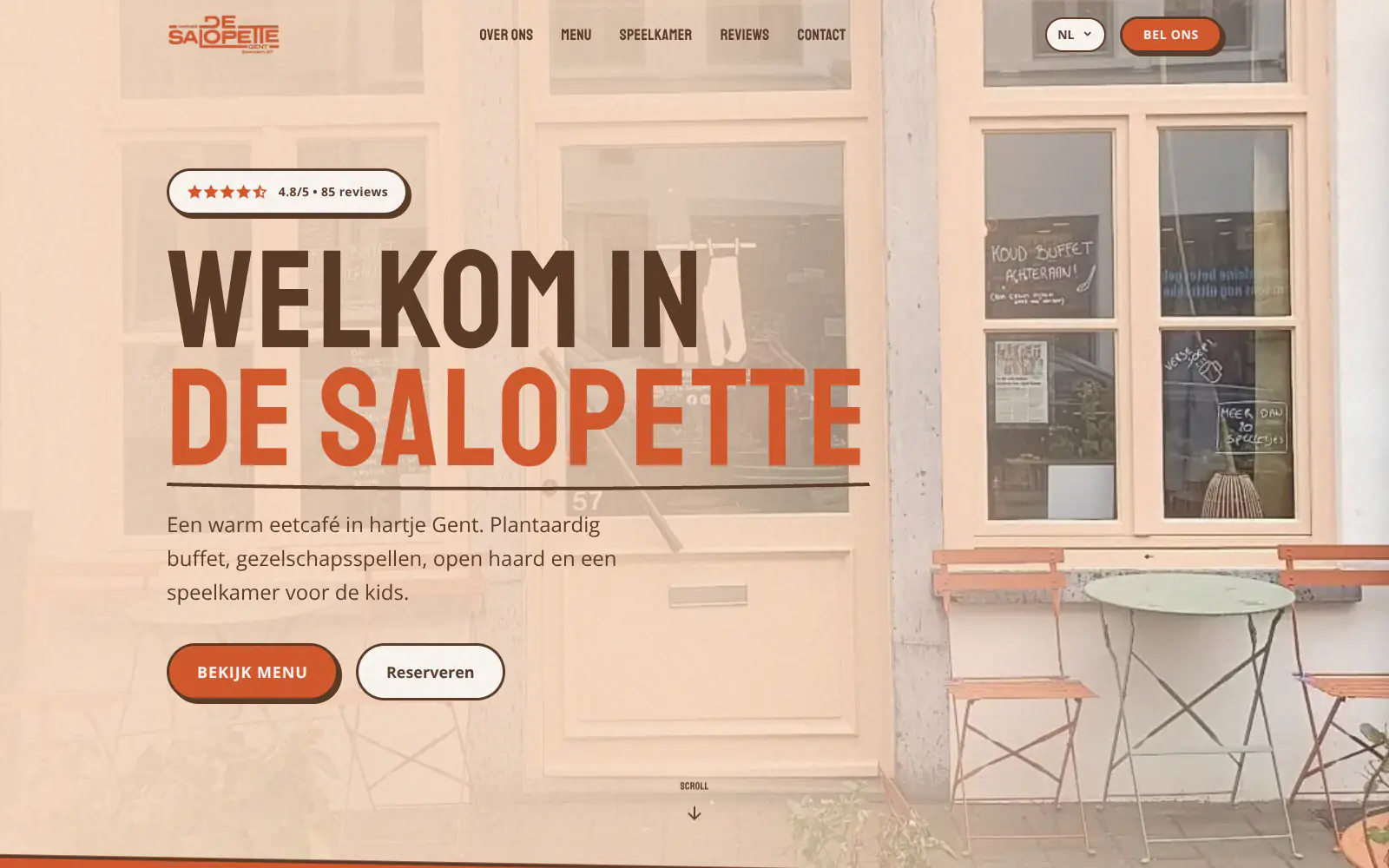
De Salopette
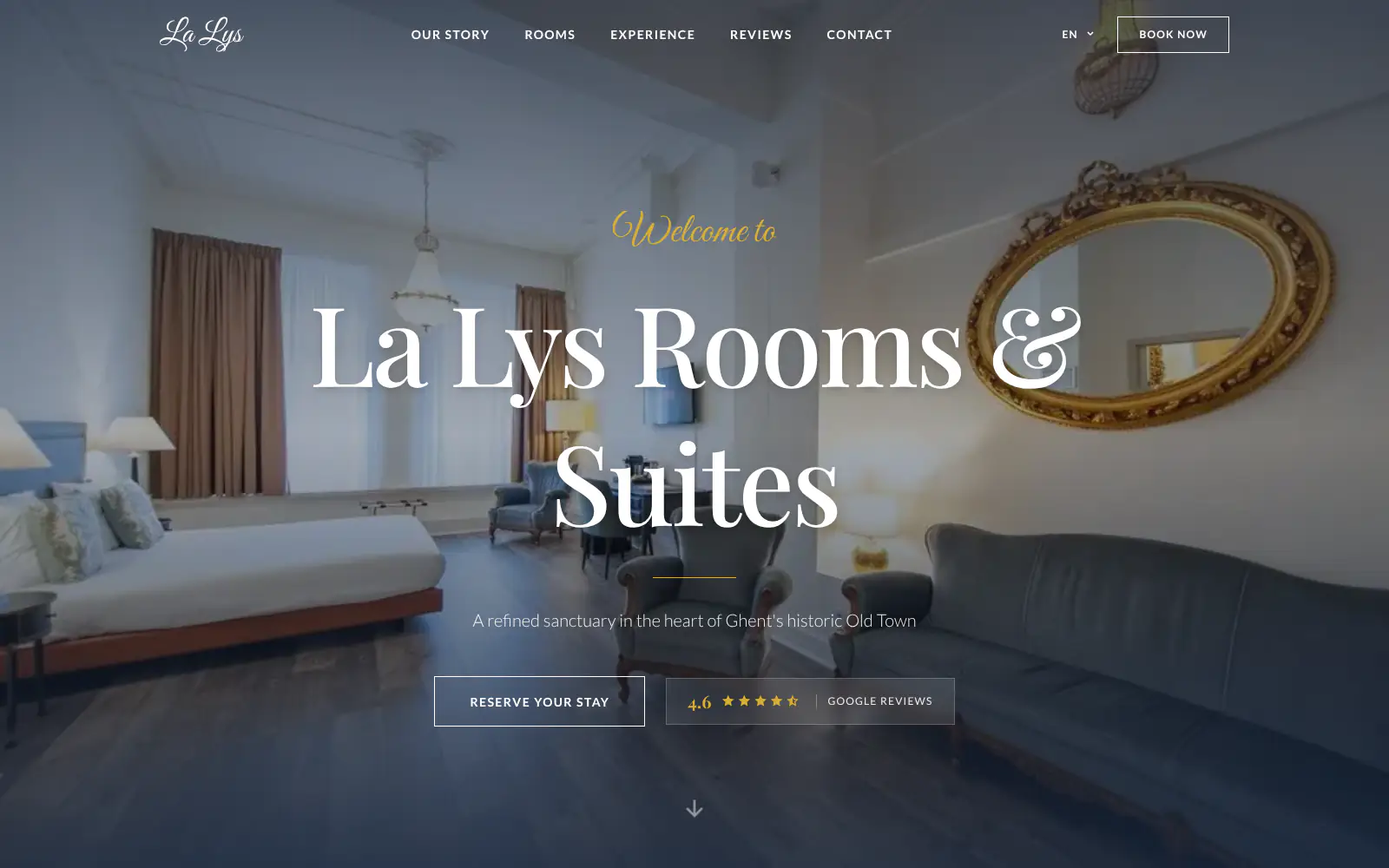
La Lys Rooms & Suites
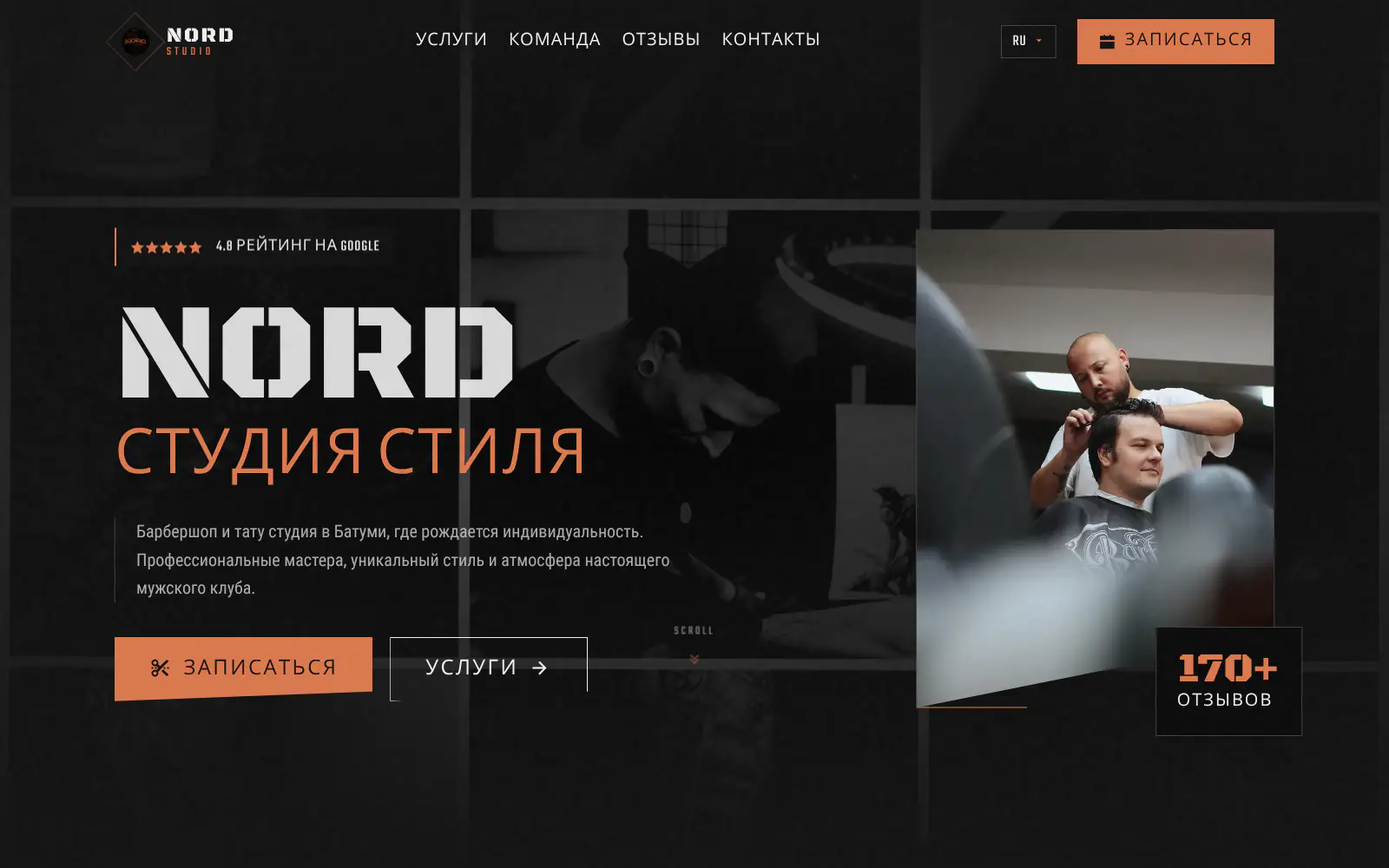
Barbershop & Tattoo studio Nord
Afsnis
WhyNot Gent Gastrobar/cocktails
Plant A Pizza
Viggo's
Glamping Tago
Bar Bassie
Le Bal Infernal - used book café
ALC Elite
Jusu Brothers - Notting Hill
Atelier Messaoudi architecte. Architecture, Aménagement & Design
P. Narayan and Associates
Marine flow
Little Havana Cafe
Kasette Koffie
Yoko Studio Gent
De Salopette
La Lys Rooms & Suites
Barbershop & Tattoo studio Nord
Afsnis
WhyNot Gent Gastrobar/cocktails
Plant A Pizza
Viggo's
Glamping Tago
Bar Bassie
Le Bal Infernal - used book café
ALC Elite
Jusu Brothers - Notting Hill
Atelier Messaoudi architecte. Architecture, Aménagement & Design
P. Narayan and Associates
Marine flow
Little Havana Cafe
Kasette Koffie
Yoko Studio Gent
De Salopette
La Lys Rooms & Suites
Barbershop & Tattoo studio Nord
Don't build.
Just publish.
Most builders throw you into a generic template. Boosterpack does it the other way around. You confirm your real content first, then AI drafts the copy, layout and design from those inputs.

The search
Start from your public profile or enter details
Search for your photography business on Google Maps or enter details manually. Boosterpack can use public business info, photos and reviews where available, then you choose the images and details that belong on the site.

The inputs
Add work, specialties, pricing and inquiry paths
Add the services you want to sell: weddings, elopements, families, newborn, maternity, senior portraits, headshots, brand, editorial, product, real estate or food. Include locations, starting prices, testimonials, social links, gallery links and the inquiry or booking link you already use.

The style
Choose a look that fits your photography
Choose a direction that fits your work: clean editorial, warm documentary, light and airy, dark and moody, luxury wedding, playful family, polished headshot or commercial studio. Real work samples should lead the design, not stock photography.

The launch
Publish, then keep the site current
Publish on a Boosterpack subdomain, then connect your own domain on Plus. Update portfolio copy, service areas, starting prices, testimonials, gallery links, inquiry links, seasonal mini sessions or brand positioning by chat.
Start free, upgrade when you're ready.
Start free with a finished photographer website hosted on a Boosterpack subdomain. Upgrade to Plus from $16/mo to connect your own domain, like yournamephoto.com or yourstudio.com, remove the Boosterpack badge and unlock more chat edits. Keep your gallery, CRM, contracts, invoices and print store if you already use them.
For getting online at no cost
Free forever
Perfect for your business website
Billed annually
Built for the questions clients ask before they inquire
A photographer website is not just a gallery. It should quickly answer what you shoot, where you work, whether your style fits, whether the client can afford you, what proof you have and how inquiry works. Boosterpack keeps that public layer clear while client galleries, contracts, invoices, questionnaires, proofing, print stores and payment flows stay in your existing photography tools.
A portfolio that is curated, not endless
Use selected work that proves your style and specialty: weddings, elopements, families, newborn, headshots, brand, food, product or real estate. A focused set of strong images with clear labels usually beats a huge archive with no next step.
Client galleries stay in the gallery tools
Link visitors or existing clients to Pixieset, ShootProof, Pic-Time, CloudSpot or your gallery provider. Boosterpack is the public marketing site around those links, not a proofing gallery, print store, password portal or delivery system.
Inquiry points to the system you already trust
Send visitors to HoneyBook, Dubsado, Studio Ninja, Tave, 17hats, Calendly or your existing inquiry form. Boosterpack can include a general contact form when an email destination is available, but it does not replace your CRM, contracts, invoices or booking workflow.
Update copy and links without rebuilding the site
Use chat edits when your pricing changes, you add a new service area, open mini sessions, switch gallery platforms, add a testimonial or change your inquiry link. Keep the website current without fighting a portfolio template.
Your current tools stay. Your website gets better.
Keep your booking link, contact details and the systems you already use. Boosterpack builds the public site around them.
Is Boosterpack right for you?
Common questions
How much does a photographer website cost in 2026?
What should a photographer website and photography portfolio include?
Can I link to client galleries on Pixieset, ShootProof or Pic-Time?
Can I connect HoneyBook, Dubsado, Studio Ninja or Calendly?
Should photographers show pricing on their website?
Can I make separate sections for weddings, family, headshots or brand work?
Will my site rank for "wedding photographer in [city]" or "family photographer near me"?
Can I use real photos from Google, Instagram or uploads?
Can I include a contact form for photography inquiries?
Can I update portfolio copy, prices or links later?
Can I connect my own domain like yournamephoto.com?
Is the photographer website mobile-friendly?
Your photography site should make the right client inquire faster.
Start from your Google listing or enter details by hand. In minutes you have a photographer website with selected work, specialties, locations, pricing cues, reviews, a general contact form when email is available and links to your gallery, inquiry or booking tools. Publish free, then connect your own domain when you are ready.
Built from your business · Easy to edit