A website for your wedding venue.
Couples shortlist on capacity, price guidance, date fit and the rain plan. If those answers are hidden behind an inquiry form, the gallery cannot do the whole job.
Boosterpack creates a public website for your wedding or reception venue. Show spaces, seated capacity, packages, logistics, real weddings and tour options, then link to or embed HoneyBook, Tripleseat, Planning Pod or your inquiry flow. Your venue software keeps calendars, contracts and payments.
Real businesses. Finished websites.
These are live sites created with Boosterpack from real business details, photos and reviews where available. Open one to see the finished result.
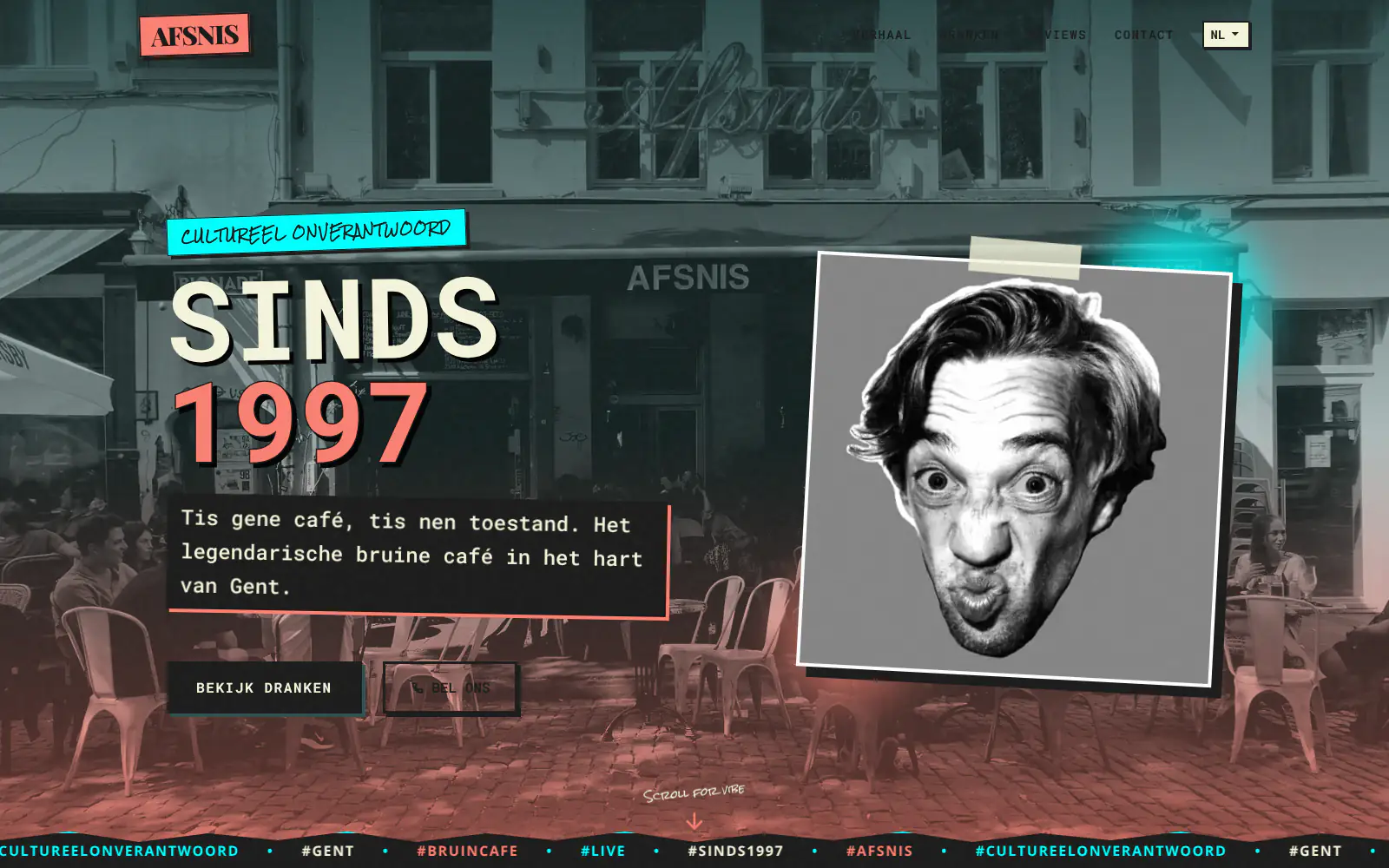
Afsnis

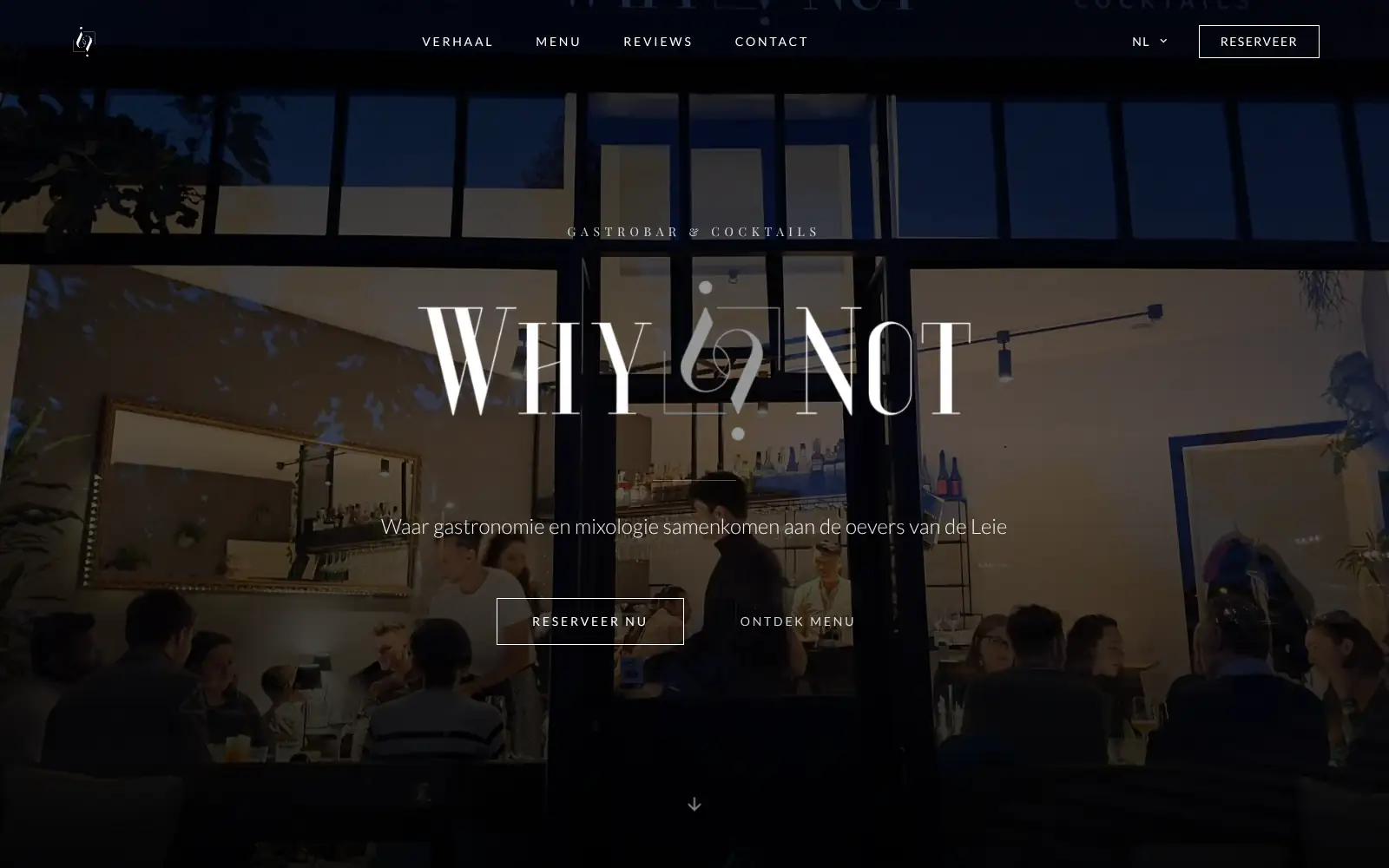
WhyNot Gent Gastrobar/cocktails

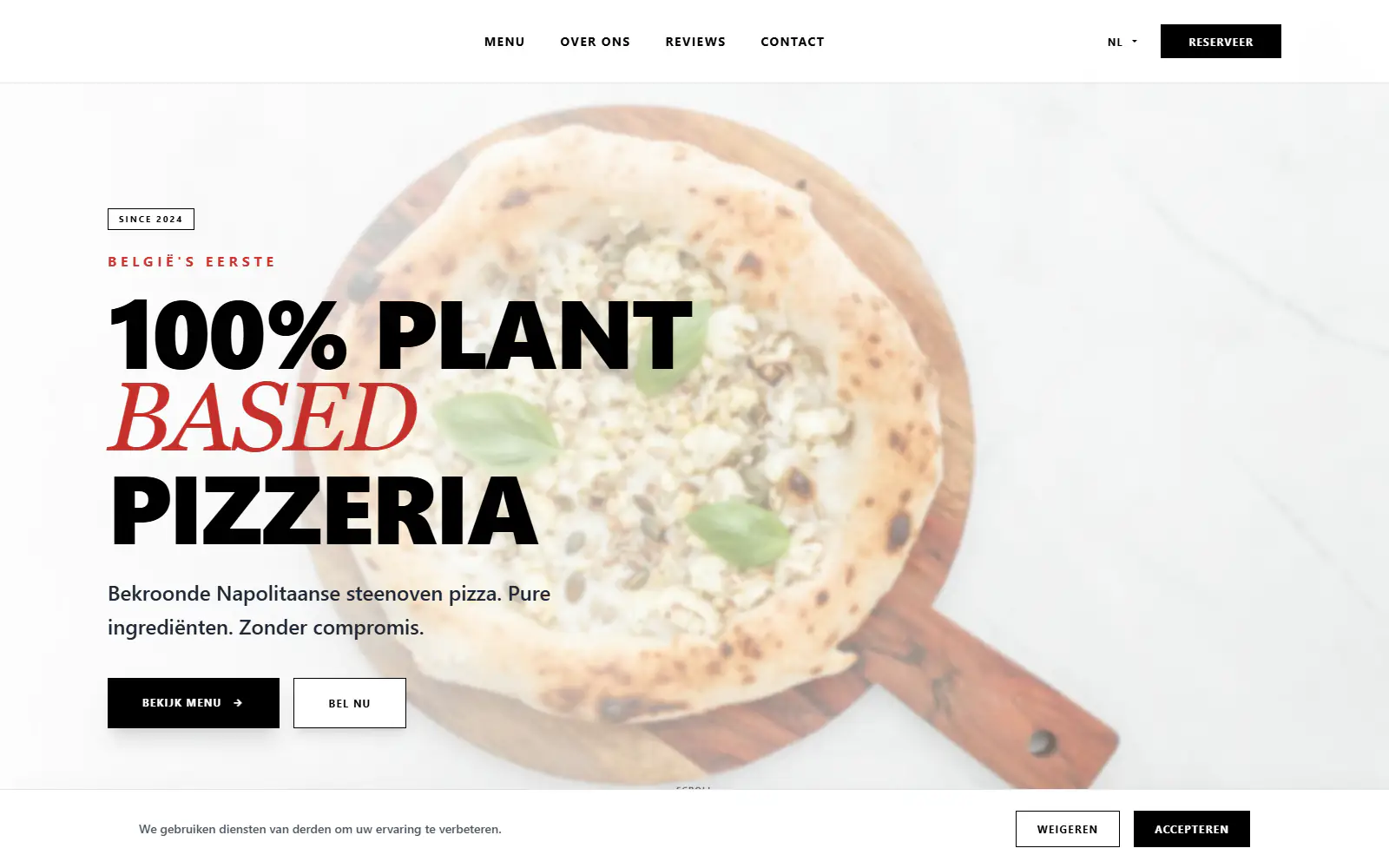
Plant A Pizza
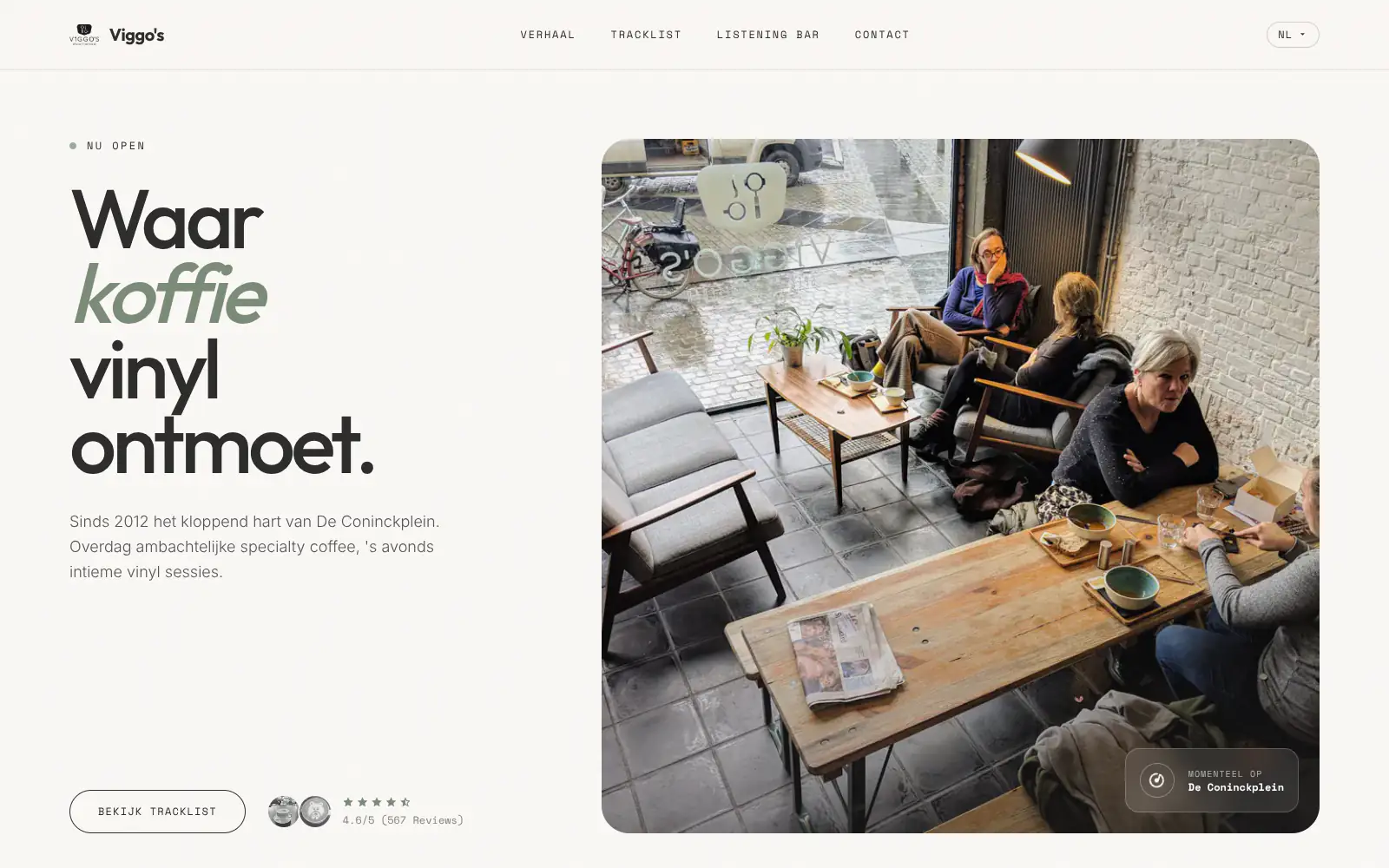
Viggo's
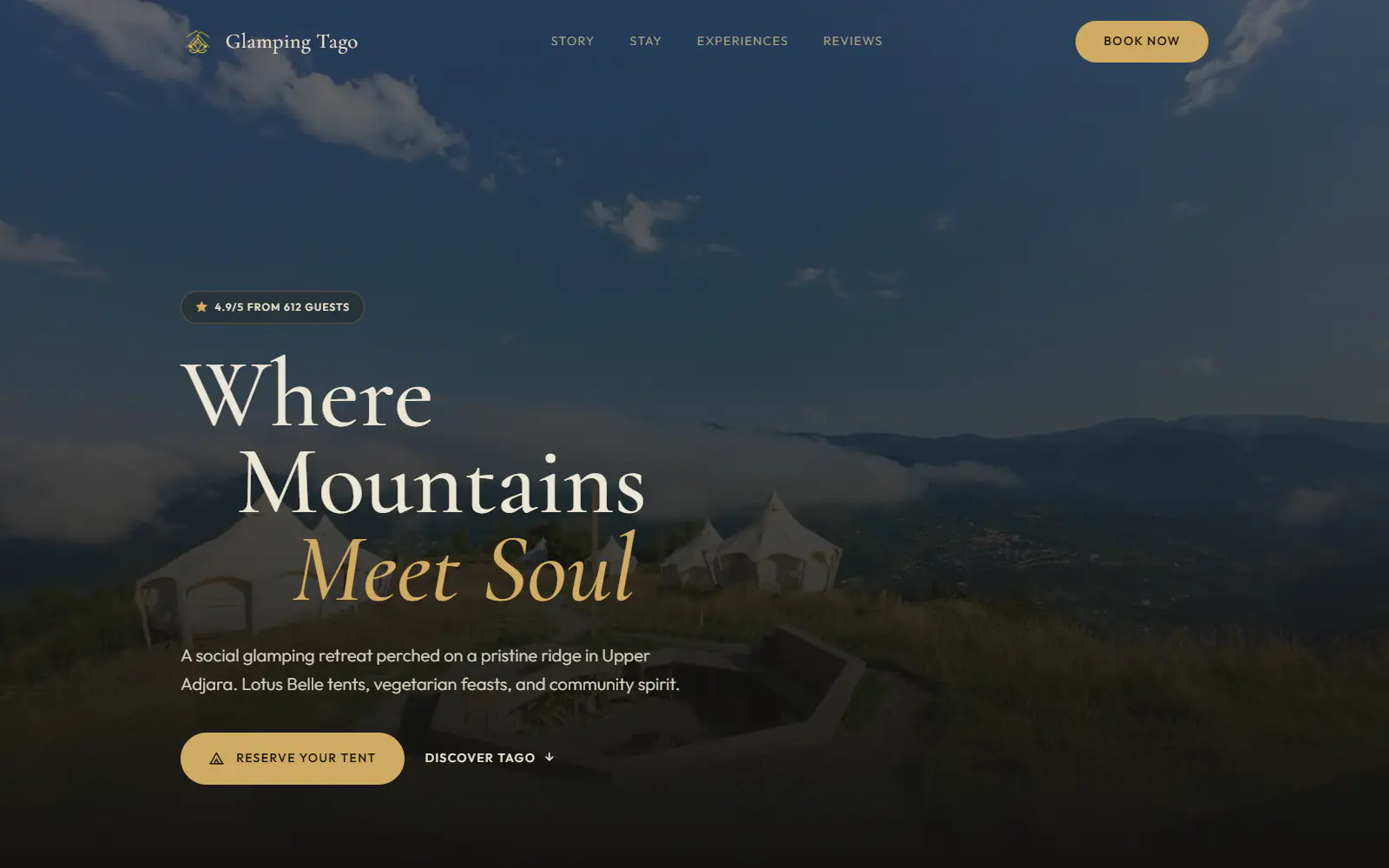
Glamping Tago
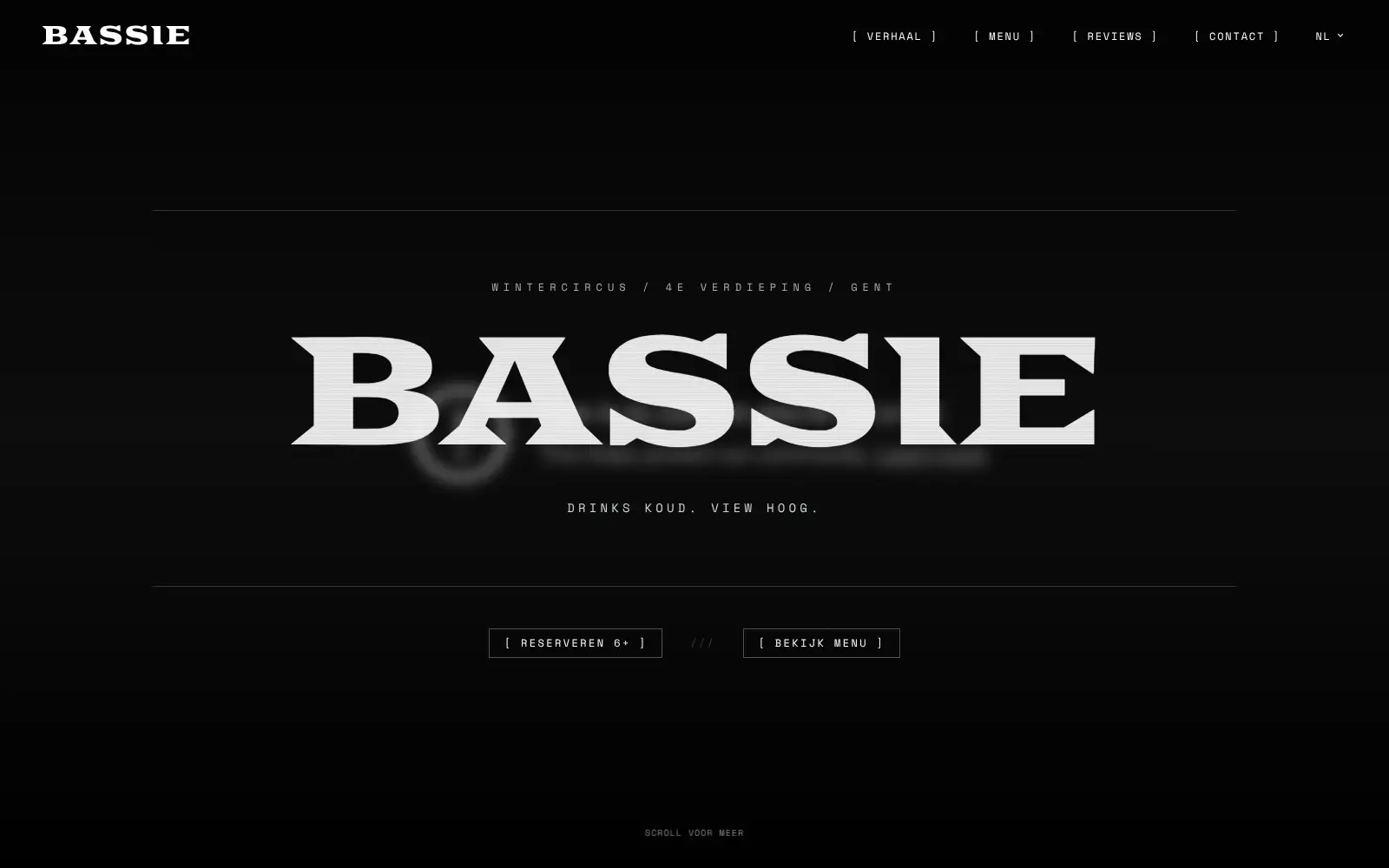
Bar Bassie
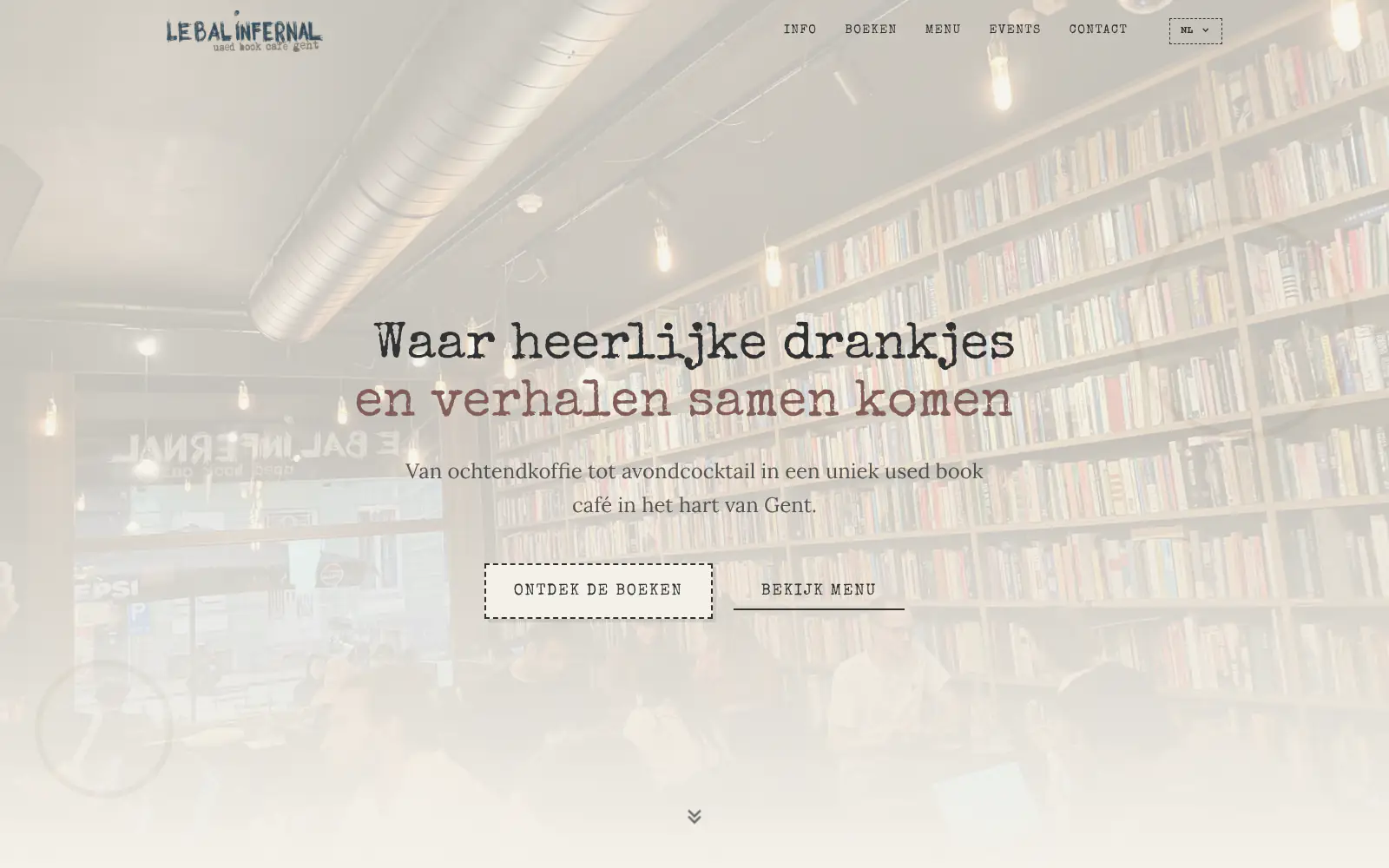
Le Bal Infernal - used book café
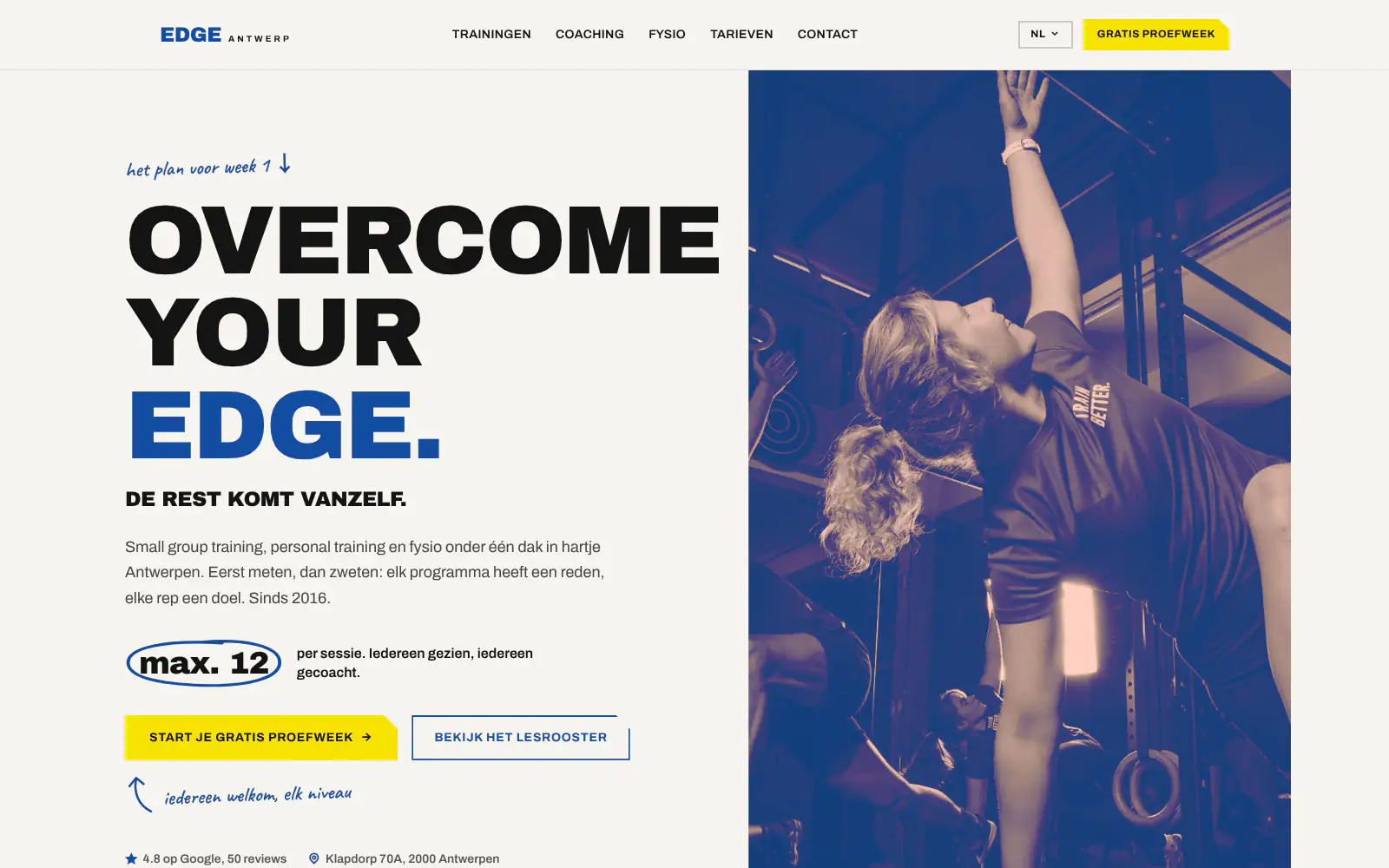
EDGE Antwerp

ALC Elite
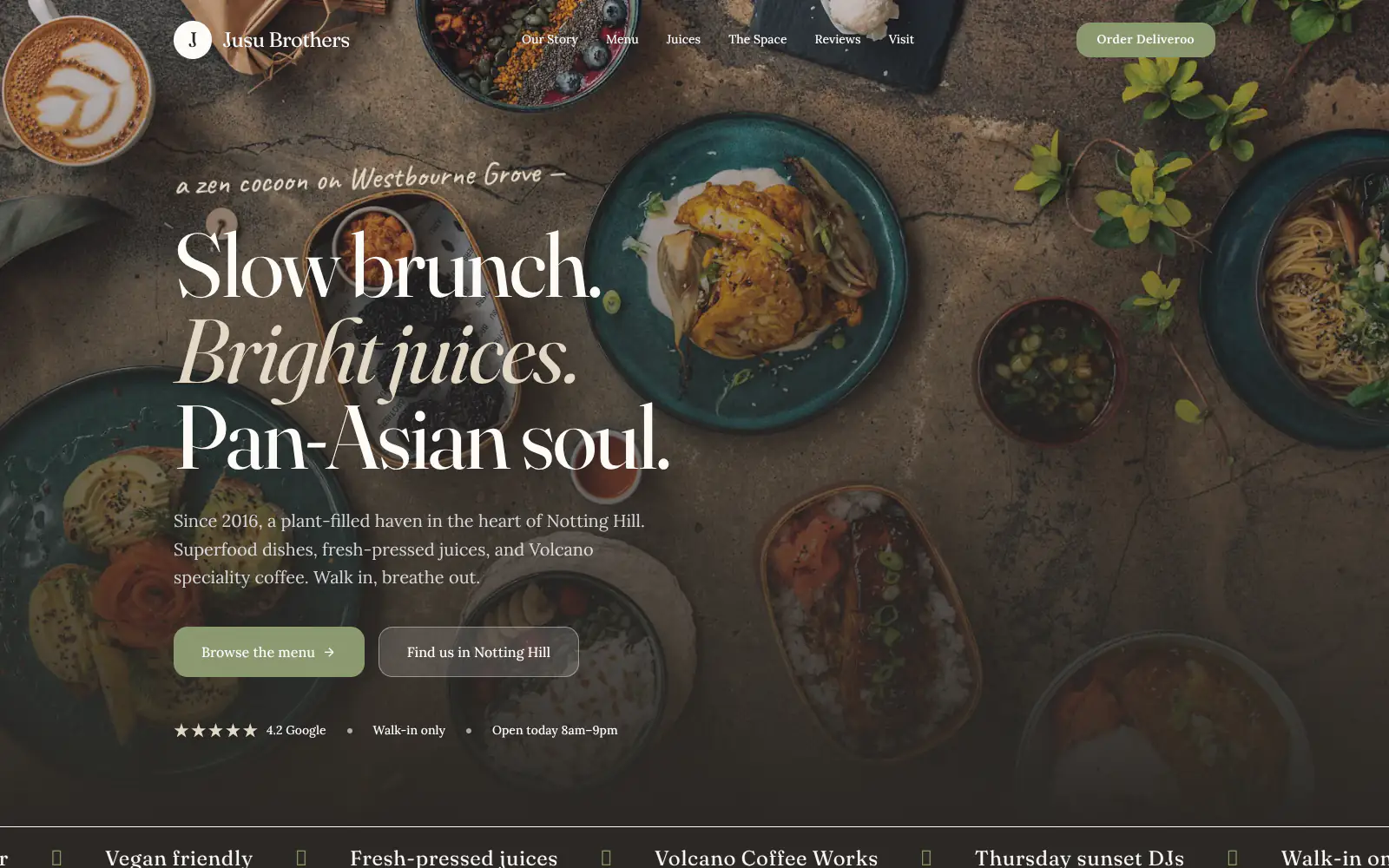
Jusu Brothers - Notting Hill
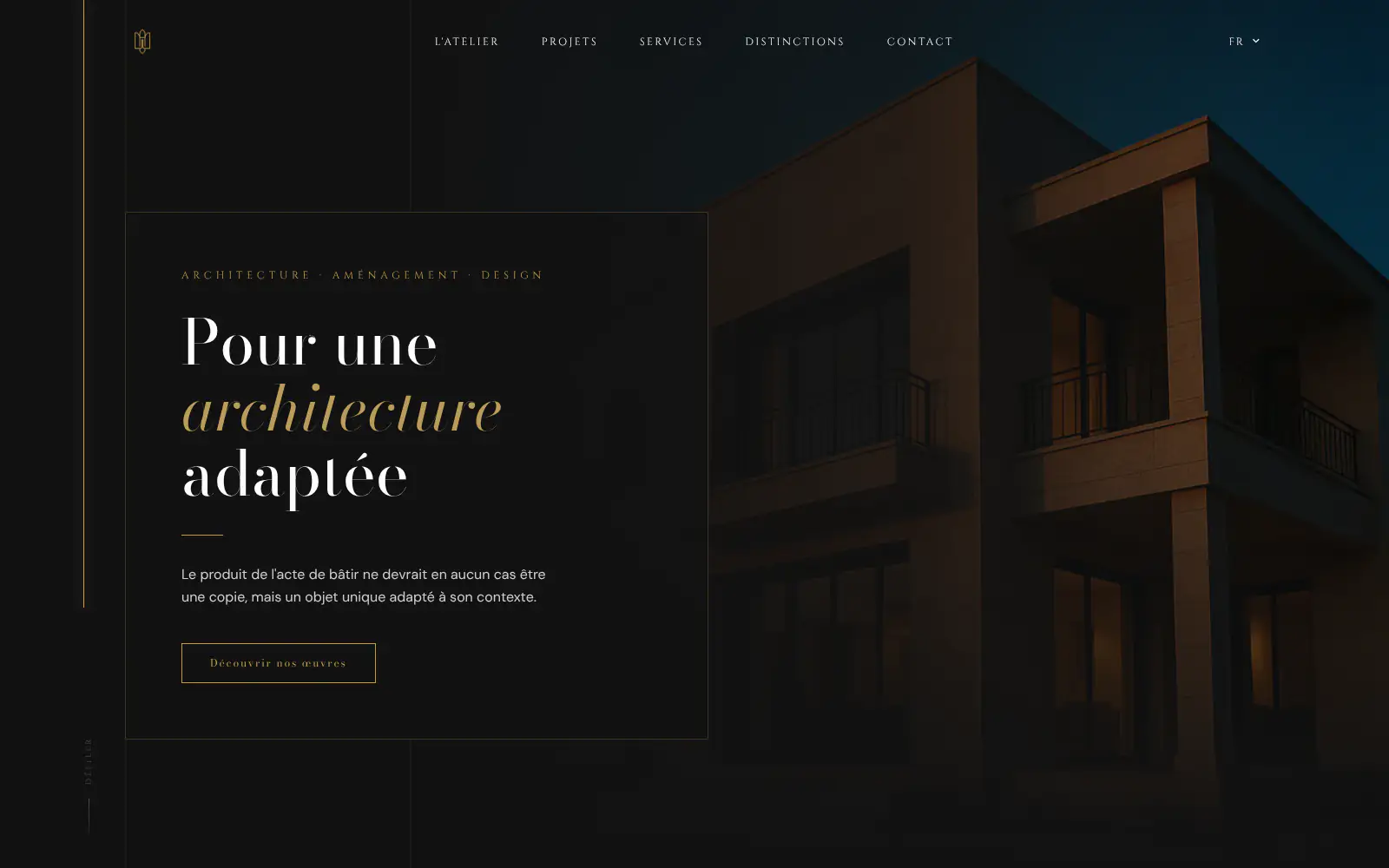
Atelier Messaoudi architecte. Architecture, Aménagement & Design
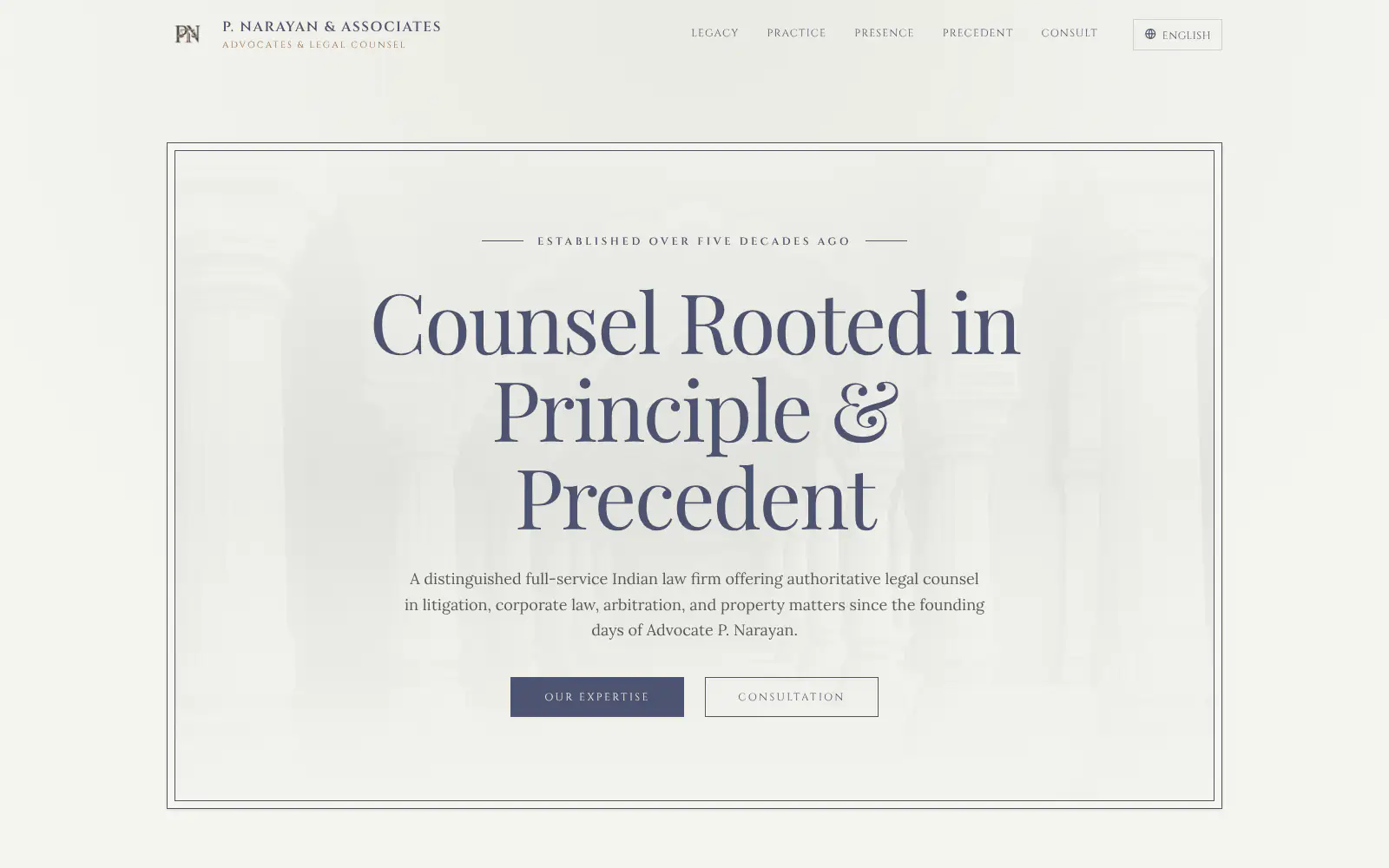
P. Narayan and Associates
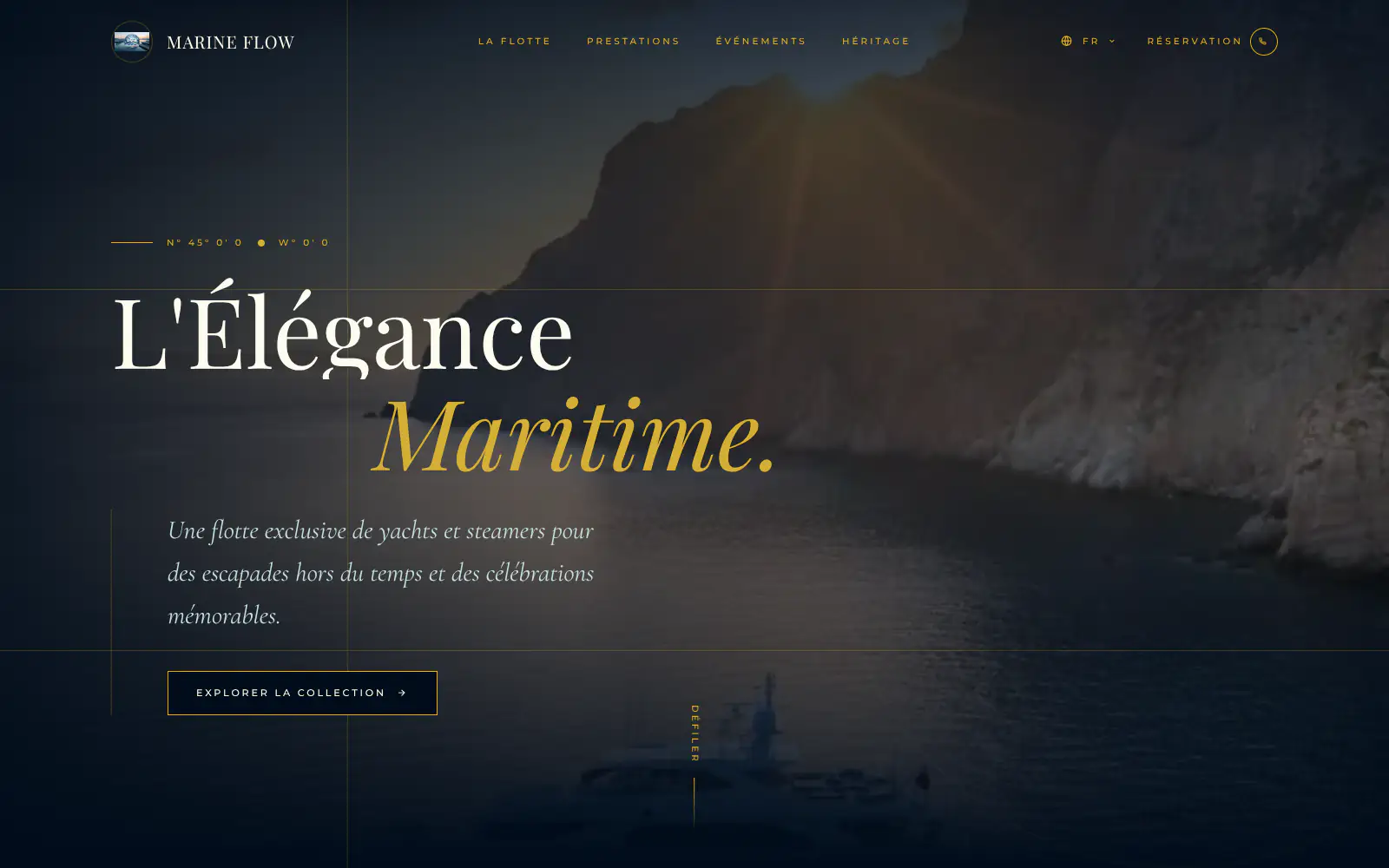
Marine flow
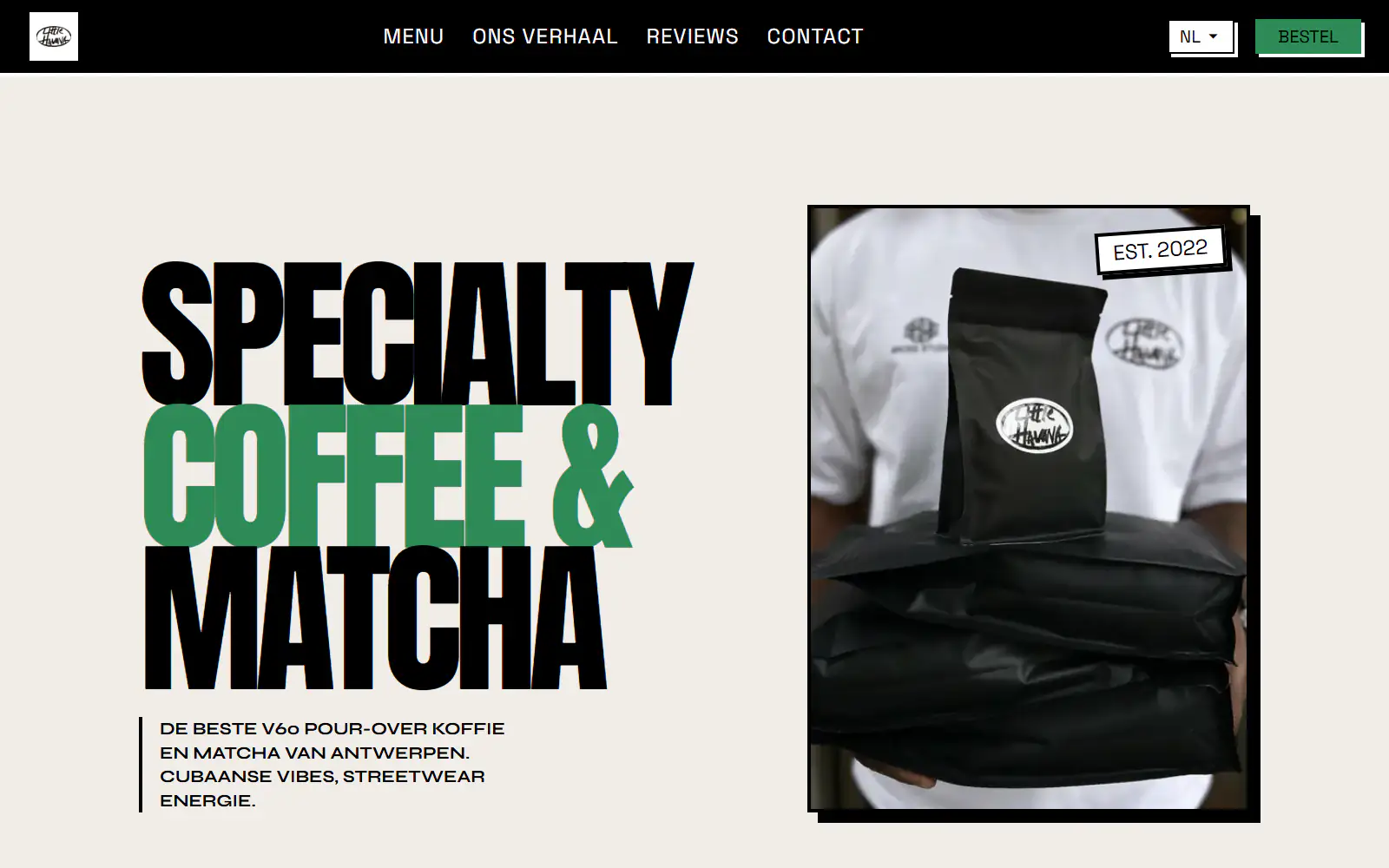
Little Havana Cafe
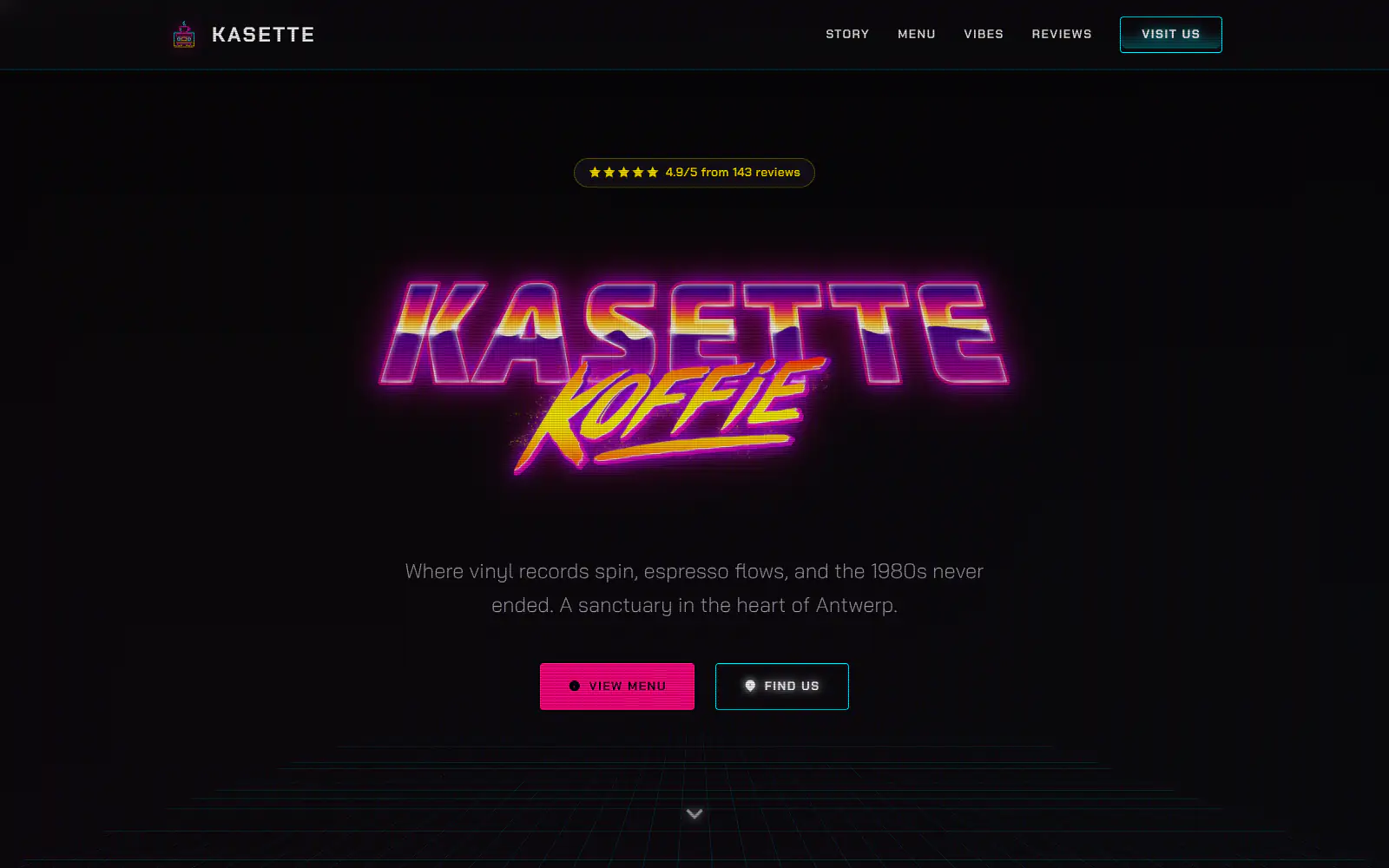
Kasette Koffie
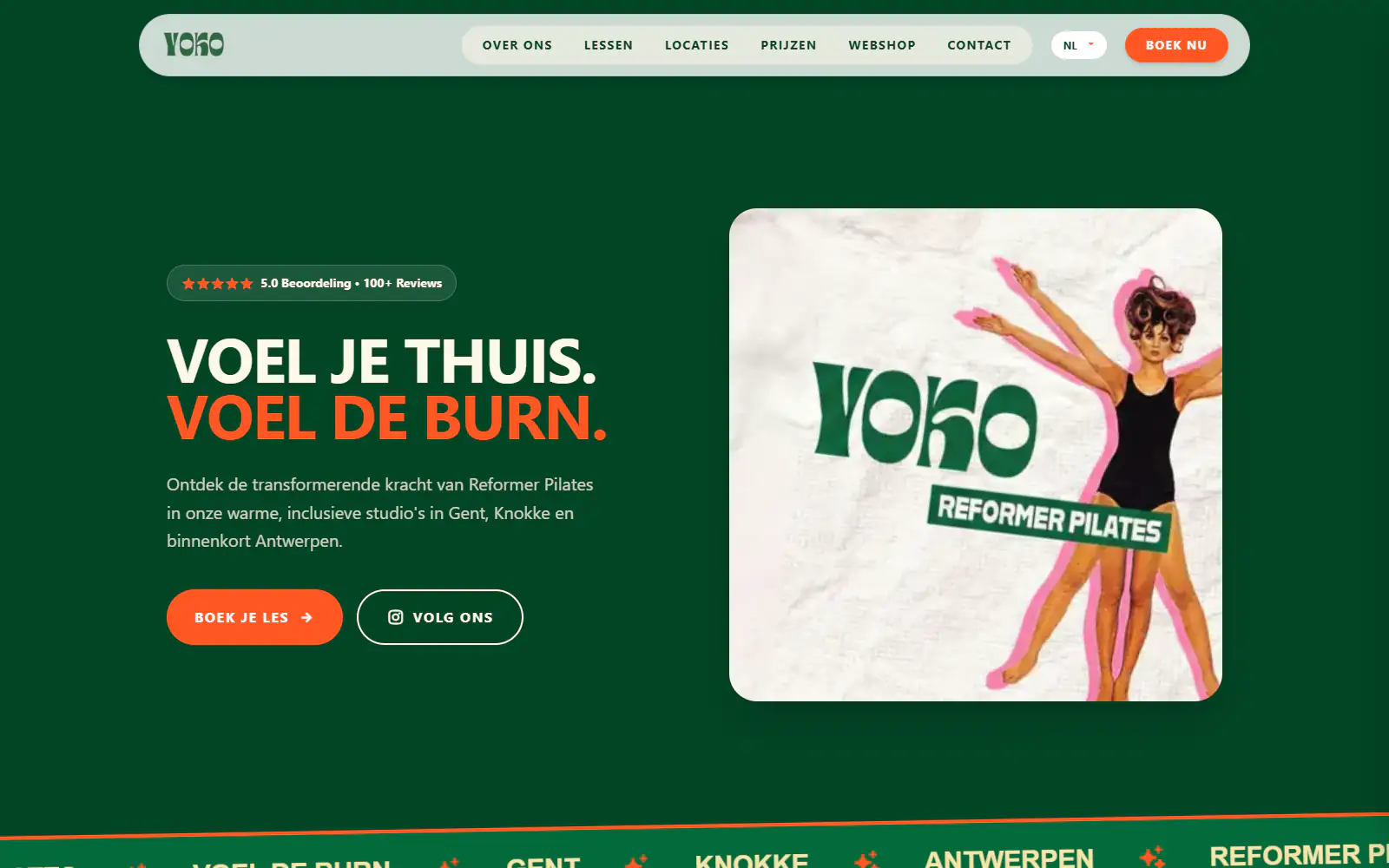
Yoko Studio Gent
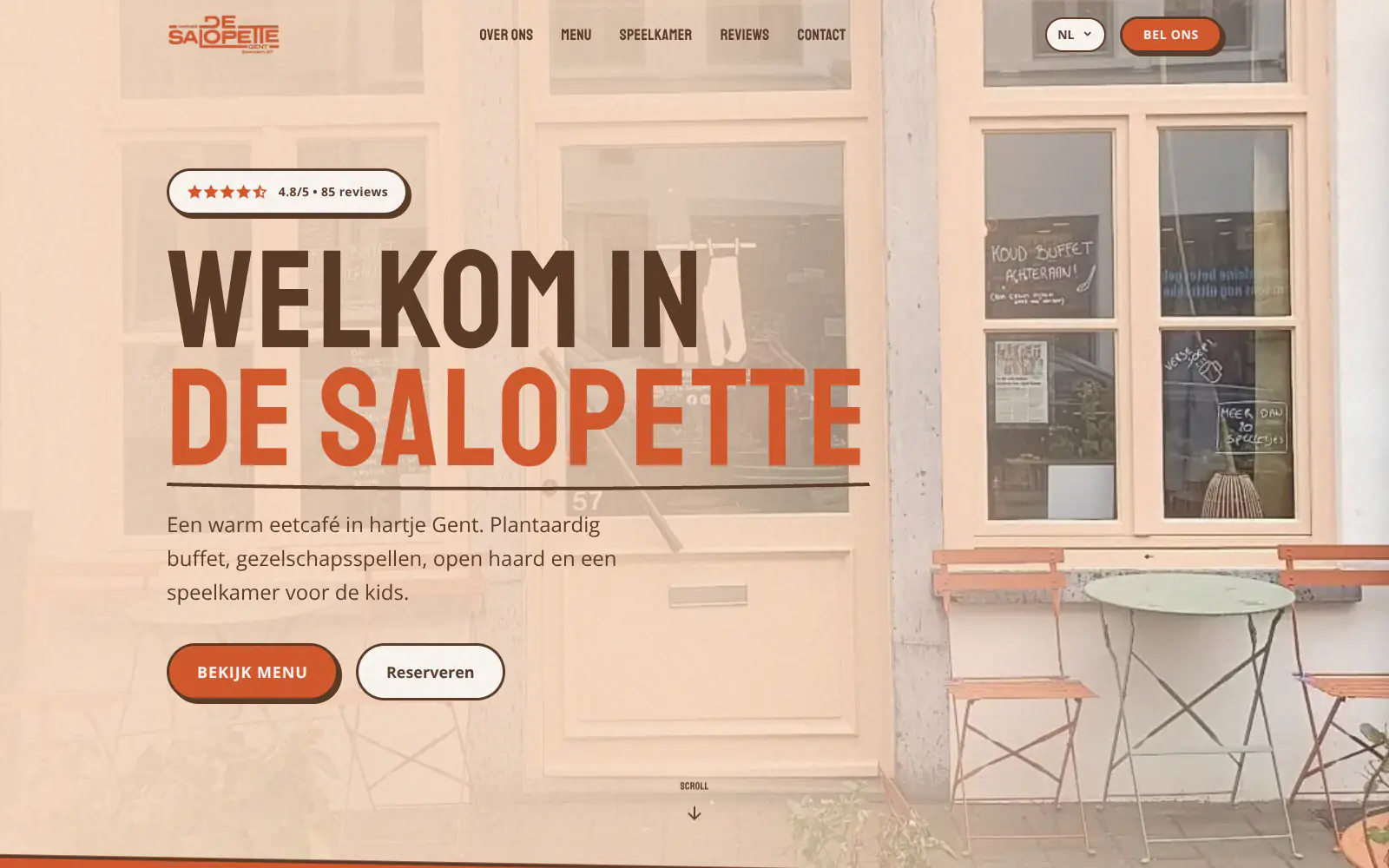
De Salopette
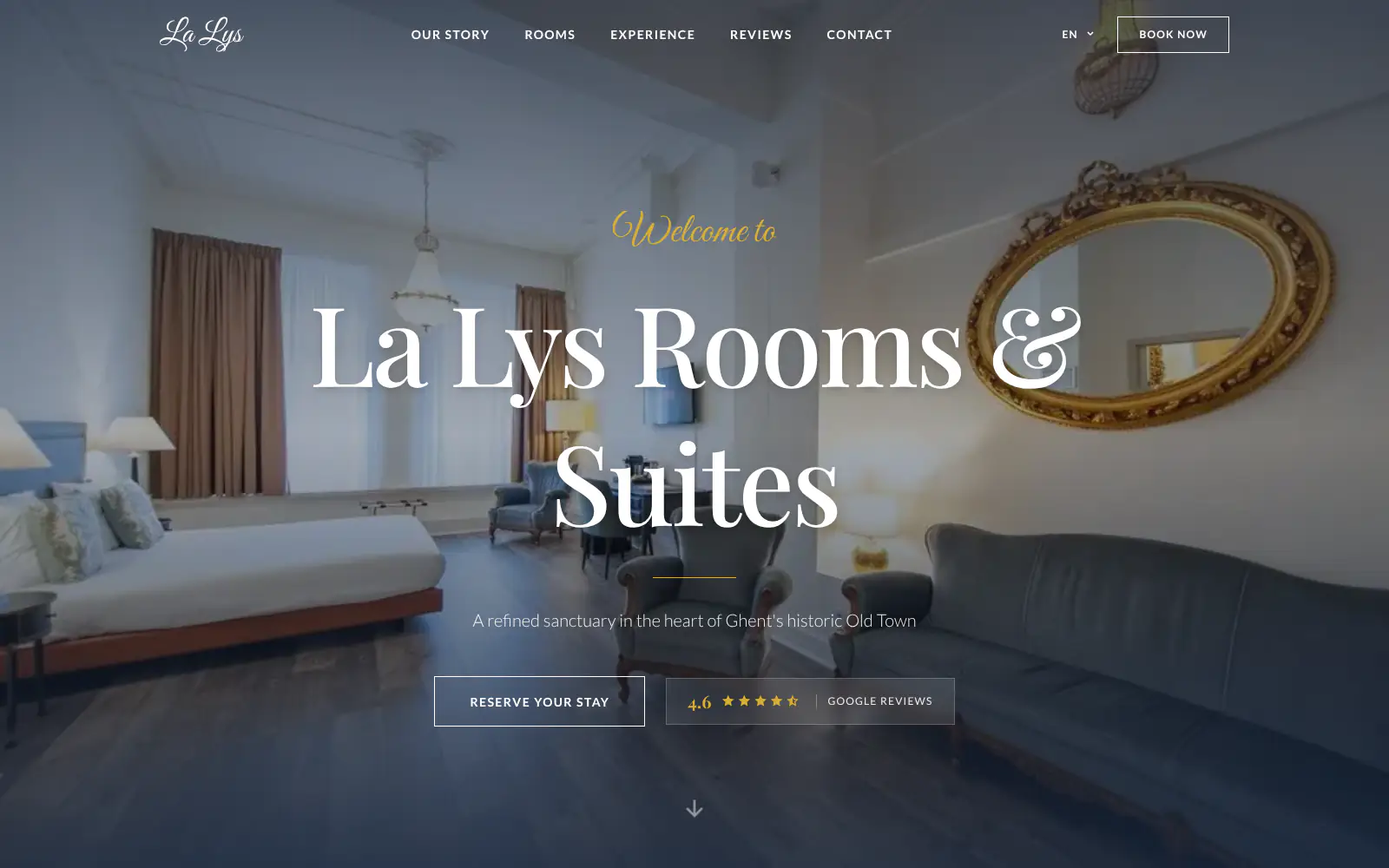
La Lys Rooms & Suites
Afsnis
WhyNot Gent Gastrobar/cocktails
Plant A Pizza
Viggo's
Glamping Tago
Bar Bassie
Le Bal Infernal - used book café
EDGE Antwerp
ALC Elite
Jusu Brothers - Notting Hill
Atelier Messaoudi architecte. Architecture, Aménagement & Design
P. Narayan and Associates
Marine flow
Little Havana Cafe
Kasette Koffie
Yoko Studio Gent
De Salopette
La Lys Rooms & Suites
Afsnis
WhyNot Gent Gastrobar/cocktails
Plant A Pizza
Viggo's
Glamping Tago
Bar Bassie
Le Bal Infernal - used book café
EDGE Antwerp
ALC Elite
Jusu Brothers - Notting Hill
Atelier Messaoudi architecte. Architecture, Aménagement & Design
P. Narayan and Associates
Marine flow
Little Havana Cafe
Kasette Koffie
Yoko Studio Gent
De Salopette
La Lys Rooms & Suites
Don't build.
Just publish.
Most builders throw you into a generic template. Boosterpack does it the other way around. You confirm your real content first, then AI drafts the copy, layout and design from those inputs.

The search
Start with the venue couples already check
Search for your venue on Google Maps or enter the details by hand. Boosterpack starts with your address, phone, photos, reviews, service area and the event spaces you want couples to understand quickly.

The inputs
Capacity, packages, availability, gallery and inquiry links
Add seated and standing capacity, ceremony and reception options, price ranges, seasonal or weekday guidance, what is included, vendor rules, alcohol policy, parking, accessibility, rain plan, real photos, floor plan, virtual tour and your HoneyBook, Tripleseat, Planning Pod or existing inquiry link.

The style
Pick a vibe that matches the venue
Choose a look for a barn, vineyard, estate, garden, conservatory, ballroom, industrial loft, beachfront property or mountain lodge. The site should feel like your actual space, not another stock wedding template.

The launch
Publish and keep packages current
Go live on a Boosterpack subdomain or connect your own domain on Plus. Use chat edits to update package language, price guidance, open-season notes, gallery images, tour links, preferred vendors or inquiry links.
Start free, upgrade when you're ready.
Start free on a Boosterpack subdomain. Plus starts at $16/mo and lets you connect yourvenue.com, remove the Boosterpack badge and unlock more chat edits. Keep your venue CRM or event software for availability, contracts, payments and event files.
For getting online at no cost
Free forever
Perfect for your business website
Billed annually
Built for how couples shortlist wedding venues
Couples compare venues by capacity, price range, date fit, style, included items, rain plan, logistics and how easy it is to book a tour. Your website should answer those questions before the inquiry form. Boosterpack is the public website layer, while contracts, payments, event files and client communication stay in the venue tools you already use.
Capacity and pricing guidance up front
Show seated capacity, standing capacity, ceremony options, package ranges, weekday or off-season guidance and what is included. If pricing depends on date, guest count or catering model, explain the factors instead of hiding everything behind "inquire".
Availability notes and tour paths
Use clear copy for open seasons, popular months, weekday availability, tour windows and how couples should check a date. If you already maintain an availability calendar in HoneyBook, Tripleseat, Planning Pod or another tool, link to or embed that flow where supported.
Real wedding galleries, not generic detail shots
Show weddings that actually happened in your space, with photographer credit where you have permission. Include ceremony views, reception layouts, cocktail hour, suites, rain-plan setups and seasonal galleries so couples can picture their day.
Floor plans and virtual tours
Add a floor plan image, room dimensions, ceremony and reception layouts, parking notes, accessibility details and rain-plan explanation. Embed a Matterport, YouTube, Klapty or existing tour link if you already use one.
Your current tools stay. Your website gets better.
Keep your booking link, contact details and the systems you already use. Boosterpack builds the public site around them.
Is Boosterpack right for you?
Common questions
How much does a wedding venue website cost in 2026?
What should be on a wedding venue website?
Can I show wedding date availability on my venue website?
Can I make the all-inclusive vs venue-only model clear on my wedding venue website?
Can I integrate my HoneyBook, Tripleseat or Planning Pod inquiry form?
Will my wedding venue website rank for "wedding venue near me" or "barn wedding venue [region]"?
How do I show my venue capacity, floor plan and virtual tour?
Can I show different pricing for Friday, Saturday, Sunday and weekday weddings?
Does Boosterpack replace your venue CRM or event software?
Is the wedding venue website mobile-friendly?
A wedding venue website should answer capacity, price, availability and logistics before the tour request.
Start from your Google listing or enter details by hand. In minutes you have a finished wedding venue website with capacity, pricing guidance, package language, availability notes, real galleries, floor plans, virtual tour links, FAQs and links to your inquiry flow. Publish free, then connect your own domain when you are ready.
Built from your business · Easy to edit