A website for your HVAC company.
Your phone floods in a heatwave and goes quiet in shoulder season. The same site must sell urgent AC repair, furnace work, heat pumps and maintenance without making promises your board cannot keep.
Boosterpack creates the public website around your HVAC operation: tap-to-call, service areas, repair and installation services, credentials, reviews and seasonal offers. Link or embed ServiceTitan, Housecall Pro, Jobber or FieldEdge; booking and dispatch stay there.
Real businesses. Finished websites.
These are live sites created with Boosterpack from real business details, photos and reviews where available. Open one to see the finished result.
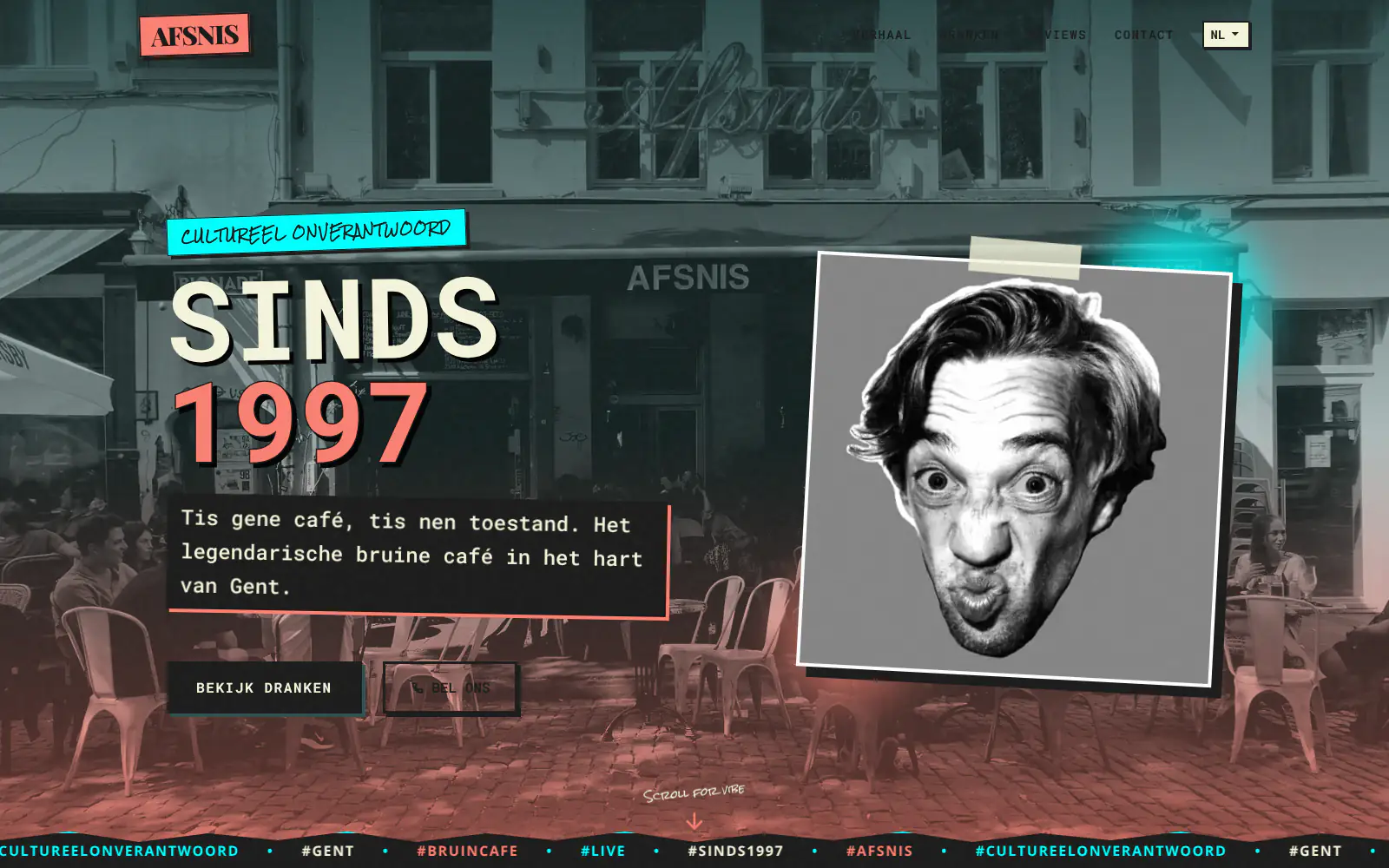
Afsnis

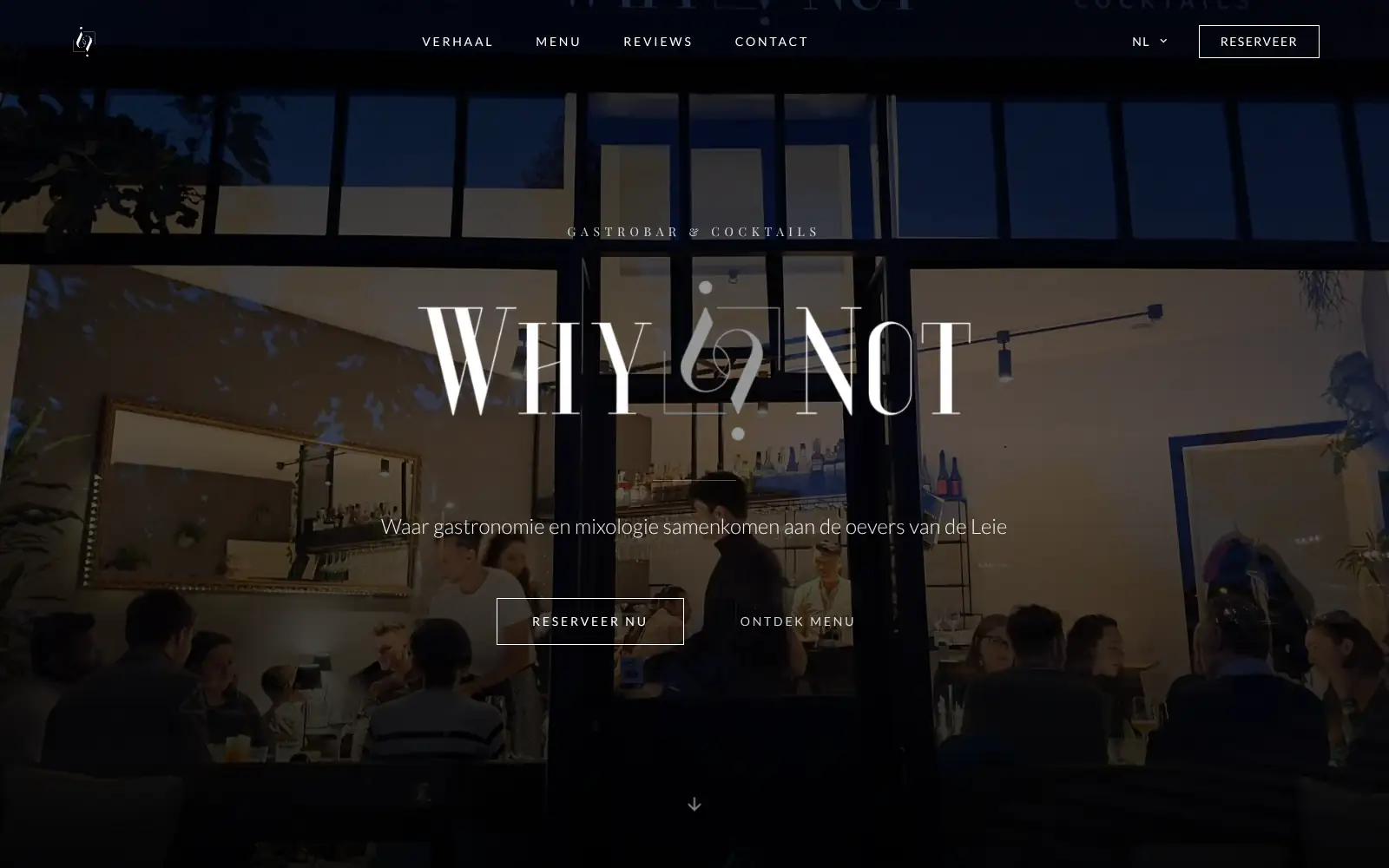
WhyNot Gent Gastrobar/cocktails

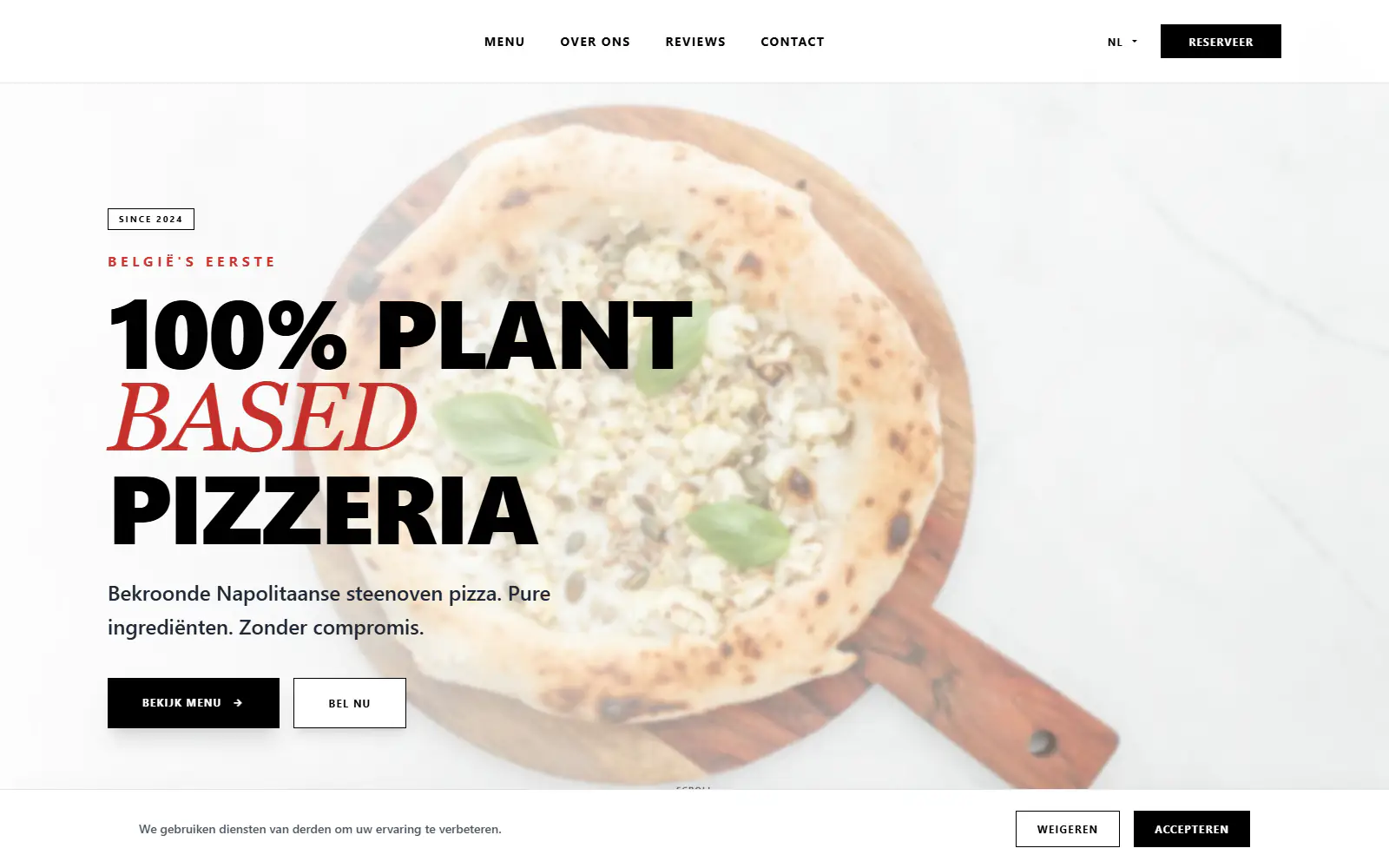
Plant A Pizza
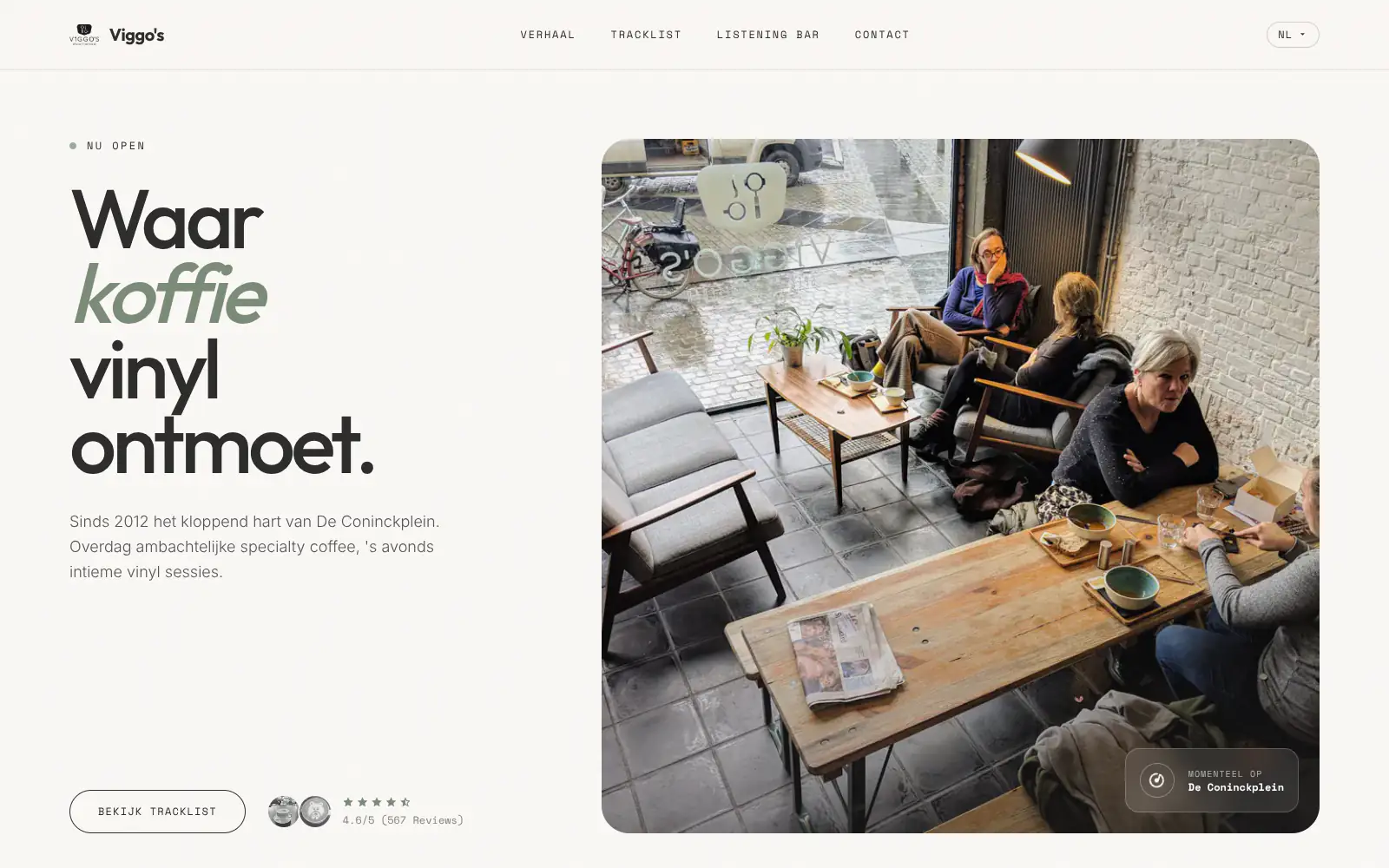
Viggo's
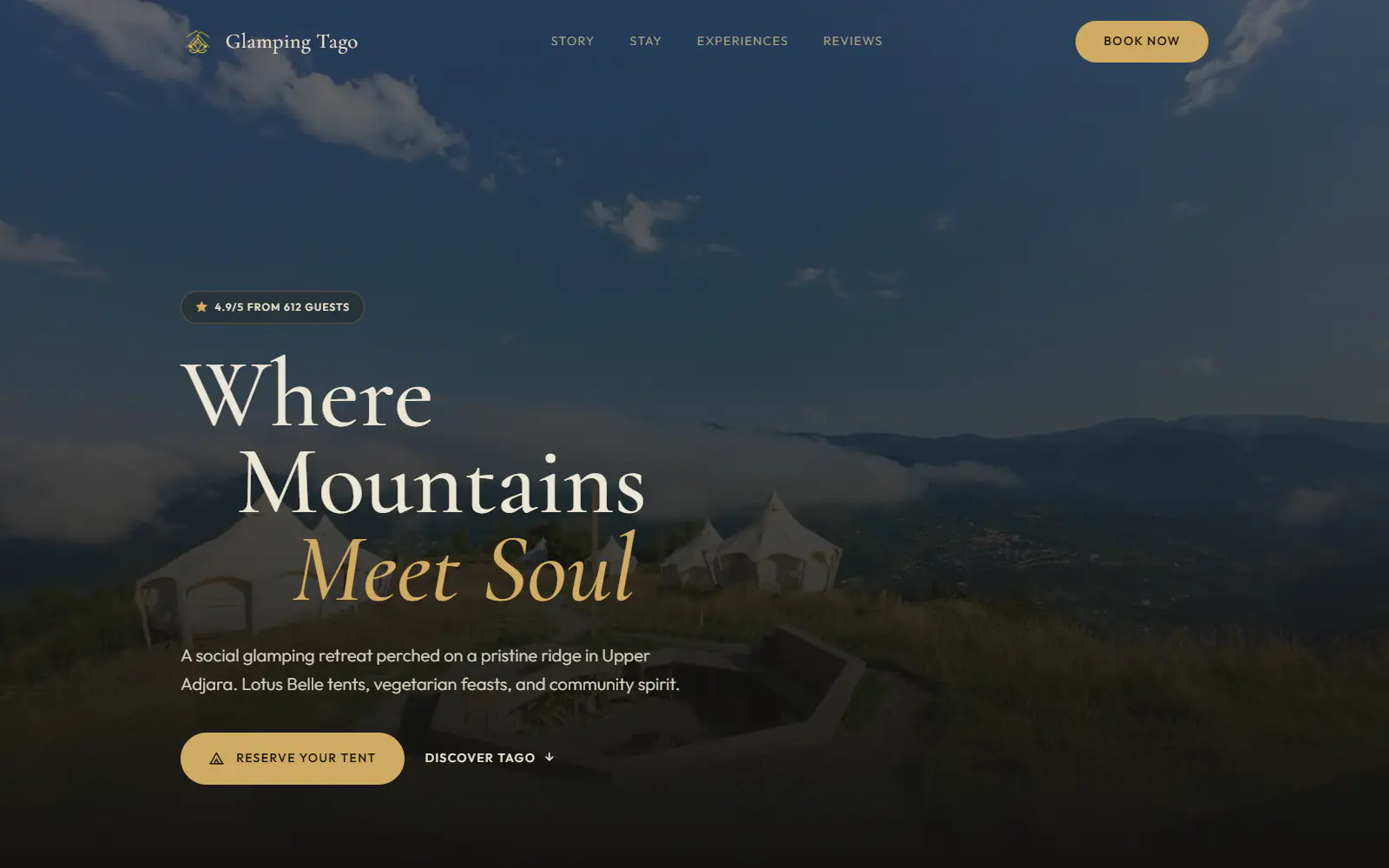
Glamping Tago
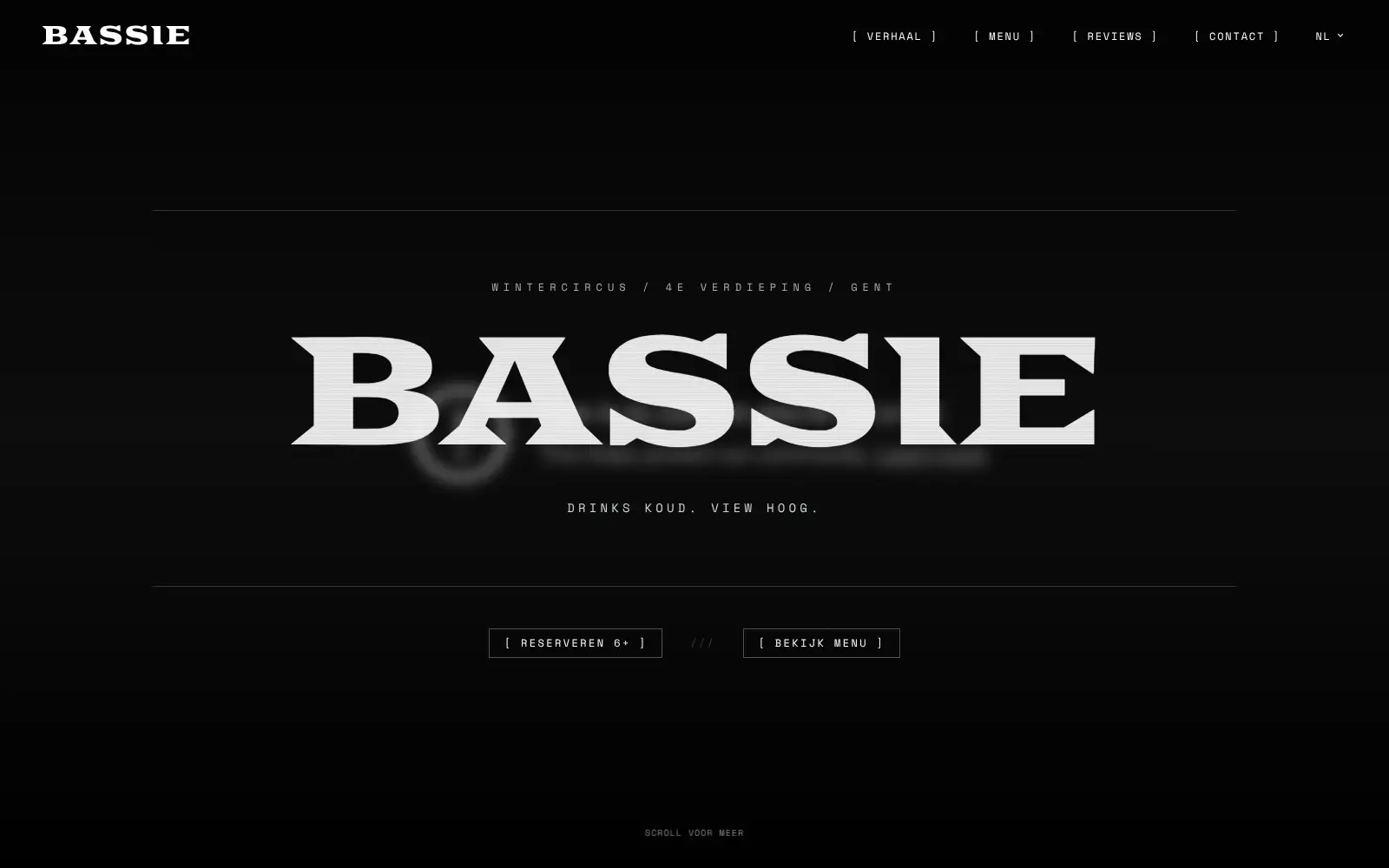
Bar Bassie
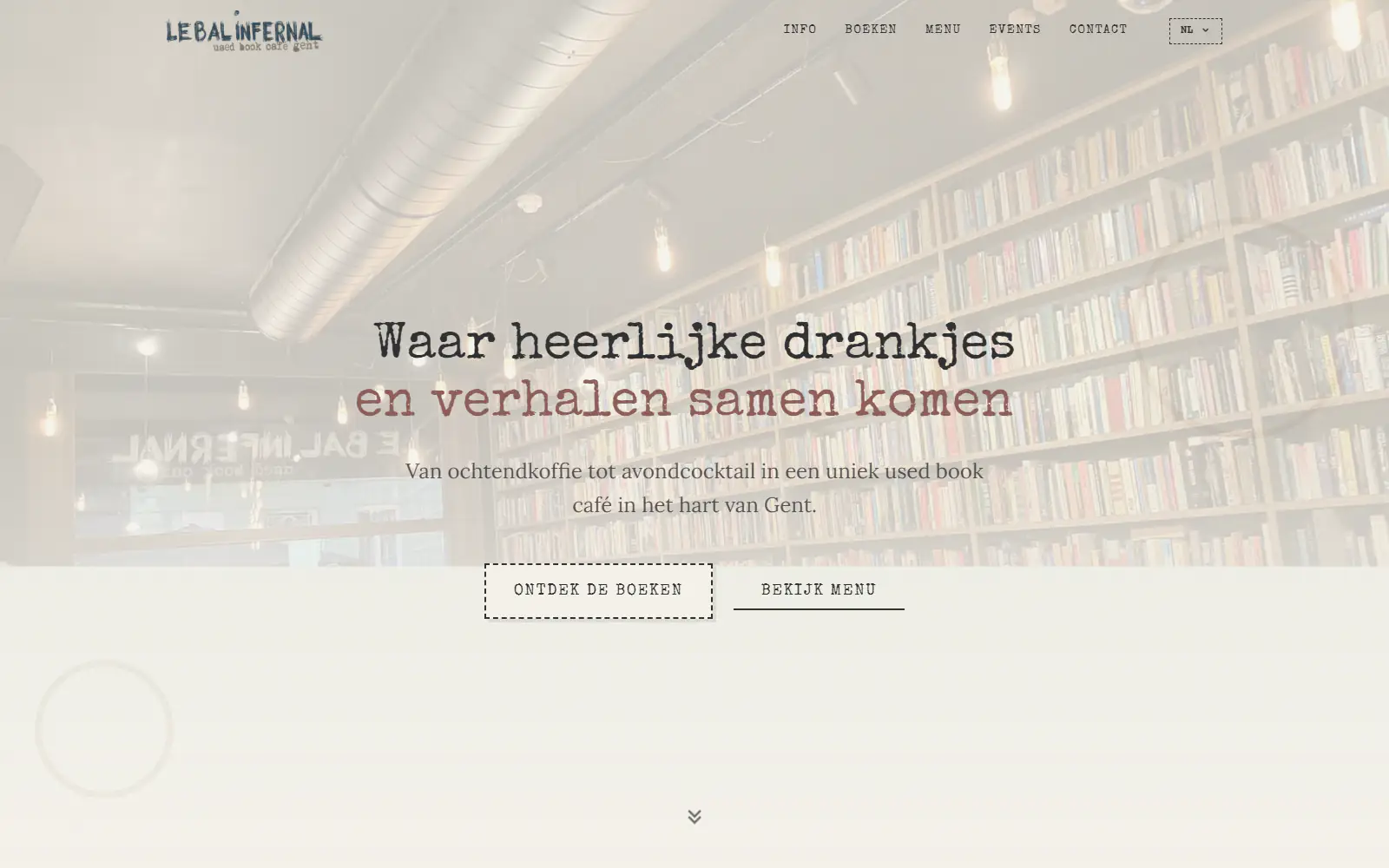
Le Bal Infernal - used book café

ALC Elite
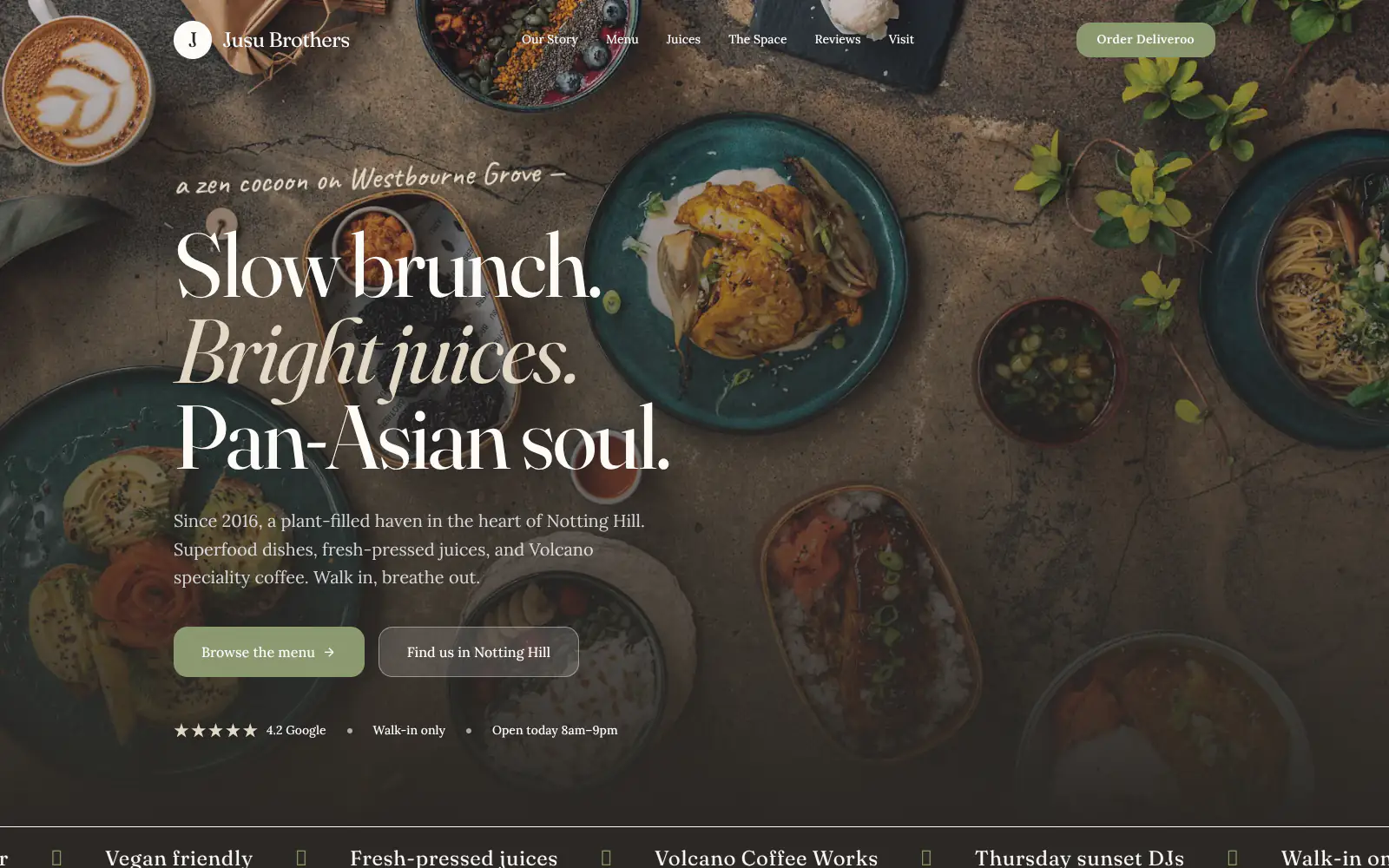
Jusu Brothers - Notting Hill
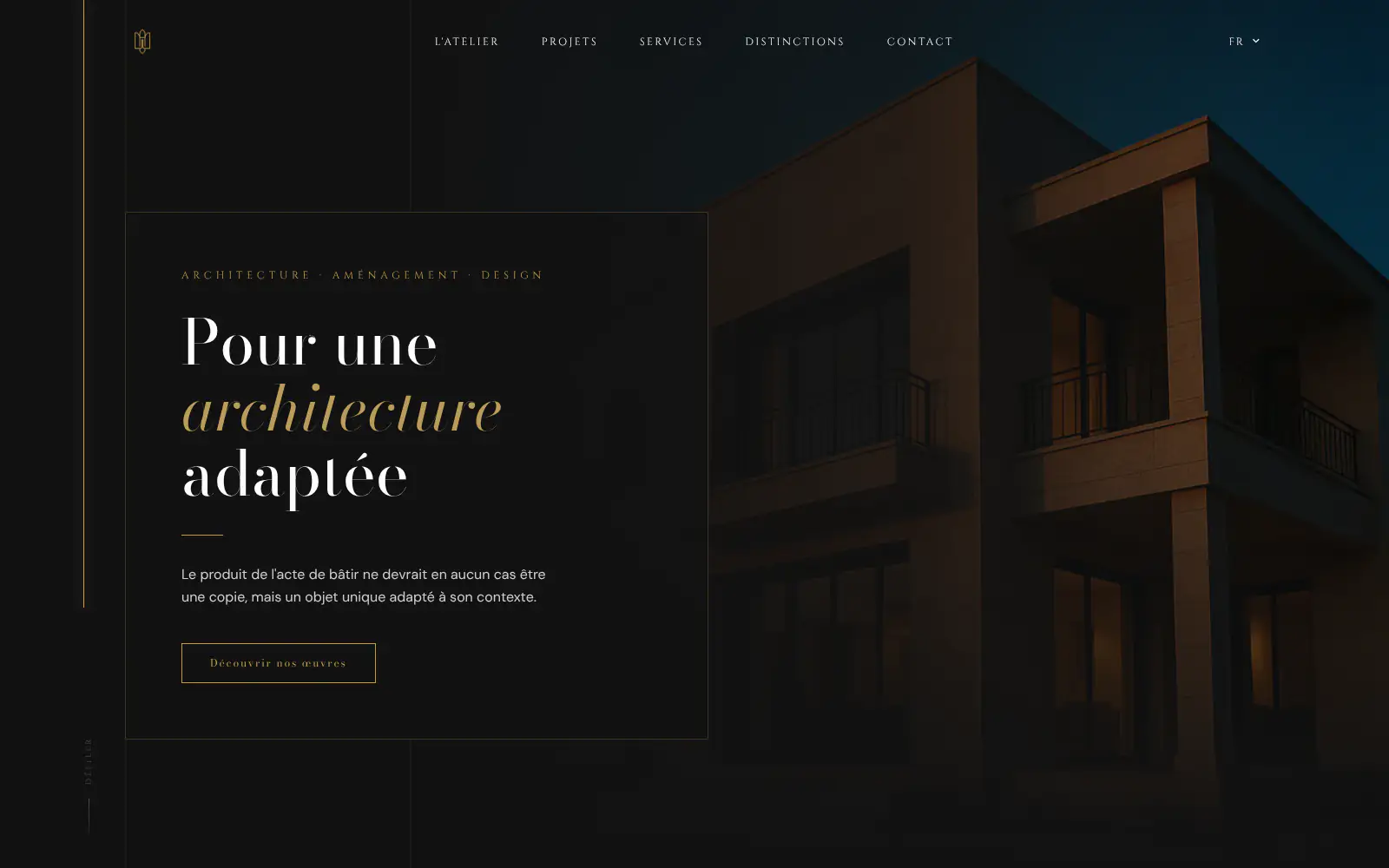
Atelier Messaoudi architecte. Architecture, Aménagement & Design
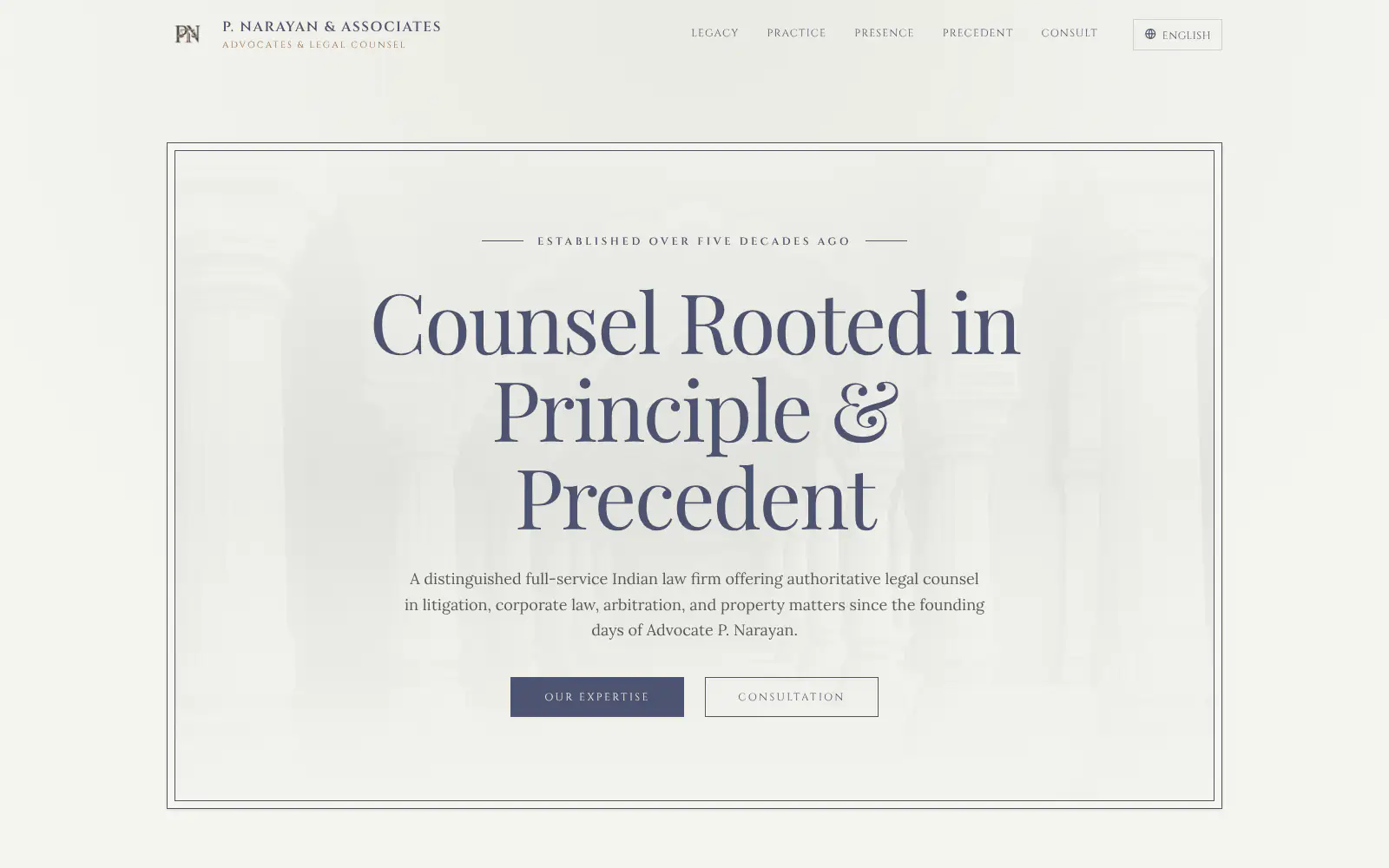
P. Narayan and Associates
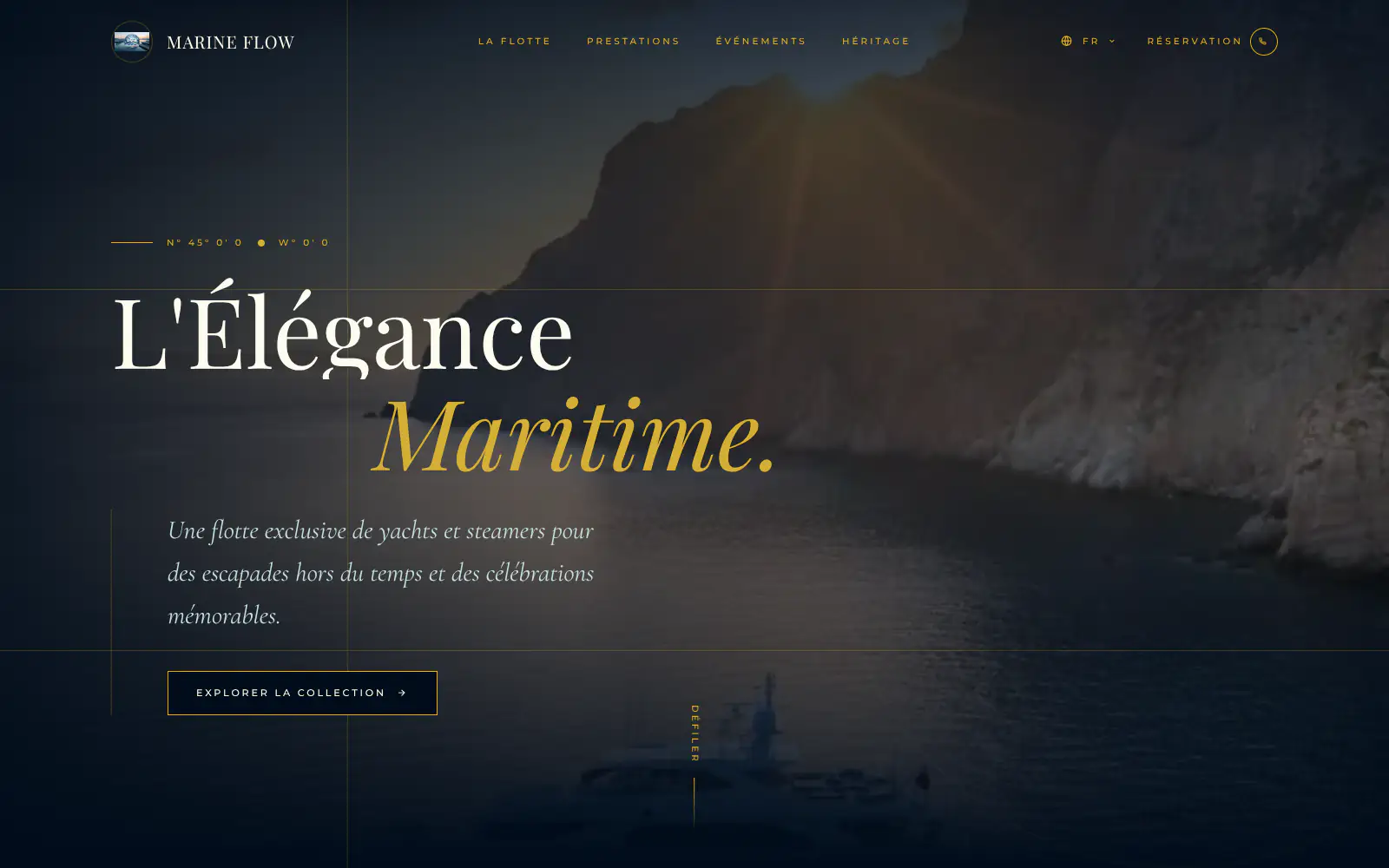
Marine flow
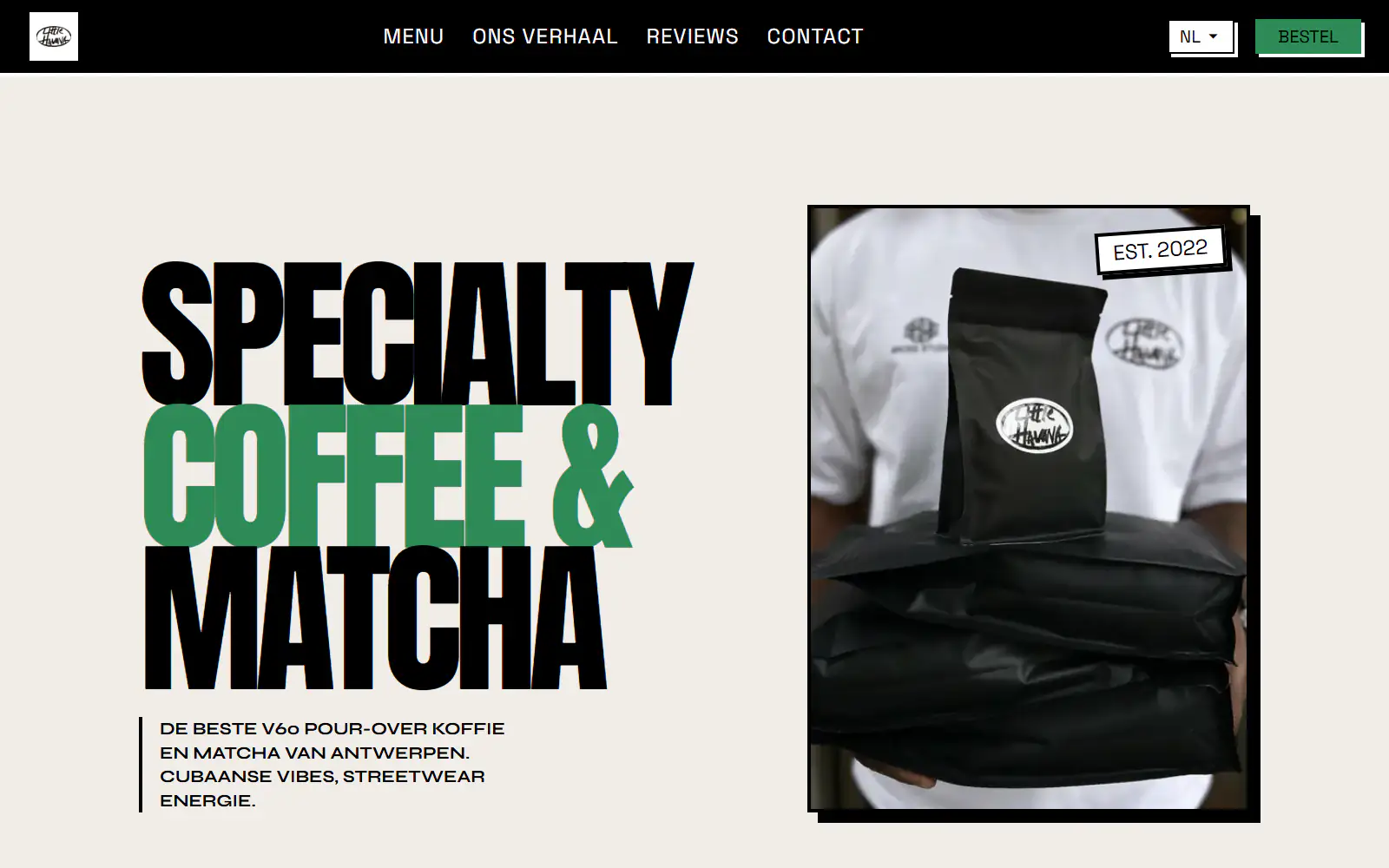
Little Havana Cafe
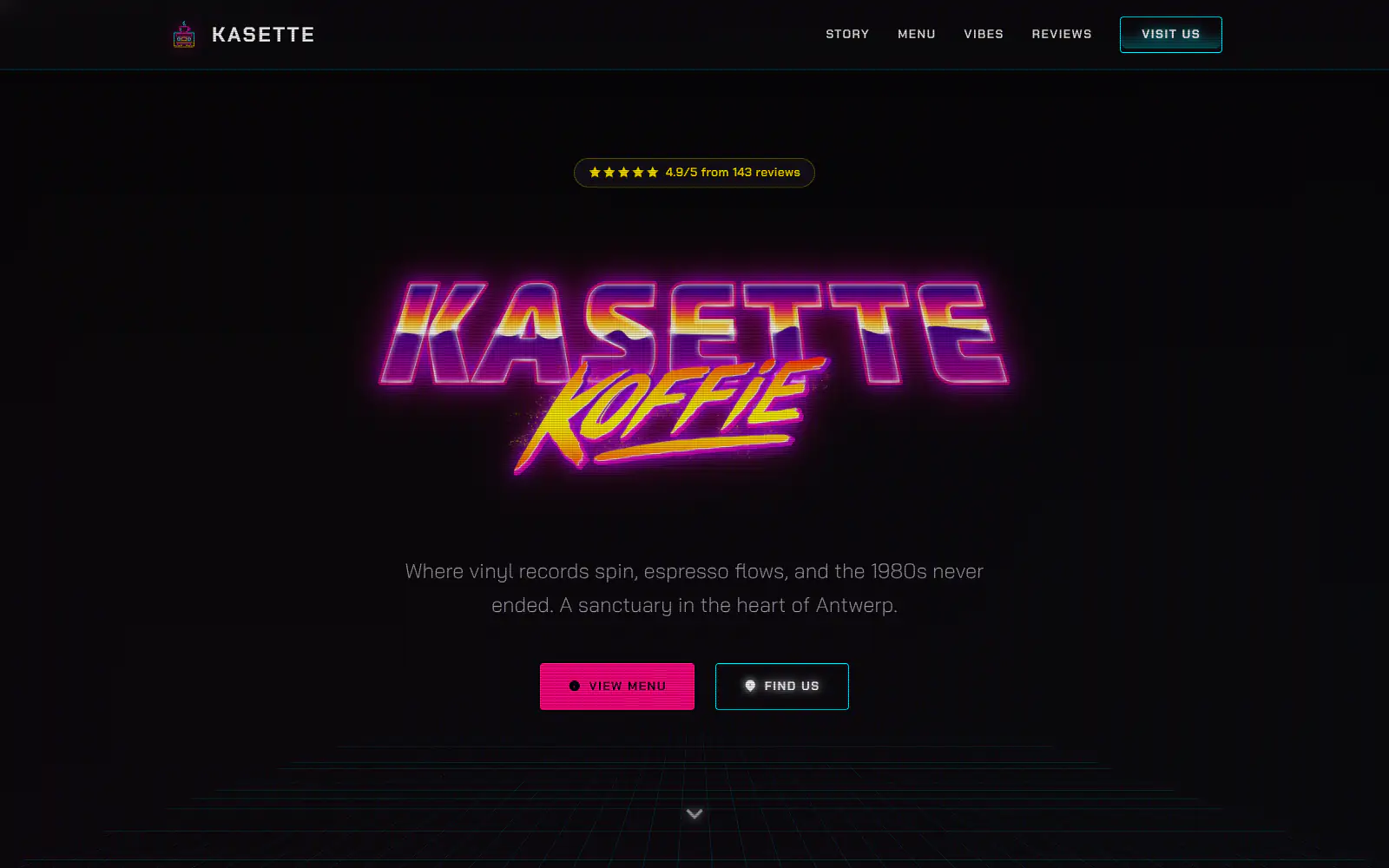
Kasette Koffie
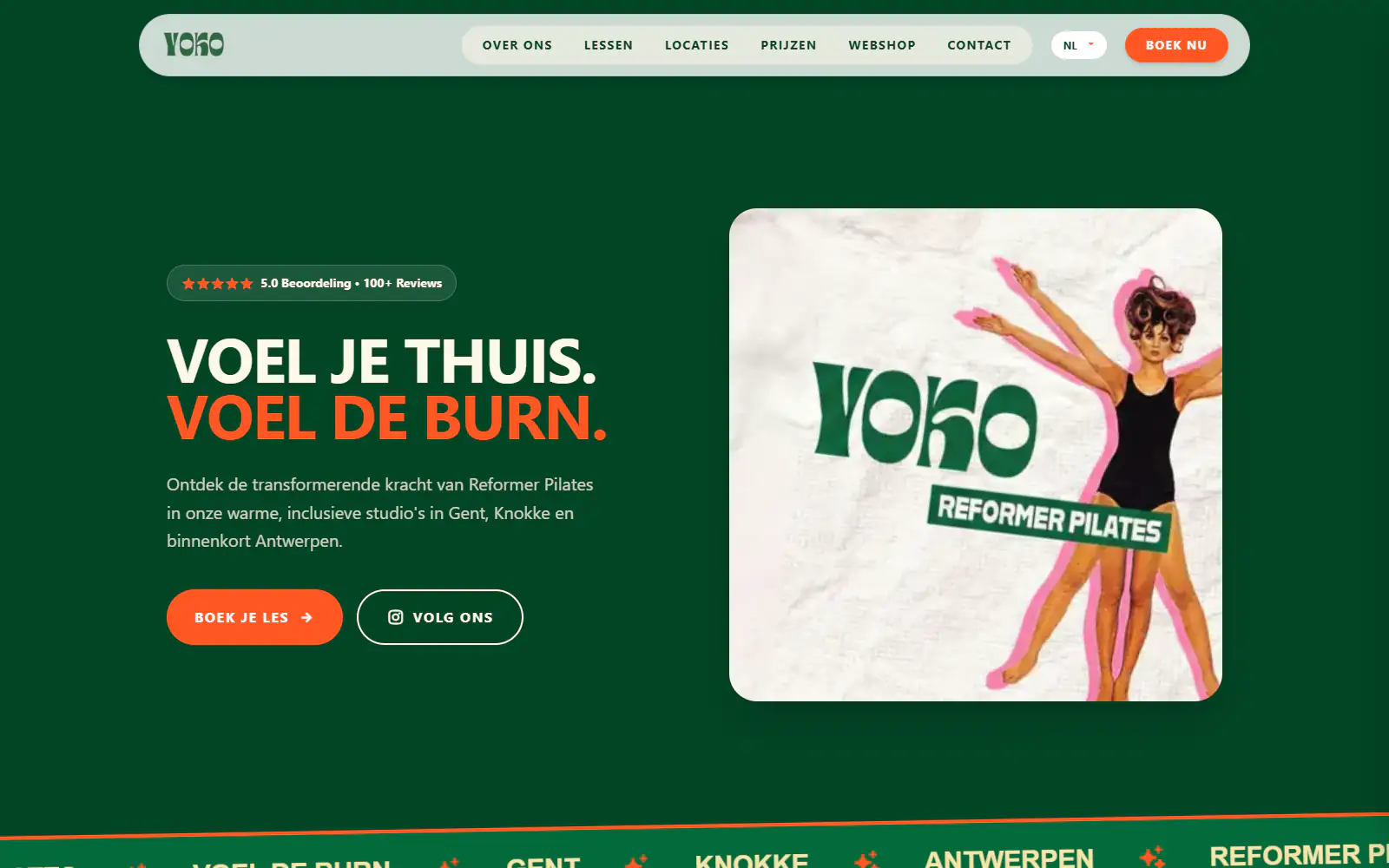
Yoko Studio Gent
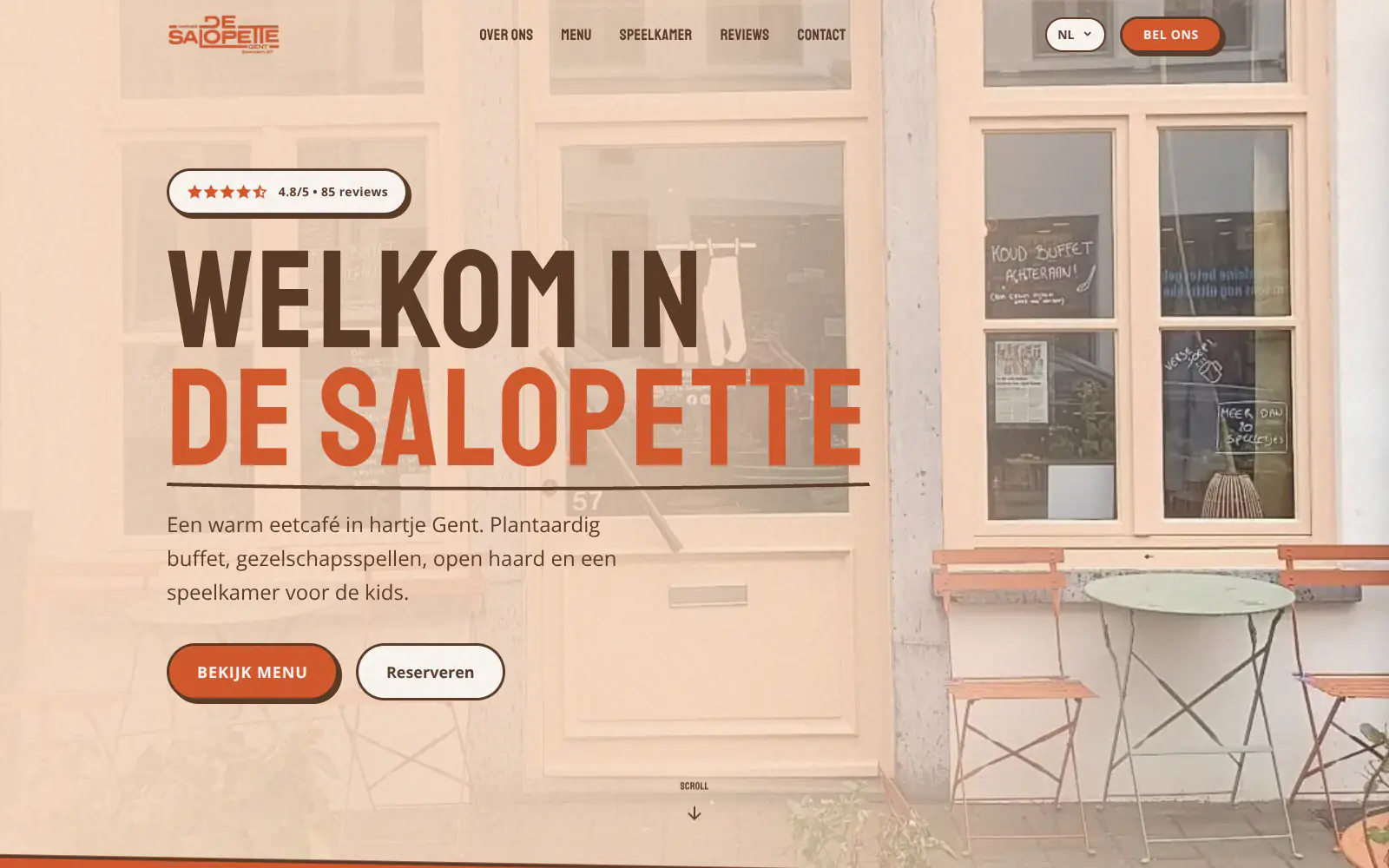
De Salopette
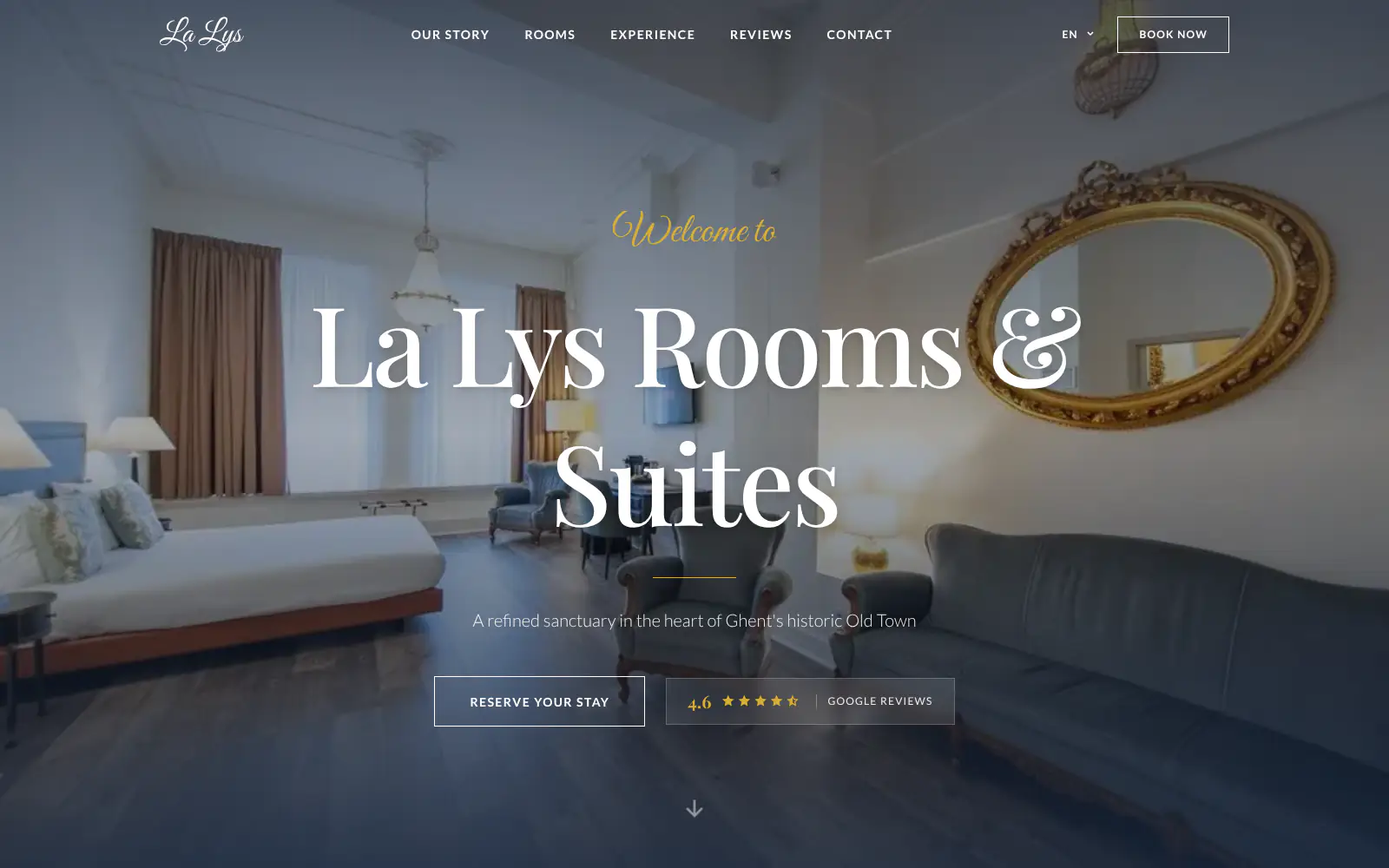
La Lys Rooms & Suites

Barbershop & Tattoo studio Nord
Afsnis
WhyNot Gent Gastrobar/cocktails
Plant A Pizza
Viggo's
Glamping Tago
Bar Bassie
Le Bal Infernal - used book café
ALC Elite
Jusu Brothers - Notting Hill
Atelier Messaoudi architecte. Architecture, Aménagement & Design
P. Narayan and Associates
Marine flow
Little Havana Cafe
Kasette Koffie
Yoko Studio Gent
De Salopette
La Lys Rooms & Suites
Barbershop & Tattoo studio Nord
Afsnis
WhyNot Gent Gastrobar/cocktails
Plant A Pizza
Viggo's
Glamping Tago
Bar Bassie
Le Bal Infernal - used book café
ALC Elite
Jusu Brothers - Notting Hill
Atelier Messaoudi architecte. Architecture, Aménagement & Design
P. Narayan and Associates
Marine flow
Little Havana Cafe
Kasette Koffie
Yoko Studio Gent
De Salopette
La Lys Rooms & Suites
Barbershop & Tattoo studio Nord
Don't build.
Just publish.
Most builders throw you into a generic template. Boosterpack does it the other way around. You confirm your real content first, then AI drafts the copy, layout and design from those inputs.

The search
Start with the business homeowners already know
Search for your HVAC contractor in Google Maps or enter the details by hand. Boosterpack uses the basics that matter on a local heating and air site: phone, address, hours, photos, service area, reviews and the services you want to feature.

The inputs
Add the facts people look for before they call
Add AC repair, furnace repair, heat pump installation, maintenance, indoor air quality, emergency service and any pricing guidance you are comfortable showing. Include license details, NATE or EPA 608 credentials, equipment brands, financing links and maintenance-plan links if you already use them.

The style
Choose a look that feels like a real local trade business
Pick a direction for a family heating and air company, a modern residential crew, a ductless specialist or a light commercial contractor. The goal is practical trust: clear calls, real service categories, local proof and no generic stock-template feel.

The launch
Publish, then keep the public site current
Publish a hosted site and update it by chat when service areas, seasonal offers, technician bios, credentials or service menus change. Booking, field-service, financing and maintenance-plan systems can stay in their own tools as links or embeds.
Start free, upgrade when you're ready.
Start free and get a finished HVAC contractor site hosted on a Boosterpack subdomain. Upgrade to Plus to connect your own domain (yourhvac.com), remove the Boosterpack badge and unlock more chat edits. Boosterpack Plus starts at $16/mo, while your existing booking, financing, field-service and maintenance tools can stay in place as links or embeds.
For getting online at no cost
Free forever
Perfect for your business website
Billed annually
Built for the call before the job
A heating and air website has to answer a few practical questions fast: can you serve my area, do you handle my system, what might it cost, and can I trust you? Boosterpack focuses the page around those answers, then sends visitors to your existing booking or field-service workflow when needed.
Phone and service areas up front
Put the phone number, service area and emergency-call language where mobile visitors can act on them. List cities, neighborhoods or zip codes clearly so homeowners know whether you cover their address before they call.
Service menu and pricing guidance
Show the work you actually want: AC repair, furnace repair, heat pumps, ductless, maintenance, indoor air quality or light commercial. Add diagnostic-fee notes, range guidance or "call for estimate" language without pretending the website can quote every job.
Credentials and reviews without gimmicks
Show license numbers, NATE or EPA 608 credentials, insurance notes, brand affiliations and selected customer review quotes. Link to your Google Business Profile or review page so visitors can verify the proof themselves.
Works alongside your existing field-service tools
Link to or embed customer-facing pages from ServiceTitan, Housecall Pro, Jobber, FieldEdge or your existing system when those tools support it. Your operations software still manages booking, dispatch, invoices, memberships and customer records.
Your current tools stay. Your website gets better.
Keep your booking link, contact details and the systems you already use. Boosterpack builds the public site around them.
Is Boosterpack right for you?
Common questions
How much does an HVAC contractor website cost?
What should an HVAC contractor website include?
Should my HVAC website mention emergency calls?
How should I show service areas on a heating and air website?
Should I offer financing on my HVAC contractor website?
Should I show HVAC pricing ranges on my website?
Does Boosterpack integrate with ServiceTitan, Housecall Pro, Jobber or FieldEdge?
Will my HVAC website rank on Google for "AC repair near me"?
How do I show HVAC credentials like NATE, EPA 608 or licenses?
Is the HVAC contractor website mobile-friendly?
A clear website for the next homeowner who needs heat, cooling or proof.
Start from your Google Business Profile or enter the details by hand. Boosterpack creates a public HVAC contractor website with phone, service areas, services, pricing guidance, credentials, reviews, and careful links or embeds for booking, financing, field-service and maintenance tools you already use.
Built from your business · Easy to edit