A website for your auto repair shop.
Drivers want three answers before they leave the keys: what you repair, what you charge to diagnose it, and why they should trust your shop. A generic garage template answers none of them.
Boosterpack creates the public site around your shop: services, diagnostic-fee guidance, ASE or other real credentials, reviews, photos and appointment links. Link or embed Shopmonkey, Tekmetric, Mitchell 1, AutoLeap or your existing booking flow; repair orders stay there.
Real businesses. Finished websites.
These are live sites created with Boosterpack from real business details, photos and reviews where available. Open one to see the finished result.
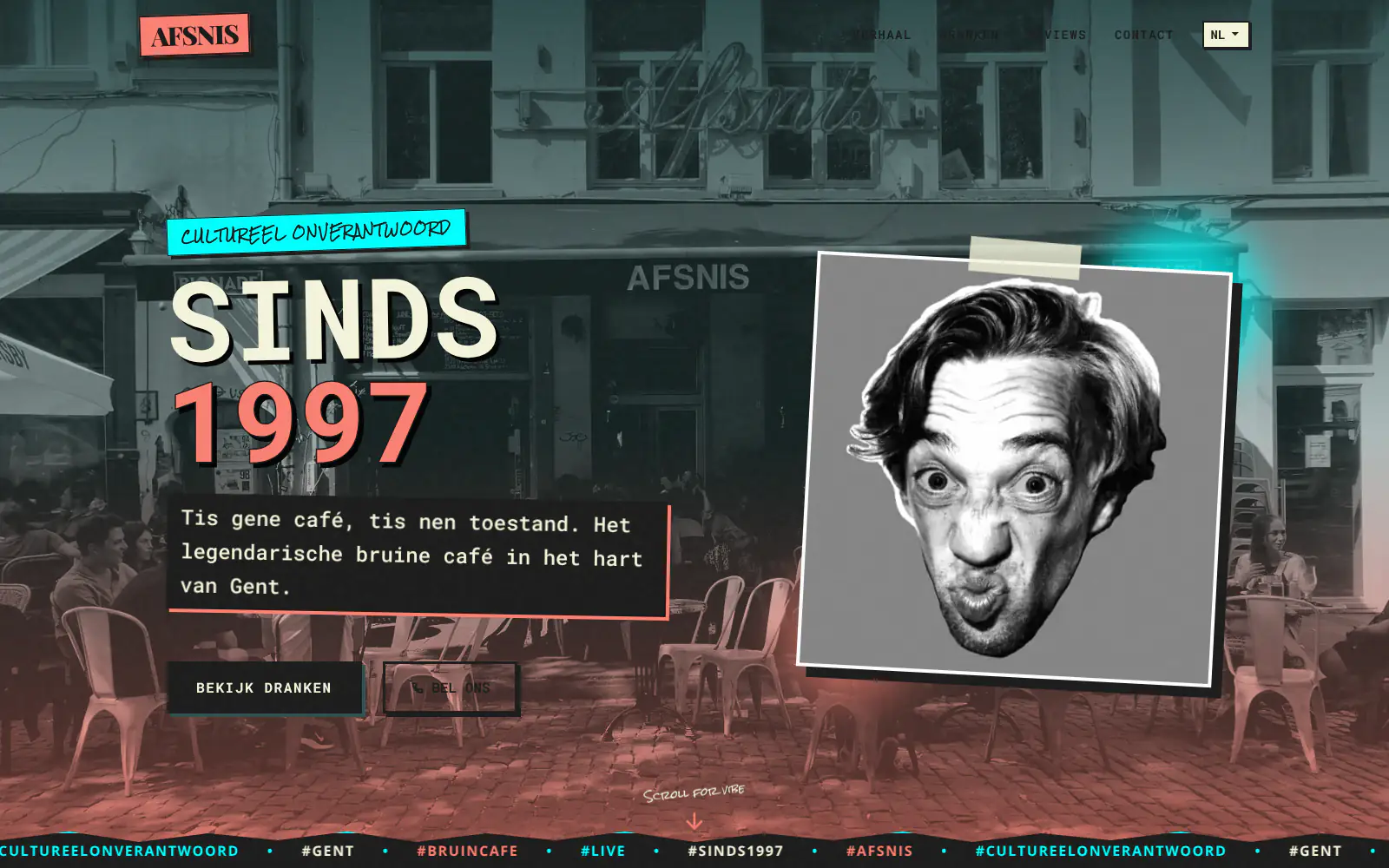
Afsnis

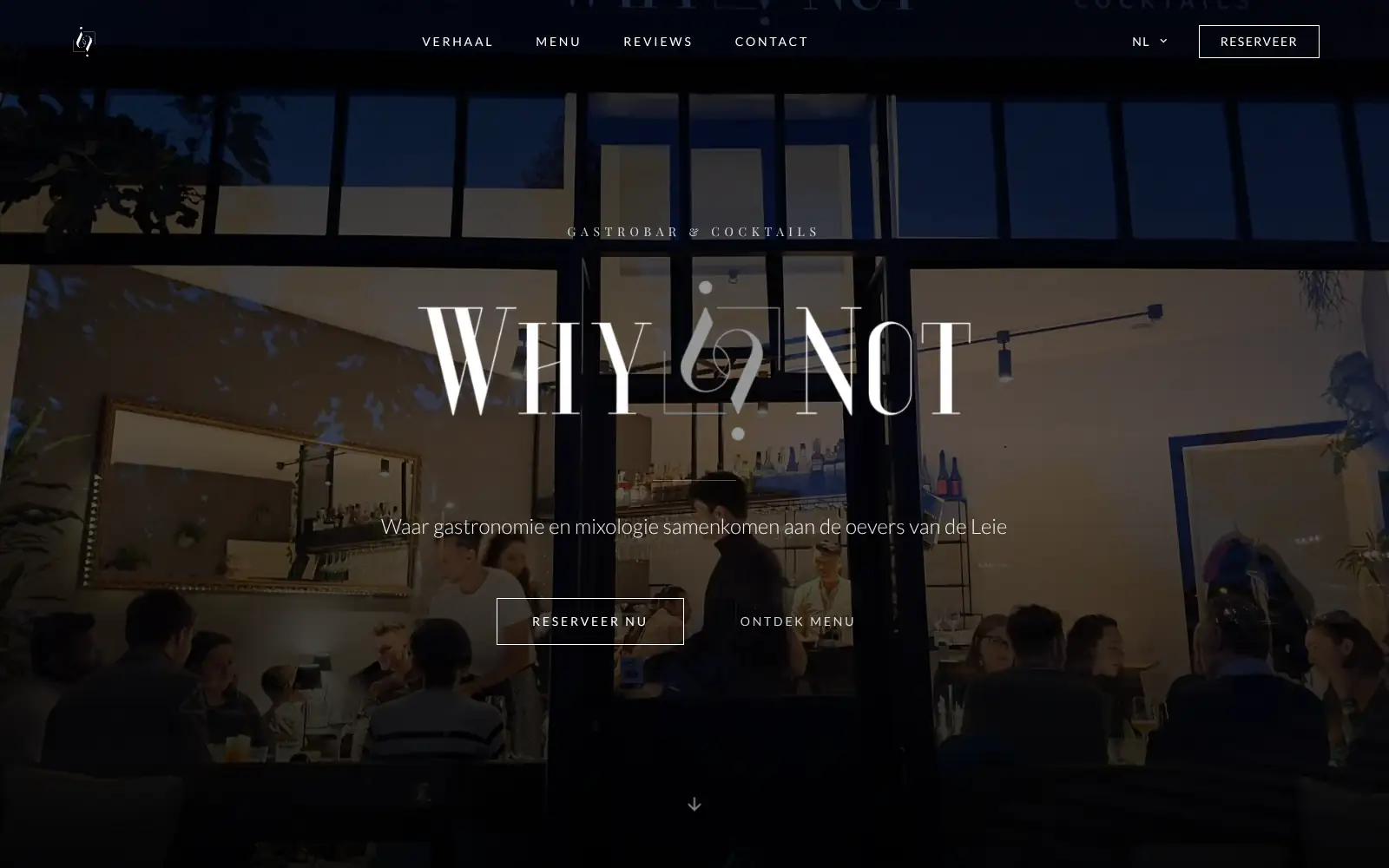
WhyNot Gent Gastrobar/cocktails

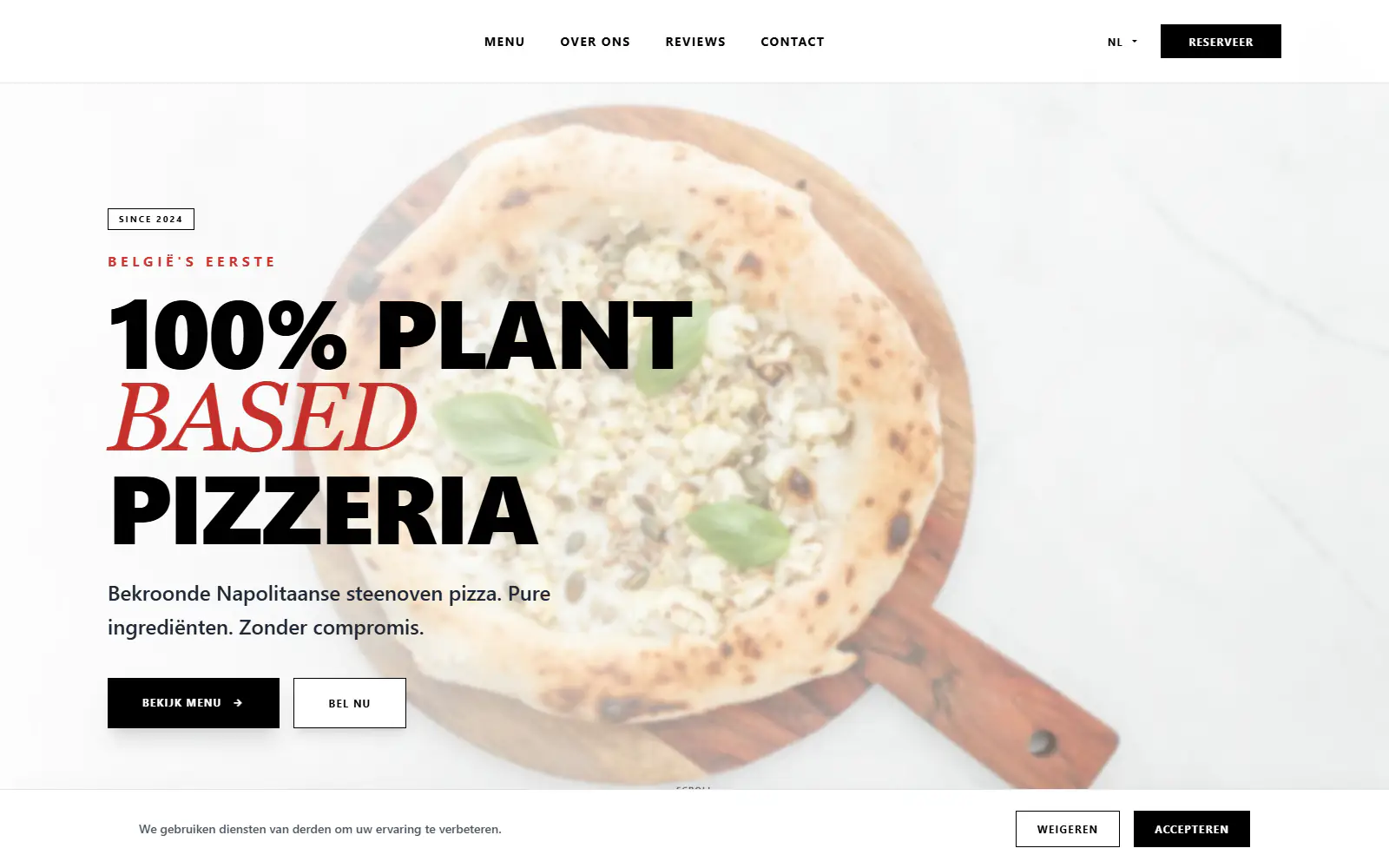
Plant A Pizza
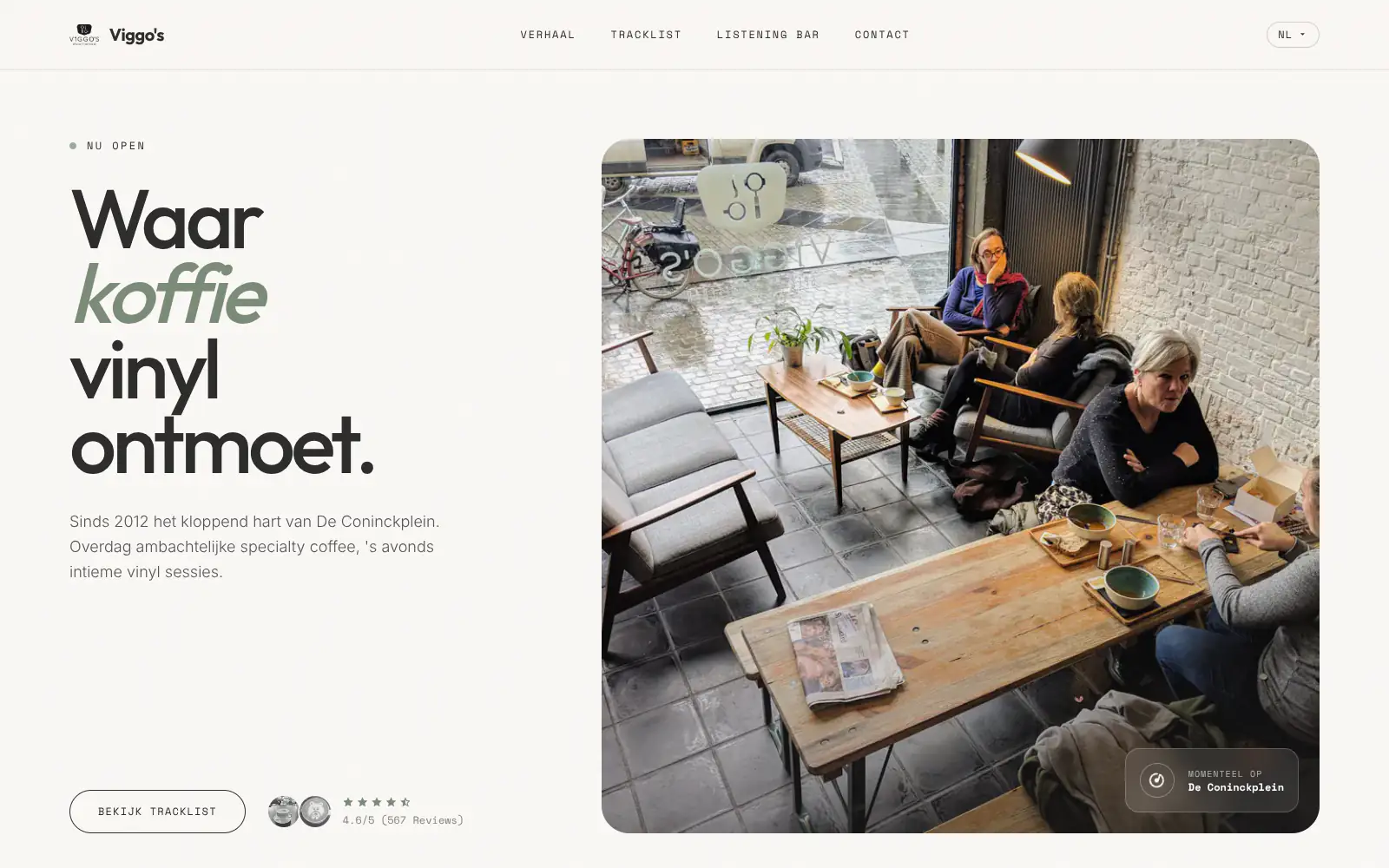
Viggo's
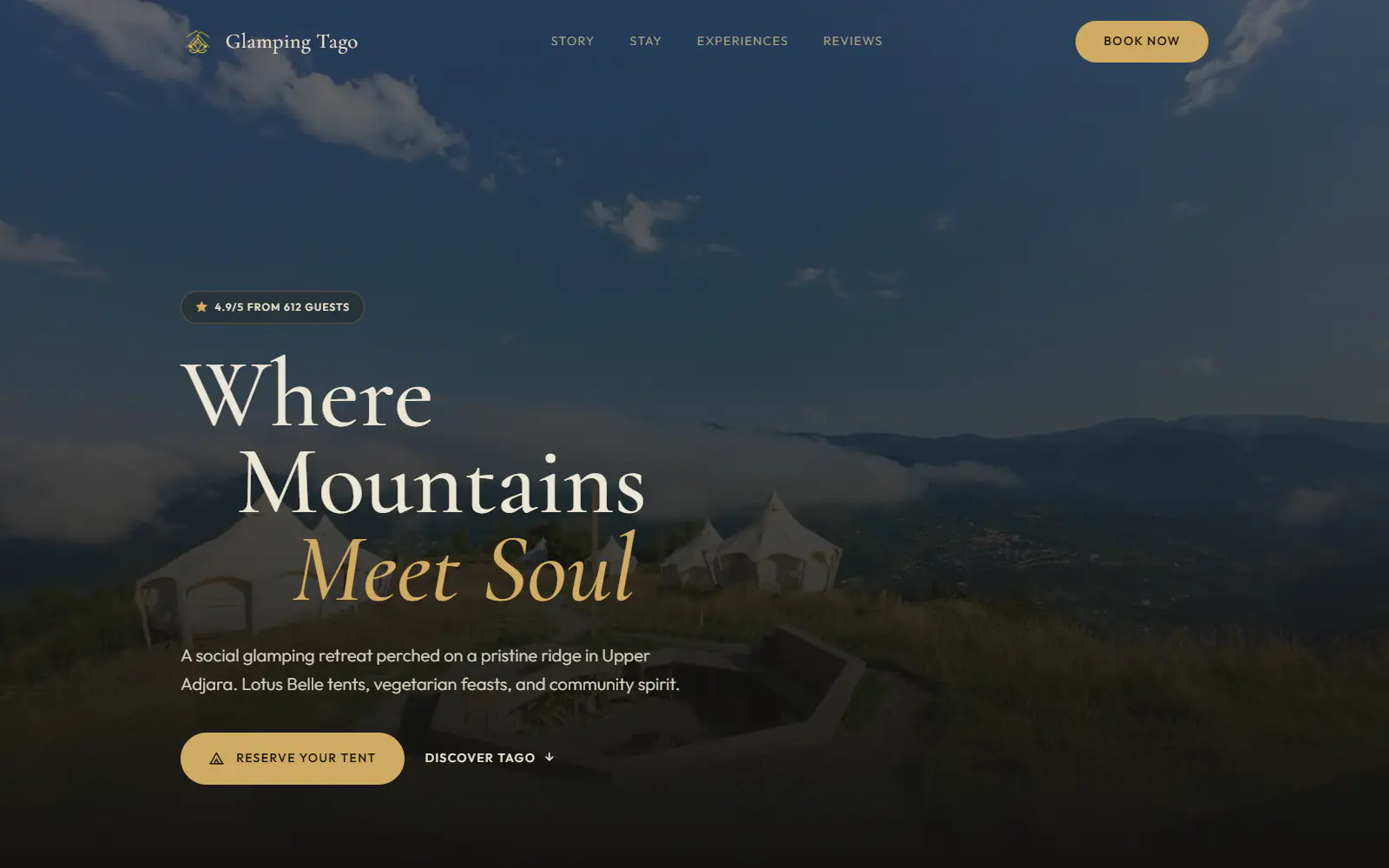
Glamping Tago
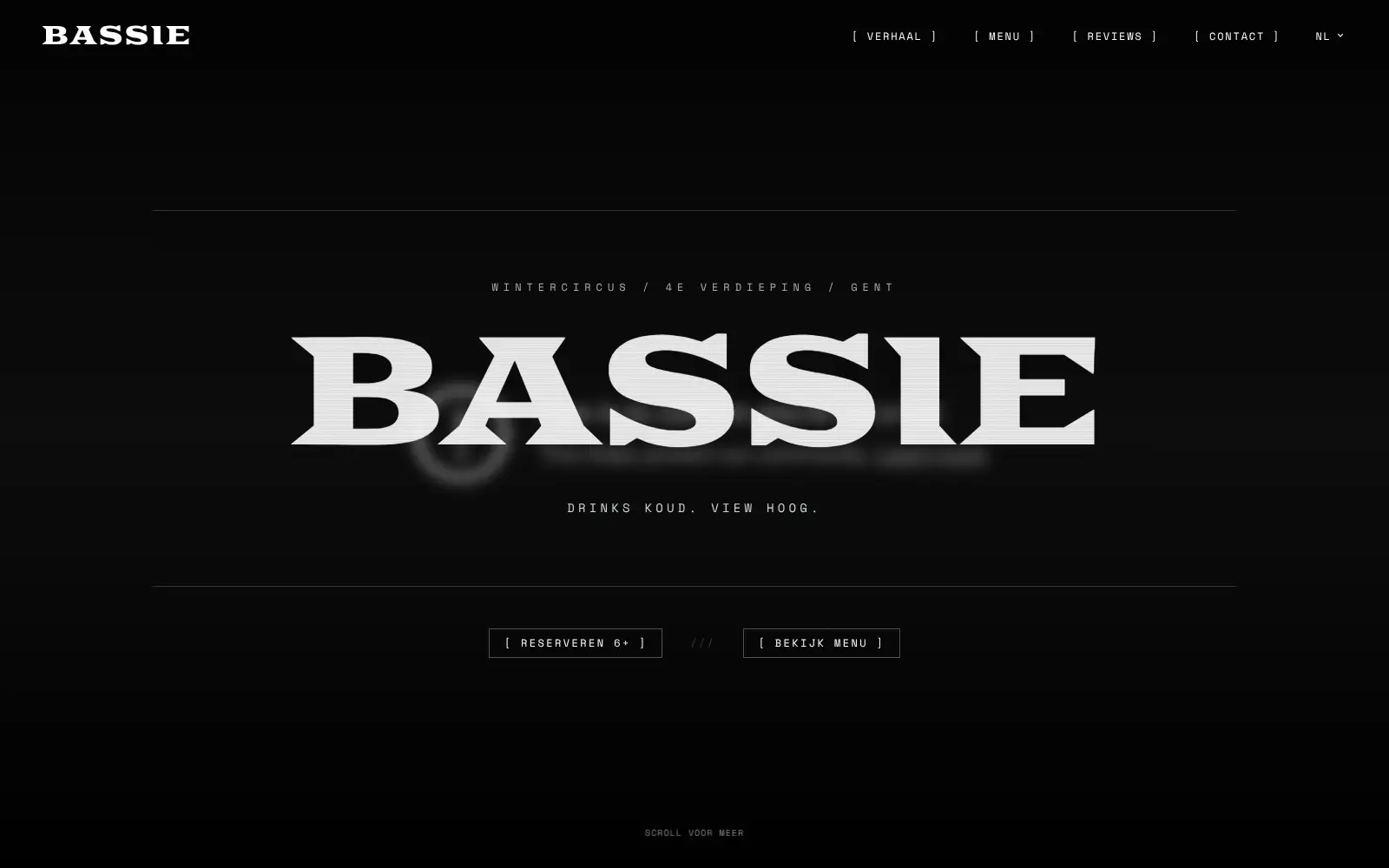
Bar Bassie
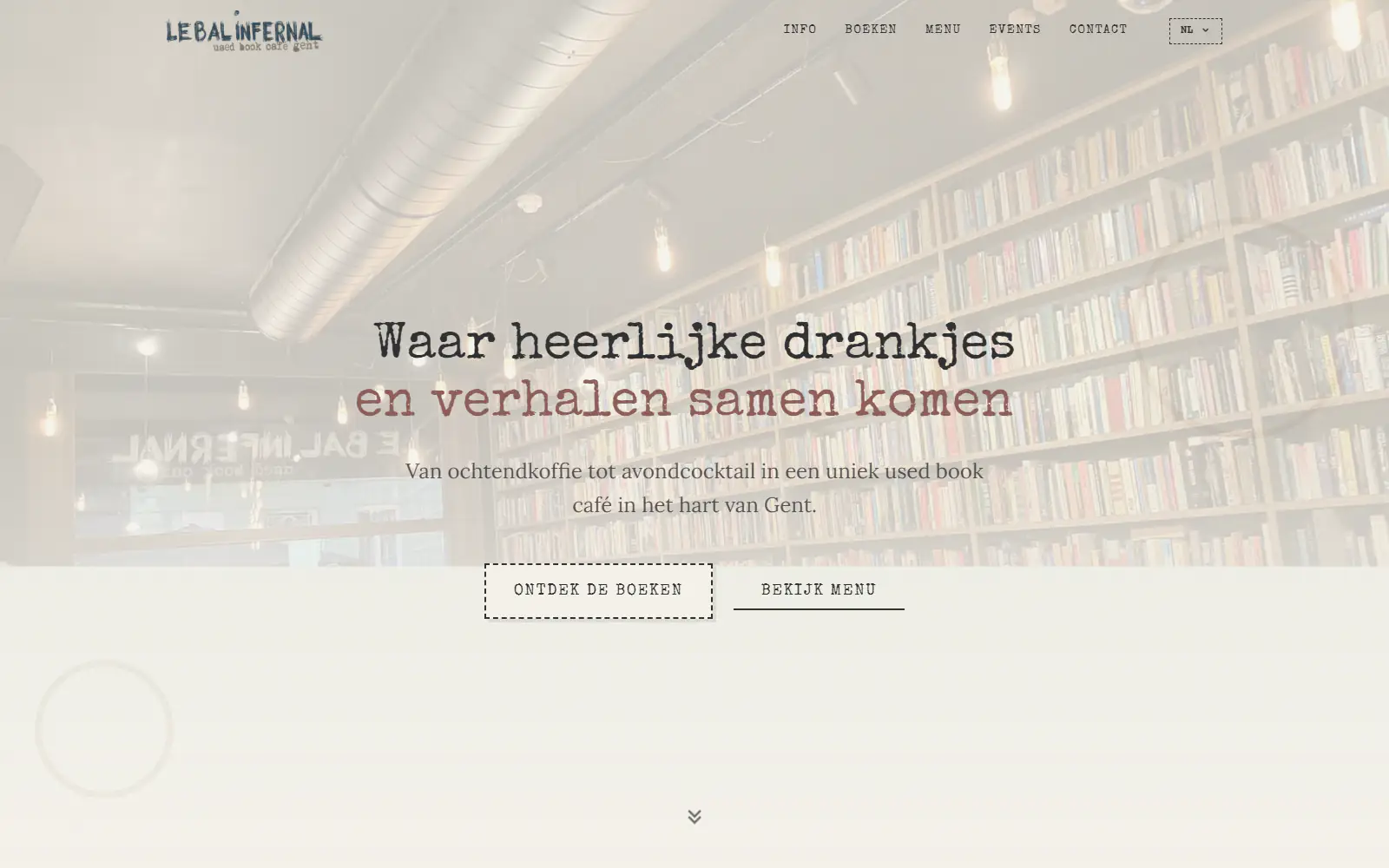
Le Bal Infernal - used book café
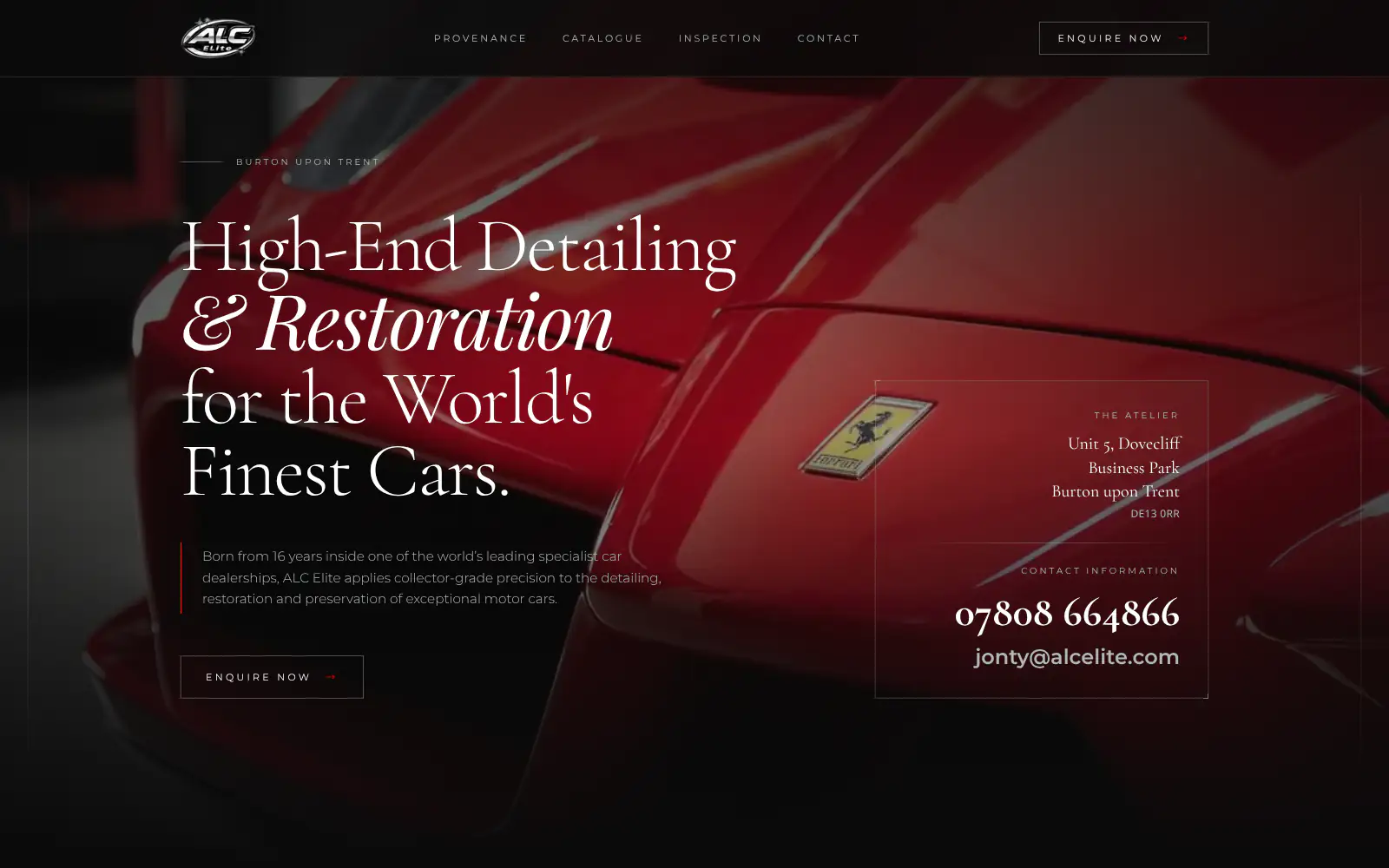
ALC Elite
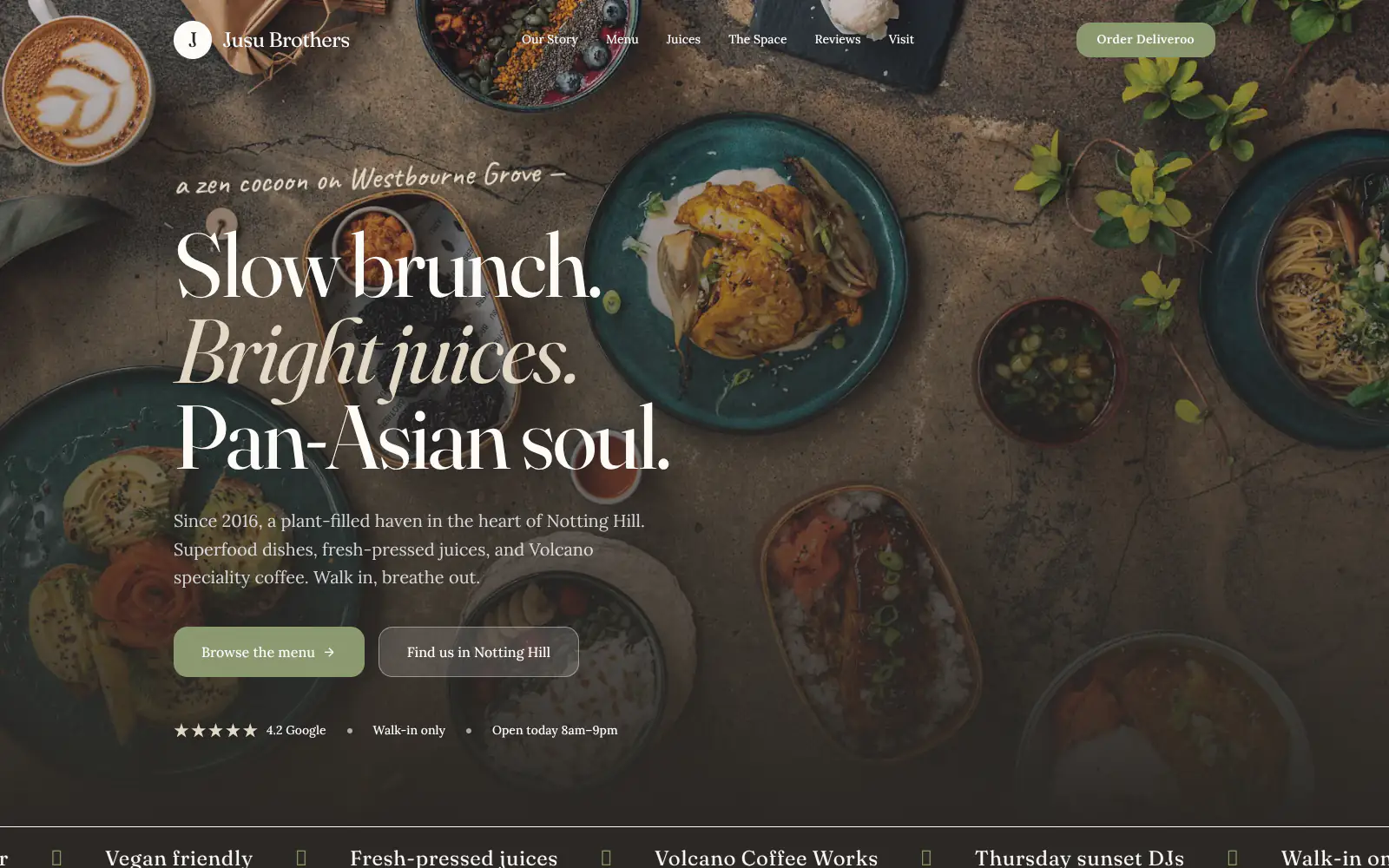
Jusu Brothers - Notting Hill
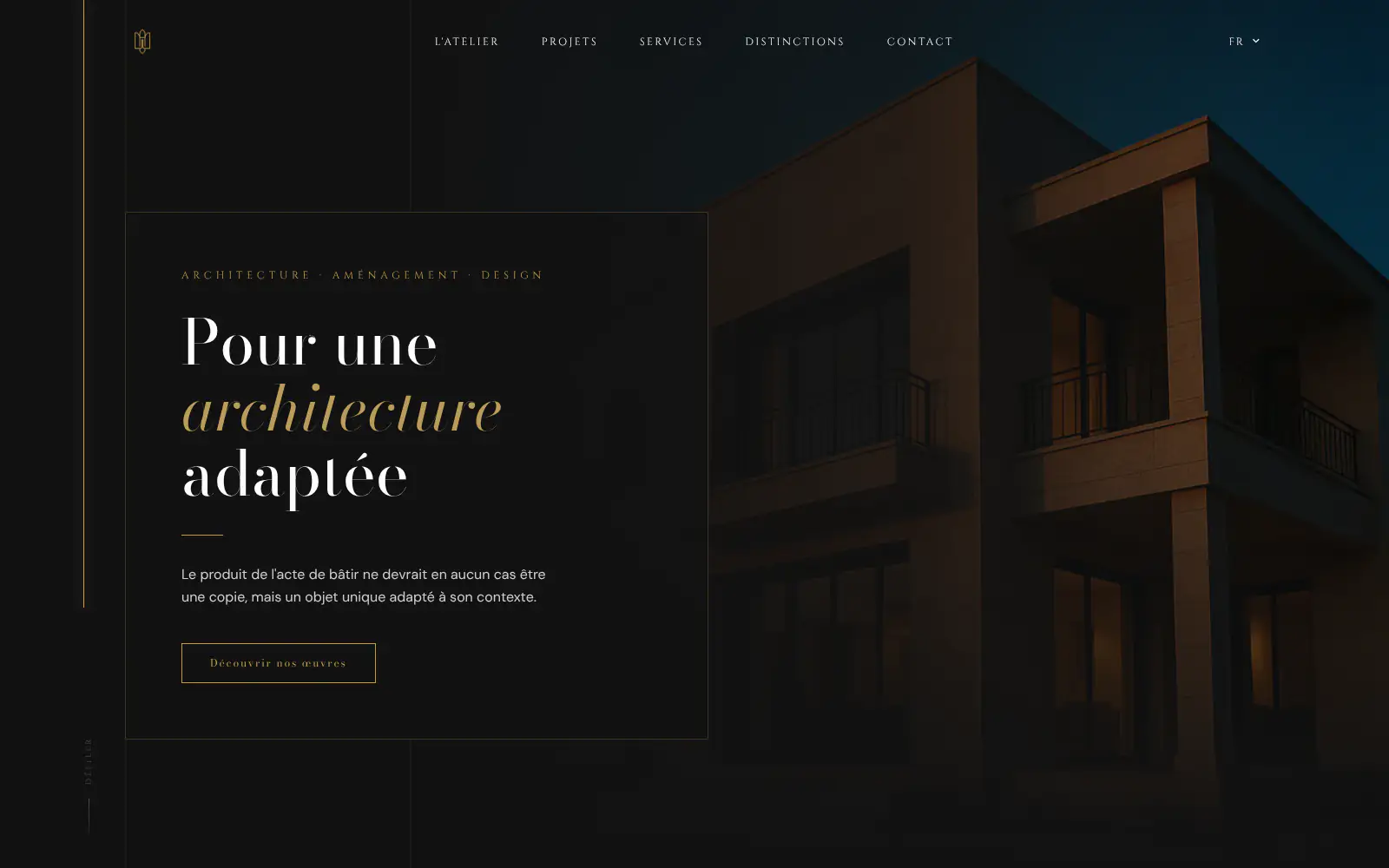
Atelier Messaoudi architecte. Architecture, Aménagement & Design
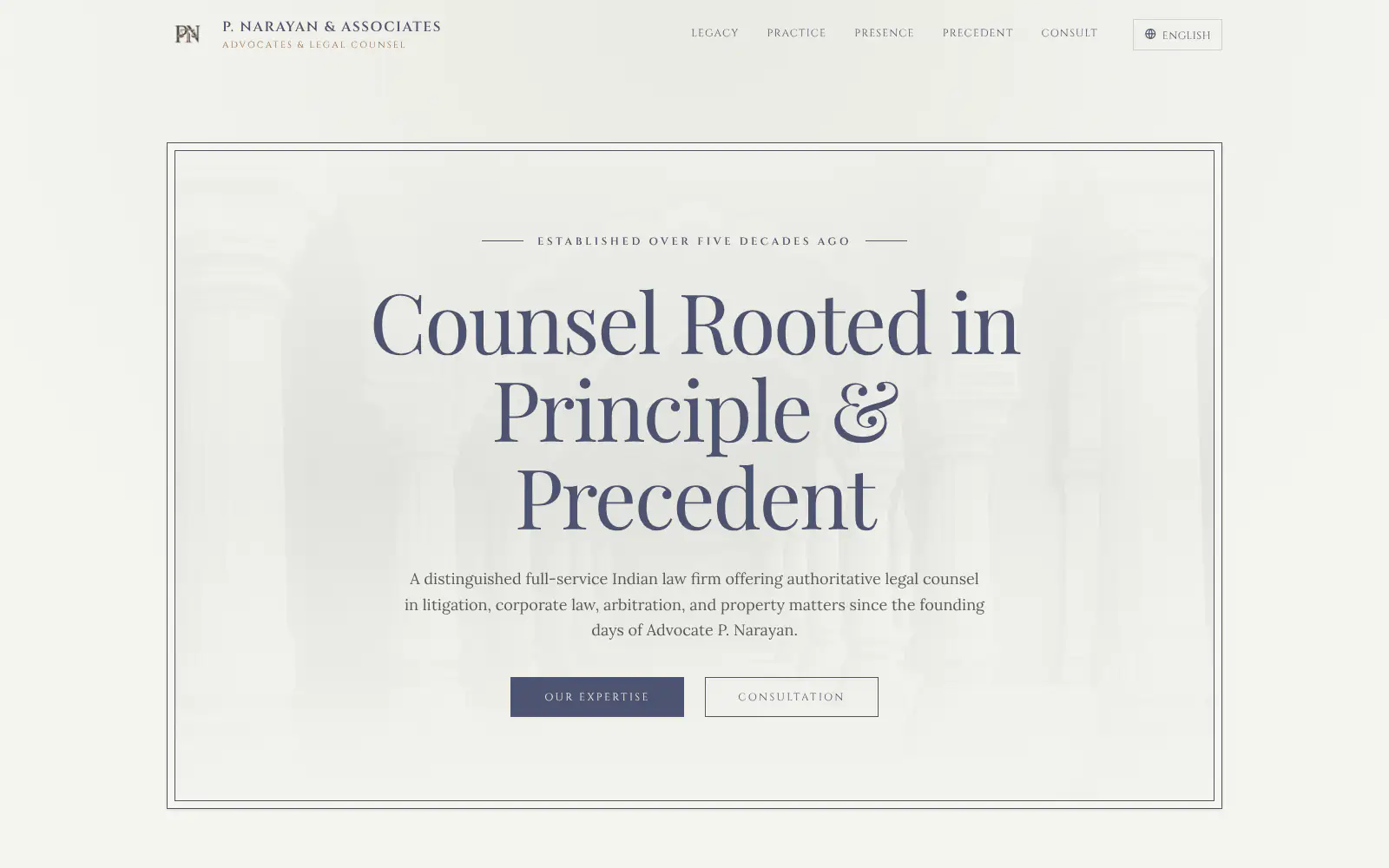
P. Narayan and Associates
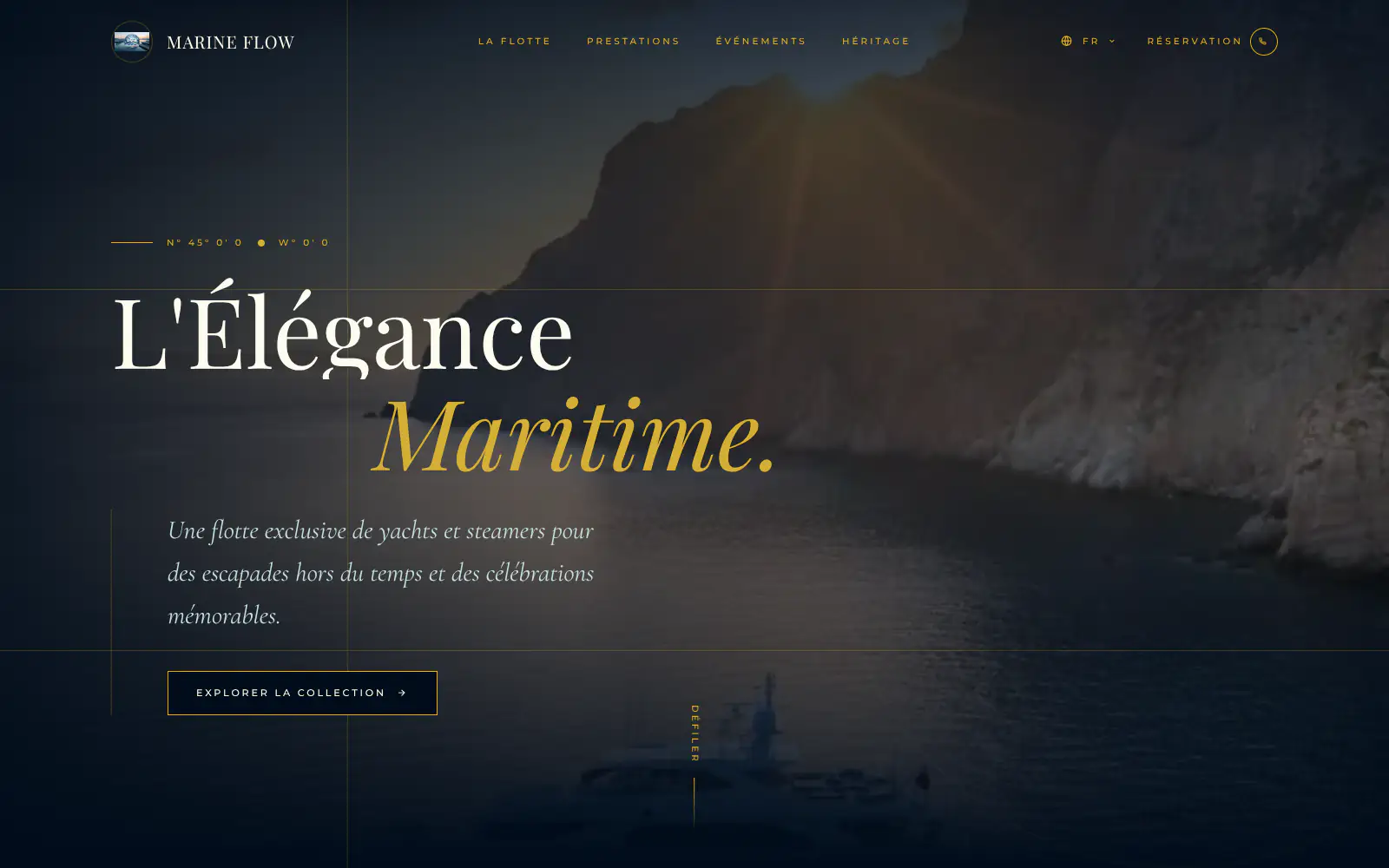
Marine flow
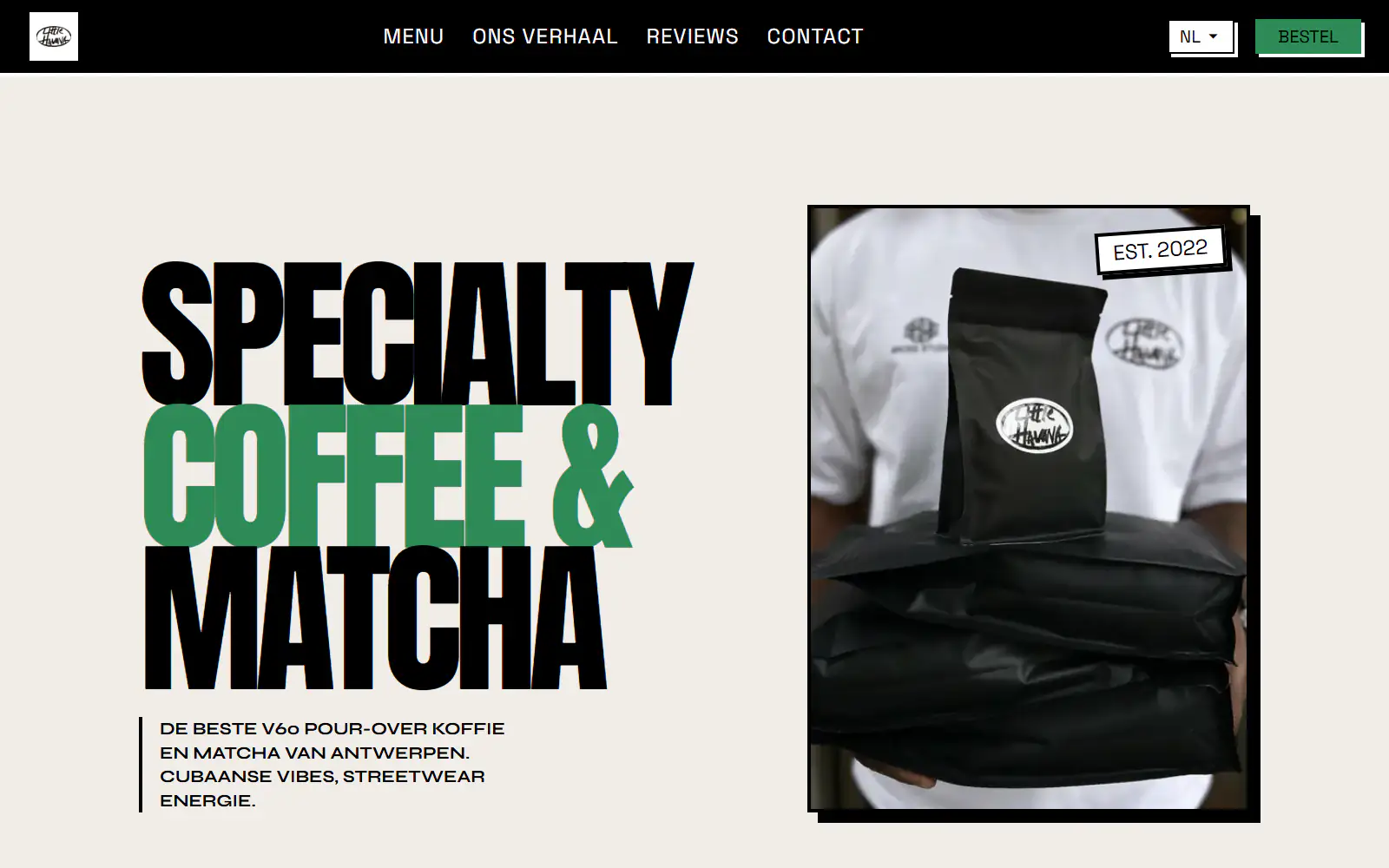
Little Havana Cafe
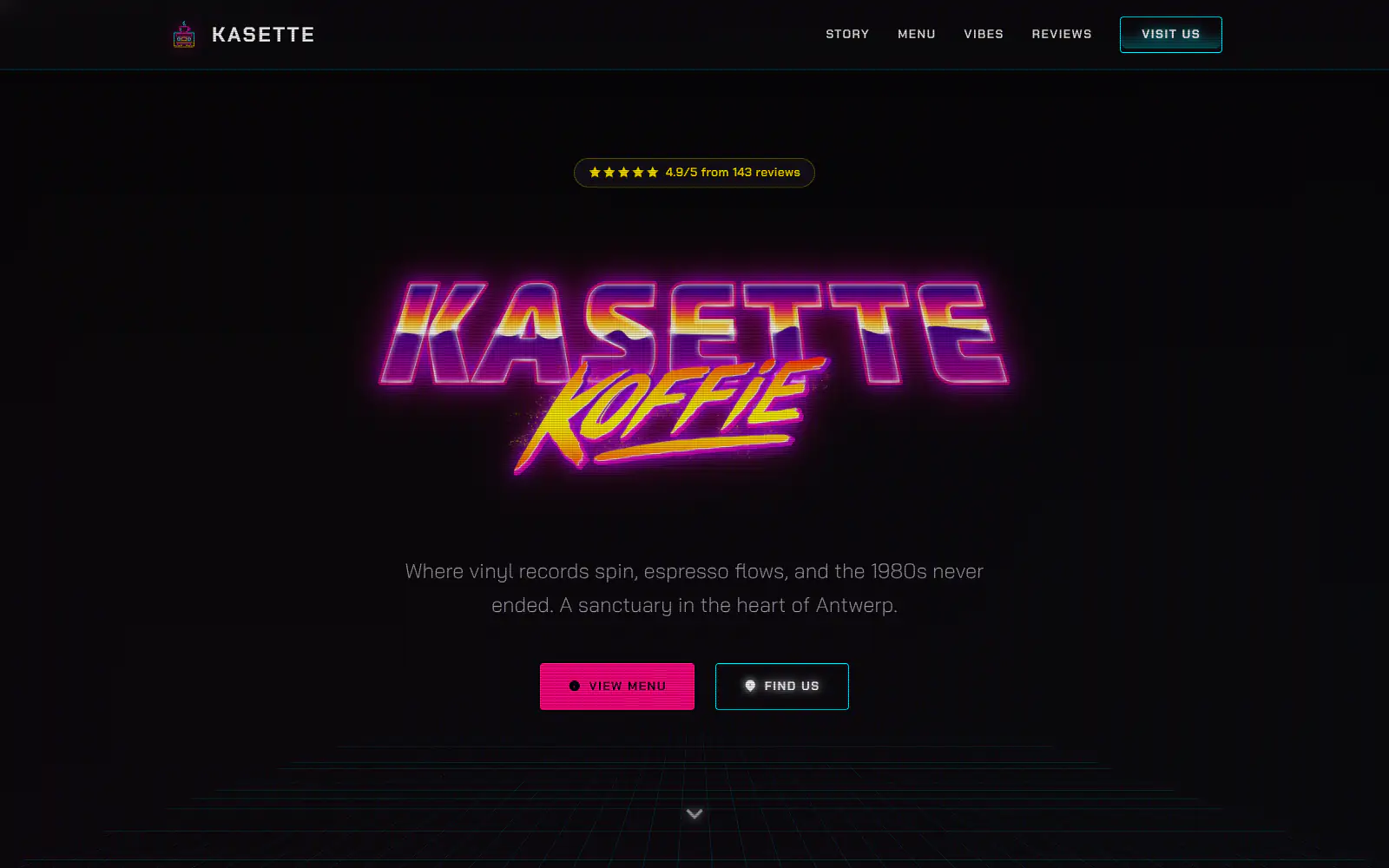
Kasette Koffie
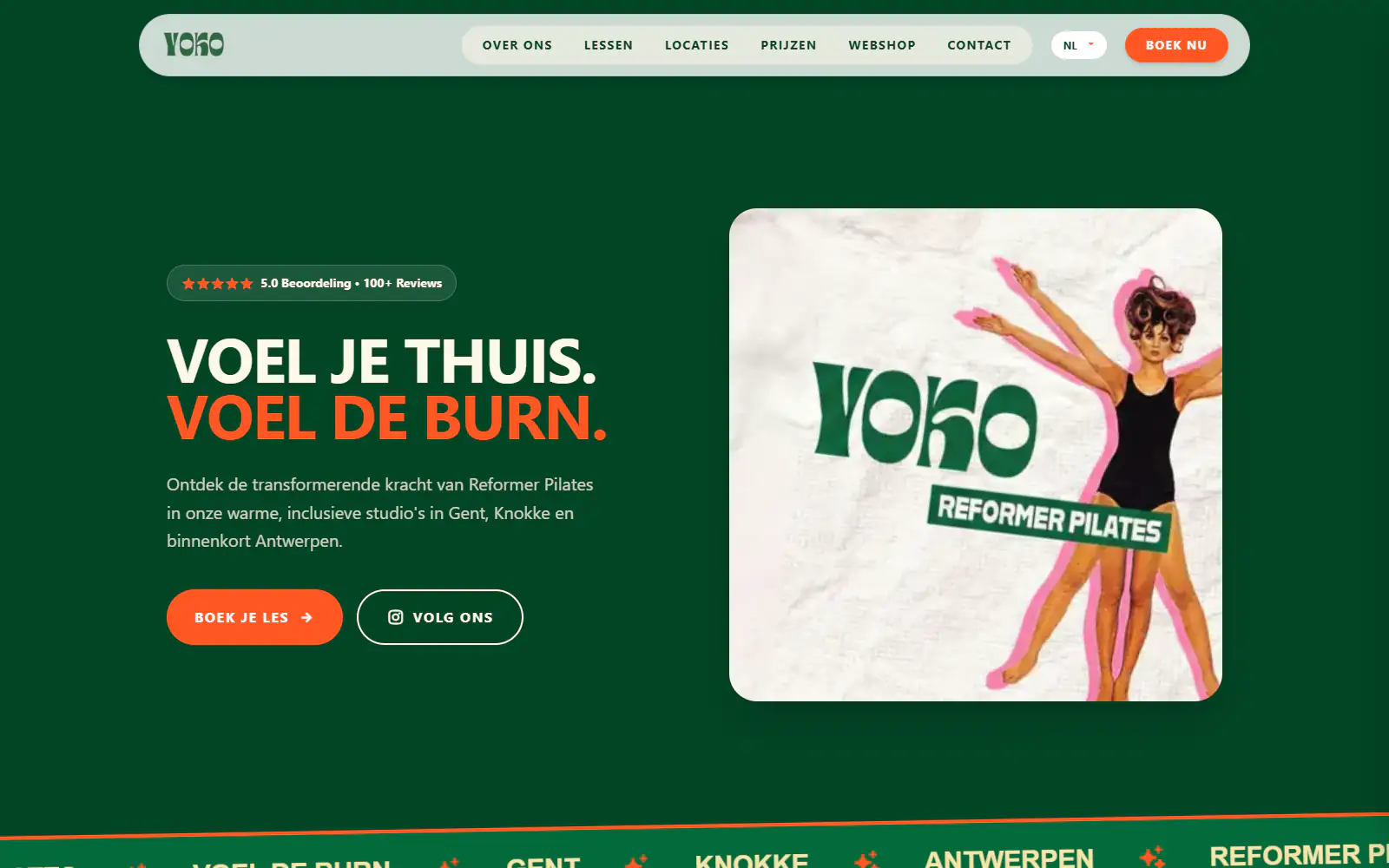
Yoko Studio Gent
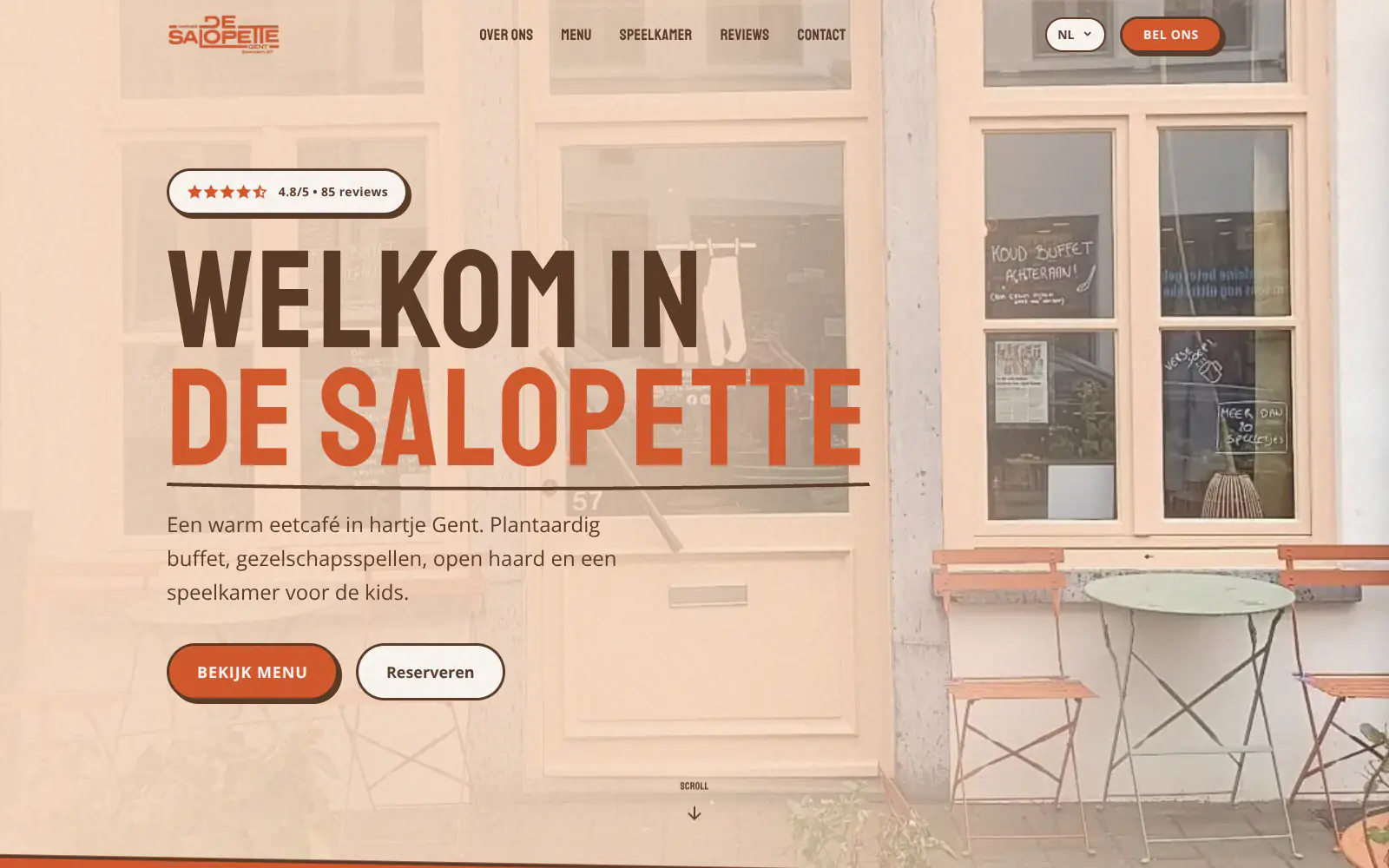
De Salopette
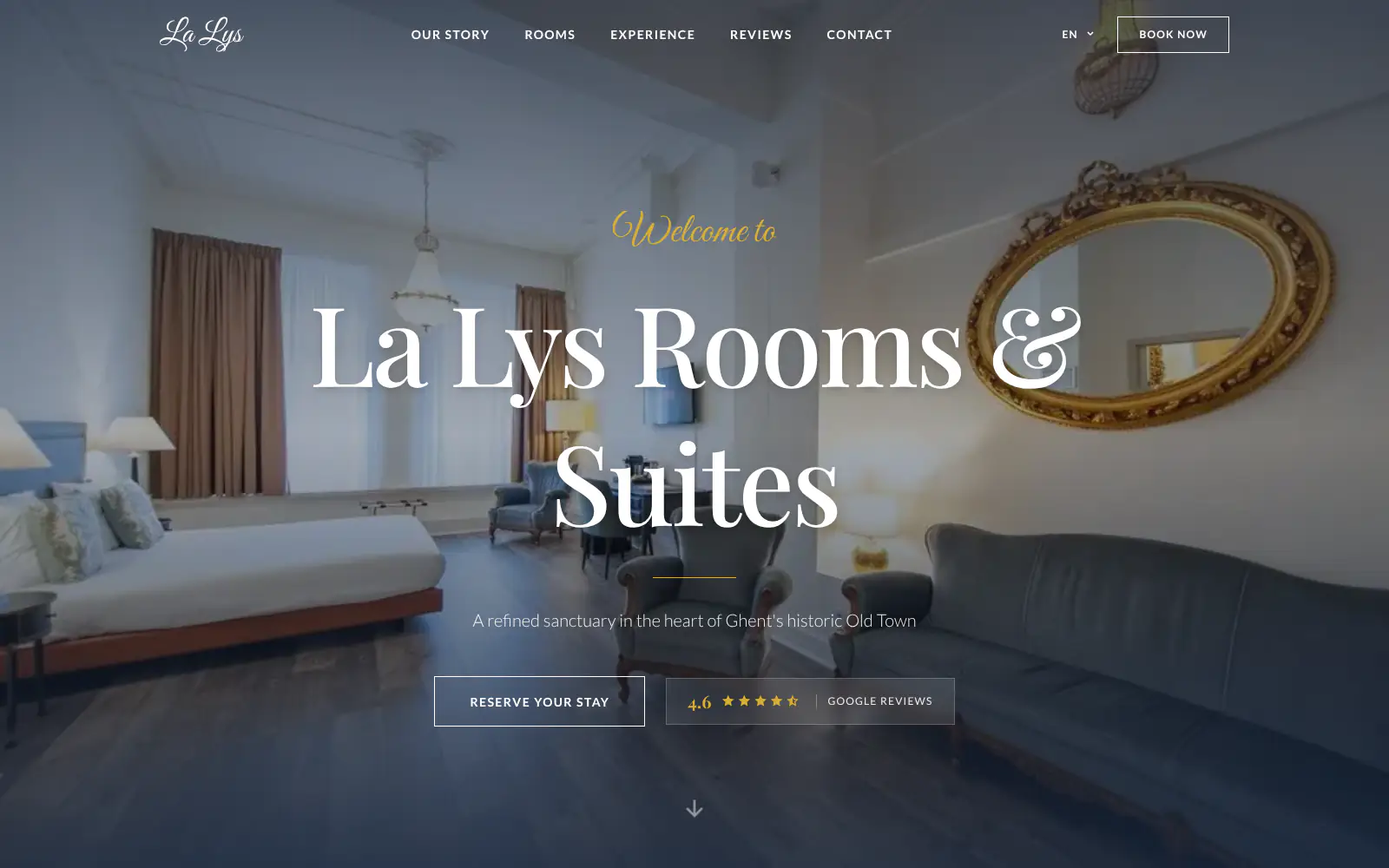
La Lys Rooms & Suites

Barbershop & Tattoo studio Nord
Afsnis
WhyNot Gent Gastrobar/cocktails
Plant A Pizza
Viggo's
Glamping Tago
Bar Bassie
Le Bal Infernal - used book café
ALC Elite
Jusu Brothers - Notting Hill
Atelier Messaoudi architecte. Architecture, Aménagement & Design
P. Narayan and Associates
Marine flow
Little Havana Cafe
Kasette Koffie
Yoko Studio Gent
De Salopette
La Lys Rooms & Suites
Barbershop & Tattoo studio Nord
Afsnis
WhyNot Gent Gastrobar/cocktails
Plant A Pizza
Viggo's
Glamping Tago
Bar Bassie
Le Bal Infernal - used book café
ALC Elite
Jusu Brothers - Notting Hill
Atelier Messaoudi architecte. Architecture, Aménagement & Design
P. Narayan and Associates
Marine flow
Little Havana Cafe
Kasette Koffie
Yoko Studio Gent
De Salopette
La Lys Rooms & Suites
Barbershop & Tattoo studio Nord
Don't build.
Just publish.
Most builders throw you into a generic template. Boosterpack does it the other way around. You confirm your real content first, then AI drafts the copy, layout and design from those inputs.

The search
Start with the shop drivers already find
Search your shop in Google Maps or enter the details by hand. Boosterpack starts with the basics that matter: phone, address, hours, photos, services, reviews and the makes or repair types you want to be known for.

The inputs
Services, pricing guidance, credentials and links
Add the services you want to sell, like diagnostics, brakes, oil changes, tires, alignment, AC, transmission, import work or fleet maintenance. Then add diagnostic fees, shop rate guidance, warranty notes, certifications, review quotes and booking or customer portal links.

The style
Pick a look that fits your kind of shop
Choose a look for a neighborhood mechanic, import specialist, diesel shop, performance garage, tire and alignment shop or fleet service operation. The design should make the shop feel competent, transparent and real before someone leaves their keys with you.

The launch
Publish and keep seasonal services current
Go live on a Boosterpack subdomain or connect your own domain on Plus. Use chat edits to update winter prep, AC season, tire promotions, service menus, new technician bios, warranty language or booking links.
Start free, upgrade when you're ready.
Start free with a finished auto repair shop site on a Boosterpack subdomain. Upgrade to Plus to connect your own domain (yourautoshop.com), remove the Boosterpack badge and unlock more chat edits from $16/mo. Keep Shopmonkey, Tekmetric, Mitchell 1, AutoLeap or your existing system for shop operations, while Boosterpack handles the public website.
For getting online at no cost
Free forever
Perfect for your business website
Billed annually
Built for the trust gap before the first repair order
Auto repair customers are often trying to avoid a surprise bill, an unnecessary repair or a shop that cannot explain the work. Boosterpack keeps the public site focused on services, pricing signals, credentials, reviews, inspection proof and the next step. Your shop management system still handles estimates, work orders, approvals, invoices and customer history.
Phone, booking and service areas up front
Put call, booking, service area and hours where mobile visitors can act. If your appointments live in Shopmonkey, Tekmetric, Mitchell 1, AutoLeap or another system, the site can point visitors to that existing customer-facing flow.
Service menu and pricing guidance
List diagnostics, brakes, oil changes, tires, alignment, AC, transmission, batteries, inspections and the makes you specialize in. Add diagnostic fees, shop rate guidance, starting prices or "estimate after inspection" wording where that is how your shop sells.
DVI and photo proof explained clearly
If you use digital vehicle inspections, explain that customers may receive photos, notes or videos before approving work. Boosterpack can show sample inspection language or link to your existing DVI workflow, without pretending to run the inspection tool itself.
Credentials, warranties and reviews
Show ASE certifications, AAA Approved status, NAPA AutoCare, BG certification, warranty terms, years in business, real shop photos and selected reviews. Link to your Google Business Profile so visitors can verify reputation before they book.
Your current tools stay. Your website gets better.
Keep your booking link, contact details and the systems you already use. Boosterpack builds the public site around them.
Is Boosterpack right for you?
Common questions
How much does an auto repair shop website cost?
Should my auto repair website show prices?
What is a digital vehicle inspection (DVI) and why do I need one on my website?
Should I offer financing on my auto repair shop website?
How do I get more "auto repair near me" calls?
Can I connect Shopmonkey, Tekmetric, Mitchell 1 or AutoLeap?
Will my auto repair shop website rank for "mechanic near me"?
How do I show ASE-Certified Master Technician, AAA-Approved Auto Repair, NAPA AutoCare and BG Performance credentials on the site?
Do I need a separate page for each service like brake repair, oil change, transmission and check engine light?
Is the auto repair shop website mobile-friendly and tap-to-call optimized on mobile?
A clearer front door for the driver deciding which mechanic to trust.
Start from your Google Business Profile or enter the shop details yourself. In minutes you have a site with services, pricing guidance, credentials, warranty notes, reviews, photos, mobile CTAs and links to the booking or shop software you already use.
Built from your business · Easy to edit